
OnlyOffice Review: Pros, Cons, Features, and Pricing Explained



ONLYOFFICE is a cloud document management system for teams that need to create, edit, and collaborate on documents, spreadsheets, and presentations without switching between tools. I'd consider it over Google Workspace if your team regularly exchanges files with clients or stakeholders who work in Microsoft 365—ONLYOFFICE's compatibility with .docx, .xlsx, and .pptx formats is noticeably tighter, which reduces the formatting issues that tend to surface when files move between ecosystems.
ONLYOFFICE Evaluation Summary
- From $20/admin/month
- Free plan + 30-day free trial available
Why Trust Our Software Recommendations
Our team has been testing and reviewing software since 2012. As project managers ourselves, we know how difficult—and important—it is to choose the right software.
For this guide, we evaluated tools using hands-on testing and independent research, scoring tools using our selection criteria. We also draw on insights from industry thought leaders and practicing project management experts.
Our reviews reflect our human editorial judgment, not a sales pitch.
Expert reviewers:
ONLYOFFICE Overview
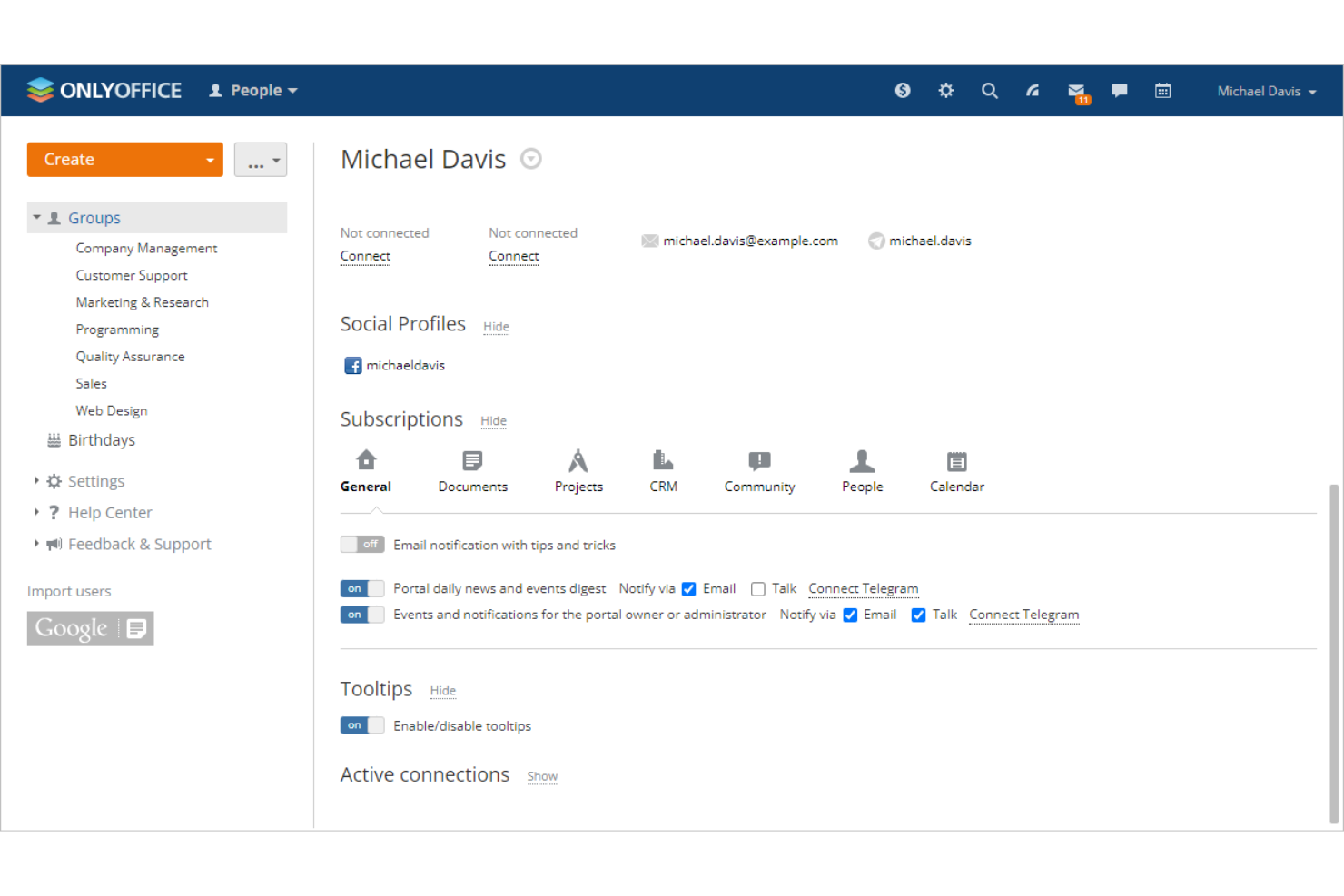
When judging OnlyOffice as a cloud document management system, its flexible deployment options and strong document co-editing tools set it apart for teams that want control over data and workflows. As open source software, the interface is modern and familiar, making onboarding straightforward, while integrations with popular business apps support diverse environments. Pricing is competitive, especially for self-hosted setups. However, advanced automation and workflow features can lag behind some competitors. OnlyOffice is best suited for organizations that prioritize customization, data privacy, and collaborative editing—such as tech teams, agencies, or education environments managing sensitive or complex projects.
pros
-
Real-time co-editing supports character- and paragraph-level collaboration
-
Strong compatibility with OpenDocuments and Microsoft Office formats
-
Flexible deployment options including self-hosted and private cloud
cons
-
Advanced workflow automation features are limited
-
Inconsistencies can occur when handling document formatting
-
Mobile editing features are less extensive than desktop
-

Smartsheet
Visit WebsiteThis rating combines scores from multiple user review sites to reflect overall customer sentiment about the product.4.4 -
Celoxis
Visit WebsiteThis rating combines scores from multiple user review sites to reflect overall customer sentiment about the product.4.5 -
Accelo
Visit WebsiteThis rating combines scores from multiple user review sites to reflect overall customer sentiment about the product.4.4





Our Review Methodology
How We Test & Score Tools
We’ve spent years building, refining, and improving our software testing and scoring system. The rubric is designed to capture the nuances of software selection and what makes a tool effective, focusing on critical aspects of the decision-making process.
Below, you can see exactly how our testing and scoring works across seven criteria. It allows us to provide an unbiased evaluation of the software based on core functionality, standout features, ease of use, onboarding, customer support, integrations, customer reviews, and value for money.
Core Functionality (25% of final scoring)
The starting point of our evaluation is always the core functionality of the tool. Does it have the basic features and functions that a user would expect to see? Are any of those core features locked to higher-tiered pricing plans? At its core, we expect a tool to stand up against the baseline capabilities of its competitors.
Standout Features (25% of final scoring)
Next, we evaluate uncommon standout features that go above and beyond the core functionality typically found in tools of its kind. A high score reflects specialized or unique features that make the product faster, more efficient, or offer additional value to the user.
We also evaluate how easy it is to integrate with other tools typically found in the tech stack to expand the functionality and utility of the software. Tools offering plentiful native integrations, 3rd party connections, and API access to build custom integrations score best.
Ease of Use (10% of final scoring)
We consider how quick and easy it is to execute the tasks defined in the core functionality using the tool. High scoring software is well designed, intuitive to use, offers mobile apps, provides templates, and makes relatively complex tasks seem simple.
Onboarding (10% of final scoring)
We know how important rapid team adoption is for a new platform, so we evaluate how easy it is to learn and use a tool with minimal training. We evaluate how quickly a team member can get set up and start using the tool with no experience. High scoring solutions indicate little or no support is required.
Customer Support (10% of final scoring)
We review how quick and easy it is to get unstuck and find help by phone, live chat, or knowledge base. Tools and companies that provide real-time support score best, while chatbots score worst.
Customer Reviews (10% of final scoring)
Beyond our own testing and evaluation, we consider the net promoter score from current and past customers. We review their likelihood, given the option, to choose the tool again for the core functionality. A high scoring software reflects a high net promoter score from current or past customers.
Value for Money (10% of final scoring)
Lastly, in consideration of all the other criteria, we review the average price of entry level plans against the core features and consider the value of the other evaluation criteria. Software that delivers more, for less, will score higher.
Core Features
Real-Time Co-Editing
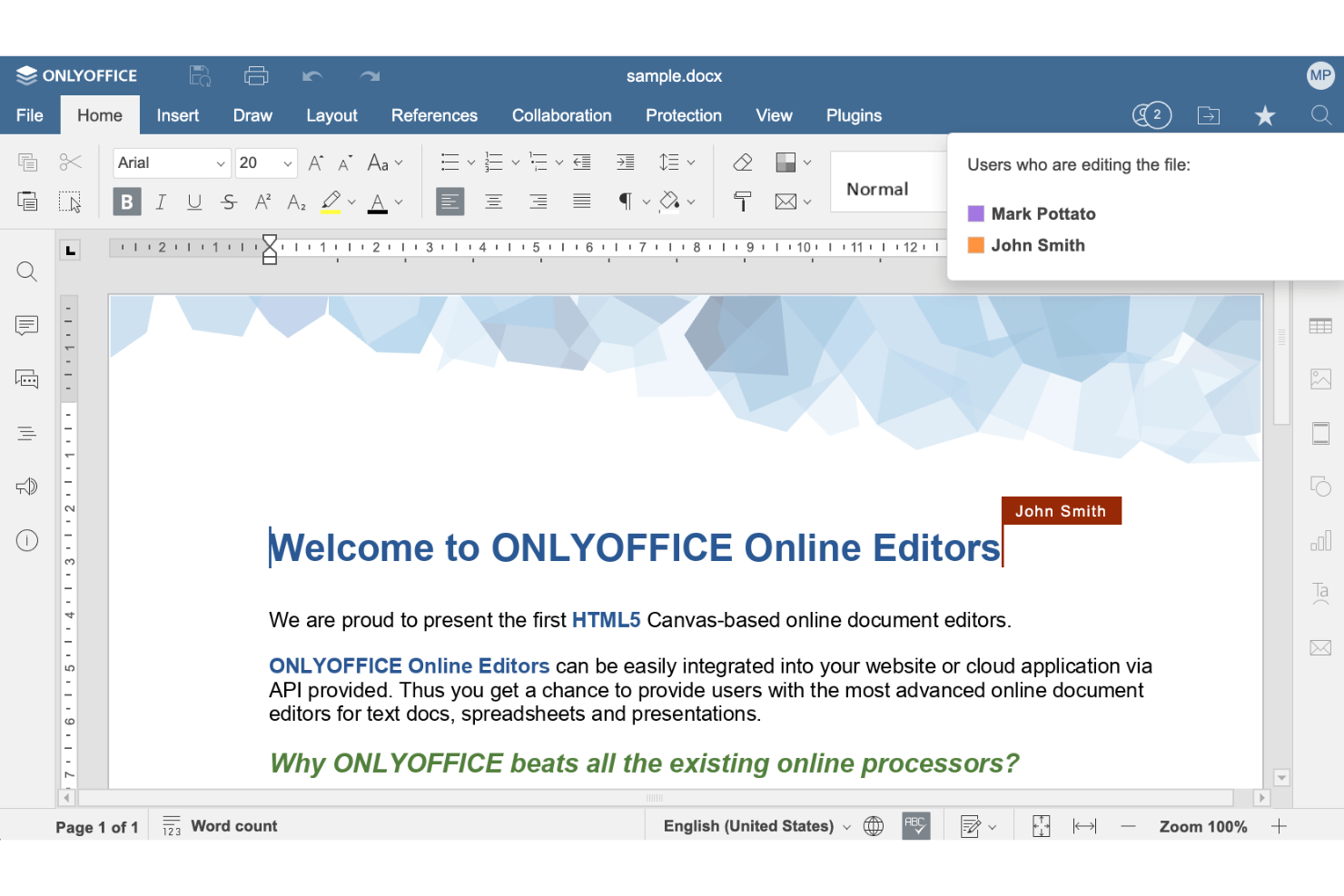
Multiple users can edit documents simultaneously with character- and paragraph-level control, making it easy to collaborate on new documents without version conflicts.
Granular Permission Settings
Set view, edit, comment, or fill-only access for each user or group. This ensures sensitive information stays protected and only the right people can make changes.
Integrated PDF Editor
Edit, annotate, and fill PDF forms directly within the platform. Users can convert documents to and from PDF, and use OCR to extract text from scanned files without leaving OnlyOffice.
Document Version History
Track changes, compare versions, and restore previous document states. This makes it easy to audit edits and recover from mistakes.
AI-Powered Assistance
Use built-in AI tools for document generation, translation, and grammar checking. AI features can be customized or run locally for privacy.
Self-Hosted and Cloud Deployment
Choose between public cloud, private cloud, or on-premises hosting on your own server. This flexibility supports compliance and data residency requirements for different organizations.
Ease of Use
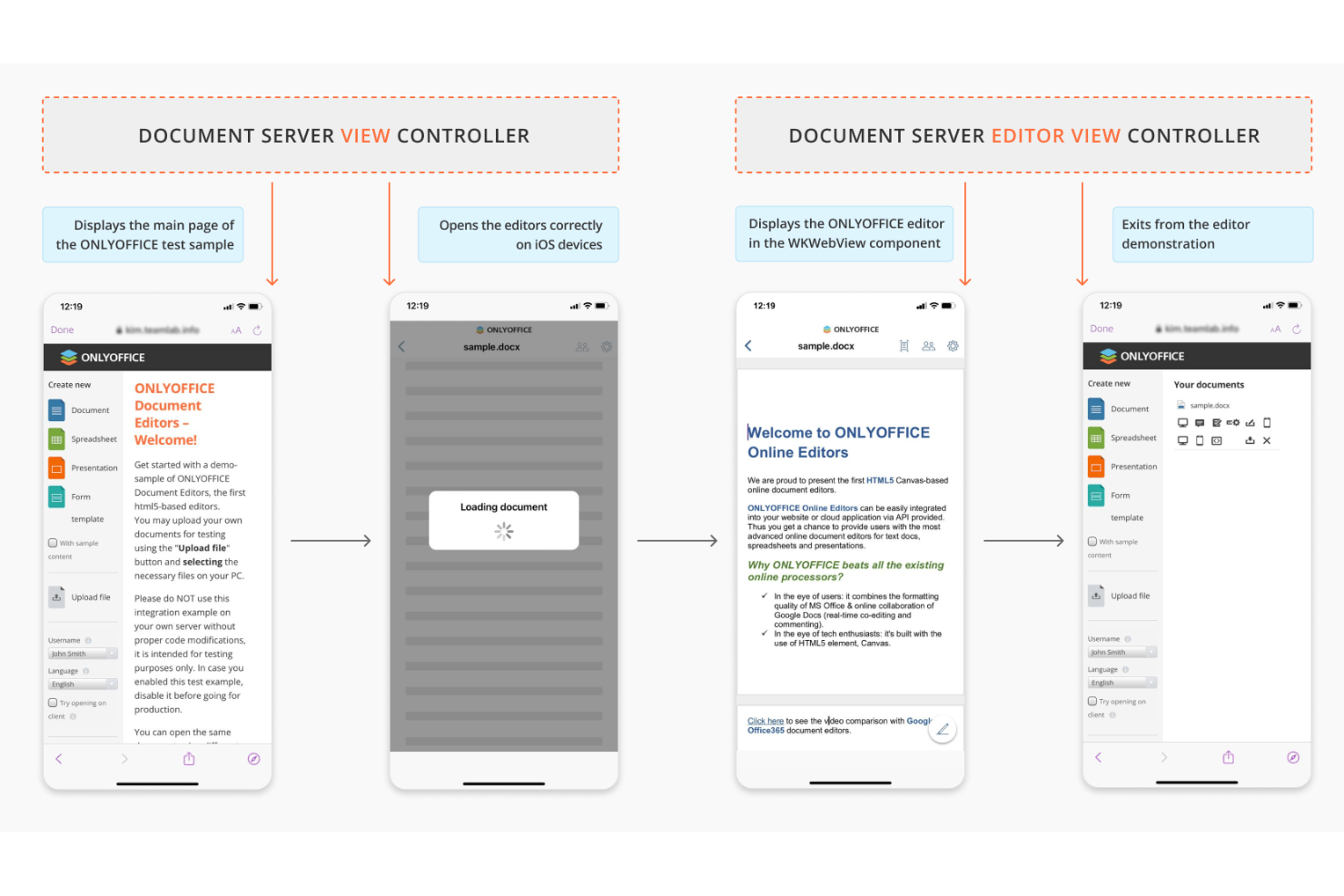
OnlyOffice offers a familiar, MS Office-like interface that helps new users get started quickly, especially for document editing and collaboration. Most users find navigation intuitive, with clear menus and logical workflows for sharing, permissions, and version control. The user-friendly design extends to common office documents including spreadsheet and presentation editing. However, some advanced features—like workflow customization or self-hosted setup—require more technical know-how. Overall, OnlyOffice balances ease of use with powerful controls, making it accessible for most teams while still supporting complex requirements.
Integrations
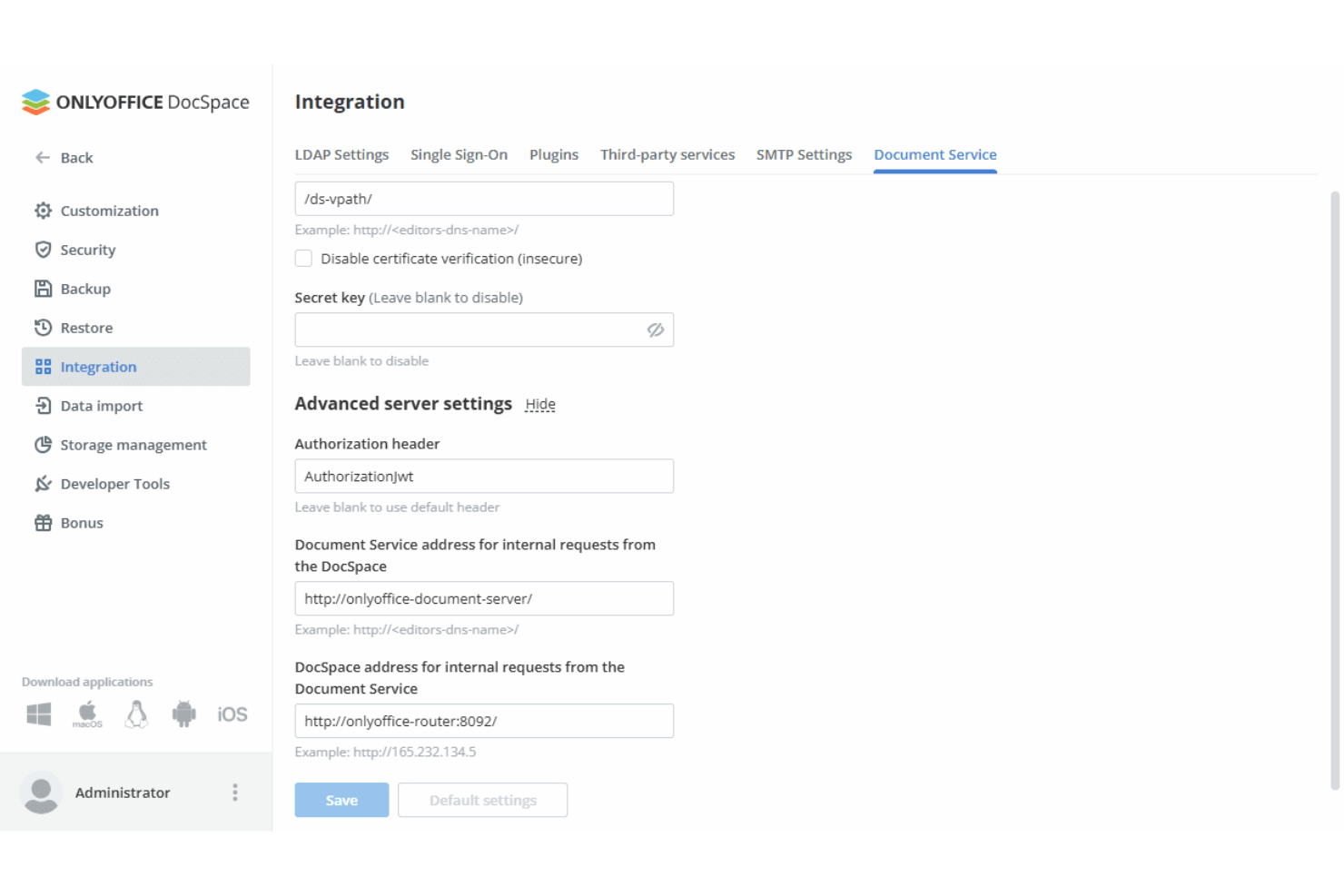
OnlyOffice integrates with Nextcloud, ownCloud, Dropbox, Alfresco, Confluence, Jira, Moodle, Odoo, Trello, Box, and WordPress, among others, allowing teams to connect seamlessly with existing cloud services.
OnlyOffice also offers a full-featured API and connects with third-party integration tools like Zapier.
ONLYOFFICE Specs
- 2-Factor Authentication
- API
- Batch Permissions & Access
- Budgeting
- Calendar Management
- Contact Management
- Contact Sharing
- Customer Management
- Dashboard
- Data Export
- Data Import
- Data Visualization
- Email Integration
- Expense Tracking
- External Integrations
- Gantt Charts
- Google Apps Integration
- Multi-User
- Notifications
- Project Management
- Resource Management
- Scheduling
- Task Scheduling/Tracking
- Third-Party Plugins/Add-Ons
- Travel Management