


Notion vs. Teamwork.com Comparison and Expert Reviews for 2026



Choosing between Notion and Teamwork.com can feel overwhelming, especially when you just want project management software that keeps your team moving. Maybe you’re struggling to juggle collaboration, deadlines, or messy documentation—or simply looking for a better way to keep everyone in sync.
In this article, you’ll get a side-by-side comparison of these two tools. I’ll break down their pros and cons, use cases, pricing, security, and usability so you can decide which platform actually fits how you work.
Notion vs. Teamwork.com: An Overview
Notion

Teamwork.com


Why Trust Our Software Recommendations
Our team has been testing and reviewing software since 2012. As project managers ourselves, we know how difficult—and important—it is to choose the right software.
For this guide, we evaluated tools using hands-on testing and independent research, scoring tools using our selection criteria. We also draw on insights from industry thought leaders and practicing project management experts.
Our reviews reflect our human editorial judgment, not a sales pitch.
Expert reviewers:
Notion vs. Teamwork.com Pricing Comparison
| Notion | Teamwork.com | |
|---|---|---|
| Free Trial | Free plan available | Free plan available |
| Pricing | From $10/user/month (billed annually) | From $9.99/user/month (billed annually) |
Notion vs. Teamwork.com Pricing & Hidden Costs
Notion uses a tiered, per-seat subscription model, with a genuinely usable free plan and paid tiers that expand as your needs grow. You can start with basic functionality, then upgrade to unlock features like Notion AI, unlimited file uploads, advanced permissions, and admin controls, with enterprise-level options for more complex security and governance.
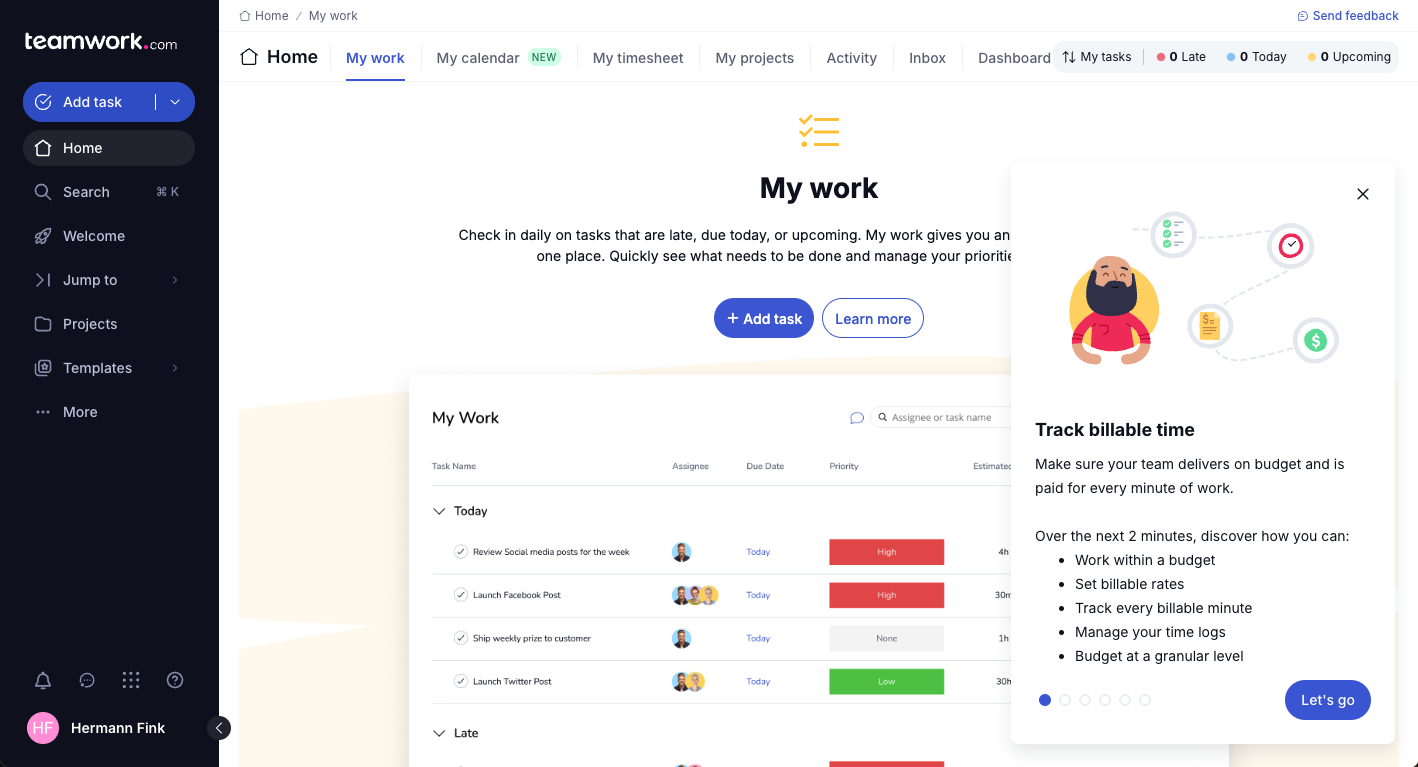
Teamwork.com follows a similar tiered structure, but it’s more tightly aligned to project delivery and client work. Its free plan is more limited in scope, while higher tiers progressively add capabilities like automations, reporting, resource planning, and financial management tools.
When comparing the two, it’s worth looking beyond the headline plans. Notion keeps things relatively streamlined, though AI features and more advanced functionality may require upgrades or usage-based add-ons. Teamwork.com, on the other hand, layers in more specialized features—like time tracking, budgeting, and client billing—as you move up tiers, and may involve additional costs for onboarding or premium support.
Notion vs. Teamwork.com Feature Comparison
Both Notion and Teamwork.com cover the project management basics you need: task tracking, collaboration, file sharing, and customizable workflows. You can assign tasks, set due dates, and keep everyone aligned through centralized workspaces and integrations with tools your team already uses.
Where they differ is in their approach and strengths. Notion’s flexibility shines with its page-building, connected databases, and the ability to adapt nearly any process or documentation style to fit your workflow. Teamwork.com, on the other hand, focuses on client-facing project delivery, with features like built-in time tracking, billing, and more robust reporting—helping service-oriented teams manage projects and clients in one place.
| Notion | Teamwork.com | |
|---|---|---|
| API | ||
| Calendar Management | ||
| Data Export | ||
| Data Import | ||
| External Integrations | ||
| Multi-User | ||
| Notifications | ||
| Project Management | ||
| Scheduling | ||
| Task Scheduling/Tracking |
Notion vs. Teamwork.com Integrations
| Integration | Notion | Teamwork.com |
|---|---|---|
| Slack | ✅ | ✅ |
| Google Drive | ✅ | ✅ |
| Microsoft Teams | ✅ | ✅ |
| Zoom | ✅ | ✅ |
| Figma | ✅ | ❌ |
| HubSpot | ❌ | ✅ |
| Salesforce | ✅ | ✅ |
| Xero | ❌ | ✅ |
| API | ✅ | ✅ |
| Zapier | ✅ | ✅ |
Both Notion and Teamwork.com support key integrations for collaboration and workflow, but Teamwork.com’s deeper client and finance tools set it apart for service businesses. Both project management tools offer APIs and Zapier connections to support added flexibility, so most teams will find what they need—just watch out if you require specific out-of-the-box integrations.
Notion vs. Teamwork.com Security, Compliance & Reliability
| Factor | Notion | Teamwork.com |
|---|---|---|
| Data Encryption | Encrypts data at rest and in transit using industry standards. | Encrypts data at rest and in transit, following established protocols. |
| Regulatory Compliance | Offers SOC 2 Type II and GDPR compliance for business users. | Supports GDPR, ISO 27001, and EU/US Privacy Shield requirements. |
| Access Controls | Provides customizable user permissions and SSO for higher plans. | Enables granular roles, SSO, and two-factor authentication (2FA). |
| Uptime & Backups | Maintains regular data backups and strong uptime guarantees. | High uptime SLA with daily automated backups. |
Teamwork.com edges ahead with broader certifications and advanced admin controls, while Notion meets modern standards but keeps compliance features more streamlined. I think Teamwork.com is a better fit for regulated industries or larger teams, but Notion feels dependable for most cloud-based project work.
Notion vs. Teamwork.com Ease of Use
| Factor | Notion | Teamwork.com |
|---|---|---|
| User Interface | Minimalist and flexible, lets you customize nearly everything. | Traditional layout, clear navigation that feels familiar to most. |
| Onboarding | Offers templates and tutorials but has a steeper learning curve. | Guided onboarding, in-app tips, and more structured help. |
| Customization | Exceptionally versatile—build pages, templates, and workflows. | Custom fields and workflows, but within a standard framework. |
| Support | Extensive documentation, community forums, and chat support. | Live chat, email, and human support with fast response times. |
Notion is unbeatable for customization, but Teamwork.com wins on quick setup and a lower learning curve. I find Notion’s flexibility great for teams wanting full control, but you’ll experience a slight learning curve when you get started. Teamwork.com appeals to those who want to get started fast with less ramp-up.
Notion vs Teamwork.com: Pros & Cons
Notion
- You can tailor your workspace to fit your needs with flexible layouts and templates.
- The intuitive design makes it easy for users to navigate and organize their projects.
- You can take notes, manage projects, and maintain your databases in one place.
- It can be challenging for new users to master without spending time on tutorials.
- You might experience slow performance if you have large databases or complex setups.
- The mobile app is less intuitive than the desktop version.
Teamwork.com
- You can manage workloads and resources effectively with its robust features.
- Teamwork's collaboration tools, like chat and message boards, keep your team connected.
- The platform's Academy offers useful videos to help you use it effectively.
- You might find the interface overwhelming with its many features.
- Some users feel the mobile app could be more intuitive.
- The learning curve can be steep for new users without prior experience.
Best Use Cases for Notion and Teamwork.com
Notion
- Creative Agencies You can use customizable templates within a flexible workspace to manage creative projects and collaborate with the team.
- Freelancers You can manage multiple projects and clients in a single, organized platform.
- Startups You can tailor your workspace to your needs in order to manage rapid growth and changing project requirements.
- Remote Teams Notion supports constant communication and project tracking across different locations.
- Education Departments You can use Notion's database capabilities to organize curricula, schedules, and educational materials.
- Content Writers You can use the note-taking and organization features to manage research, drafts, and editorial calendars efficiently.
Teamwork.com
- Creative Agencies Teamwork.com supports your agency with tools for managing client projects and tracking billable hours.
- Remote Teams Use Teamwork to stay connected with your team through its communication and collaboration features.
- Marketing Departments Manage your marketing campaigns with task lists, calendars, and resource allocation.
- Consulting Firms Track time and manage multiple client projects efficiently with Teamwork’s time tracking capabilities.
- Event Planning Organize events with ease using project timelines and task dependencies.
- Product Development Coordinate product launches with detailed task management and team collaboration features.
Who Should Use Notion, and Who Should Use Teamwork.com?
If you’re looking for a flexible, all-in-one workspace where you can shape your own system, Notion will likely feel like the better fit. I tend to recommend it to individuals, startups, and cross-functional teams that want to combine notes, docs, lightweight project tracking, and knowledge management in one place.
You get a lot of freedom to build workflows your way, and the growing set of AI features adds value for writing, organizing, and summarizing information. That said, you’ll get the most out of Notion if you’re comfortable creating structure from scratch rather than relying on rigid, predefined processes.
Teamwork.com makes more sense if your work revolves around delivering projects for clients and you need structure, visibility, and accountability baked in from day one. I’d point agencies, consultancies, and service-based teams in this direction, especially if they rely on time tracking, budgeting, resource planning, and profitability insights.
You’re not building your system from scratch here—you’re stepping into a platform designed specifically for managing client work at scale. If your priority is operational control and predictable delivery rather than flexibility, Teamwork.com is the more purpose-built choice.
Differences Between Notion and Teamwork.com
| Notion | Teamwork.com | |
|---|---|---|
| Automation | Offers limited automation through integrations and third parties. | Built-in task automation, recurring project templates, and triggers. |
| Client Management | No native client or billing modules. | Designed for client projects, quotes, invoicing, and time logs. |
| Customization | Build custom pages, workflows, and databases from scratch. | Customize within set project templates and standard task lists. |
| Documentation | Combine wikis, docs, and projects in one workspace. | Documentation is kept within project files and notes. |
| Learning Curve | Requires more setup and exploration to unlock its flexibility. | Easier to pick up with project templates and preset workflows. |
| Read Notion ReviewOpens new window | Read Teamwork.com ReviewOpens new window |
Similarities Between Notion and Teamwork.com
| Cloud Accessibility | Notion and Teamwork.com run in the cloud, offering web, desktop, and mobile access so users can manage work from anywhere. |
|---|---|
| Collaboration Tools | Each tool offers real-time comments, mentions, file sharing, and notifications to keep teams communicating and in sync on shared projects. |
| Integration Support | Both integrate with popular tools like Slack, Google Drive, and Zapier, helping teams connect their project work with existing business apps. |
| Task Management | Both platforms let you assign tasks, add deadlines, create checklists, and track progress visually. |
| Workspace Organization | Both let you create workspaces, organize projects, and categorize tasks for better team structure, whether through Notion pages or Teamwork.com portfolios. |
| Read Notion ReviewOpens new window Read Teamwork.com ReviewOpens new window | |