


NotebookLM Review: Pros, Cons, Features, and Pricing



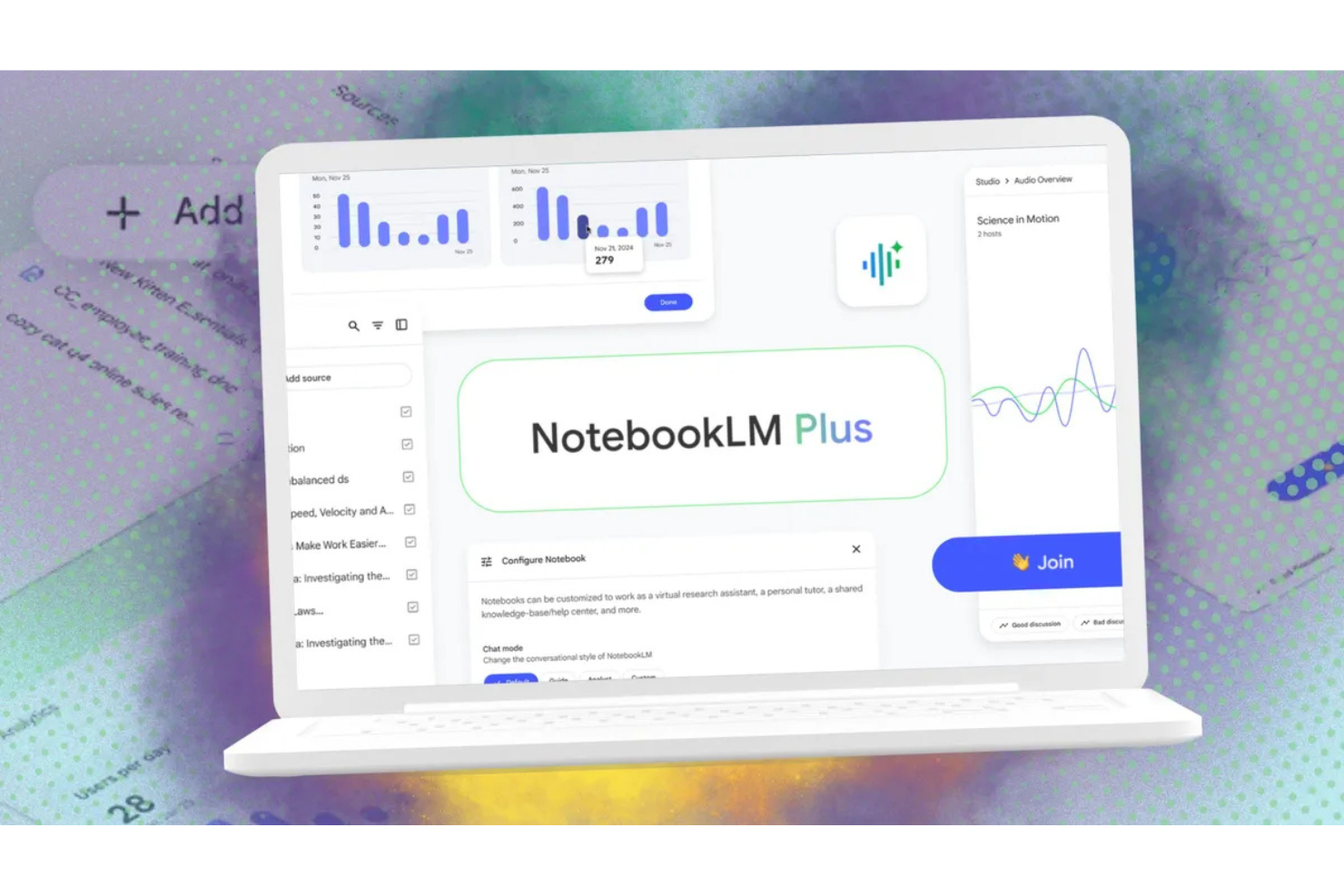
NotebookLM is a productivity tool from Google that uses AI to help you research, summarize, and synthesize information from your own documents. It's worth considering if you're working through large volumes of source material—research reports, meeting transcripts, technical documentation—and need to extract insights without reading everything manually. If you've tried Notion AI for this, you'll find NotebookLM is more focused: every response it generates is grounded strictly in your uploaded sources, not general AI knowledge, which makes it far more reliable for source-heavy research work.
NotebookLM Evaluation Summary
- Pricing upon request
- Free demo available
Why Trust Our Software Recommendations
Our team has been testing and reviewing software since 2012. As project managers ourselves, we know how difficult—and important—it is to choose the right software.
For this guide, we evaluated tools using hands-on testing and independent research, scoring tools using our selection criteria. We also draw on insights from industry thought leaders and practicing project management experts.
Our reviews reflect our human editorial judgment, not a sales pitch.
Expert reviewers:
NotebookLM Overview
In my opinion, NotebookLM is a solid choice for those seeking a straightforward productivity tool that uses generative AI to analyze sources and generate responses to questions. It shines with its user-friendly interface, clear outputs, and ease of use, making it a great fit for those who prioritize simplicity. While it may not offer the extensive features of more advanced platforms, its standout features cater well to small business teams, creative professionals, and freelancers. However, if your team relies heavily on complex integrations, you might find its offerings limited.
pros
-
The interface is simple to navigate, saving you time.
-
It can extract information from a wide variety of sources.
-
It provides simple task features that keep your work organized.
cons
-
It lacks advanced features for complex projects.
-
Customization options are limited for tailored workflows.
-
The tool struggles with handling large team collaborations.
Is NotebookLM Right For Your Needs?
Who Would be a Good Fit for NotebookLM?
Google's NotebookLM is an ideal AI tool for freelancers, creative professionals, and small business owners who need a straightforward way to manage tasks and notes. Its intuitive interface and simple design make it simple to get organized quickly without a steep learning curve. For those who work in a fast-paced environment where clarity and focus are key, NotebookLM's clean design helps reduce distractions and keep users focused on their tasks.
-
Freelancers
NotebookLM simplifies task tracking, helping you manage projects efficiently.
-
Creative Professionals
NotebookLM's clean interface keeps your ideas and mind maps organized, and it can simplify podcast production and audio playback.
-
Small Business Owners
As a small business owner, you can quickly onboard your team with minimal training.
-
Small Marketing Team
NotebookLM's straightforward design supports swift campaign planning.
-
Project Managers
This LLM tool helps you keep track of tasks without unnecessary complexity.
-
Startups
NotebookLM helps you stay focused on growing your startup with its user-friendly features.
Who Would be a Bad Fit for NotebookLM?
NotebookLM isn't suitable for large corporations or teams needing advanced project management features. If your team relies on complex workflows and integrations with other software, such as Notion, you'll find NotebookLM lacking. Its limited customization options and inability to handle intricate collaborative tasks make it less ideal for industries such as finance or IT, where detailed project tracking and data integration are critical.
-
Large Corporations
NotebookLM doesn't support the complex needs of extensive teams and projects.
-
IT Departments
IT departments require advanced integrations that NotebookLM can't provide.
-
Finance Teams
The software lacks the detailed tracking needed for financial projects.
-
Engineering Firms
NotebookLM doesn't offer the depth of features for technical project management.
-
Health Care Organizations
This productivity tool can't handle the specific regulatory and data needs of health care.
-
Manufacturing Companies
Manufacturing companies need more powerful tools for managing supply chain and production tasks.
Our Review Methodology
How We Test & Score Tools
We’ve spent years building, refining, and improving our software testing and scoring system. The rubric is designed to capture the nuances of software selection and what makes a tool effective, focusing on critical aspects of the decision-making process.
Below, you can see exactly how our testing and scoring works across seven criteria. It allows us to provide an unbiased evaluation of the software based on core functionality, standout features, ease of use, onboarding, customer support, integrations, customer reviews, and value for money.
Core Functionality (25% of final scoring)
The starting point of our evaluation is always the core functionality of the tool. Does it have the basic features and functions that a user would expect to see? Are any of those core features locked to higher-tiered pricing plans? At its core, we expect a tool to stand up against the baseline capabilities of its competitors.
Standout Features (25% of final scoring)
Next, we evaluate uncommon standout features that go above and beyond the core functionality typically found in tools of its kind. A high score reflects specialized or unique features that make the product faster, more efficient, or offer additional value to the user.
We also evaluate how easy it is to integrate with other tools typically found in the tech stack to expand the functionality and utility of the software. Tools offering plentiful native integrations, 3rd party connections, and API access to build custom integrations score best.
Ease of Use (10% of final scoring)
We consider how quick and easy it is to execute the tasks defined in the core functionality using the tool. High scoring software is well designed, intuitive to use, offers mobile apps, provides templates, and makes relatively complex tasks seem simple.
Onboarding (10% of final scoring)
We know how important rapid team adoption is for a new platform, so we evaluate how easy it is to learn and use a tool with minimal training. We evaluate how quickly a team member can get set up and start using the tool with no experience. High scoring solutions indicate little or no support is required.
Customer Support (10% of final scoring)
We review how quick and easy it is to get unstuck and find help by phone, live chat, or knowledge base. Tools and companies that provide real-time support score best, while chatbots score worst.
Customer Reviews (10% of final scoring)
Beyond our own testing and evaluation, we consider the net promoter score from current and past customers. We review their likelihood, given the option, to choose the tool again for the core functionality. A high scoring software reflects a high net promoter score from current or past customers.
Value for Money (10% of final scoring)
Lastly, in consideration of all the other criteria, we review the average price of entry level plans against the core features and consider the value of the other evaluation criteria. Software that delivers more, for less, will score higher.
Core Features
Note Organization
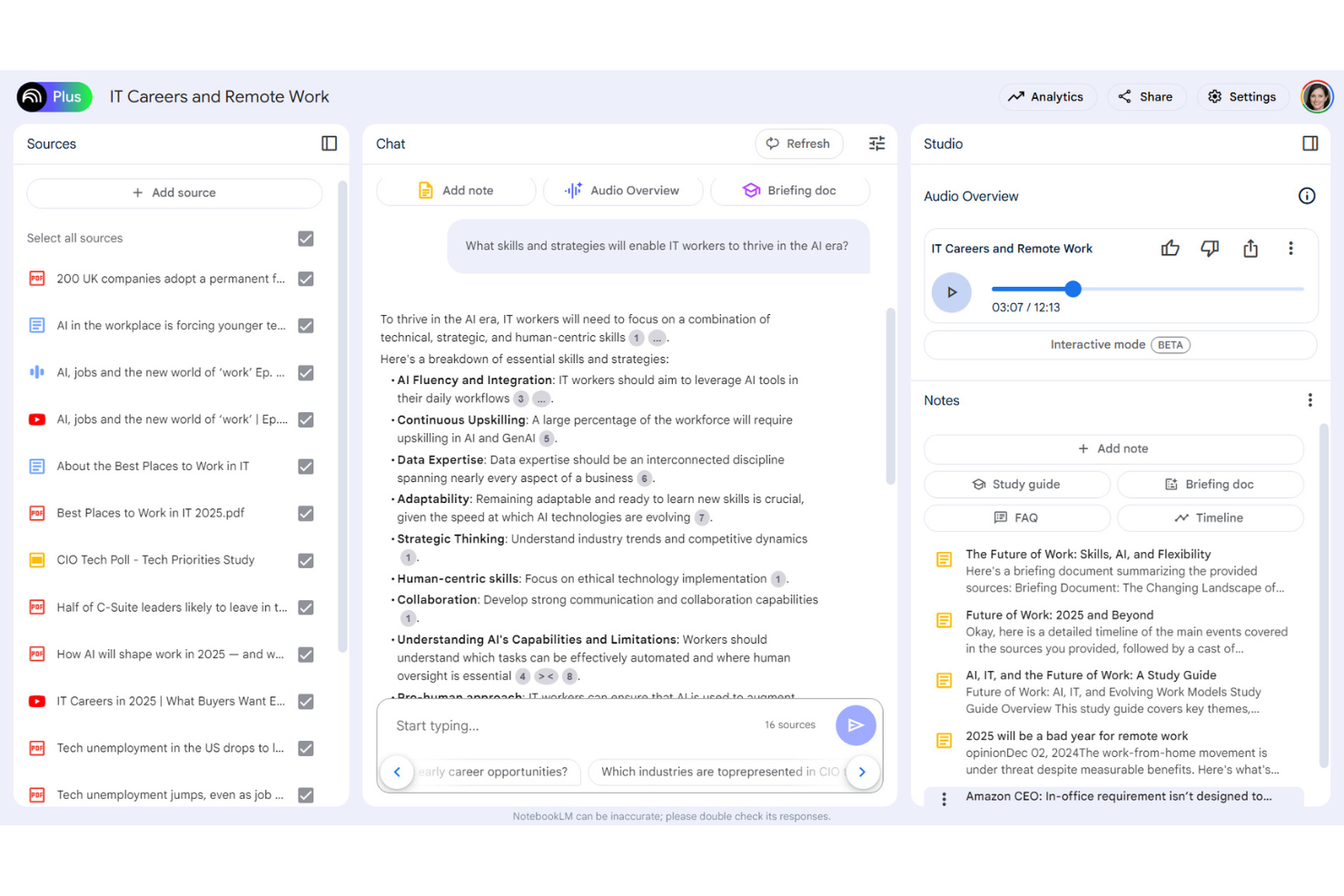
NotebookLM allows you to store and categorize your notes and uploaded sources efficiently, so you can quickly find what you need.
Citation and Source Tracking
NotebookLM provides citations in its answers to your questions, so you can see how its responses are created and double-check their accuracy.
Researching Tools
NotebookLM can analyze sources, including research papers and YouTube videos, to extract relevant information, supporting faster research and note-taking.
Limited Project Tracking
You can monitor project progress with clear visual indicators, helping your team meet goals more effectively.
Basic Collaboration Tools
NotebookLM allows you to share tasks and notes with your team smoothly, fostering better communication and teamwork.
Search Functionality
You can quickly locate tasks or notes with an effective search bar, saving you time when retrieving information.
Standout Features
Focus Mode
This feature minimizes distractions by highlighting your current task, helping you maintain concentration and productivity.
Audio Overview
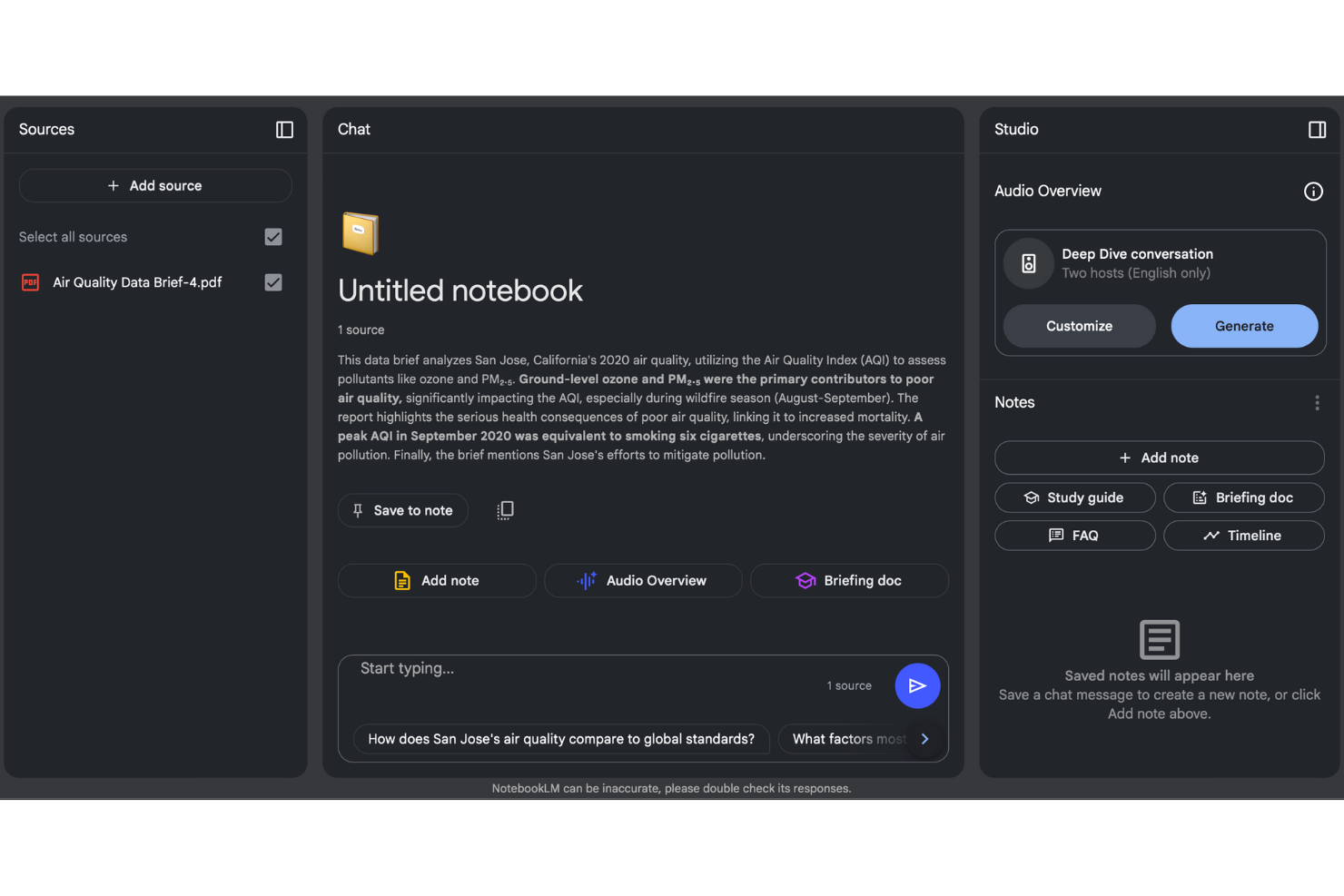
With its Audio Overview feature, you can explore a topic in depth by asking follow-up questions on specific sections of your sources, helping you gain in-depth insights.
Ease of Use
NotebookLM is simple to use, so you can jump in without lengthy training. The clean interface and intuitive navigation help you quickly find features such as task management, audio summaries, and note organization. Users appreciate how straightforward it is to track projects and share information. The simplicity doesn't sacrifice functionality, offering you just the right tools to stay productive without overwhelming you with unnecessary complexity.

Onboarding
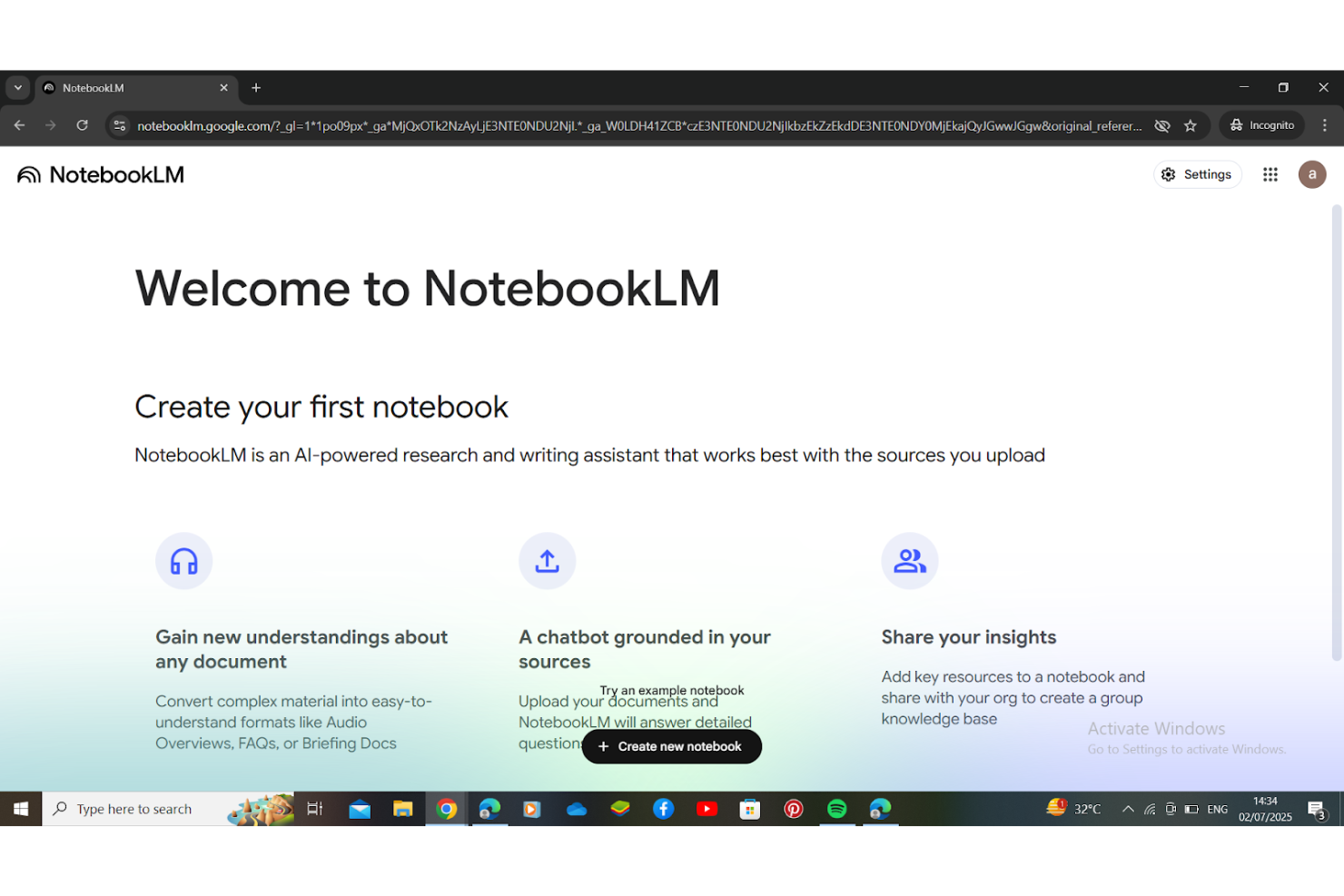
NotebookLM offers a smooth onboarding experience, allowing you to get started quickly. The setup process is straightforward, with clear instructions guiding you through each step. Users appreciate the helpful tutorials and resources available, which reduce the learning curve significantly. The support team is responsive, ensuring you have the assistance you need when questions arise. This efficient onboarding process means you can start seeing value in your work right away.
Customer Support
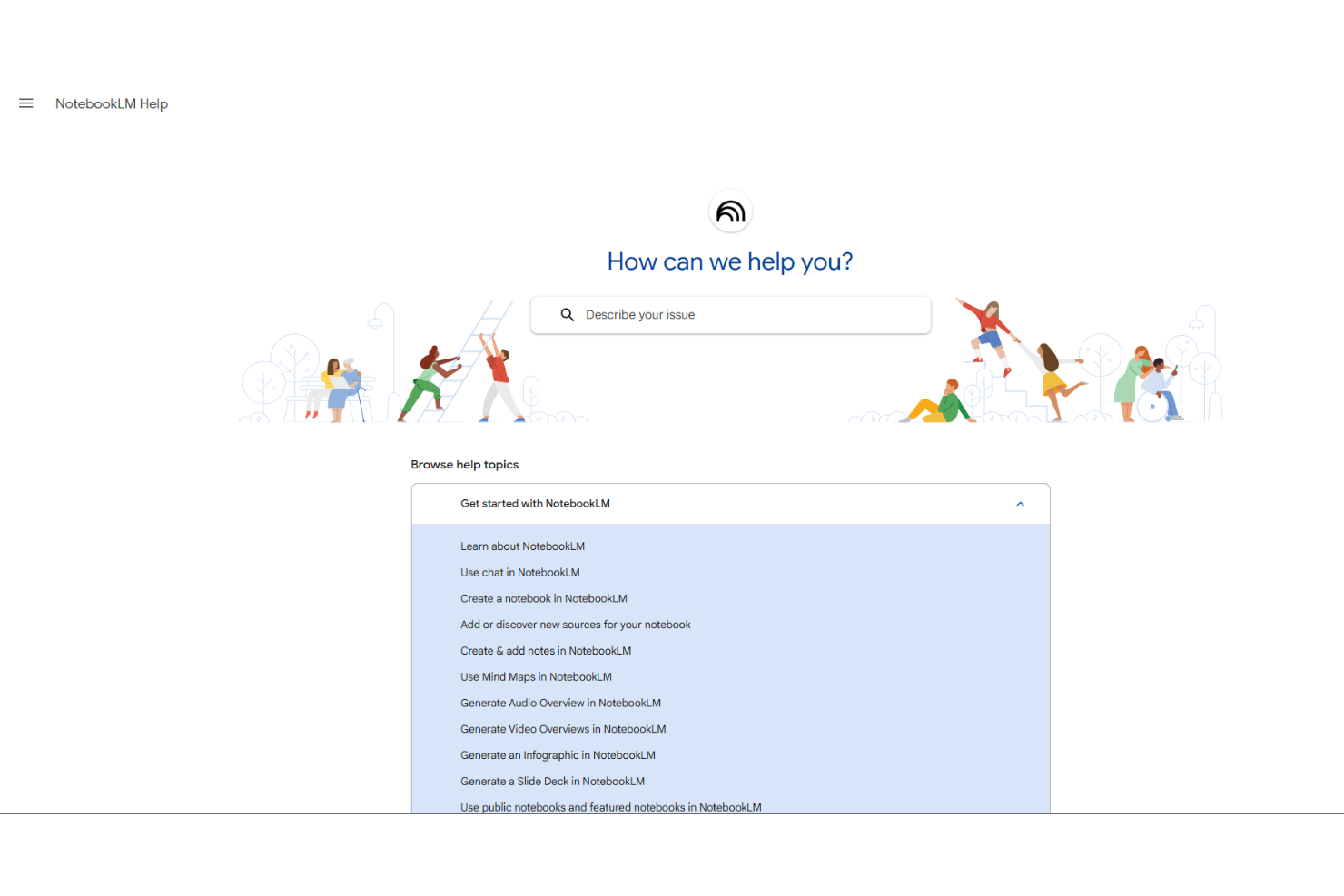
NotebookLM provides solid customer support, making sure your team has the help it needs. Users commend the quick response times and knowledgeable support staff. Whether you reach out via email or chat, the assistance you receive is prompt and effective. The extensive help center and FAQs are valuable resources that address common questions, allowing you to resolve issues on your own. This level of support ensures your work continues smoothly without unnecessary delays.
Integrations
NotebookLM integrates with Google Drive, Google Docs, Google Sheets, and Google Gemini.

Value for Money
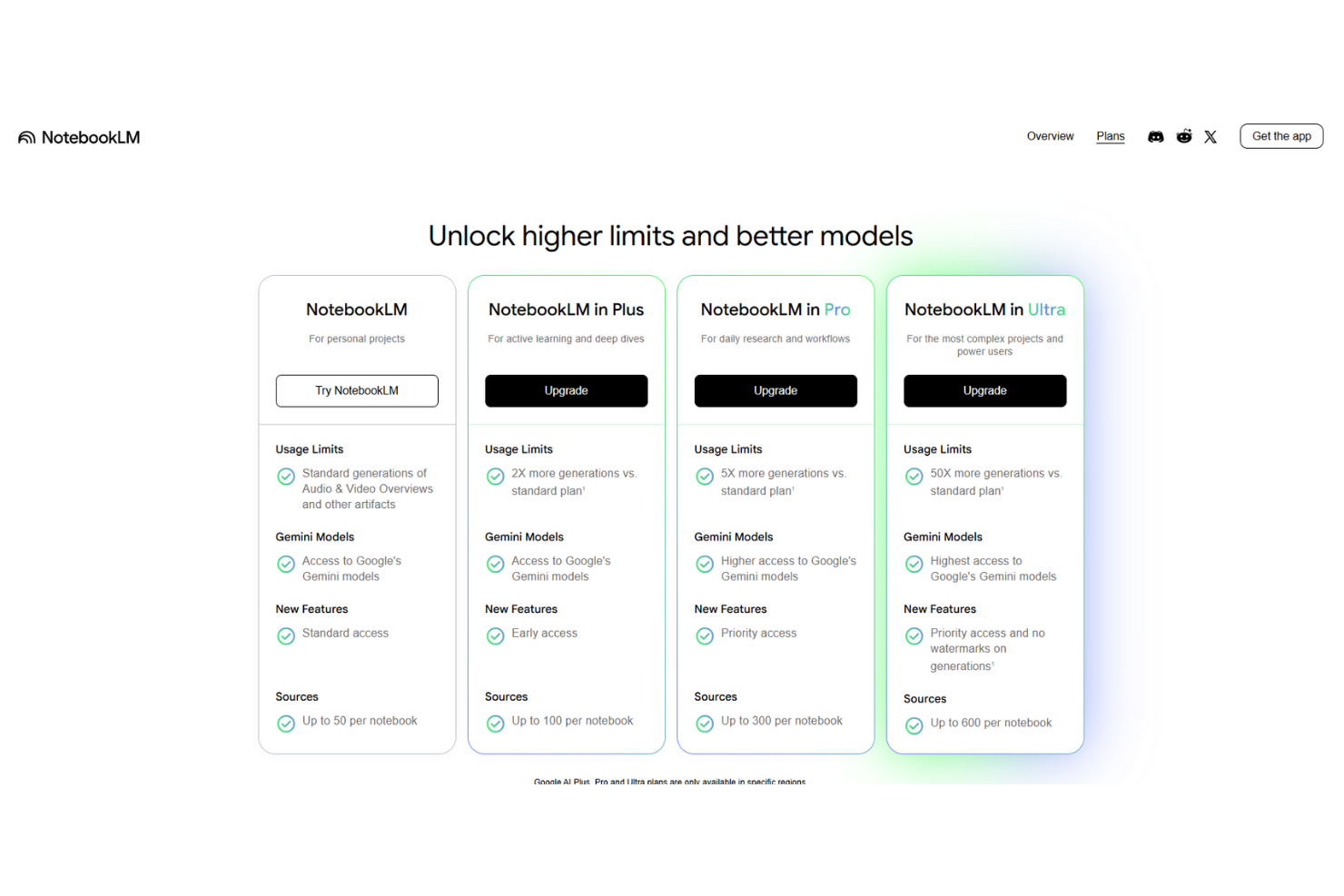
NotebookLM offers several pricing plans that scale with your needs. No public pricing is available. Reach out to the company for pricing details.
- NotebookLM: Offers the standard amount of audio and video overview generations and access to Google’s Gemini models.
- NotebookLM Plus: Provides twice as many generations as the standard plan and early access to new features.
- NotebookLM Pro: Includes five times as many generations and priority access to new features.
- NotebookLM Ultra: Adds 50 times more generations and removes generation watermarks.
NotebookLM Specs
- API
- Calendar Management
- Data Export
- Data Import
- Email Integration
- External Integrations
- Notifications
- Scheduling
NotebookLM FAQs
Can I use NotebookLM for confidential projects?
What are the limitations on NotebookLM usage?
What happens if I delete a note in NotebookLM?
Can I access NotebookLM on mobile devices?
Is there support available for NotebookLM users?
What should I do if NotebookLM can't answer my question?
How do I report offensive content in NotebookLM?
NotebookLM Company Overview & History
NotebookLM is an AI-powered research and note-taking tool developed by Google Labs. It was initially launched as Project Tailwind and later rebranded in July 2023. The tool offers features such as document summarization and explanations. In December 2024, Google introduced a paid version called NotebookLM Plus, initially for enterprise users and later expanded to individual users in early 2025. The platform is popular among researchers, students, and business owners for its document management and interactive learning capabilities.
NotebookLM Major Milestones
- 2022: Originally launched as Project Tailwind, Google’s AI research tool.
- 2023: Rebranded to NotebookLM.
- 2024: Transitioned to a stable version and released its paid version, NotebookLM Plus, for enterprise users.
- 2025: Expanded NotebookLM Plus to individual users.