


Lucid Vs. FigJam: Comparison and Expert Reviews for 2026



There’s a particular kind of frustration that comes from watching a good idea get lost in scattered feedback, disconnected tools, and unclear visuals. Find a visual collaboration tool that fits how your team works, and that friction mostly disappears.
If you’re juggling complex projects or wrestling with unclear processes, finding the right visual collaboration platform can be a breakthrough. Maybe you’ve heard about Lucid and FigJam but aren’t sure which tool will help you map, share, and refine workflows with your team—or if either will fit your daily reality.
In this article, you’ll get a side-by-side comparison covering pros and cons, use cases, pricing, security, and usability. I’ll help you zero in on which platform matches your team’s needs so you can choose with confidence.
Lucid vs. FigJam: An Overview
Lucid
FigJam
Why Trust Our Software Recommendations
Our team has been testing and reviewing software since 2012. As project managers ourselves, we know how difficult—and important—it is to choose the right software.
For this guide, we evaluated tools using hands-on testing and independent research, scoring tools using our selection criteria. We also draw on insights from industry thought leaders and practicing project management experts.
Our reviews reflect our human editorial judgment, not a sales pitch.
Expert reviewers:
Lucid vs. FigJam Pricing Comparison
| Lucid | FigJam | |
|---|---|---|
| Free Trial | Free trial + free plan available | Free plan available |
| Pricing | From $15/month (billed annually) | From $3/user/month |
Lucid Vs. FigJam Pricing & Hidden Costs
Lucid uses a tiered, subscription-based pricing model that scales from individual users to enterprise plans, with its most advanced data features and add-ons like the Process Accelerator and Cloud Accelerator reserved for Enterprise accounts. FigJam comes bundled with Figma: every paid Figma seat now includes it, with a free tier that covers light use. With both, keep an eye out for additional costs, such as expanded storage, extra collaborators, or integrations that aren’t included by default.
To choose the right pricing fit, dig past surface-level costs and factor in how many team members will actually use the tool, what integrations your workflows depend on, and whether you’ll need premium features or regular access control. Often, a trial or free tier helps you test whether the base features actually support your everyday needs, or if you’ll quickly outgrow the plan and face extra charges.
Lucid vs. FigJam Feature Comparison
| Lucid | FigJam | |
|---|---|---|
| 2-Factor Authentication | ||
| API | ||
| Calendar Management | ||
| Customer Management | ||
| Dashboard | ||
| Data Export | ||
| Data Import | ||
| Data Visualization | ||
| Email Integration | ||
| External Integrations | ||
| Google Apps Integration | ||
| Multi-User | ||
| Notifications | ||
| Project Management | ||
| Scheduling | ||
| Third-Party Plugins/Add-Ons |
Lucid Vs. FigJam Integrations
| Integration | Lucid | FigJam |
|---|---|---|
| Google Drive | ✅ | ✅ |
| Microsoft Teams | ✅ | ✅ |
| Slack | ✅ | ✅ |
| Jira | ✅ | ✅ |
| Salesforce | ✅ | ❌ |
| Confluence | ✅ | ✅ |
| Asana | ✅ | ✅ |
| GitHub | ❌ | ✅ |
| API | ✅ | ✅ |
| Zapier | ✅ | ✅ |
Both tools cover the collaboration basics well, but Lucid provides a broader set of integrations, especially for enterprise platforms like Salesforce and architecture tools such as Ardoq and LeanIX. Both are also plugging into the AI ecosystem: Lucid’s MCP server lets AI tools pull context from your diagrams and act on it, while Figma’s MCP server and ChatGPT integration lean toward design-and-code workflows. Either way, an open API covers custom connections.
Lucid Vs. FigJam Security, Compliance & Reliability
| Factor | Lucid | FigJam |
|---|---|---|
| Data Encryption | Uses TLS 1.2+ for data in transit and AES-256 for data at res | Encrypts data in transit using TLS 1.2+ and at rest across the Figma platform. |
| Regulatory Compliance | Holds SOC 2 Type II, ISO 27001, and ISO 27701 certifications, plus PCI merchant certification. | SOC 2 Type II and ISO 27001/27018 certified, with GDPR and CCPA compliance across Figma. |
| Access Controls | Supports SAML SSO, granular admin controls, and customizable user roles. | Offers SSO (SAML, SCIM) and workspace-level access controls for organizations. |
| Government & Public Sector | FedRAMP Certified at the Moderate impact level; IRAP assessed at the PROTECTED level | FedRAMP Moderate authorization via the Figma platform. |
| Data Privacy | Certified under the EU-U.S. and Swiss-U.S. Data Privacy Frameworks. | Offers EU hosting for Figma and FigJam files and adheres to the EU Cloud Code of Conduct. |
Both tools carry serious credentials here, each holds SOC 2 Type II and ISO 27001 certifications and even FedRAMP Moderate authorization, which is rare for collaboration software. Lucid adds an IRAP assessment at the PROTECTED level and Data Privacy Framework certification, giving it a slight edge for public sector and highly regulated teams, while FigJam benefits from Figma-wide protections such as EU hosting for files.
Lucid Vs. FigJam Ease of Use
| Factor | Lucid | FigJam |
|---|---|---|
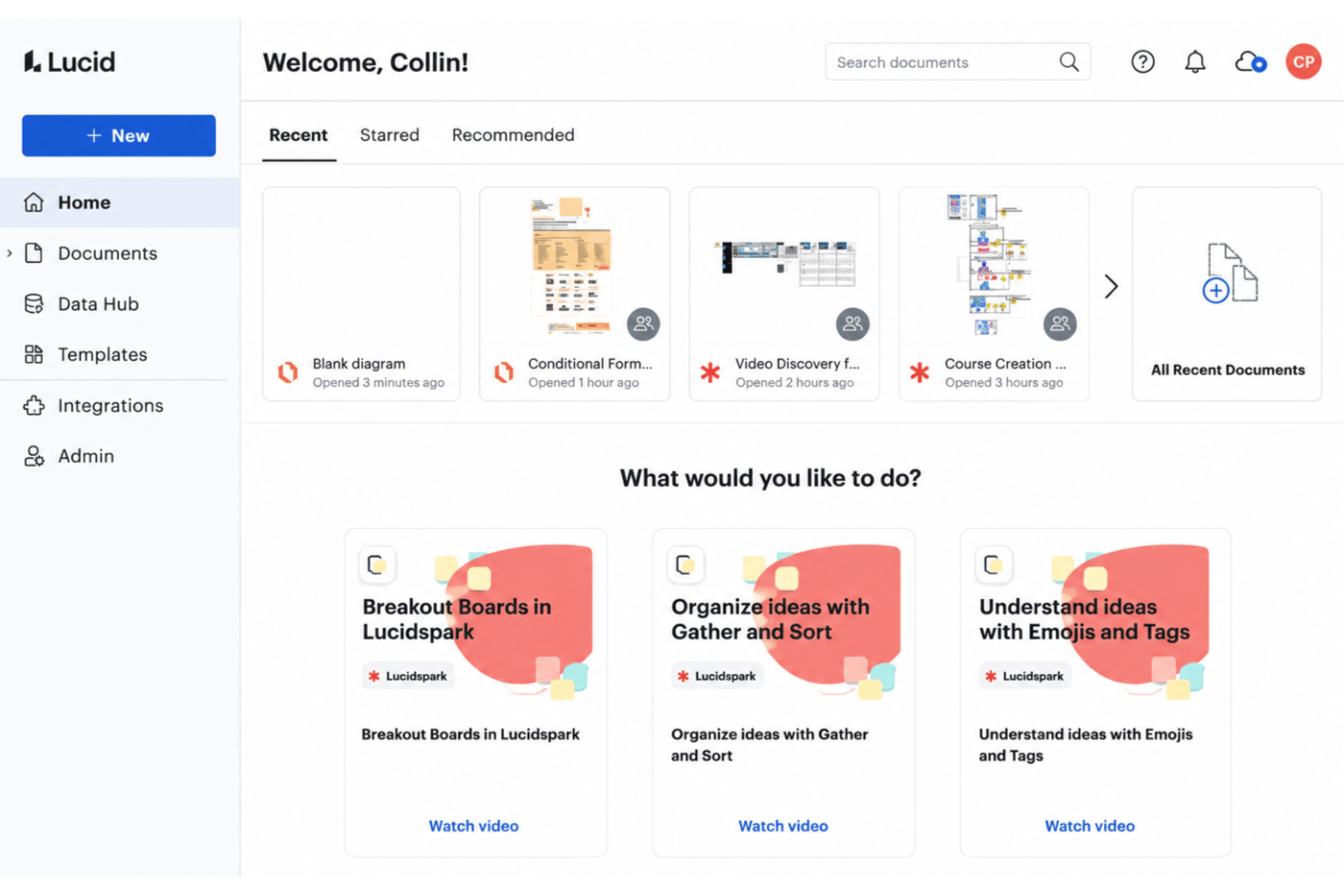
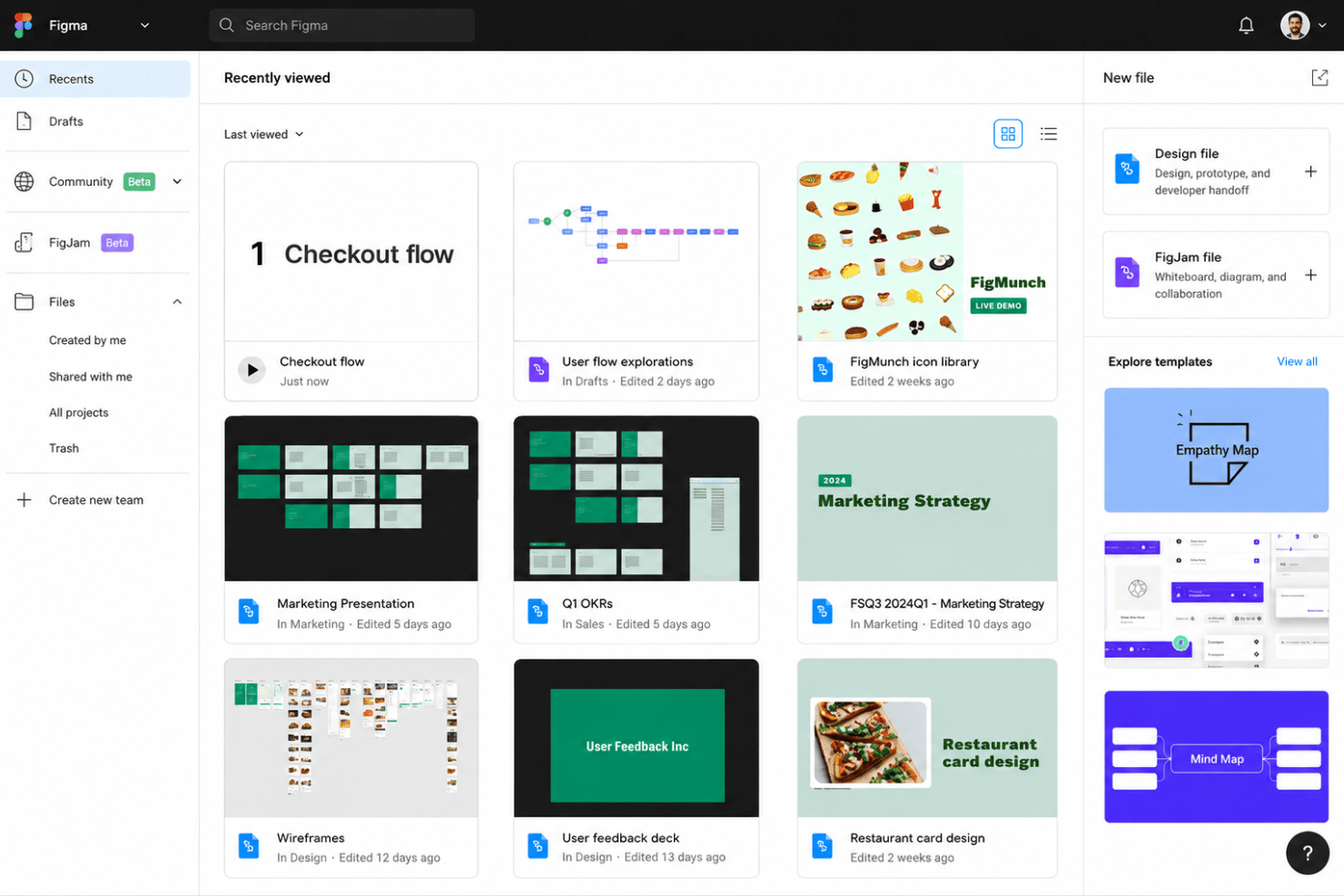
| User Interface | Offers a structured, diagramfocused workspace with guided flows and tooltips. | Gives you a playful, open-ended canvas that feels intuitive and social from the start. |
| Onboarding | Guided onboarding email flow, plus a help center, training labs, and template suggestions for new users. | Simple onboarding with instant-start templates and friendly prompts for fast team adoption |
| Collaboration Flow | Real-time co-editing, comments, and revision history. | Emphasizes live workshops, sticky notes, and engaging meeting tools for teams. |
| Customization | Lets you build custom shapes, templates, and maintain standardization across projects. | Offers freeform sketching and quick object creation, great for flexible brainstorming. |
| Support | Help center, Lucid Training Labs, an active user community, and optional professional services. | Support is accessed through Figma's single portal and inapp help resources. |
FigJam feels more instantly approachable for collaborative sessions, while Lucid delivers the guided experience you’d expect for complex diagramming. I find Lucid easier for those who need structure and precision, but FigJam shines when you want to jump in as a group and just start mapping ideas.
Lucid vs FigJam: Pros & Cons
Lucid
- Real-time collaboration supports remote and hybrid teams well
- Advanced diagramming tools for technical and business workflows
- Version history enables easy rollback to previous states
- Tapping the full toolset means moving between Lucidchart and Lucidspark
- More advanced data features are reserved for the Enterprise plan
- Limited offline access for users without internet connection
FigJam
- Real-time multiplayer editing works smoothly on large diagrams
- Prebuilt diagram templates speed up common workflow mapping
- Sticky notes and voting make team input informal and visible
- Layer and element management gets messy with complex workflows
- No built-in task automation or advanced process logic
- Offline access is limited compared to some competitors
Best Use Cases for Lucid and FigJam
Lucid
- Product Management Teams Lucid enables rapid user journey mapping, roadmapping, and workflow visualization for cross-functional project work.
- Software Engineering UML diagrams, system architectures, and data flow mapping are easy to build and share with real-time collaboration.
- Enterprise IT Departments Complex process mapping, network diagrams, and documentation can be maintained at scale with admin controls and access management.
- Consulting Firms Facilitates collaborative client workshops, value stream mapping, and dynamic presentations for stakeholder alignment.
- Higher Education Offers collaborative whiteboarding for faculty and students, encouraging interactive learning and group project work.
- Large Enterprises Lucid's scalability, advanced security, and integration options match large organizations' governance and compliance requirements.
FigJam
- Product Teams They benefit from real-time brainstorming, journey mapping, and feedback collection in one place, with easy access to templates and sticky notes.
- Education Educators and students can co-create mind maps, organize group work, and present ideas on an interface that encourages engagement and discussion.
- Startup Environments Startups value FigJam’s speed and low learning curve for MVP scoping, agile retrospectives, and collaborative planning sessions.
- UX/UI Designers Designers use FigJam for wireframes or flow mapping and appreciate the integration with Figma for moving between ideation and design assets.
- Remote Workshops Remote facilitators use the interactive widgets, timers, and voting tools to run engaging, highly participatory workshops.
- Marketing Teams Marketing departments can plan campaigns, map funnels, and draft content calendars collaboratively, visualizing each step quickly together.
Who Should Use Lucid, And Who Should Use FigJam?
Lucid is a fit if you work in process-heavy fields like IT, operations, consulting, healthcare, financial services, or the public sector, anywhere structure, data integrations, and formal documentation matter. Choose Lucid if you need precise workflow mapping, advanced admin controls, or frequently handle confidential diagrams. It scales from individuals to enterprise accounts.FigJam is ideal for creative teams, product managers, and anyone leading workshops or brainstorming sessions who values speed and playful, visual collaboration. If you want to quickly co-create ideas or work in a design-driven culture, especially one already using Figma, FigJam is a no-brainer.
One caveat applies to both: neither is a high-fidelity design tool. Lucid spans diagramming and whiteboarding but stops at low-fidelity mocks, while FigJam sticks to brainstorming, workshops, and planning sessions. However, FigJam teams can hand detailed UX work off to Figma Design next door.
Differences Between Lucid and FigJam
| Lucid | FigJam | |
|---|---|---|
| Automation | Offers data linking, automated diagram updates, and process automation for complex flows. | Focuses on manual updates; lacks advanced automation features. |
| Diagramming Power | Advanced diagramming and flowcharting for technical use cases. | Focused on simple, free-form whiteboarding and sketching. |
| Pricing Approach | Priced per user with advanced features unlocked at higher tiers. | Included in Figma’s plans with simple, team-based pricing. |
| User Interface | Professional and structured, catered to enterprise usage. | Playful and informal, designed for creative brainstorming. |
| Visit LucidOpens new window | Read FigJam ReviewOpens new window |
Similarities Between Lucid and FigJam
| Cloud-Based Access | Lucid and FigJam run entirely in the browser, which means projects are accessible anywhere, no downloads required. |
|---|---|
| Real-Time Collaboration | Both support live, simultaneous editing and commenting—Lucid feels business-oriented, while FigJam is more playful. |
| Templates Library | Each offers a built-in library of pre-made templates, letting teams quickly start sessions and save recurring layouts. |
| Version History | Each solution maintains revision histories, letting users restore previous versions if needed and track changes over time. |
| Visit LucidOpens new window Read FigJam ReviewOpens new window | |