


Click Maint CMMS vs. MaintainX: Expert Reviews and Comparison for 2026



You’re under pressure to keep operations running smoothly, but the right tool for managing work orders and preventive maintenance isn’t always obvious.
Click Maint and MaintainX are both computerized maintenance management systems (CMMS), built to take the guesswork out of keeping facilities and assets running. But while they share the same category, the way each one handles workflows, features, and pricing can lead you to very different day-to-day experiences. If you’re searching for facilities project management software that fits your needs, you want a clear, practical comparison rather than a list of features.
In this article, you’ll get just that—a side-by-side look at Click Maint CMMS vs. MaintainX, covering pros, cons, typical use cases, pricing, security, and usability. I’ll break down what sets each one apart, so you can make an informed, confident choice for your team.
Click Maint CMMS vs. MaintainX: An Overview
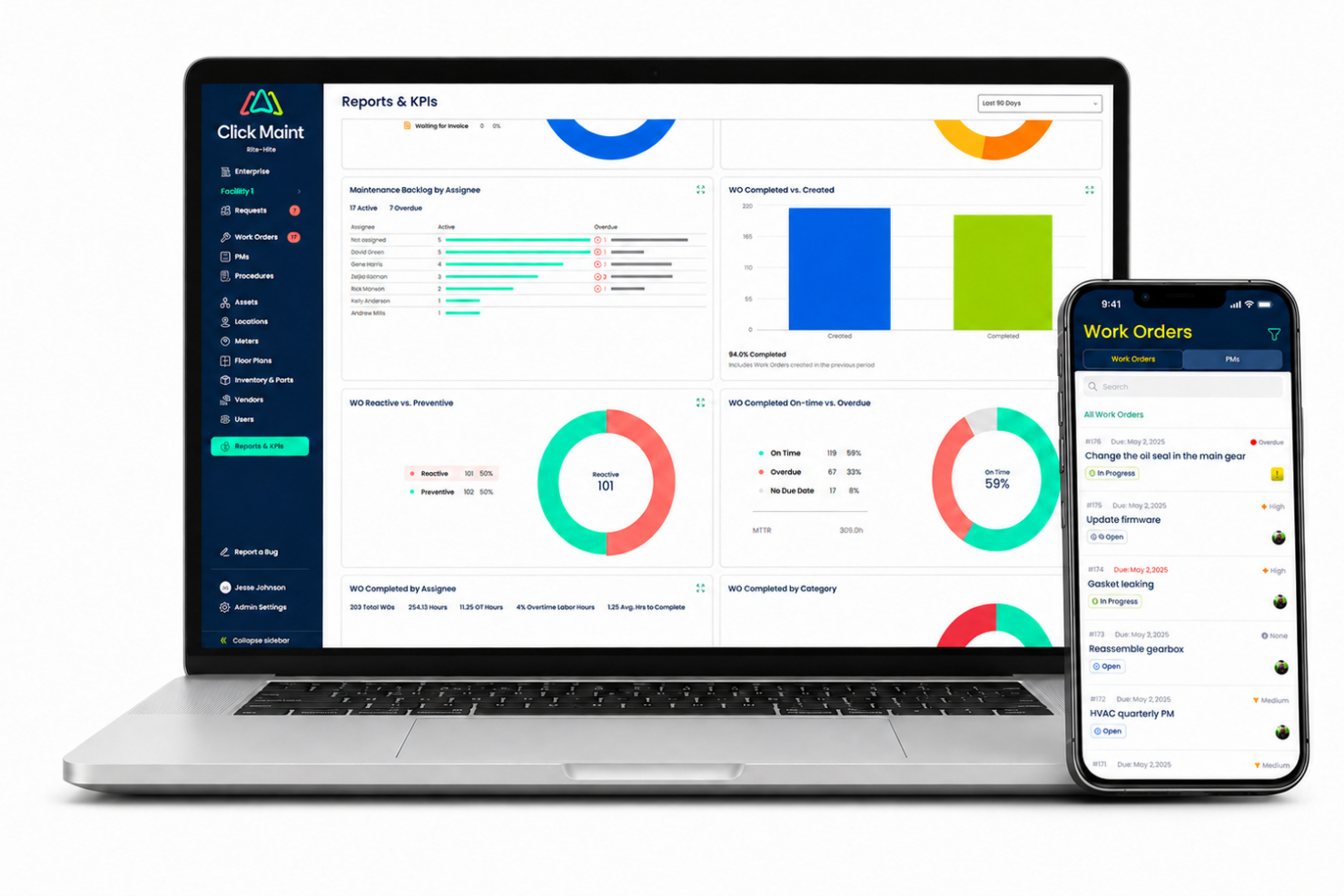
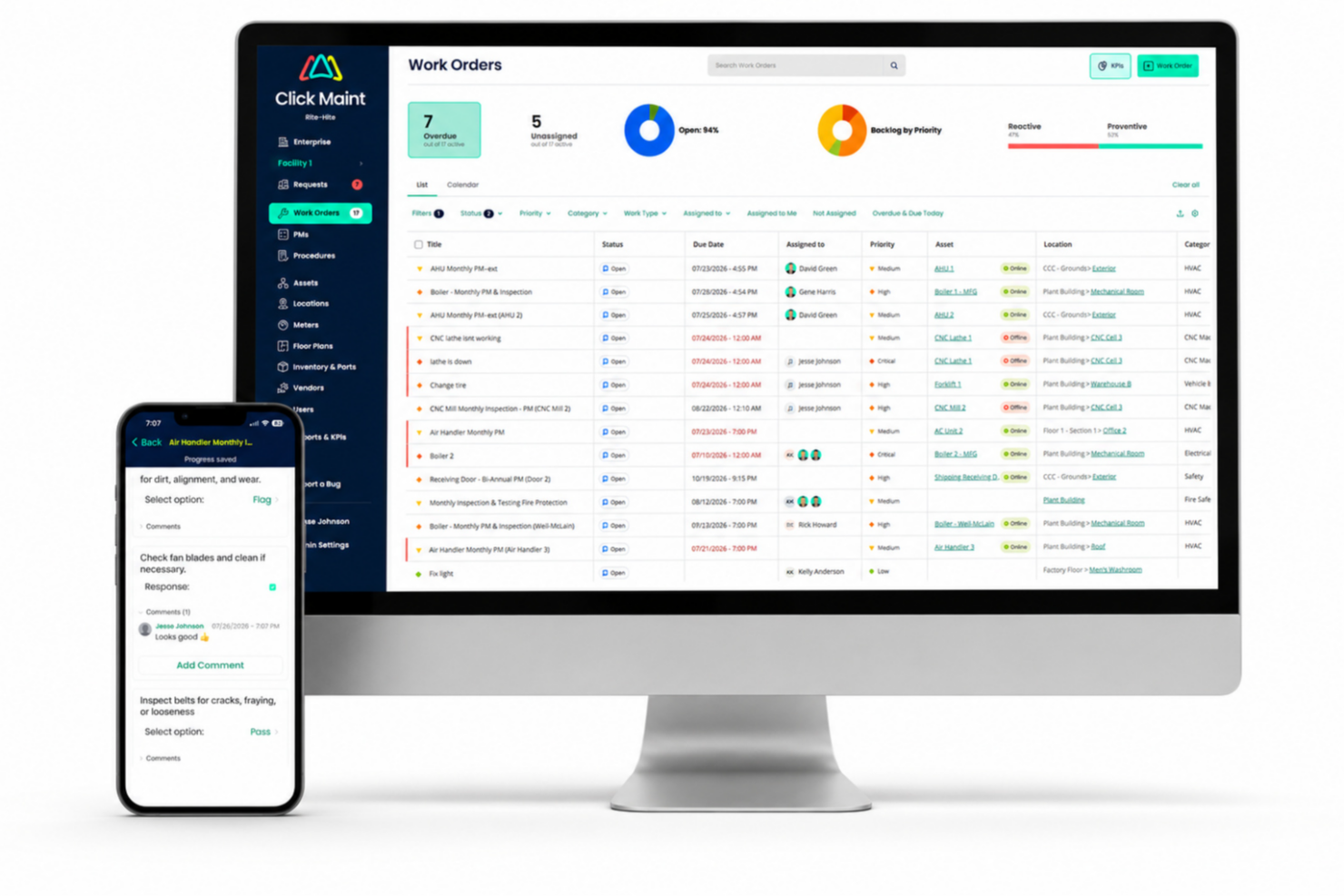
Click Maint CMMS
MaintainX
Why Trust Our Software Recommendations
Our team has been testing and reviewing software since 2012. As project managers ourselves, we know how difficult—and important—it is to choose the right software.
For this guide, we evaluated tools using hands-on testing and independent research, scoring tools using our selection criteria. We also draw on insights from industry thought leaders and practicing project management experts.
Our reviews reflect our human editorial judgment, not a sales pitch.
Expert reviewers:
Click Maint CMMS vs. MaintainX Pricing Comparison
| Click Maint CMMS | MaintainX | |
|---|---|---|
| Free Trial | 30-day free trial + free demo available | Free plan available |
| Pricing | Single plan at $35 per user/month (billed annually) | From $20/user/month (billed annually) |
Click Maint CMMS vs. MaintainX Pricing & Hidden Costs
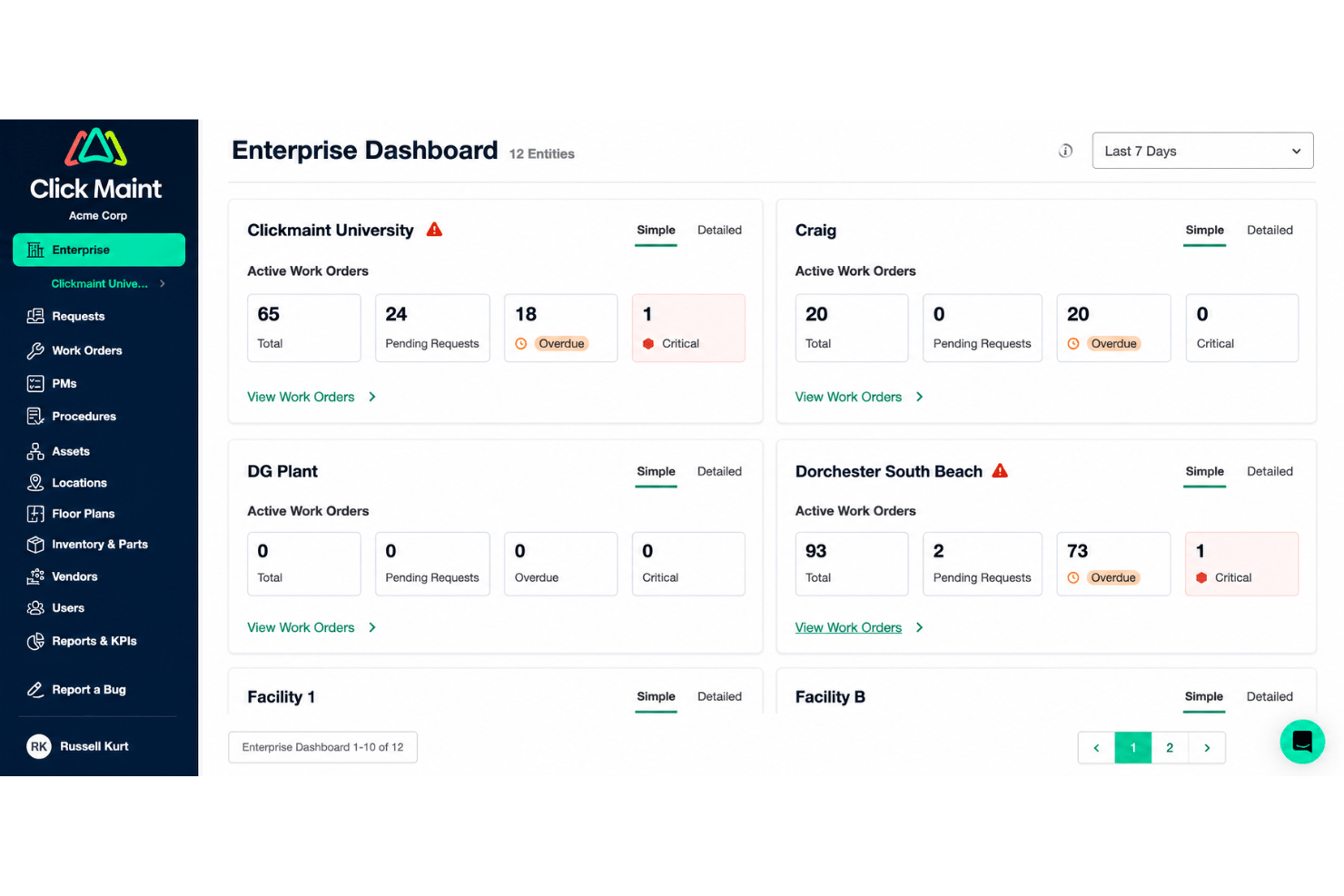
Click Maint keeps pricing deliberately simple. There is one Professional plan billed per user per month, discounted if you pay annually, with a free trial to start and billing available in US or Canadian dollars. Only people who log in to manage or complete work count as users, so requesters and vendors take up no seats and requester accounts are unlimited. MaintainX takes the opposite approach with tiered pricing plans. Requester accounts are free on MaintainX too, but the tier you land on decides a great deal.
The real cost question is what sits behind each vendor's paywall. On MaintainX, parts inventory, purchase orders, time and cost tracking, and open REST API access all start at Premium, while SSO, custom permissions, multi-site management, IoT sensor connections, the uptime SLA, and the CoPilot assistant and Report Builder are Enterprise only. OT and custom ERP connector work carries additional cost on top of that. Click Maint has no tiers to climb, so API access, the uptime SLA, and an account manager are included from day one, but onboarding and implementation services can attract additional fees, particularly if you are importing a lot of data or migrating work order history from another CMMS. Work out which specific features your shortlist depends on, then confirm which tier and which one-time services you actually need.
Click Maint CMMS vs. MaintainX Feature Comparison
| Click Maint CMMS | MaintainX | |
|---|---|---|
| API | ||
| Calendar Management | ||
| Customer Management | ||
| Dashboard | ||
| Data Export | ||
| Data Import | ||
| Data Visualization | ||
| External Integrations | ||
| Inventory Tracking | ||
| Multi-User | ||
| Notifications | ||
| Scheduling | ||
| Supplier Management |
Click Maint CMMS vs. MaintainX Integrations
| Integration | Click Maint CMMS | MaintainX |
|---|---|---|
| QuickBooks | ❌ | ✅ |
| Microsoft Teams | ❌ | ❌ |
| Slack | ❌ | ✅ |
| Salesforce | ❌ | ✅ |
| Outlook | ❌ | ✅ |
| Dropbox | ❌ | ❌ |
| Oracle NetSuite | ❌ | ✅ |
| API | ✅ | ✅ |
| Zapier | ✅ | ❌ |
Click Maint CMMS relies on its Webhooks & API for direct connections and does not offer out-of-the-box integrations. MaintainX, by comparison, provides a broader range of native integrations, making it the more convenient option for teams that want plug-and-play connectivity.
Click Maint CMMS vs. MaintainX Security, Compliance & Reliability
| Factor | Click Maint CMMS | MaintainX |
|---|---|---|
| Certifications | Security program built on ISO/IEC 27001 and validated through the Cloud Security Alliance STAR program. They're also in the process of obtaining the SOC 2 Type II certification. | SOC 2 compliance and ISO 27001:2022 certification for the platform, with a public trust portal for the underlying reports. |
| Access Controls | Role-based access control with six role levels, configured by the customer's own administrators. | Supports SSO and multi-factor authentication; custom permissions and SAML SSO sit on the Enterprise tier. |
| Data Residency | FChoice of Canadian or US hosting on AWS, with nightly backups copied to a second region in the same country. | GDPR compliance; no customer-selectable hosting region. |
| Uptime | Guarantees 99.90% uptime SLA | 99.9% guaranteed uptime SLA, listed as an Enterprise tier entitlement. |
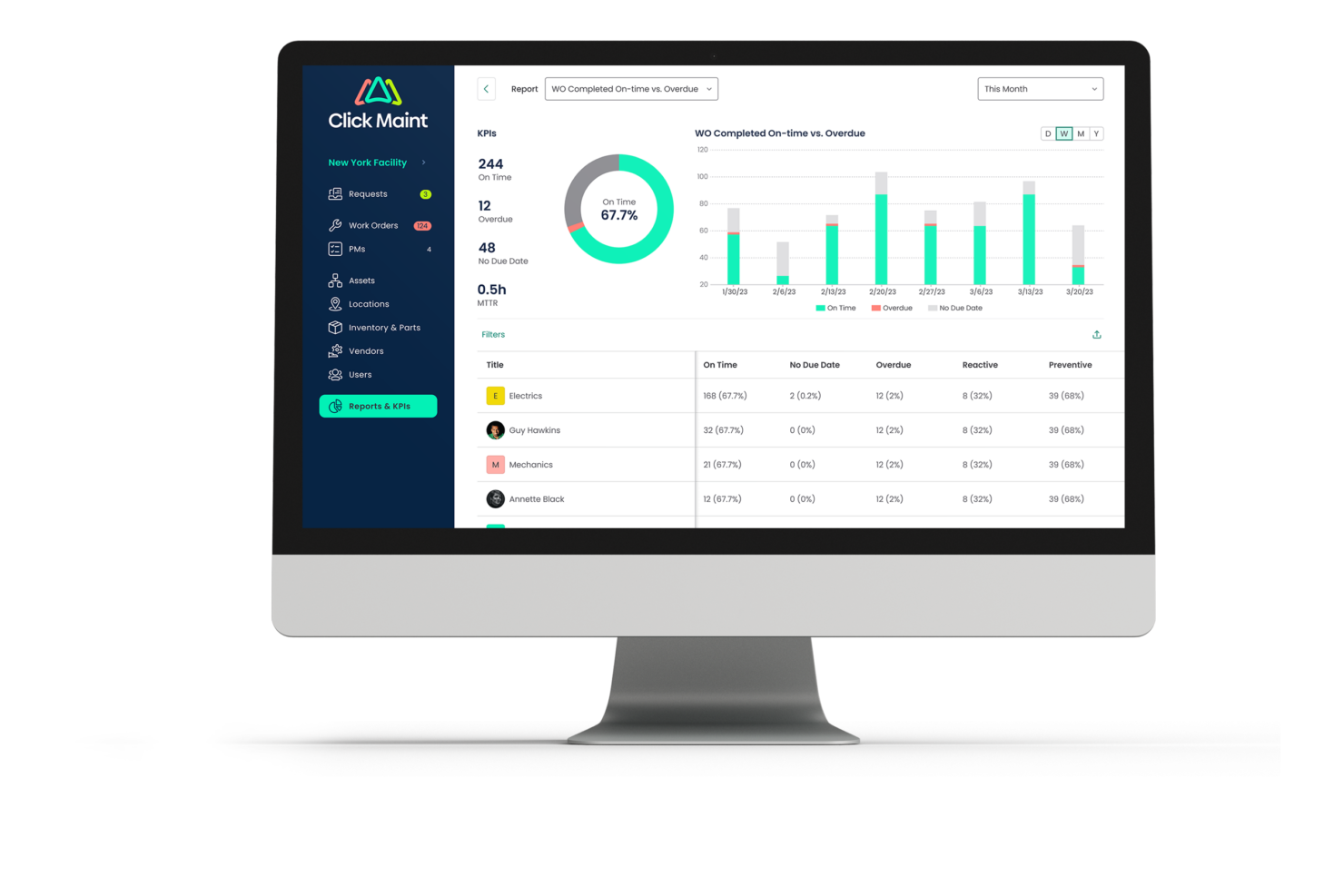
MaintainX has a strong security posture, with SOC 2 compliance, ISO 27001:2022 certification, GDPR compliance, a public trust portal, and enterprise controls such as SSO, MFA, custom permissions, and an uptime SLA. Click Maint, however, pairs ISO/IEC 27001-aligned practices and Cloud Security Alliance STAR validation with multi-zone AWS hosting, encryption in transit and at rest, 24/7 managed detection and response, nightly backups, and a choice of Canadian or US data residency.
While MaintainX offers more publicly verifiable certifications, Click Maint takes the edge for its combination of flexible data residency, robust redundancy, and comprehensive operational security controls.
Click Maint CMMS vs. MaintainX Ease of Use
| Factor | Click Maint CMMS | MaintainX |
|---|---|---|
| User Interface | Built so most common actions take three clicks or fewer. Deliberately lean. | Mobile-first app spread across four tiers, so there is more surface area to learn as you move up. |
| Onboarding | Four onboarding streams, from a largely self-directed start inside 15 days to a roughly 90-day onsite turnkey build with asset tagging. | Structured three-week implementation for a single site, offered to Premium and Enterprise customers. |
| Customization | Configurable forms,but custom fields, workflows, and custom reports are limited for larger enterprises. | Custom fields on work orders, requests, assets, locations and parts, plus custom workflow automations. |
| Mobile Experience | Native iOS and Android apps with QR scanning, photo upload, and time logging. | Native apps with QR and barcode scanning plus an offline mode for low connectivity sites. |
| Support Resources | Phone, email and live chat on weekdays, a 24/7 help center, and live office hours twice a week. | 24/7 email and chat support, a training academy, live webinars, and a self-serve support center. |
Both are pitched as easy to adopt and both largely deliver, but they get there differently. Click Maint is designed so most common actions take three clicks or fewer, which is where the name comes from, and every account includes an onboarding specialist, unlimited web-conference training, and live office hours twice a week. MaintainX leans on a free tier you can self-serve into, a training academy, 24/7 email and chat support, and a structured three-week implementation for Premium and Enterprise customers. The tradeoff is that MaintainX has more surface area to learn, and the capability you need may sit a tier or two above where you start.
Click Maint CMMS vs MaintainX: Pros & Cons
Click Maint CMMS
- Unlimited requester and view-only users, with requests by portal, email, or QR scan
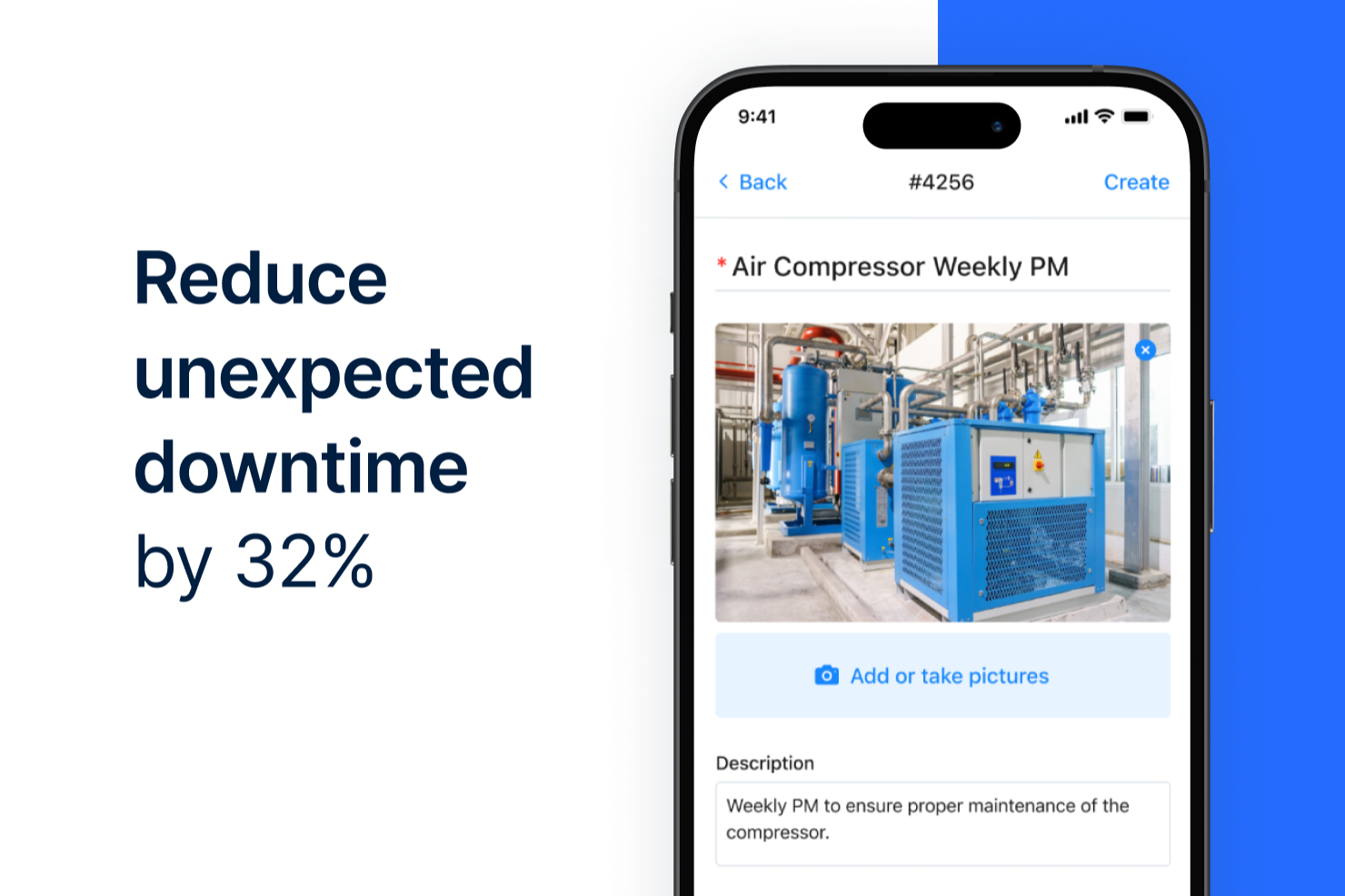
- Native iOS and Android apps covering work orders, inspections, time, and photos
- Multi-level location hierarchies and interactive floor plans across multiple sites
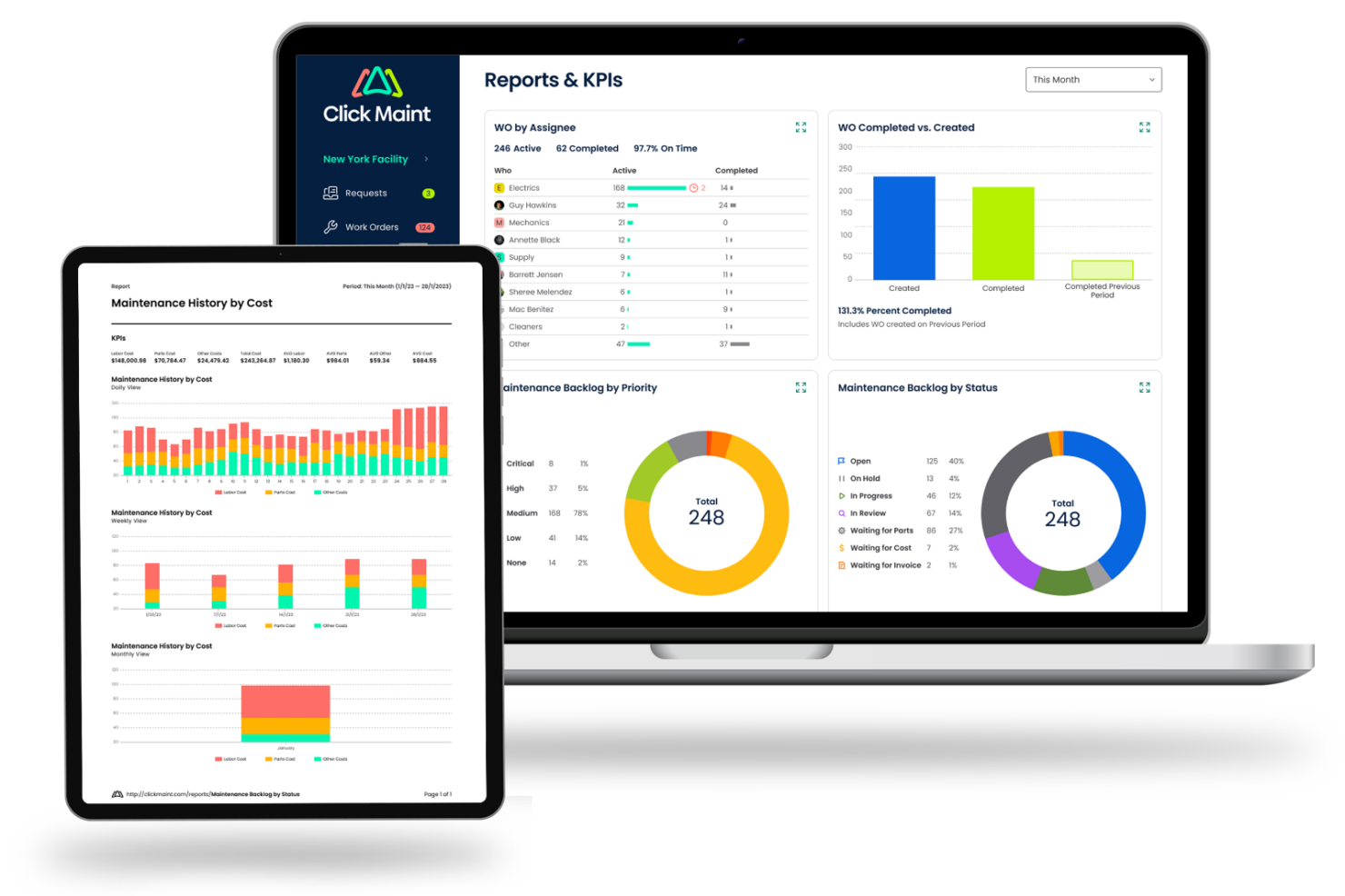
- Custom fields, workflows, reports, and dashboards are limited for larger enterprises
- Inventory lacks multiple storerooms and cycle counts
- Thin fleet capability, with no GPS, fuel, or insurance tracking for large vehicle fleets
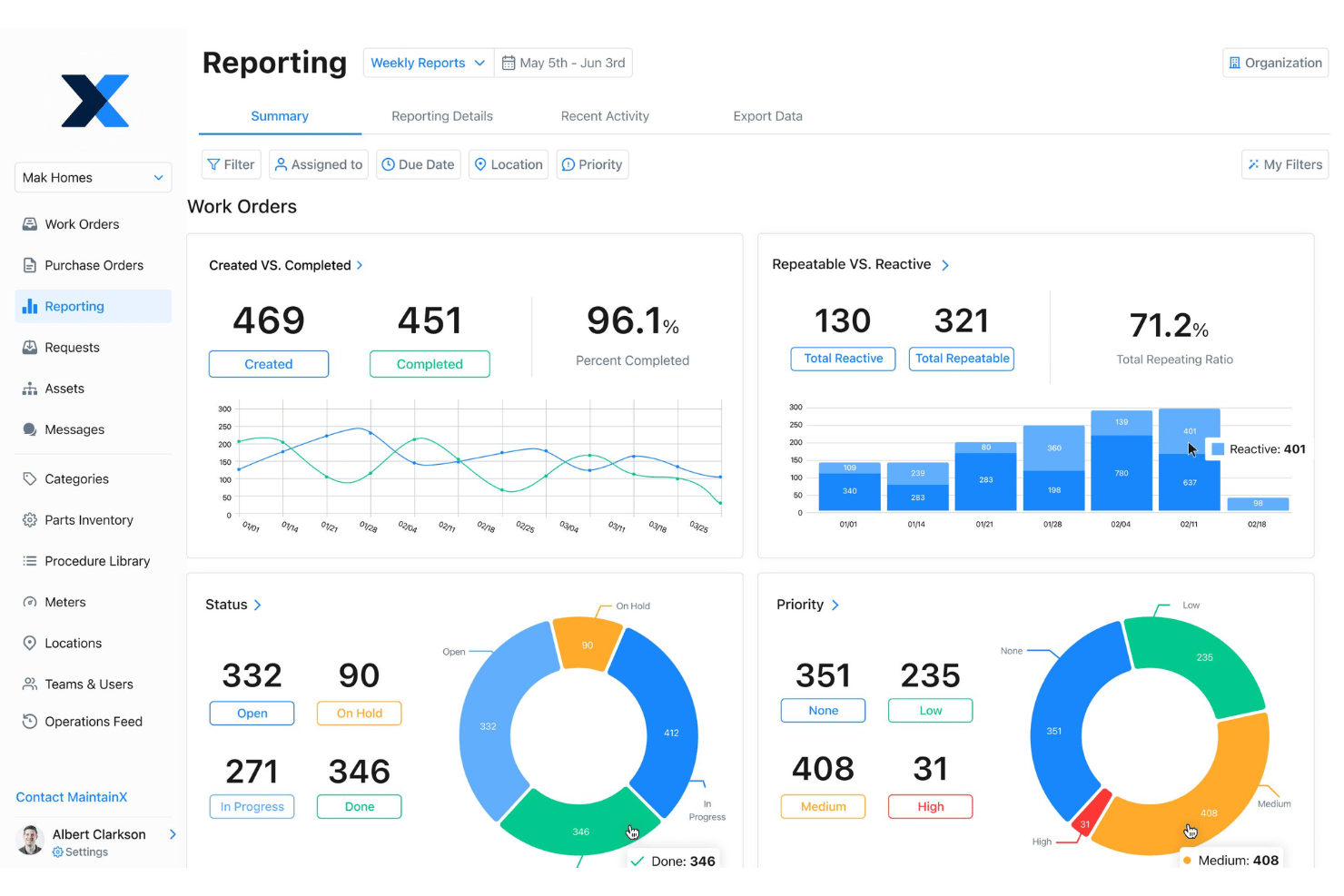
MaintainX
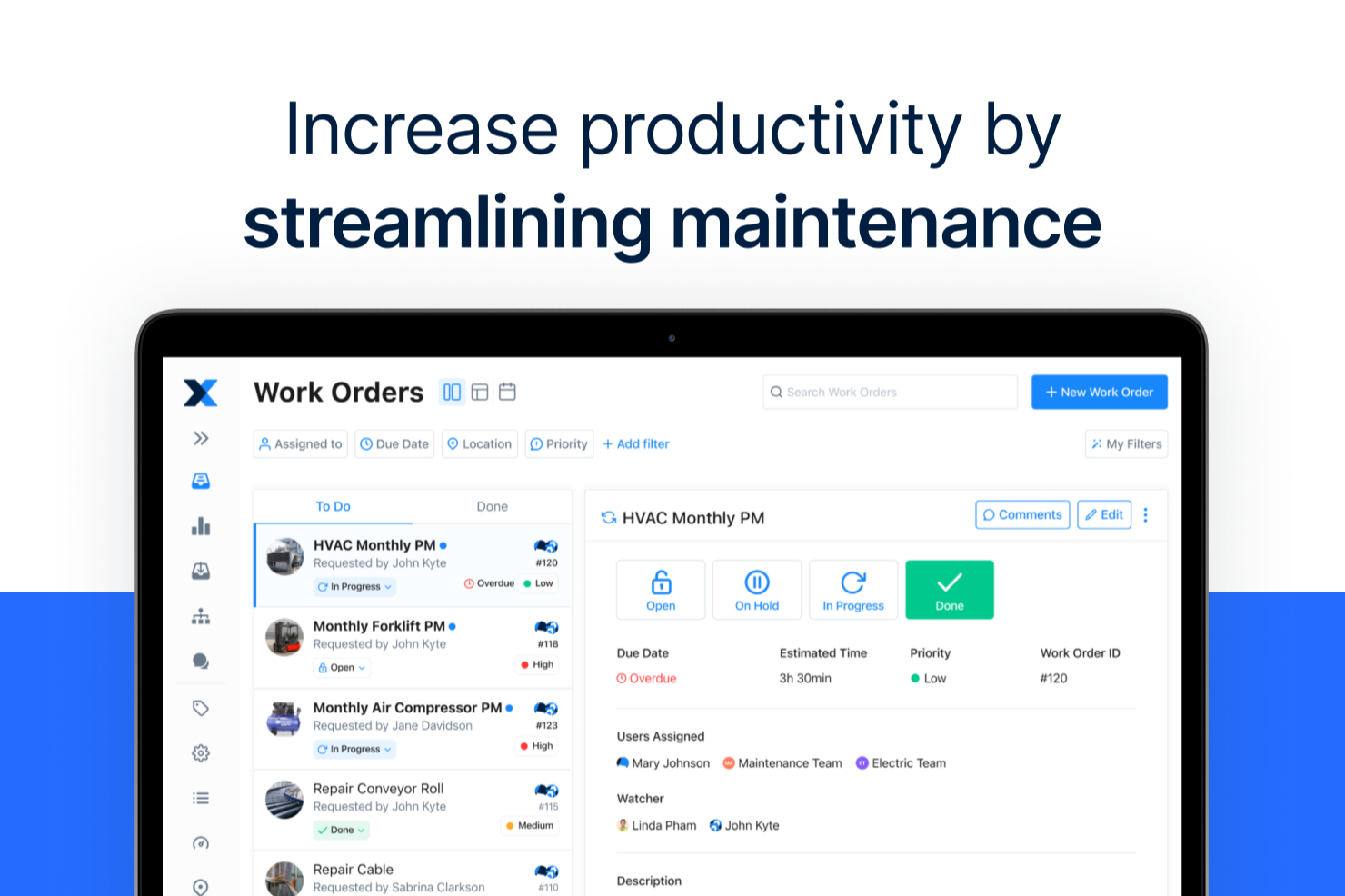
- Mobile app enables quick work order updates in the field
- Preventive maintenance schedules are easy to automate and assign
- Built-in messaging keeps all team communication in one place
- Reporting features lack advanced customization options
- Offline functionality is limited compared to some alternatives
- No built-in inventory management for advanced asset tracking
Best Use Cases for Click Maint CMMS and MaintainX
Click Maint CMMS
- K-12 Schools Staff, teachers, and custodians can submit requests with ease, while facilities managers track and prioritize campus issues quickly.
- Operations with Multiple Facilities & Locations Managing distributed residential or commercial properties is easier with asset tracking, visual floor plans, and web-based work order access.
- Small to Mid-Sized Manufacturing Plants Plant managers benefit from preventive maintenance tools and clear asset records to reduce downtime and prolong equipment life.
- Religious Institutions and Nonprofits Volunteer-driven or small staff teams can use the simple request portal and asset lists to keep buildings running smoothly.
- Senior Care Facilities Requests from staff across the building stay in one queue, with preventive schedules and asset history for mechanical, electrical, and plumbing equipment.
- Hotels and Resorts Front desk and housekeeping staff can log room and facility issues by QR scan, while managers schedule preventive work across the property.
MaintainX
- Manufacturing Plants Track machinery, schedule preventive maintenance, and minimize downtime with centralized asset records and mobile work orders.
- Schools and Universities Coordinate campus-wide maintenance, safety inspections, and custodial workflows from a single, staff-friendly platform.
- Hospitality Teams Respond to guest issues faster, enable cost tracking for repairs, and monitor room maintenance through mobile assignment and instant alerts.
- Multi-Site Property Managers Monitor repairs, inspections, and vendor communication across multiple buildings with location-based workflow management and task tracking.
- Healthcare Facilities Document regulatory compliance tasks, handle basic parts tracking, and respond quickly to urgent repairs with detailed logs and instant alerts.
- Medium-Sized Operations Gain visibility into facility projects and basic inventory tracking without enterprise-level complexity or costs, with flexible per-user pricing.
Who Should Use Click Maint CMMS, and Who Should Use MaintainX?
Click Maint fits smaller and mid-sized organizations that want a working CMMS quickly without picking a tier or negotiating a contract. It leans toward facilities maintenance: schools and colleges, religious institutions and nonprofits, senior care, hotels, healthcare sites, and manufacturing, especially where multi-level location hierarchies matter and where unlimited free requesters keep the wider staff involved.
MaintainX suits asset-intensive and multi-site operations that will genuinely use the depth: manufacturing plants, fleet operations, mining, oil and gas, distribution centers, and retail chains. If you need meter-based triggers, purchase orders, IoT or PLC data, SSO, or reporting across many sites, MaintainX is built for it. If none of that is on your list, you would be paying for features you’ll never use.
Differences Between Click Maint CMMS and MaintainX
| Click Maint CMMS | MaintainX | |
|---|---|---|
| Features | Focused on core maintenance, offering interactive floor plans, and more flexible location hierarchies for multi-site management. | Offers meters, condition-based triggers, and AI tooling. |
| Integrations | Webhooks & REST API only, no third-party connectors or native integrations. | Wide array of out-of-the-box integrations. |
| Pricing Structure | One plan priced per user, with all features included in it. | Four tiers, from a free plan up to custom-quoted enterprise. |
| Visit Click Maint CMMSOpens new window | Read MaintainX ReviewOpens new window |
Similarities Between Click Maint CMMS and MaintainX
| Asset Management | Both platforms let you log, track, and organize assets to monitor performance and history across your facilities. |
|---|---|
| Free Requester Accounts | Neither vendor charges for requester users, so anyone in the building can submit and follow a request without taking up a paid seat. |
| Preventive Maintenance | Each offers scheduling, automation, and reminders for recurring maintenance tasks to help prevent breakdowns and delays. |
| Work Order Management | Both allow users to create, assign, and track maintenance work orders, making it easy to manage requests from anywhere. |
| Visit Click Maint CMMSOpens new window Read MaintainX ReviewOpens new window | |