

Click Maint CMMS vs. Coast: Comparison & Expert Reviews for 2026



When repairs pile up and nobody can say which asset died last, the software meant to help often becomes another place to lose information. Both of these platforms are genuinely pleasant to use, which is rarer in this category than it should be. They just disagree about how wide the job is.
If you are looking at Click Maint CMMS and Coast, you have picked two products that are both trying to be the easy one, which makes the choice harder than it looks. They overlap on the basics and then split hard on scope: Click Maint stays inside maintenance and does it thoroughly, while Coast wraps maintenance, staff scheduling, and team chat into a single app. Deciding which facilities project management software you need really comes down to whether you are buying a maintenance system or a frontline operations system.
In this article I will compare both properly: pricing and the fees that hide inside it, core features, integrations, security and compliance, and how each one feels once your technicians are actually using it.
Click Maint CMMS vs. Coast: An Overview
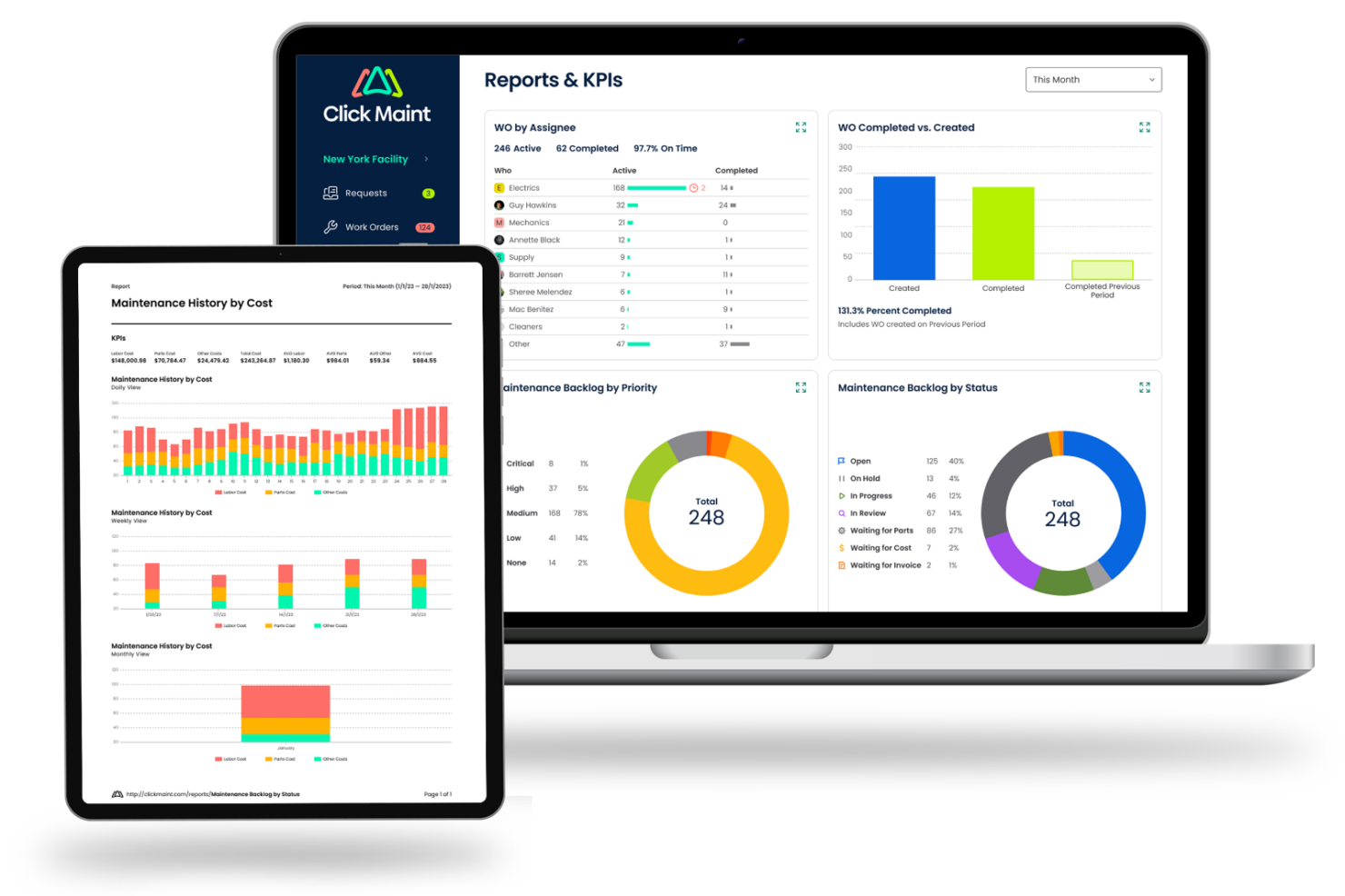
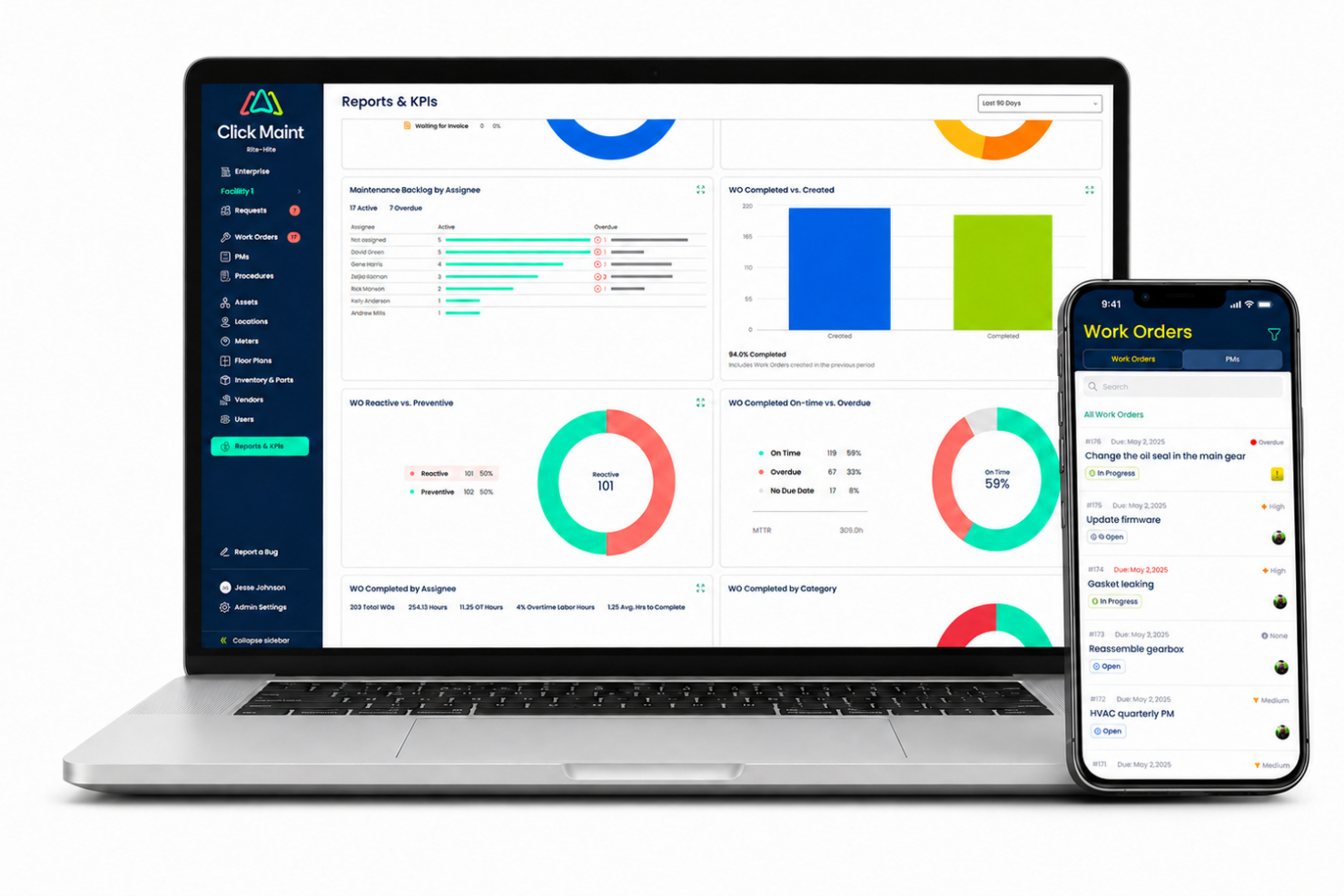
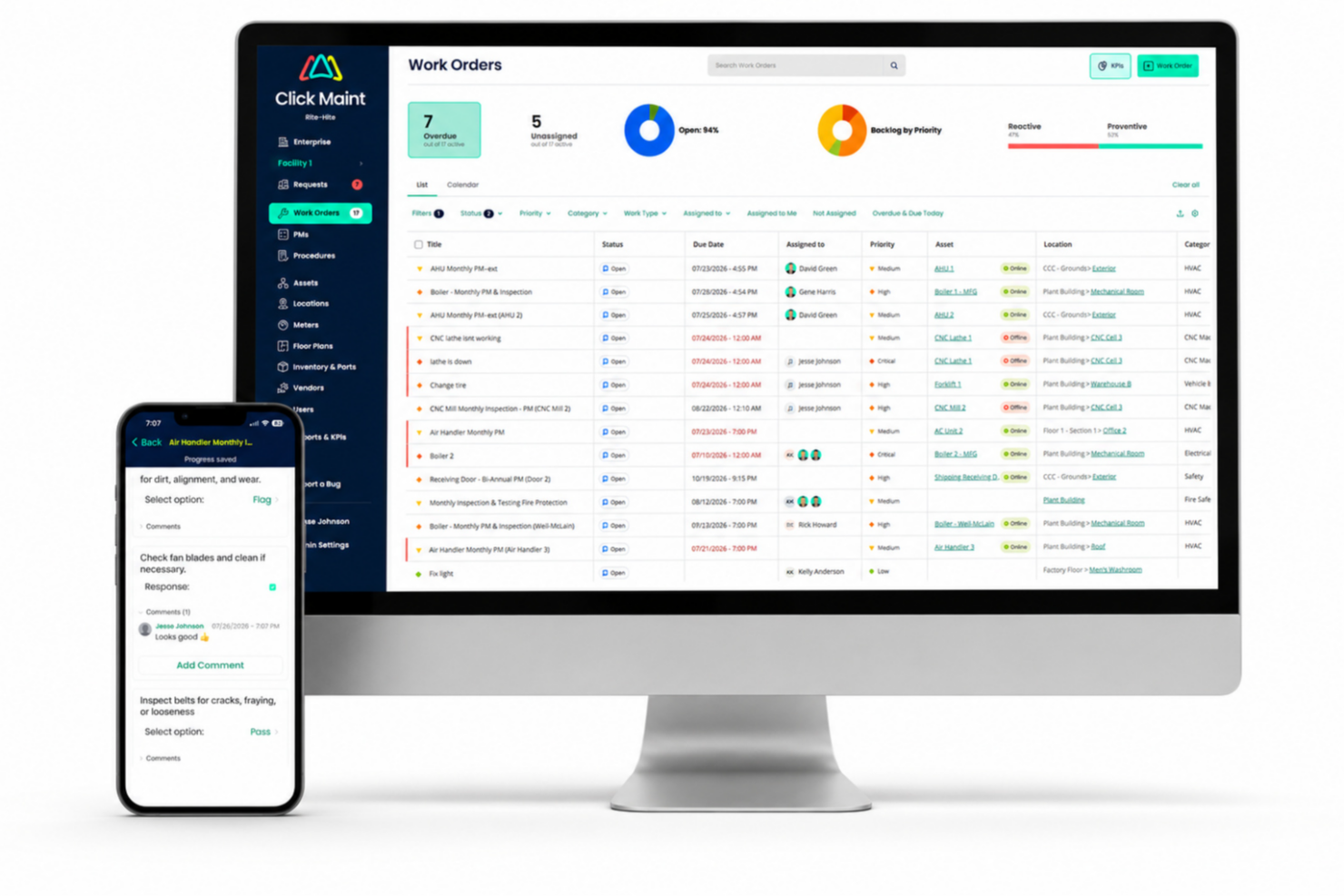
Click Maint CMMS
Coast
Why Trust Our Software Recommendations
Our team has been testing and reviewing software since 2012. As project managers ourselves, we know how difficult—and important—it is to choose the right software.
For this guide, we evaluated tools using hands-on testing and independent research, scoring tools using our selection criteria. We also draw on insights from industry thought leaders and practicing project management experts.
Our reviews reflect our human editorial judgment, not a sales pitch.
Expert reviewers:
Click Maint CMMS vs. Coast Pricing Comparison
| Click Maint CMMS | Coast | |
|---|---|---|
| Free Trial | 30-day free trial + free demo available | Free demo available |
| Pricing | Single plan at $35 per user/month (billed annually) | From $25/user/month (billed annually) |
Click Maint CMMS vs. Coast Pricing & Hidden Costs
Click Maint charges per user, per month, on one plan. There is no tier to choose and no feature gate to trip over. There is a free trial to start, and only people who log in to manage or complete work count as seats, so requesters are free and unlimited. Coast runs four tiers, starting with a genuinely free plan and climbing through three more tiers. Two things about Coast's pricing are easy to miss. It prices differently depending on which workflow you pick, maintenance work orders or team scheduling and chat, and upgrades apply to your entire workspace rather than to individual people, so you cannot put two technicians on a paid plan and leave others in the free tier.
Then there is what each paywall protects. On Coast, the free plan keeps only a week of history and caps file sizes, which is fine for a trial and painful as a system of record. Workspace permissions and time and cost tracking begin at Starter. Reporting, dashboards, downtime tracking, external request forms, and implementation and training begin at Pro. Single sign-on, multi-site management, escalation protocols, and the deeper integration work are Enterprise. Click Maint has no ladder, so the API, the uptime SLA, multi-site management, and an account manager all arrive on day one. Its money goes somewhere else: onboarding. Starting from a clean slate costs nothing extra, but importing a mountain of legacy data, migrating work order history from an incumbent system, or having someone come onsite to inventory and tag your assets is quoted separately.
Price the plan and the one-time services together, because the base rate tells you very little on its own.
Click Maint CMMS vs. Coast Feature Comparison
| Click Maint CMMS | Coast | |
|---|---|---|
| API | ||
| Calendar Management | ||
| Customer Management | ||
| Dashboard | ||
| Data Export | ||
| Data Import | ||
| Data Visualization | ||
| External Integrations | ||
| Multi-User | ||
| Notifications | ||
| Scheduling |
Click Maint CMMS vs. Coast Integrations
| Integration | Click Maint CMMS | Coast |
|---|---|---|
| Slack | ❌ | ❌ |
| Google Workspace | ❌ | ❌ |
| Microsoft Teams | ❌ | ❌ |
| QuickBooks Online | ❌ | ❌ |
| Xero | ❌ | ❌ |
| Salesforce | ❌ | ❌ |
| API | ✅ | ✅ |
| Zapier | ✅ | ✅ |
Neither of these is a native integration powerhouse, and they fall short in different ways. Coast leans almost entirely on Zapier for its integrations, which connects it to thousands of everyday apps without a developer. It also has an open API and can take feeds from sensors and controllers for condition-based work, and it will put you in touch with implementation partners if you have no engineering resource. The catch is that the deeper connections are an Enterprise conversation, so the tier that unlocks them is the one you have to call about.
Click Maint gives you Webhooks and a documented REST API covering the core records, included in the plan with nothing to unlock, but no prebuilt connectors: every link is something your side builds and then maintains. If you want to wire things together this afternoon without writing code, Coast is the better bet. If you have a developer on hand, Click Maint asks for their time instead of an upgrade.
Click Maint CMMS vs. Coast Security, Compliance & Reliability
| Factor | Click Maint CMMS | Coast |
|---|---|---|
| Certifications | ISO 27001-based program with Cloud Security Alliance STAR validation. Also SOC 2 Type II in process. | SOC 2 Type II certified against security, availability and confidentiality, with a public trust portal. |
| Access and Audit Trail | Role-based access across six role levels, plus a full system audit log. | Workspace permissions with unique logins, timestamped actions, electronic signatures and immutable work order records. |
| Data Handling | AWS hosting across multiple availability zones, encrypted in transit and at rest, 24/7 managed detection and response, nightly backups to a second region in the same country. | Data is never sold, deletion requests are honored within 45 days, and privacy practices align with CCPA. |
| Uptime & Residency | 99.90% guaranteed uptime SLA, and a choice of Canadian or US hosting. | Does not offer an uptime SLA. |
Coast is the one with the certifications: SOC 2 Type II certified against security, availability, and confidentiality, with a public trust portal, plus real support for FDA 21 CFR Part 11 and Part 820 through audit trails, unique logins, electronic signatures, and immutable work order records, and structure aimed at ISO 9001, 13485, and 14001. For a product that looks this simple, that is a serious compliance story.
Click Maint answers with operational rigor rather than certificates: an ISO 27001-based program with Cloud Security Alliance STAR validation, AWS hosting across multiple availability zones, encryption in transit and at rest, round-the-clock managed detection and response, nightly backups replicated to a second region in the same country, an uptime commitment backed by service credits, and a choice of Canadian or US data residency. Its SOC 2 Type II audit is still ahead of it.
So if an auditor is going to ask for a report, Coast can hand one over today. If your procurement cares where the data physically lives, or you want a contractual uptime number, Click Maint is the one that answers.
Click Maint CMMS vs. Coast Ease of Use
| Factor | Click Maint CMMS | Coast |
|---|---|---|
| User Interface | Built around a three-click rule, and it largely holds. Very little to get lost in. | Mobile-first and genuinely friendly, with chat and scheduling sitting alongside the work |
| Onboarding | Four streams, from a self-directed start in about two weeks to a roughly 90-day onsite audit where the team tags your assets and builds the database. | Sign up on a phone and start free in minutes. Formal implementation and training arrive at the Pro tier. |
| Learning Curve | Short. The product is lean by design, and unlimited training plus twice-weekly office hours are included. | Very short for everyday use. The mobile-first design carries most people without formal training, and structured implementation is offered. |
| Support Access | Phone, email and live chat on weekdays, with a 24/7 help center behind it. | Live chat support, with priority support and a dedicated success manager higher up the tiers.v |
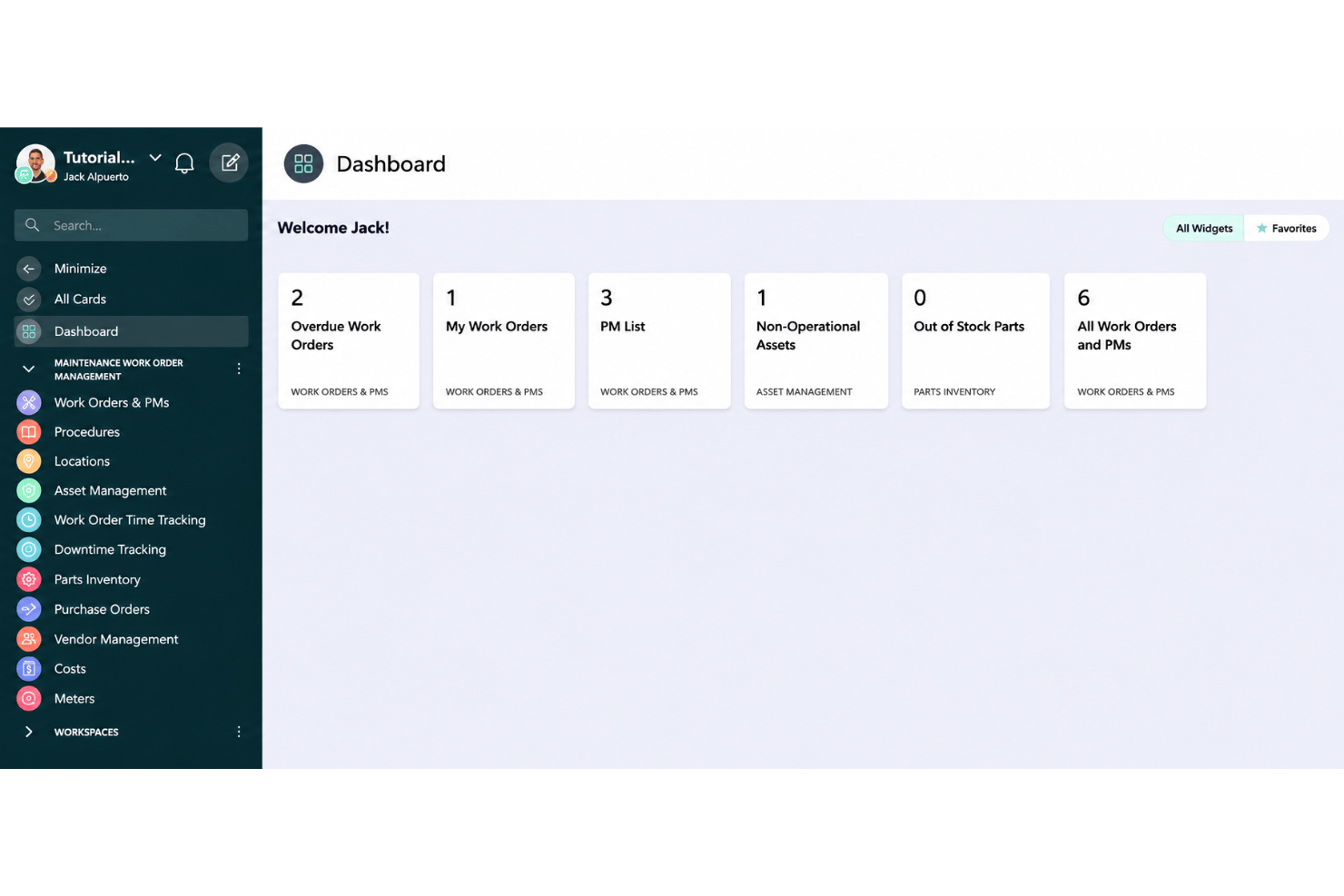
Both are quick to start, and for once the marketing is not lying. Coast is the faster cold start: sign up on a phone, get a free plan that never expires, and let the chat and scheduling pull people in who would otherwise never open a CMMS. Click Maint is quick in a more structured way, with an onboarding specialist on every account, unlimited training sessions, live office hours twice a week, and the option of having someone come to your site, inventory your equipment, tag it with QR labels, and build the database for you. That last option is unusual and it is the right answer if your asset register is currently a filing cabinet and good intentions. The tradeoff runs both ways: Coast asks you to grow into paid tiers to get reporting and control, while Click Maint asks you to accept a narrower product in exchange for having all of it immediately.
Click Maint CMMS vs Coast: Pros & Cons
Click Maint CMMS
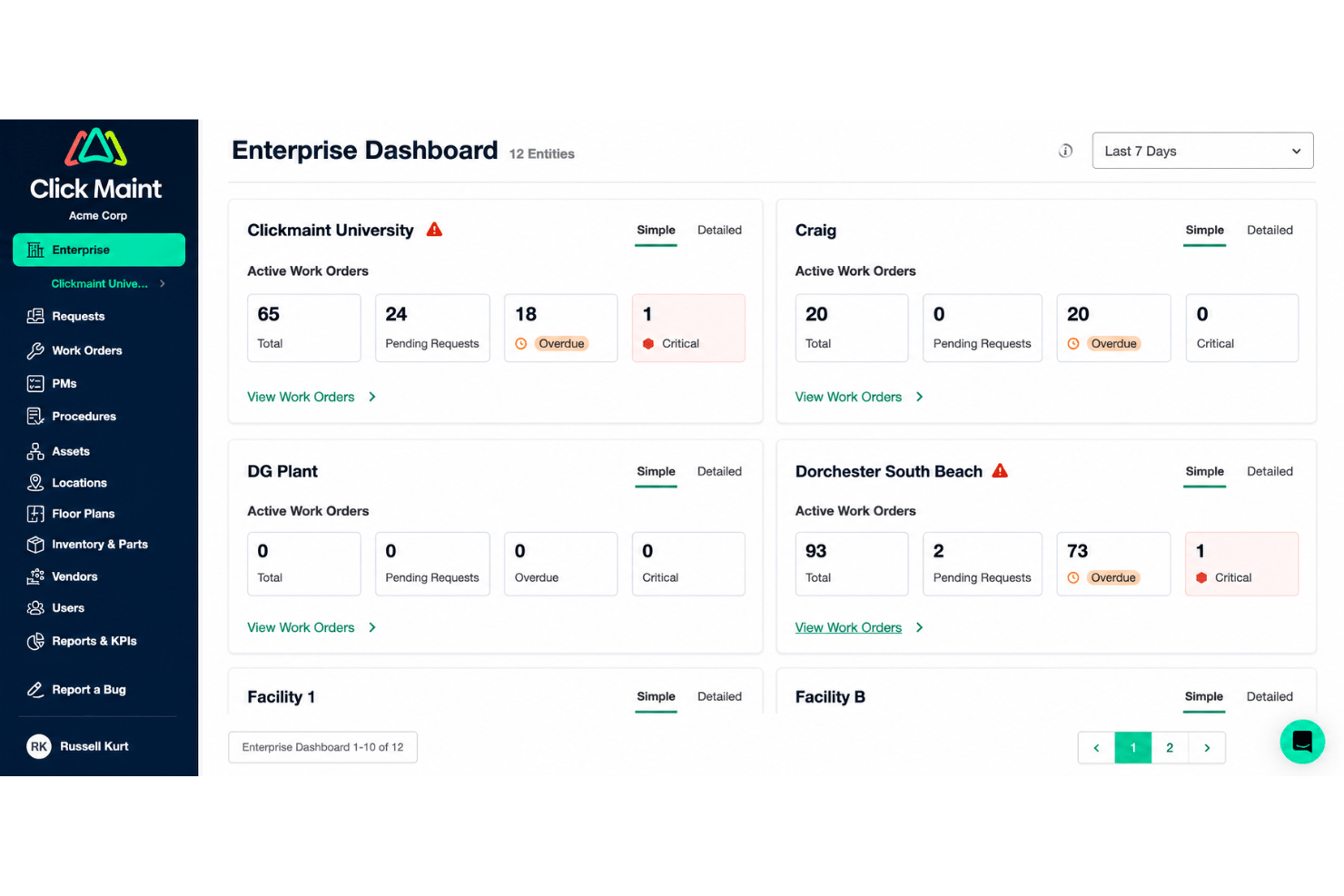
- Unlimited requester and view-only users, with requests by portal, email, or QR scan
- Native iOS and Android apps covering work orders, inspections, time, and photos
- Multi-level location hierarchies and interactive floor plans across multiple sites
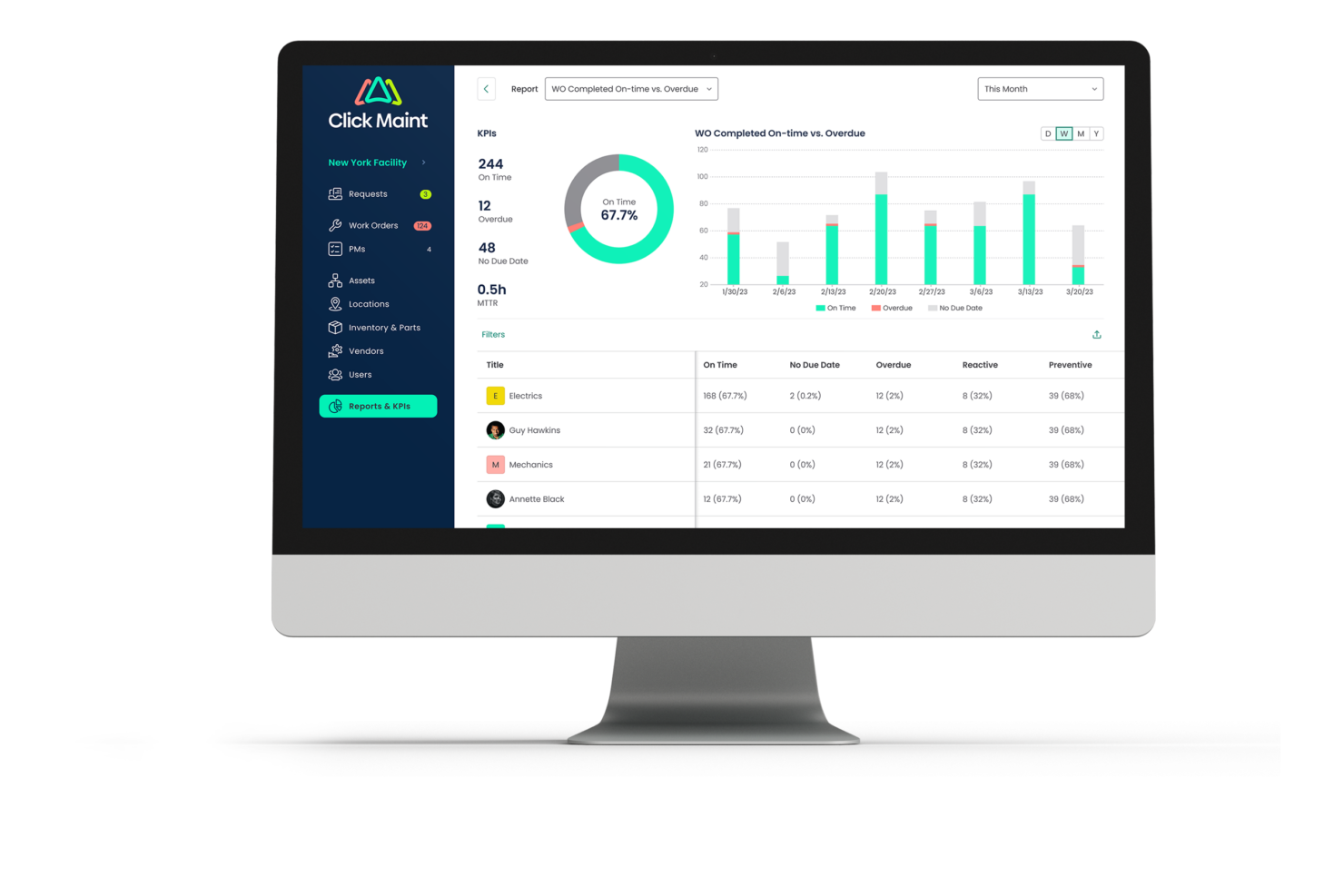
- Custom fields, workflows, reports, and dashboards are limited for larger enterprises
- Inventory lacks multiple storerooms and cycle counts
- Thin fleet capability, with no GPS, fuel, or insurance tracking for large vehicle fleets
Coast
- SMS and mobile notifications keep facility teams updated in real time
- Work order templates speed up repeated maintenance tasks
- In-app chat centralizes all team communications
- Reporting & analytics options are limited for in-depth analysis
- No built-in budgeting or cost tracking tools
- Bulk scheduling recurring tasks can feel manual
Best Use Cases for Click Maint CMMS and Coast
Click Maint CMMS
- K-12 Schools Staff, teachers, and custodians can submit requests with ease, while facilities managers track and prioritize campus issues quickly.
- Operations with Multiple Facilities & Locations Managing distributed residential or commercial properties is easier with asset tracking, visual floor plans, and web-based work order access.
- Small to Mid-Sized Manufacturing Plants Plant managers benefit from preventive maintenance tools and clear asset records to reduce downtime and prolong equipment life.
- Religious Institutions and Nonprofits Volunteer-driven or small staff teams can use the simple request portal and asset lists to keep buildings running smoothly.
- Senior Care Facilities Requests from staff across the building stay in one queue, with preventive schedules and asset history for mechanical, electrical, and plumbing equipment.
- Hotels and Resorts Front desk and housekeeping staff can log room and facility issues by QR scan, while managers schedule preventive work across the property.
Coast
- Multi-Site Retail Store managers can track multiple locations for maintenance work and schedule repairs, all from a single dashboard.
- Property Management Teams Teams juggling work orders, inspections, and tenant requests will appreciate Coast’s mobile-first task lists and digital forms.
- Hospitality Operations Hotels and resorts can use Coast to coordinate staff schedules, assign repairs, and chat quickly about guest needs.
- SMB Facilities Leads Small business and mid-size facility operations get real value from Coast’s lower costs and unlimited users without complex IT setups.
- Distributed Maintenance Crews Field teams stay connected through Coast’s app, using real-time messaging and checklists for recurring maintenance.
- Nonprofit Organizations Nonprofits benefit from Coast’s affordable plans and easy onboarding for volunteers or part-time staff.
Who Should Use Click Maint CMMS, and Who Should Use Coast?
Coast suits frontline teams where maintenance is one job among several: restaurants, retail, hotels, property management, churches, schools, and manufacturers where the same manager handles the schedule, the repairs, and the group chat. It is also a credible pick for regulated production, which surprises people, because the audit trail and electronic signature work is real. Click Maint suits organizations of roughly a few hundred employees or fewer that want a maintenance system rather than an operations suite, and it is strongest where the work is building-shaped: schools and colleges, religious institutions and nonprofits, senior care, hotels, healthcare sites, and light manufacturing. Multi-site is included rather than upsold, which matters as soon as you are running more than one building.
Choose Coast if you want scheduling, chat, and maintenance in one app, or if you need a compliance report in hand. Choose Click Maint if maintenance is the whole job, you want every feature from day one, or data residency is on your checklist.
Differences Between Click Maint CMMS and Coast
| Click Maint CMMS | Coast | |
|---|---|---|
| Compliance Position | ISO 27001-based program with the SOC 2 Type II audit still to come, offset by a Canadian or US data residency choice. | SOC 2 Type II certified today, with 21 CFR and ISO framework support built in. |
| Facilities Depth | Multi-level location hierarchies, newer interactive floor and site plans, parts inventory with min and max thresholds, and vendor ratings. | Solid asset and parts records, extending into service contracts, warranties and asset disposal. |
| Multi-Site Capabilities | Included in the single plan, which makes several locations unusually affordable. | Multi-site management and reporting are an Enterprise entitlement. |
| Pricing Model | One plan priced per user, with no feature gates. | Four tiers from free to quoted Enterprise, priced by workflow, upgraded workspace-wide. |
| Product Scope | Maintenance and facility management, and thorough within it. | Maintenance plus employee scheduling, shift swaps, a time clock and team chat. |
| Visit Click Maint CMMSOpens new window | Read Coast ReviewOpens new window |
Similarities Between Click Maint CMMS and Coast
| Assets, Parts and Vendors | Both keep asset records with history and warranty detail, run parts inventory against work orders, and hold vendor information where the work happens. |
|---|---|
| Genuinely Easy Adoption | Both are unusually pleasant for this category, and in both cases you can expect nontechnical staff to be productive without a training program. |
| Preventive Maintenance | Each platform supports preventive maintenance scheduling so you can automate recurring tasks and reduce unexpected breakdowns. |
| QR Codes and Mobile Apps | Both put QR codes on equipment and ship native apps for iOS and Android, so a technician can scan a label and see everything known about that asset. |
| Work Order Management | Both make raising, assigning, tracking and closing work orders straightforward, with files and photos attached and status visible to everyone who needs it. |
| Visit Click Maint CMMSOpens new window Read Coast ReviewOpens new window | |