



actiTIME vs. Harvest: Comparison and Expert Reviews for 2026


If you’re deciding between actiTIME and Harvest, you’re likely dealing with time tracking that doesn’t fully meet your needs—whether that’s limited visibility into team workload, disconnected invoicing, or a tool that’s either too basic or overly complex to use consistently. Both platforms aim to help you track time, manage projects, and turn hours into actionable insights, but they differ in how they approach usability, financial tracking, and overall depth.
In this article, you’ll get a side-by-side look at actiTIME and Harvest, with expert insights to help you cut through the noise and confidently select the time tracking software that matches your team’s needs and ambitions.
actiTIME vs. Harvest: An Overview
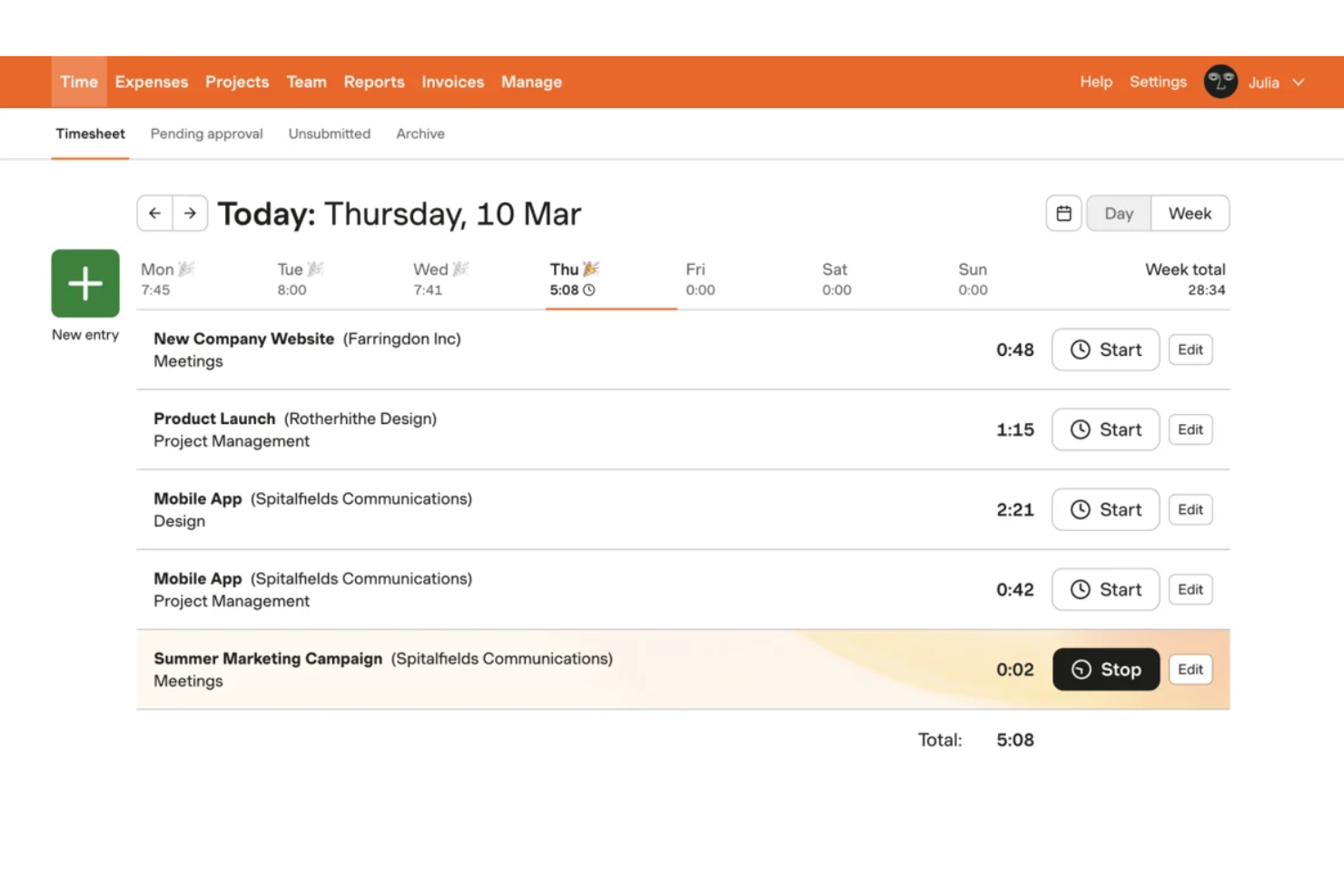
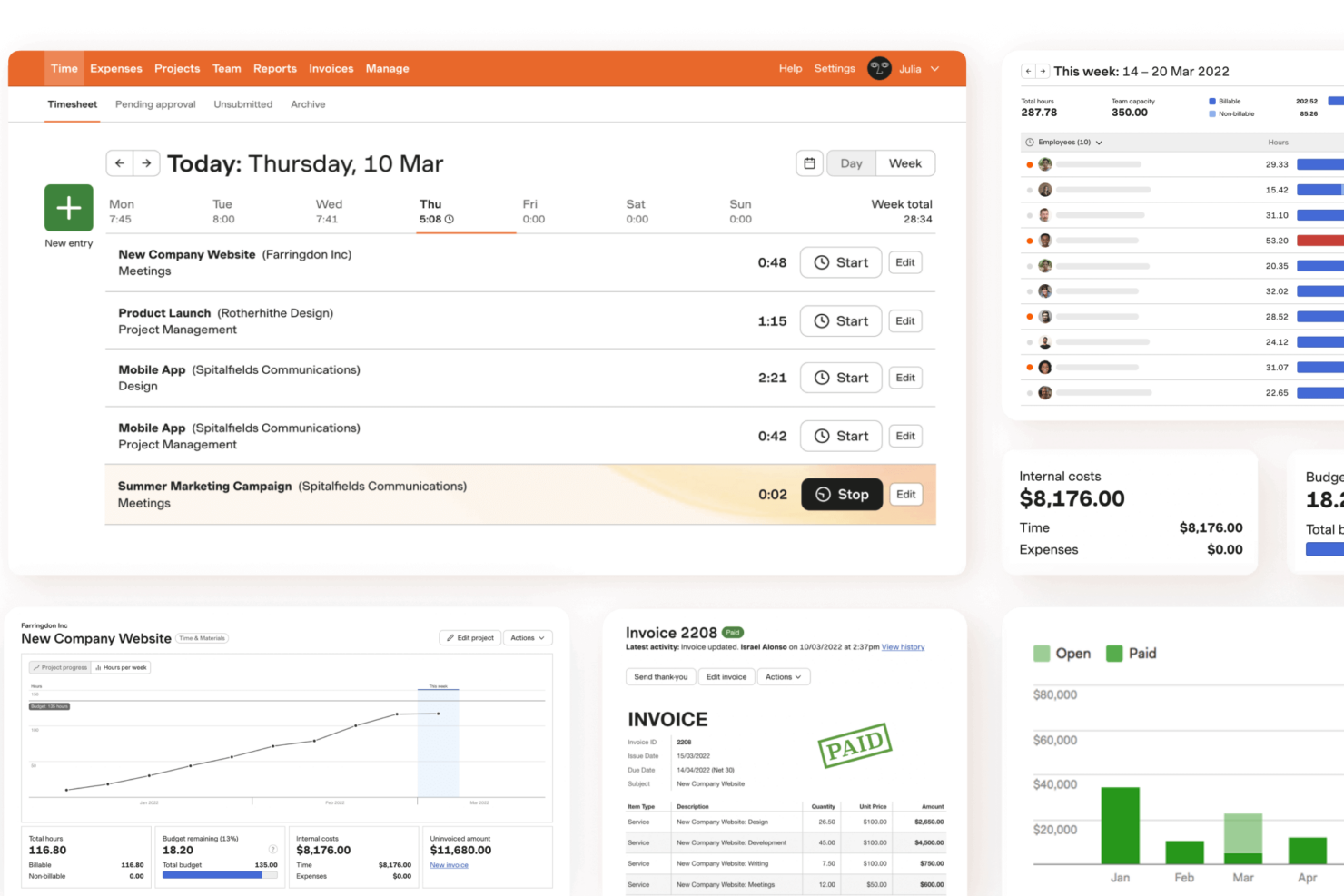
Harvest
Why You Can Trust Us
We’ve been testing and reviewing project management software since 2012. As project managers ourselves, we know how critical and difficult it is to make the right decision when selecting software.
We invest in deep research to help our audience make better software purchasing decisions. We’ve tested more than 2,000 tools for different project management use cases and written over 1,000 comprehensive software reviews. Learn how we stay transparent & our software review methodology.
actiTIME vs. Harvest Pricing Comparison
| actiTIME | Harvest | |
|---|---|---|
| Free Trial | Free plan + free trial available | 30-day free trial + free plan + free demo available |
| Pricing | From $6/user/month (billed annually) | From $9/user/month (billed annually) |
actiTIME vs. Harvest Pricing & Hidden Costs
actiTIME uses a tiered pricing model based on the number of users and offers both cloud and on-premise options, with potential additional fees for customization, data migration, and ongoing maintenance (for the on-premise version only). Harvest charges per seat, with a simple monthly or annual subscription, but some features—like advanced reporting or integrations—may require add-ons or third-party tools, which can increase your total cost.
To choose the right pricing model, look beyond the base subscription and consider how your team will actually use the software. Note your must-have features, expected user count, and any integrations you rely on. Ask vendors for a detailed breakdown of what’s included, what costs extra, and how pricing scales as your team grows. This approach helps you avoid surprises and ensures you’re investing in a solution that fits your real-world needs.
actiTIME vs. Harvest Feature Comparison
Both actiTIME and Harvest cover the core fundamentals of time tracking for project-based teams. They allow users to log hours across projects and tasks, track billable vs. non-billable time, and generate reports to understand team performance and project progress. Each also supports turning tracked time into invoices, making them viable options for service businesses that need to connect time data to revenue.
Where they differ is in specific feature sets. actiTIME includes multi-level budgeting across time, cost, and billing, as well as a built-in task workflow system with custom statuses and a Kanban view. Harvest, by contrast, includes native expense tracking tied directly to projects and invoices, along with a broader set of pre-built integrations with third-party tools.
| actiTIME | Harvest | |
|---|---|---|
| API | ||
| Analytics | ||
| Approval Workflows | ||
| Attendance Tracking | ||
| Batch Permissions & Access | ||
| Billing/Invoicing | ||
| Budgeting | ||
| Calendar Management | ||
| Dashboard | ||
| Data Export | ||
| Data Import | ||
| Data Visualization | ||
| Expense Tracking | ||
| External Integrations | ||
| Forecasting | ||
| Multi-User | ||
| Notifications | ||
| Project Management | ||
| Resource Management | ||
| Scheduling | ||
| Task Scheduling/Tracking | ||
| Time Management | ||
| Timesheets | ||
| Vacation & Absence Calendar |
actiTIME vs. Harvest Integrations
| Integration | actiTIME | Harvest |
| QuickBooks | ✅ | ✅ |
| Asana | ❌ | ✅ |
| Trello | ❌ | ✅ |
| Jira | ❌ | ✅ |
| Slack | ❌ | ✅ |
| Xero | ❌ | ✅ |
| Salesforce | ❌ | ❌ |
| Google Workspace | ❌ | ✅ |
| API | ✅ | ✅ |
| Zapier | ✅ | ✅ |
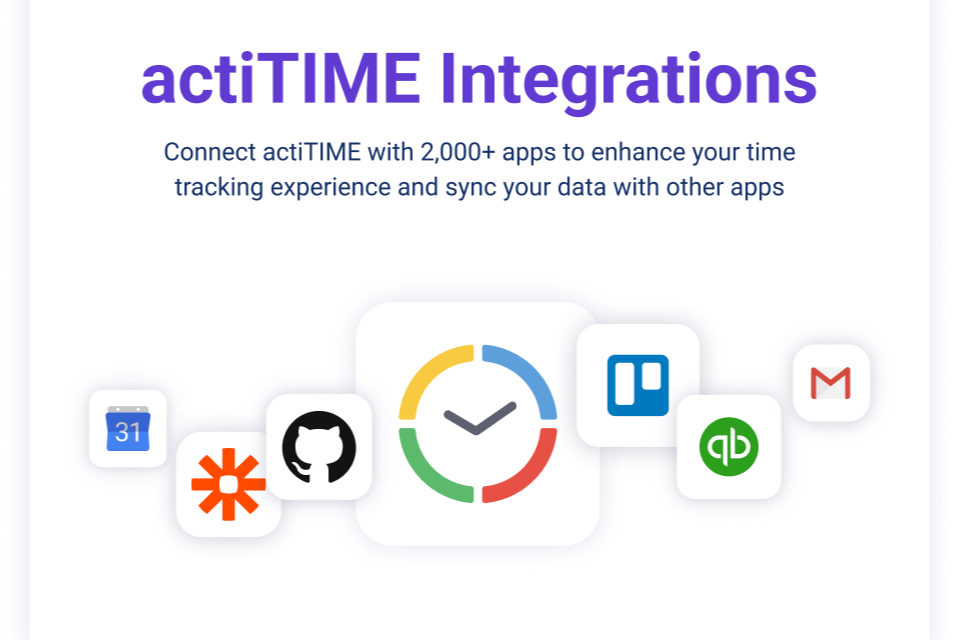
Both actiTIME and Harvest support core integrations like QuickBooks, Zapier, and API access for custom connections. However, Harvest offers a significantly broader set of native integrations, including tools like Asana, Trello, Jira, Slack, and Xero. In contrast, actiTIME relies more heavily on Zapier and its API for extending functionality beyond its smaller set of built-in integrations.
actiTIME vs. Harvest Security, Compliance & Reliability
| Factor | actiTIME | Harvest |
| Data Encryption | Uses SSL/TLS encryption for data in transit; hosted on AWS. | Encrypts data in transit and at rest using industry-standard protocols. |
| Regulatory Compliance | Offers GDPR compliance and customizable data retention policies. | Complies with GDPR and provides clear data processing agreements. |
| Uptime Guarantee | No formal SLA or uptime guarantee; references AWS infrastructure uptime. | Offers a published uptime commitment (~99.9%) and status monitoring. |
| Access Controls | Supports role-based permissions and optional 2FA (not supported for API/mobile). | Offers role-based permissions and enforced two-factor authentication. |
| Data Recovery | Performs daily backups; RPO/RTO of 24 hours; data export available. | Performs daily backups and supports quick data recovery. |
Both actiTIME and Harvest provide standard security measures like encryption in transit, role-based access controls, and regular backups. However, actiTIME does not offer a formal uptime SLA, while Harvest provides clearer uptime commitments. Harvest also supports more consistent two-factor authentication coverage, whereas actiTIME’s 2FA does not extend to API and integration access.
actiTIME vs. Harvest Ease of Use
| Factor | actiTIME | Harvest |
| User Interface | Offers a detailed interface with many features, which can feel busy or complex for some users. | Features a clean, minimal interface that’s easy to navigate. |
| Onboarding | Provides a structured setup process with guides, but full configuration can take time. | Delivers a quick onboarding process with simple tutorials and instant access. |
| Task Management | Supports detailed task structures with workflows, custom fields, and bulk actions. | Allows simple task creation and assignment within projects. |
| Mobile Experience | Mobile app supports time tracking and core functions; some limitations vs. desktop. | Mobile app focused on quick time entry. |
| Customer Support | Offers support via email, phone, chat, and help resources. | Provides email support and a comprehensive help center. |
Harvest is generally easier to navigate at first, with a simpler interface and quicker onboarding experience. However, actiTIME offers a more flexible and customizable environment, with configurable workflows, task structures, and controls that can better support teams with more complex needs. While it may take longer to fully set up, actiTIME provides greater depth once implemented, whereas Harvest focuses on maintaining simplicity with fewer configuration options.
actiTIME vs Harvest: Pros & Cons
actiTIME
- Detailed time tracking at the project and task level for better visibility.
- Built-in leave and PTO management within the same system.
- Strong, customizable reporting for cost, billing, and performance analysis.
- Mobile app features are limited compared to the web version.
- Limited native integrations compared to many competing platforms.
- No built-in payroll processing, though direct payroll integrations are available.
Harvest
- You can track time easily with a user-friendly interface.
- Your team will appreciate the clear and detailed reporting features.
- It's simple to generate invoices directly from tracked hours.
- Your team might find the mobile app lacking some features.
- You could experience limited customization options for reports.
- Onboarding might take longer than expected for some users.
Best Use Cases for actiTIME and Harvest
actiTIME
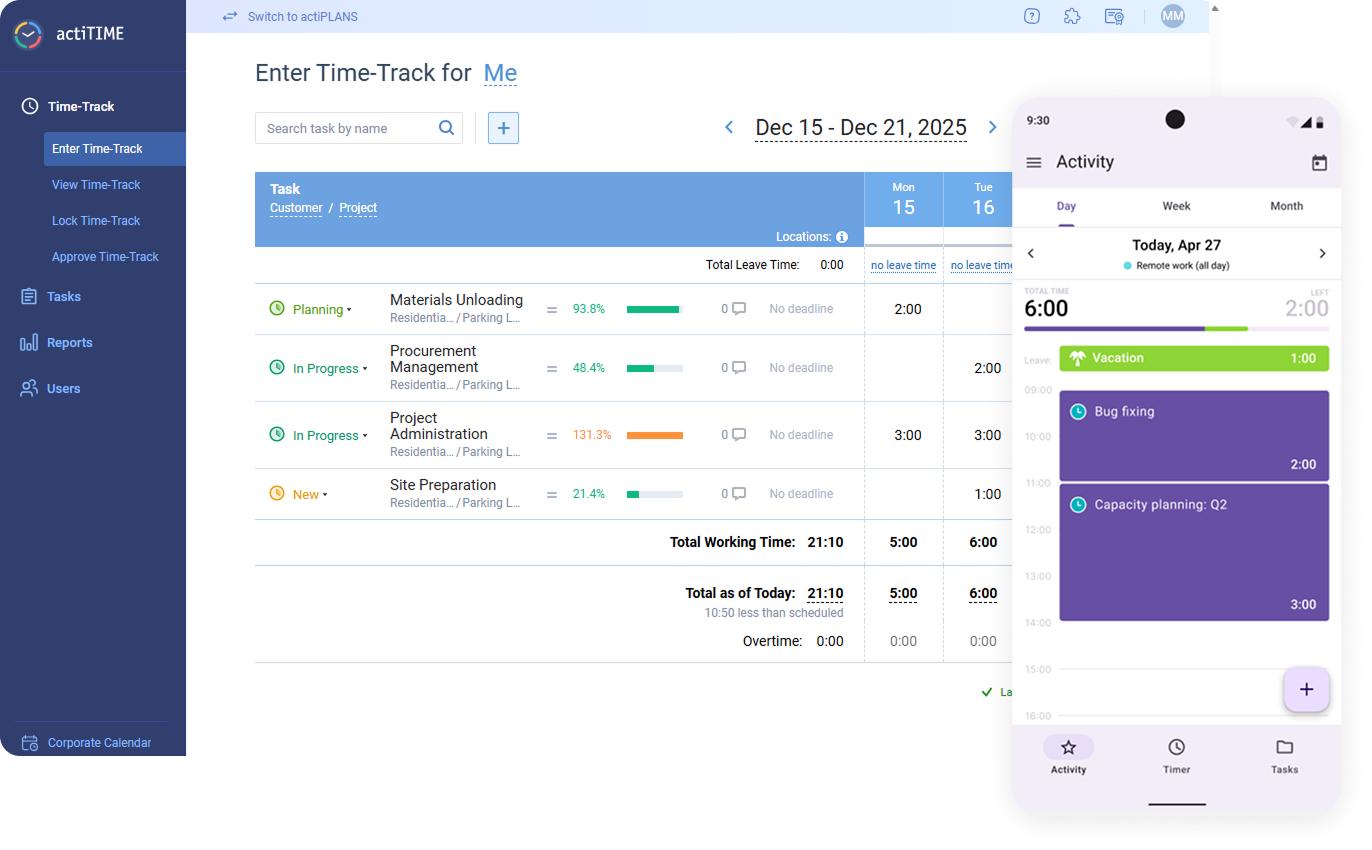
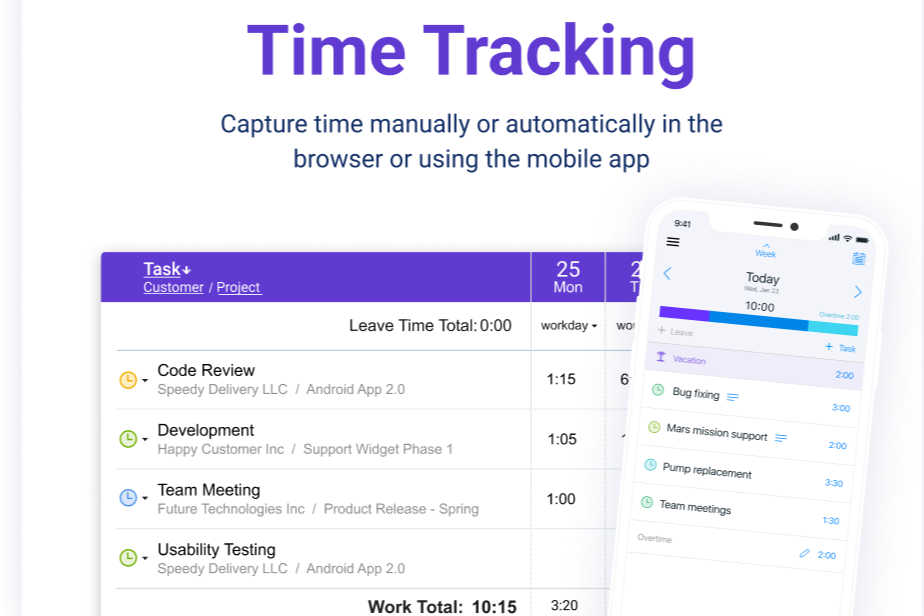
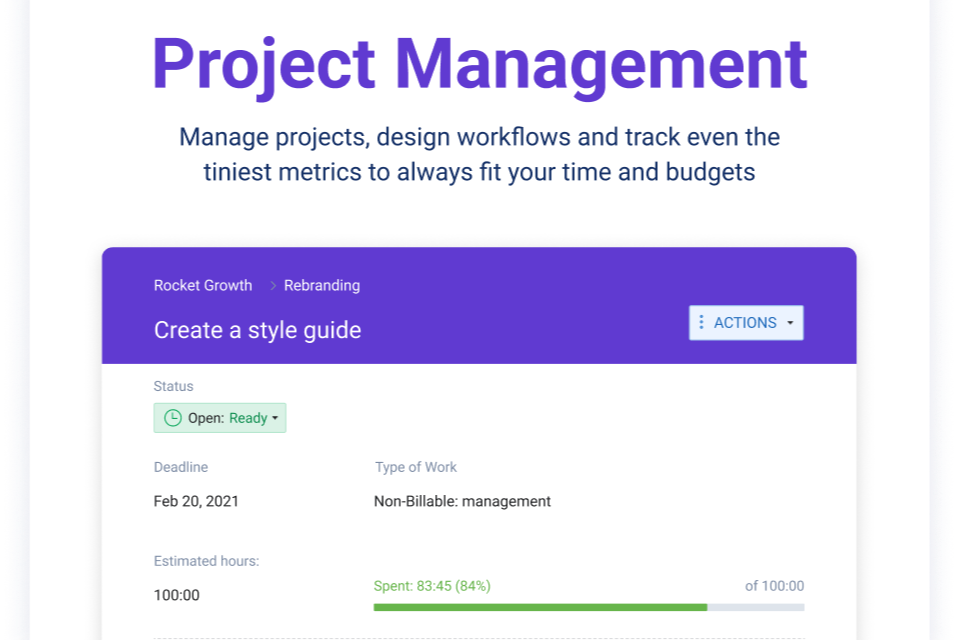
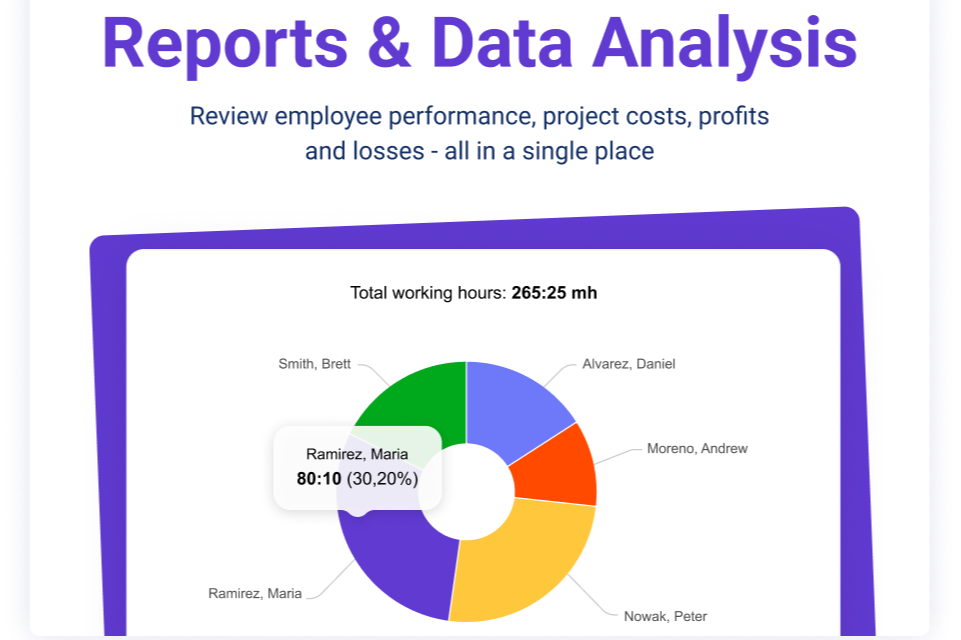
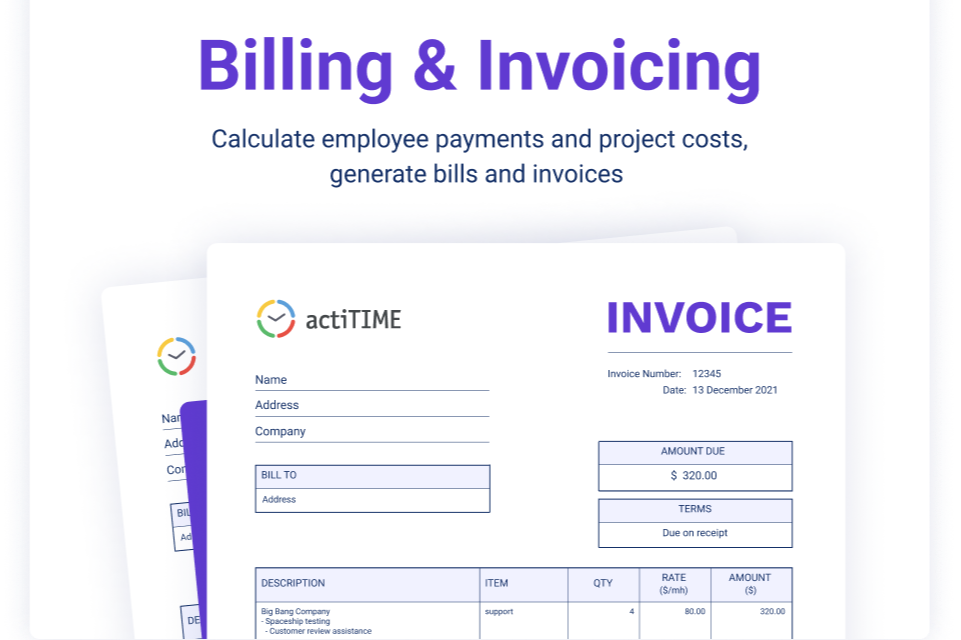
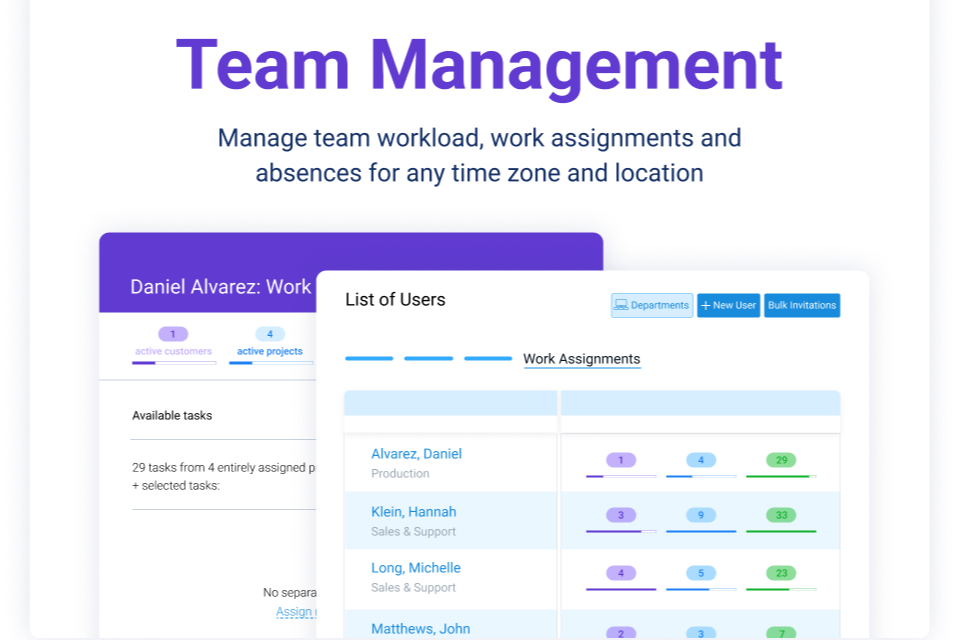
- Professional Services Firms actiTIME is well-suited for professional services teams that rely on billable hours and client-based work. Its billing rates, invoicing capabilities, and profitability reporting help track margins and ensure projects stay within budget.
- Creative Agencies Agencies managing multiple clients benefit from task-level tracking, workflow statuses, and Kanban views, which provide visibility into project progress while supporting detailed time and cost reporting across accounts.
- IT Departments Internal teams can use actiTIME to monitor resource allocation, track time across initiatives, and manage leave in one system, helping improve planning and visibility across ongoing projects.
- Consulting Teams Consulting teams can leverage billable vs. non-billable tracking, rate management, and estimated vs. actual reporting to better manage client engagements and evaluate project performance.
- Engineering Teams For engineering or technical teams, actiTIME’s granular time tracking and budget controls support more accurate project costing, forecasting, and workload analysis across complex projects.
- Mid-Sized Companies Growing organizations benefit from actiTIME’s scalable structure, user roles/permissions, and customizable settings, though larger teams may need to account for its limited native integrations.
Harvest
- Creative Agencies Harvest helps your team track billable hours and manage multiple projects efficiently with clear reporting.
- Consultancies Your consultancy can benefit from Harvest's ability to generate invoices directly from tracked hours, simplifying billing.
- Small Businesses Harvest's user-friendly interface supports small teams in managing time and budgets without unnecessary complexity.
- Design Teams Design teams appreciate Harvest's easy time tracking, helping manage project hours accurately and efficiently.
- Marketing Departments Marketing departments can track how much time is spent on campaigns and budgets, helping ensure projects stay on time and within budget.
- Professional Services Professional service providers use Harvest for its seamless tracking and reporting, enhancing project oversight.
Who Should Use actiTIME, and Who Should Use Harvest?
actiTIME is a strong choice if you run a project-based business and need more structure around how time is tracked and managed. If you’re dealing with multiple projects, billable work, approvals, and budgets, it gives you the controls to connect time tracking with costs and performance.
Harvest is a better fit if you want a simple, easy-to-use time tracking tool that you can start using right away. If your priority is quick setup, straightforward tracking, and integrating with the tools you already use, it keeps things efficient without adding extra complexity.
Differences Between actiTIME and Harvest
| actiTIME | Harvest | |
|---|---|---|
| Budgeting | Supports time, cost, and billing budgets across projects/tasks. | No native multi-level budgeting system. |
| Customization | Supports configurable workflows, task structures, permissions, and feature toggling. | Limited customization, focused on simplicity and standard workflows. |
| Deployment Options | SaaS (cloud) and self-hosted deployment available. | Cloud-only (SaaS). |
| PTO Tracking | Built-in PTO tracking with accruals, balances, and rules. | No native PTO management features. |
| Reporting Depth | Extensive reporting across time, cost, billing, and performance. | Simpler reporting with summaries and basic visual insights. |
| Visit actiTIMEOpens new window | Read Harvest ReviewOpens new window |
Similarities Between actiTIME and Harvest
| API Access | Both provide APIs for integrating with external systems and workflows. |
|---|---|
| Invoicing | Both generate invoices based on tracked time and expenses, streamlining billing for client work. |
| Project Management | Both allow users to create projects and tasks and track time against them. |
| Time Tracking | Both support tracking billable and non-billable hours with timer-based and manual entry options. |
| User Support | Both support team collaboration with multiple users working across projects. |
| Visit actiTIMEOpens new window Read Harvest ReviewOpens new window | |