


Mural vs. Miro: Comparison & Expert Reviews For 2026



Mural offers a dynamic platform that lets your team brainstorm and collaborate visually, and Miro provides a versatile space for creating and managing projects collaboratively. Both tools can improve team communication and teamwork, but they differ in their approach to flexibility and integration capabilities.
I’ve tested and evaluated both tools extensively and covered their features, pros and cons, pricing, and more to help you decide which collaboration tool suits your needs best.
Mural vs. Miro: An Overview
Mural
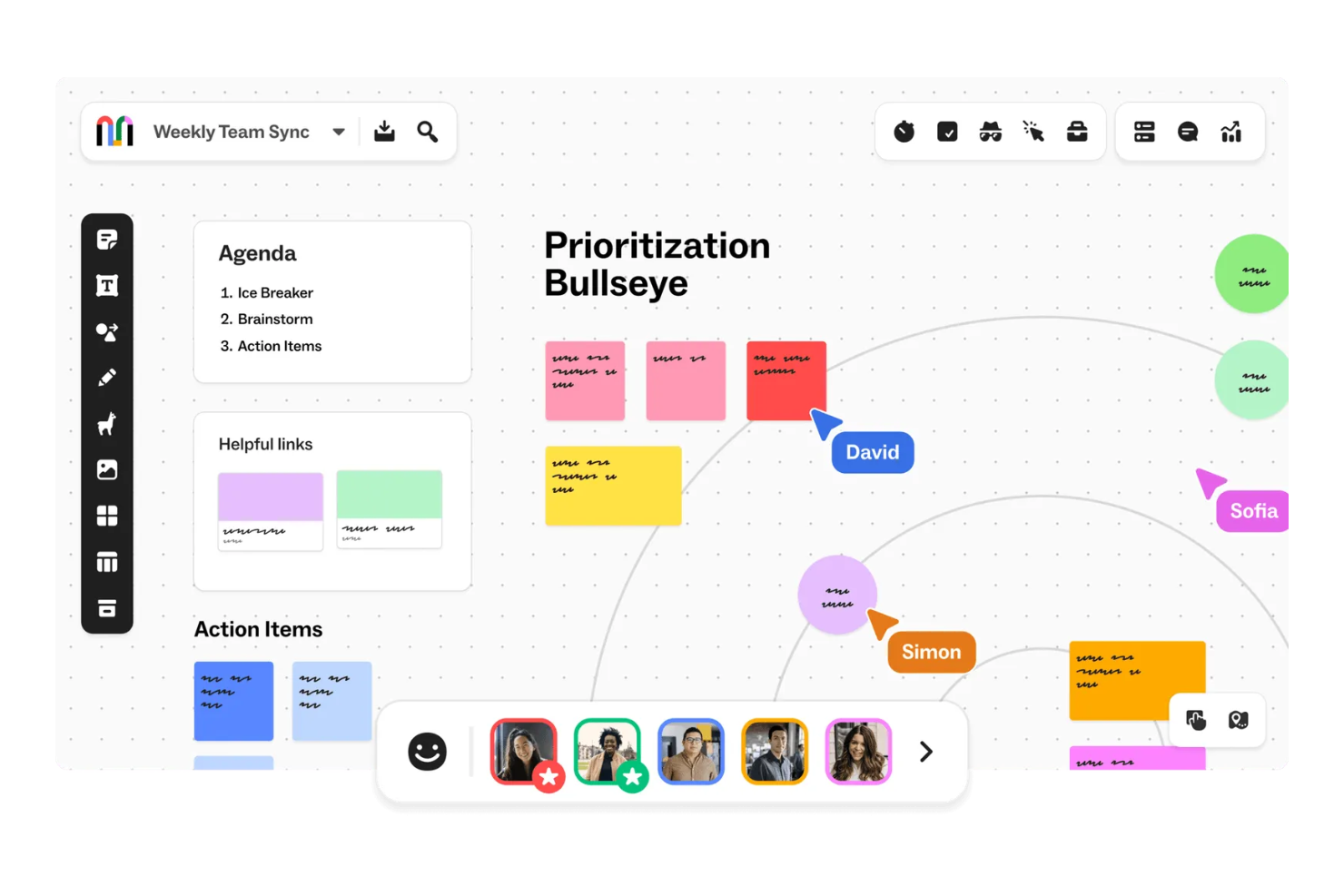
Miro


Why Trust Our Software Recommendations
Our team has been testing and reviewing software since 2012. As project managers ourselves, we know how difficult—and important—it is to choose the right software.
For this guide, we evaluated tools using hands-on testing and independent research, scoring tools using our selection criteria. We also draw on insights from industry thought leaders and practicing project management experts.
Our reviews reflect our human editorial judgment, not a sales pitch.
Expert reviewers:
Mural vs. Miro Pricing Comparison
| Mural | Miro | |
|---|---|---|
| Free Trial | Free demo + free plan available | Free plan + 14-day free trial available |
| Pricing | From $9.99/user/month (billed annually) | From $8/user/month (billed annually) |
Mural vs. Miro Pricing & Hidden Costs
Mural’s pricing follows a tiered subscription model, with costs that increase based on team size and additional features you choose. Miro’s pricing is also a tiered subscription model, and costs increase as you add more advanced features and security measures. Both tools also offer a free plan.
To select the right tool and paid plan, evaluate your team's needs and usage patterns, and consider the potential for scaling and whether specific functionality might incur additional costs.
Mural vs. Miro Feature Comparison
Mural’s collaboration features and facilitation features let you brainstorm and conduct remote project planning sessions with your team members. Miro’s expansive template library offers lots of options for visualizing complex projects and creating product roadmaps.
| Mural | Miro | |
|---|---|---|
| API | ||
| Data Export | ||
| Data Import | ||
| Email Integration | ||
| External Integrations | ||
| Multi-User | ||
| Notifications | ||
| Project Management |
Mural vs. Miro Integrations
| Integration | Mural | Miro |
|---|---|---|
| Google Workspace | ✅ | ✅ |
| Microsoft Teams | ✅ | ✅ |
| Slack | ✅ | ✅ |
| Zoom | ✅ | ✅ |
| Jira | ✅ | ✅ |
| Asana | ✅ | ✅ |
| Trello | ✅ | ✅ |
| Confluence | ✅ | ✅ |
| API | ✅ | ✅ |
| Zapier | ✅ | ✅ |
Mural's integration with Microsoft Teams lets you easily collaborate with your team in real-time and communicate smoothly during remote meetings. Miro's integration with Jira helps you manage project tasks and track progress, especially in agile environments.
Mural vs. Miro Security, Compliance & Reliability
| Factor | Mural | Miro |
|---|---|---|
| Data Privacy | Mural maintains data privacy with GDPR compliance and user control over information. | Miro maintains data privacy through GDPR compliance and encryption. |
| Encryption | Mural uses AES-256 encryption for data at rest. | Miro secures data at rest with AES-256 encryption. |
| Regulatory Compliance | Mural complies with SOC 2 Type II and ISO 27001 standards for security practices. | Miro adheres to SOC 2 Type II and ISO 27001 standards for compliance. |
Mural and Miro both offer robust security and compliance features. Assess your team's specific security needs, and consider factors like regulatory compliance and encryption standards to make sure they align with your organization's requirements.
Mural vs. Miro Ease of Use
| Factor | Mural | Miro |
|---|---|---|
| User Interface | Mural offers a clean, user-friendly interface with intuitive drag-and-drop features. | Miro provides a visually appealing interface with customizable templates. |
| Onboarding Experience | Mural's onboarding includes interactive tutorials to help you get started quickly. | Miro offers a comprehensive onboarding guide with video tutorials. |
| Support | Mural provides responsive support with a dedicated help center. | Miro has extensive support with a community forum and live chat. |
Mural’s straightforward interface makes it easy for you to get started, but its support could be more extensive. Miro's templates offer lots of customization, but its setup can be a bit overwhelming initially.
Mural vs Miro: Pros & Cons
Mural
- Mural's intuitive interface makes it easy for your team to engage in creative brainstorming sessions.
- The platform offers a wide array of templates that help you quickly visualize and plan your projects.
- Its real-time collaboration features ensure your team stays connected and productive, no matter where they are.
- Some users find the initial learning curve steep, which might slow down your team's adaptation.
- Performance can lag with larger or more complex boards, impacting your team's workflow.
- Limited offline functionality means your team will need a reliable internet connection to collaborate effectively.
Miro
- You’ll love Miro's intuitive and visually engaging interface.
- Your team can collaborate in real-time with ease.
- Miro's flexible templates save you time on project setup.
- You might find the learning curve steep for advanced features.
- Your team could experience occasional performance lags with large boards.
- Miro may require frequent updates, which can interrupt your workflow.
Best Use Cases for Mural and Miro
Mural
- Design Teams Mural's visual tools and templates allow your design team to sketch and refine ideas collaboratively.
- Marketing Departments Your marketing team can plan campaigns visually, making it easier to align strategies and goals.
- Educational Institutions Teachers can use Mural to create interactive lessons that engage students in collaborative learning.
- Remote Teams Mural's real-time collaboration keeps your remote team connected and productive, regardless of location.
- Product Development Product teams can map out features and workflows visually, aiding in better planning and execution
- Creative Agencies For agencies, Mural offers a space to brainstorm and present creative concepts to clients effectively.
Miro
- Creative agencies Miro supports brainstorming sessions with its visual tools and helps your team innovate and execute creative ideas efficiently.
- Marketing teams It allows you to map out marketing campaigns visually and keeps your projects organized and aligned with your goals.
- Design departments Miro’s flexible templates and drawing tools let your team create and iterate on design concepts with ease.
- Product management Visual roadmaps and collaboration features make it easy for your team to track product development and align on tasks.
- Remote teams Miro allows for seamless remote collaboration, so your team stays connected and productive, no matter where they’re located.
- Education sector Engage your students and make learning more dynamic with interactive lessons using Miro’s visual aids and collaborative features.
Who Should Use Mural, and Who Should Use Miro?
In my opinion, Mural is best for creative teams and educators who need a simple, visual tool for brainstorming and interactive workshops. Miro, on the other hand, is ideal for project managers and tech teams whose use cases require detailed planning, task management, and a wide range of integrations.
If you're in a fast-paced environment with structured processes, Miro might be your go-to. But if your team thrives on creativity and visual collaboration, Mural could be the perfect fit.
Differences Between Mural and Miro
| Mural | Miro | |
|---|---|---|
| Integrations | Mural integrates with tools like Microsoft Teams and Slack. | Miro integrates with Jira and Trello. |
| Onboarding | Mural provides interactive tutorials for quick onboarding. | Miro offers comprehensive guides and video tutorials. |
| Security | Mural complies with GDPR, ISO 27001, and SOC 2 Type II standards. | Miro adheres to GDPR, SOC 2 Type II, and ISO 27001 standards. |
| User Interface | Mural offers a straightforward, drag-and-drop interface. | Miro provides a visually rich interface with customizable templates. |
| Read Mural ReviewOpens new window | Visit MiroOpens new window |
Similarities Between Mural and Miro
| Collaboration | Both Mural and Miro let your team collaborate, brainstorm, and edit in real-time, which is crucial for remote work environments. |
|---|---|
| Cross-Platform Access | Both tools can be accessed on multiple devices, so you and your team can work from anywhere, whether on desktop or mobile platforms. |
| Custom Templates | Mural and Miro offer a variety of templates to streamline your workflows, so you can start projects quickly with pre-designed layouts. |
| Data Visualization | Mural and Miro both support visual brainstorming with sticky notes and diagrams, which makes it easy for your team to organize and present ideas clearly. |
| Integrations | Both tools integrate with Zapier, so you can automate workflows and connect the tool with a wide array of other applications to improve your productivity and efficiency. |
| Read Mural ReviewOpens new window Visit MiroOpens new window | |