

Best Project Portfolio Management (PPM) Tools in 2026
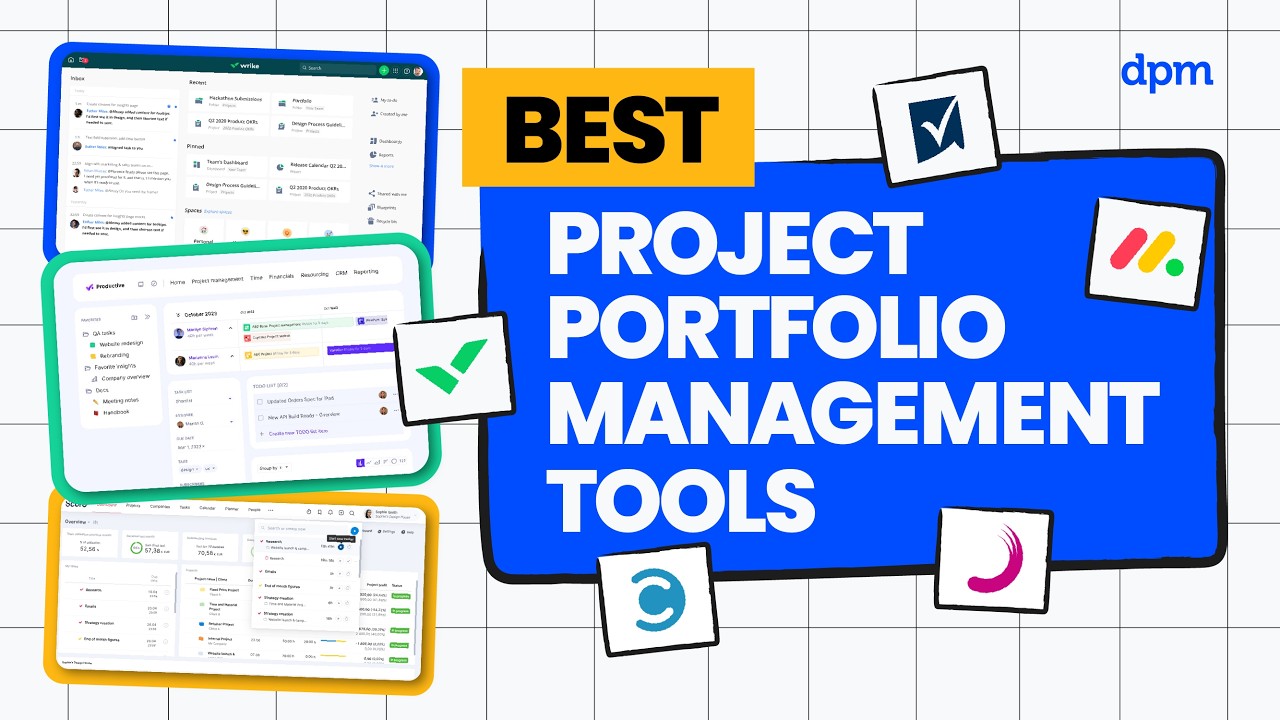
Looking for the best project portfolio management tools in 2026?
We compare the top project portfolio management software, breaking down how they help teams track multiple projects, balance resources, and gain real-time visibility into performance—plus what each tool is best for, how AI features actually show up, and pricing at a glance.
Whether you’re managing competing priorities, reporting to stakeholders, or trying to prevent resource overload, this comparison will help you choose the right tool to keep your project portfolio on track.
PPM tools covered in this video:
0:24 – Smartsheet
1:47 – Wrike
3:14 – Celoxis
5:00 – monday.com
6:35 – Planisware
For a deeper comparison, check out our full project portfolio management software guide.
Managing multiple projects is one thing, but knowing which ones need attention and where resources are stretched is what really matters. That’s where the right project portfolio management tool can make a big difference.
In this video, I’ll walk you through five of the best project portfolio management tools in 2026, breaking down who each tool is best for, standout features, where AI shows up, and pricing at a glance.
First up is Smartsheet. This one is great if you need real-time portfolio visibility to quickly spot project risks and keep stakeholders aligned. Automated workflow rules let you trigger updates, reminders, or approvals across multiple projects without manual follow-up. Dynamic dashboards pull live data from all your portfolios, so you can share up-to-date progress with leadership in seconds.
Plus, built-in resource management tools help you balance workloads and avoid overcommitting your team as priorities shift. When it comes to AI features, Smartsheet offers automated formula suggestions to help you build complex calculations more quickly. You can also use natural language queries to surface project data or trends instantly, making it easier to answer stakeholder questions on the fly.
These features speed up reporting and reduce the time spent configuring dashboards or digging through spreadsheets. One great thing about Smartsheet is its ability to integrate with a wide range of business apps, so you can connect project data directly with tools your team already uses. That being said, one potential drawback is that Smartsheet’s interface can feel overwhelming for new users, which may slow down onboarding for teams unfamiliar with spreadsheet-style tools.
Smartsheet has a 30-day free trial, and paid plans start around nine dollars per user per month, with higher tiers unlocking unlimited automations, advanced resource management, and premium integrations.
Next up is Wrike. This one is great if you need customizable workspaces to organize complex project portfolios and adapt to shifting team structures or workflows. Custom request forms let you standardize intake for new projects, so teams capture all the right details from the start.
Advanced reporting tools make it easy to build custom dashboards that track KPIs across multiple portfolios, helping you spot bottlenecks before they escalate. Built-in proofing and approval workflows keep feedback organized, which is especially useful when managing creative assets or collaborating with distributed teams.
In terms of AI features, Wrike offers automated task prioritization that helps you identify which work needs attention first based on deadlines and dependencies. You’ll also find smart search capabilities that surface relevant files, comments, or tasks as you type, making it easier to locate project details during fast-paced meetings.
These features help teams cut down on manual sorting and keep projects moving when priorities shift unexpectedly. Where Wrike really shines is in its ability to support highly customizable workflows across teams, so you can adapt processes as your organization grows. One thing to be aware of, though, is that Wrike’s more advanced feature set can come with a steeper learning curve, which may slow down onboarding for new teams.
Wrike has a free plan as well as a 14-day free trial, and paid plans start around ten dollars per user per month, with higher tiers unlocking advanced resource and capacity planning, budgeting, and advanced reporting and BI.
Next up is Celoxis. This one is great if you need a project management platform that brings together portfolio tracking and resource management, making it easier to balance workloads across multiple teams and projects.
Interactive Gantt charts let you visualize project timelines and adjust schedules on the fly, which is especially useful when priorities shift mid-project. Built-in resource allodance tools help you see team workloads at a glance, so you can quickly reassign tasks to avoid bottlenecks. Plus, customizable dashboards pull together data from multiple projects, making it easier to report on progress and spot risks before they impact delivery.
In terms of AI features, Celoxis includes Lex, a conversational assistant that lets you ask questions about your projects in natural language and get instant insights. It can also highlight risks and suggest resource adjustments based on your portfolio data, helping you make faster decisions as priorities shift.
A standout feature of Celoxis is its ability to handle complex project financials, including budgeting, cost tracking, and revenue forecasting, all within the same platform, so you can keep a close eye on profitability as projects evolve. On the other hand, a potential downside is that Celoxis’ interface can feel dated and less intuitive compared to more modern tools, which may slow down onboarding for new team members.
Celoxis has a 14-day free trial, and paid plans start around $10 per user per month, with higher tiers unlocking features like risk tracking, intake management, and advanced security.
At this point, you can probably see how these tools differ in their approach to portfolio management. If you want a clearer side-by-side breakdown of those differences, check out our complete project portfolio management tools guide linked below. Now let’s look at more options.
Next up is monday.com. This one is great if you want a highly customizable work management platform that lets you build workflows tailored to your team’s exact processes so you can adapt quickly as project needs change. Visual workflow builders let you design and adjust project boards using drag and drop, so you can quickly map out processes as requirements shift.
Automation recipes handle repetitive tasks like status updates or notifications, freeing up your team to focus on higher value work. And integration with tools like Slack, Jira, and Google Drive means you can centralize updates and files, reducing the need to jump between platforms during a project sprint.
In terms of AI features, monday.com offers AI-powered task suggestions and smart deadline recommendations directly within your project boards, helping you keep schedules realistic as priorities shift. AI-assisted data summaries highlight key updates or overdue items, so you can quickly spot what needs attention during daily standups.
These capabilities are embedded in the platform’s workflow tools, making it easier to manage complex projects without missing critical details. One great thing about monday.com is its extensive template library, which lets you launch new projects or processes quickly without building workflows from scratch.
That being said, one potential drawback is that monday.com’s pricing can scale quickly as you add users and advanced features, which may become expensive for larger teams. monday.com has a free plan and a 14-day free trial, and paid plans start around $9 per seat per month, with higher tiers unlocking features like timeline and Gantt views, advanced automations, and resource management.
And last but not least is Planisware. This one is great if you need a platform built for managing complex project portfolios, especially when your organization requires advanced resource planning and scenario modeling to balance competing priorities. Integrated scenario planning lets you model different project portfolio strategies so you can see the impact of shifting budgets or timelines before making decisions.
Advanced resource management tools help you allocate people and assets across multiple projects, reducing bottlenecks when teams are stretched thin. Plus, real-time dashboards provide portfolio-wide visibility, making it easier to report progress and risks to leadership during quarterly reviews. As for AI features, Planisware offers predictive analytics that forecast project timelines and resource needs based on historical data, helping you anticipate bottlenecks before they disrupt delivery.
It can also highlight potential risks and recommend adjustments, supporting more informed decision-making across your project portfolio. Where Planisware really shines is in its configurable workflow engine, which lets you tailor approval processes and project stages to match your organization’s unique governance requirements.
One thing to be aware of, though, is that Planisware’s interface can feel complex and may require significant onboarding time, which can slow down adoption for teams new to enterprise project portfolio management systems. Planisware offers a free demo, and pricing is quote-based.
So which of the tools we’ve covered today actually makes the most sense for your situation?
Choose Smartsheet if you want flexible project tracking that’s easy for cross-functional teams to adopt.
Wrike is a strong fit for digital teams that need customizable workflows and real-time collaboration.
Celoxis works well for organizations managing client projects with complex billing and resource needs.
Go with monday.com if you want a visually intuitive platform for fast-moving product or marketing teams.
Planisware is best for enterprises handling large, complex portfolios with advanced scenario planning needs.
If you’d like a deeper comparison, we’ve linked our full Project Portfolio Management Tools guide below. Thanks for watching.

