

5 Best Capacity Planning Software in 2026
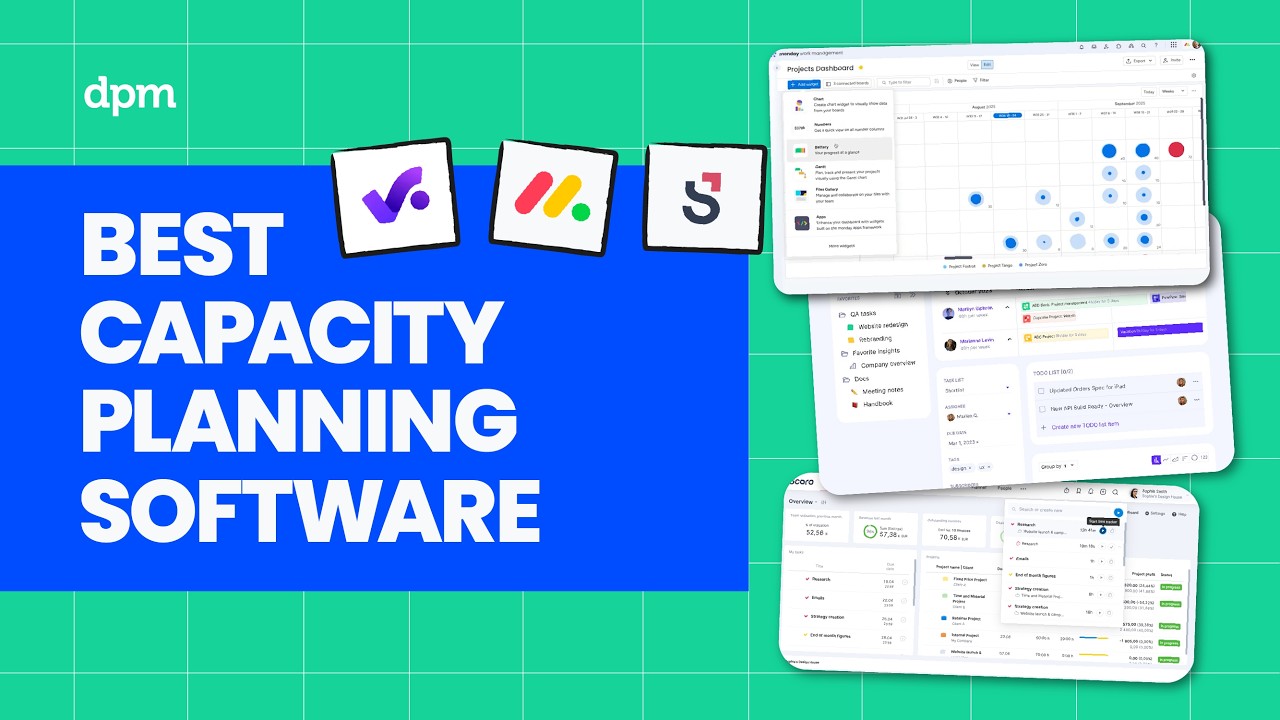
Looking for the best capacity planning software in 2026?
We compare the top capacity planning and resource management tools, breaking down how they help teams manage workloads, allocate resources, and prevent bottlenecks—plus what each tool is best for, how AI features actually show up, and pricing at a glance.
Whether you’re planning team capacity, forecasting resources, or managing multiple projects at once, this comparison will help you choose the right tool to keep work on track.
Capacity planning software & resource planning tools covered in this video:
0:22 – monday.com
1:54 – Scoro
3:26 – Productive
5:15 – Epicflow
6:48 – Kantata
For a deeper comparison, check out our full guide to capacity planning software.
Ever had a project stall because your team was already over capacity and you didn’t see it coming?
In this video, I’ll walk you through five of the best capacity planning software in 2026, breaking down who each tool is best for, standout features, where AI shows up, and pricing at a glance. Let’s get into it.
First up is monday.com. This one is great if your team needs to tailor capacity planning workflows to fit unique processes or reporting requirements. Customizable dashboards let you visualize team workloads and project timelines in ways that match your team’s specific needs. Flexible automations help you trigger alerts or reassign tasks automatically when capacity thresholds are reached.
Plus, you can build custom forms to collect project requests, making it easier to prioritize new work based on available resources. As for AI features, monday.com offers automated task suggestions based on historical project data, helping you allocate resources more accurately when planning new work. The platform also uses AI to summarize project updates and flag potential bottlenecks, so you can spot risks before they impact delivery.
These capabilities are built into the main workflow and capacity views, making them easy to access as you manage capacity. Where monday.com really shines is in its extensive integration library, letting you connect capacity planning directly with tools like Slack, Jira, and Google Workspace for smoother cross-team coordination.
One thing to be aware of, though, is that monday.com’s flexibility can lead to inconsistent setup across teams, which may create confusion if you don’t establish clear standards upfront. monday.com has a free plan and a free trial, and paid plans start around nine dollars per seat per month, with higher tiers unlocking timeline and Gantt views, advanced automations, and resource management tools.
Next up is Scoro. This one is great if you need to adjust team workloads quickly as project priorities shift, so you can keep delivery on track in fast-changing environments. Real-time workload dashboards let you see each team member’s availability and reassign tasks instantly when priorities change.
Built-in time tracking links directly to project budgets, so you can monitor resource use and spot overruns before they become a problem. And automated recurring tasks help you keep routine work on schedule, even as project demands shift week to week. In terms of AI features, Scoro uses predictive analytics to forecast resource bottlenecks based on current workloads and upcoming project demands.
The platform also suggests optimal task assignments by analyzing team capacity and historical performance, helping you balance workloads as priorities shift. These capabilities are integrated into the scheduling and planning modules, so you can make informed decisions without leaving your main workflow.
A standout feature of Scoro is its unified billing and project management, letting you track billable hours, expenses, and invoices alongside your team’s workload for a clearer view of project profitability. On the other hand, a potential downside is that Scoro’s interface can feel overwhelming at first, which may slow down onboarding for teams new to all-in-one platforms.
Scoro has a free trial, and paid plans start around nineteen ninety per user per month, with higher tiers unlocking project budgets and templates, advanced financial reporting, and resource forecasting tools.
Next up is Productive. This one is great if you need to align resource allocation with project budgets and profitability targets so you can make informed staffing decisions as financial conditions change. Integrated budget tracking links every project and resource to real-time financial data, so you can see the impact of staffing changes on margins before you commit. Customizable forecasting tools let you model different scenarios, helping you anticipate resource gaps or overages as client needs evolve.
Plus, automated invoicing ties billable hours directly to project work, reducing manual effort and making it easier to keep revenue and resource planning in sync. As for AI features, Productive uses automated workload analysis to flag potential overbooking or underutilization across your team’s schedule.
The platform also generates predictive revenue and utilization reports by analyzing historical project data, helping you spot trends and adjust plans before issues arise. These capabilities are built into the resource planning and reporting modules, so you can act on insights without switching tools.
One great thing about Productive is its built-in client portal, which lets you share project updates, budgets, and documents directly with clients for smoother collaboration and fewer status meetings. One thing to be aware of, though, is that Productive is primarily built for agencies, which may make it less flexible for internal teams or projects that don’t involve client work.
Productive has a free trial, and paid plans start around twelve dollars per user per month, with higher tiers unlocking advanced reporting, revenue forecasting, and integrations with HRIS and HubSpot.
At this point, you can probably see how these tools differ in terms of AI integration and pricing structure. If you want a clearer side-by-side breakdown of those differences, I’ve linked a detailed comparison guide below. Now let’s look at more options.
Next up is Epicflow. This one is great if you need to balance project workloads across multiple teams and quickly spot resource bottlenecks before they impact delivery. Dynamic workload visualization lets you see team capacity and task dependencies in real time, so you can reassign work before bottlenecks form. Scenario simulation tools allow you to test the impact of shifting priorities or adding new projects, helping you make confident decisions when demands change suddenly.
Plus, automated prioritization highlights which tasks need attention first, making it easier to keep complex multi-project environments on track. In terms of AI features, Epicflow automatically predicts future resource overloads by analyzing current workloads and project timelines, alerting you before conflicts arise.
The system also recommends optimal task assignments based on team skills and availability, which helps you allocate work more efficiently during periods of high demand. These capabilities are embedded in the resource management and scheduling modules, so you can adjust plans quickly as project needs shift.
A standout feature of Epicflow is its ability to integrate with existing project management tools like Jira and MS Project, allowing you to centralize resource planning without disrupting your current workflows. One thing to be aware of, though, is that Epicflow is designed for complex multi-project environments, which may make it less suitable for smaller teams or simpler workflows.
Epicflow has a free trial, and paid plans start around twenty-six dollars per user per month, with higher tiers unlocking unlimited projects, advanced AI scenario planning, and enterprise integrations.
Next up is Kantata. This one is great if your team needs to match the right people to the right projects while considering skills, availability, and individual preferences. Skill-based resource matching helps you assign team members to projects based on their expertise and current workload, so you avoid overloading your top performers. Built-in forecasting tools let you anticipate future staffing needs and adjust hiring or project plans before gaps appear. And integrated time tracking connects directly to project schedules, making it easier to monitor utilization and spot when someone’s at risk of burnout.
As for AI features, Kantata automatically suggests optimal resource allocations by analyzing project requirements, team skills, and availability, helping you quickly build balanced project teams. The platform also forecasts potential resourcing conflicts and recommends adjustments within the scheduling dash ability, so you can proactively resolve issues before they impact delivery.
These capabilities are especially useful when you’re managing multiple projects with overlapping deadlines and shifting priorities. One great thing about Kantata is its built-in project accounting tools, which let you track budgets, expenses, and margins in real time, so you can keep financial performance visible throughout the project life cycle.
On the other hand, a potential downside is that Kantata’s reporting dashboards can require significant customization to surface the specific metrics your team needs, which may add extra setup time for new users. Kantata has no free plan, and pricing is quote-based.
So which of the tools we’ve covered today actually makes the most sense for your situation?
Choose monday.com if you want to tailor workflows for unique team processes.
Go with Scoro if you need agile capacity planning for fast-changing project environments.
Pick Productive if you want resource planning tightly connected to financial tracking.
Select Epicflow if you’re looking for advanced AI to optimize resource capacity.
Opt for Kantata if matching people to projects based on skills and preferences is your priority.
And if you’d like a deeper comparison, we’ve linked our full capacity planning software guide below. Thanks for watching.

