

4 ways companies use Lucid AI to accelerate work


AI promises to fix many problems, such as manual documentation, context switching, and endless updates. Many tools have tacked on AI capabilities just to jump on the AI bandwagon, but AI is only helpful if it streamlines your real-world workflows.
Lucid, on the other hand, has always offered intelligent functionality. Now, it’s intentionally expanding that intelligence to AI features that help you do what you were already doing in Lucid—brainstorming, planning, diagramming, and collaborating—only smarter and faster.
With Lucid, you can bring AI directly into a visual workspace and collaborate with AI just as you would with another team member. By connecting intelligence across the Lucid platform, teams increase productivity and create sophisticated agentic workflows.
Curious how Lucid AI works? Here’s a look at real-world examples of how forward-thinking teams are using Lucid to gain clarity on complex processes, boost productivity, and accelerate work.
Engineers: Enhancing clarity and efficiency
Software engineers often use AI to generate and refine code, but that’s not the only place it accelerates work. Lucid AI helps engineers instantly generate and iterate on diagrams such as ERDs and flowcharts from a single prompt. They then quickly layer conditional formatting rules using Lucid AI to gain actionable insights. By saving time from manual diagramming, teams can dedicate their expertise to where it truly matters: innovation and delivery.

One of the biggest ways Lucid helps engineers is by making technical documentation more accessible and easier to understand for anyone. By using Lucid to visualize complex systems, engineers bridge the communication gap between technical and non-technical stakeholders. Many engineers use Lucid AI to summarize technical diagrams, quickly bringing everyone on the same page and streamlining stakeholder alignment.
And thanks to a robust set of integrations, Lucid connects your favorite AI tools to your broader workflow. Engineers use Lucid AI alongside tools such as ChatGPT, Microsoft Copilot, and MCP servers to further connect intelligence with the visual power of Lucid.
Docusign: Preparing for agentic AI adoption
In preparation for AI adoption, Docusign not only needed a better way to diagram, but it also needed to create a shared visual language and centralize documentation. Before using Lucid, diagrams at Docusign were scattered and inconsistent, with limited visibility across teams that slowed decision-making. This disarray would have made it difficult for AI agents to receive the context and clarity that’s essential for AI transformation.
To prepare for AI adoption, the company has used Lucid’s intelligent features to:
- Rapidly create and iterate on architecture diagrams with Lucid AI
- Evaluate the diagrams with Lucid AI to identify the most impactful automation opportunities
- Establish a centralized and standardized repository that reduces scattered documentation
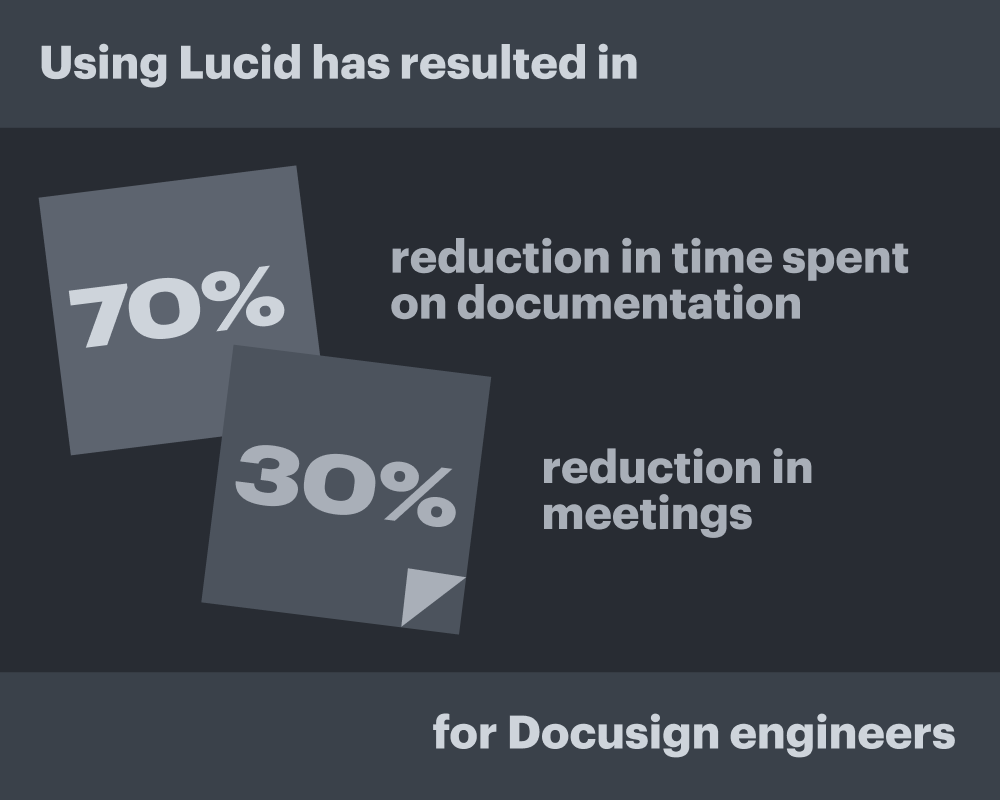
To successfully integrate AI, organizations need accurate system diagrams, clear process maps, and well-documented data flows. Lucid helps Docusign build and maintain that foundation while enabling better alignment and faster execution. Using Lucid has resulted in an estimated 70% reduction in time spent on documentation and a 30% reduction in meetings for the company’s engineering team.
Telecommunications company: Modernizing workflows
The engineering and IT department at a major telecommunications company realized that while they were using Lucid for standard projects, they were underutilizing Lucid’s advanced capabilities. Previously, teams relied on time-consuming, manual diagramming for complex infrastructure and troubleshooting flows, resulting in slower documentation cycles. Leaders were curious how they could get even more out of Lucid’s intelligent features to enhance workflows.
After receiving targeted training on Lucid’s AI features, teams now use Lucid AI to generate and maintain diagrams more effectively, improving version control. These teams have also used Mermaid code-to-diagram workflows to dramatically reduce setup time for structured visuals.
With 75% of the engineering and IT department attending advanced training, the team has successfully shifted from manual processes toward automated, modern documentation standards. By adopting AI-generated diagrams and Mermaid diagram as code, the team is projected to reduce time spent on diagram creation by 25% within the first quarter of using these Lucid features.
Zendesk: Taking action faster
Team members at Zendesk use Lucid to streamline meetings and decision-making so they can focus on contributing to business goals. From increasing personal productivity to accelerating business transformation, Zendesk uses Lucid AI for a variety of initiatives, including:
- Translating complex data: Data analysts copy and paste data fields from Snowflake into Lucid AI, which translates over 100 lines of SQL into a clear diagram in about 30 seconds.
- Simplifying processes: The transformation and operations team uses Lucid for weekly process mapping, translating the work into a standard operating procedure (SOP). Lucid operates as a “core visual” for existing processes, as employees ask Lucid AI to identify gaps or areas where processes could be simplified, saving them hours of time each month.
- Accelerating mergers and acquisitions: With Lucid AI, Zendesk mapped combined workflows during acquisitions, establishing a shared visual language across tech, support, and leadership teams that helped integrate a newly acquired company 40% faster.
- Streamlining team feedback and retrospectives: During workshops and meetings, engineering managers and tech leads use Lucid AI to automatically organize and summarize sticky notes. Preparing next steps after retrospectives used to take one manager two to three hours, and now it only takes about 10 minutes.
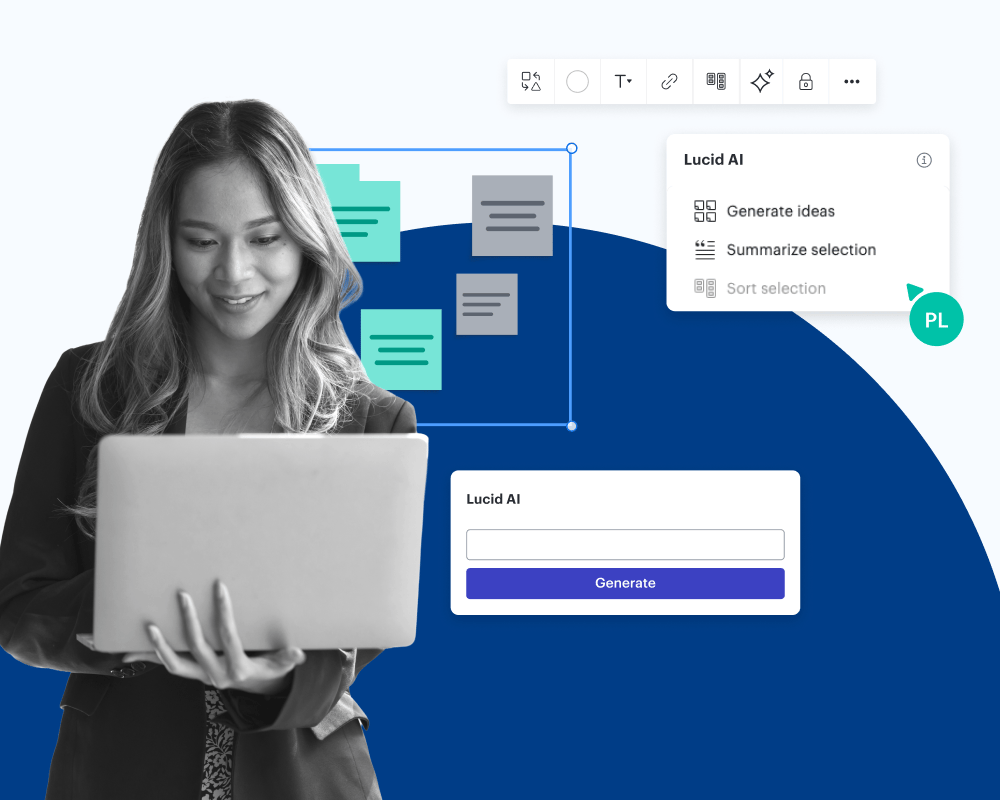
By using Lucid AI, Zendesk’s teams are able to move their work—and their business initiatives—forward faster.
Pro tip: Another way to use Lucid AI for diagramming processes is with Process Capture, a feature that lets you generate diagrams by recording your screen while you walk through a workflow. You can redact sensitive information before Process Capture generates a diagram, an SOP, and associated screenshots.
See what Lucid AI can do for you
Whether it’s translating complex data into clear diagrams or accelerating work in preparation for AI adoption, Lucid’s intelligent capabilities transform how modern teams collaborate, align, and act. Building a clear visual foundation is key to unlocking the full potential of AI-driven productivity. Explore Lucid AI and other intelligent capabilities to start modernizing your workflows today.


