



Basecamp vs. Notion: Vergleich & Expertenbewertungen für 2026



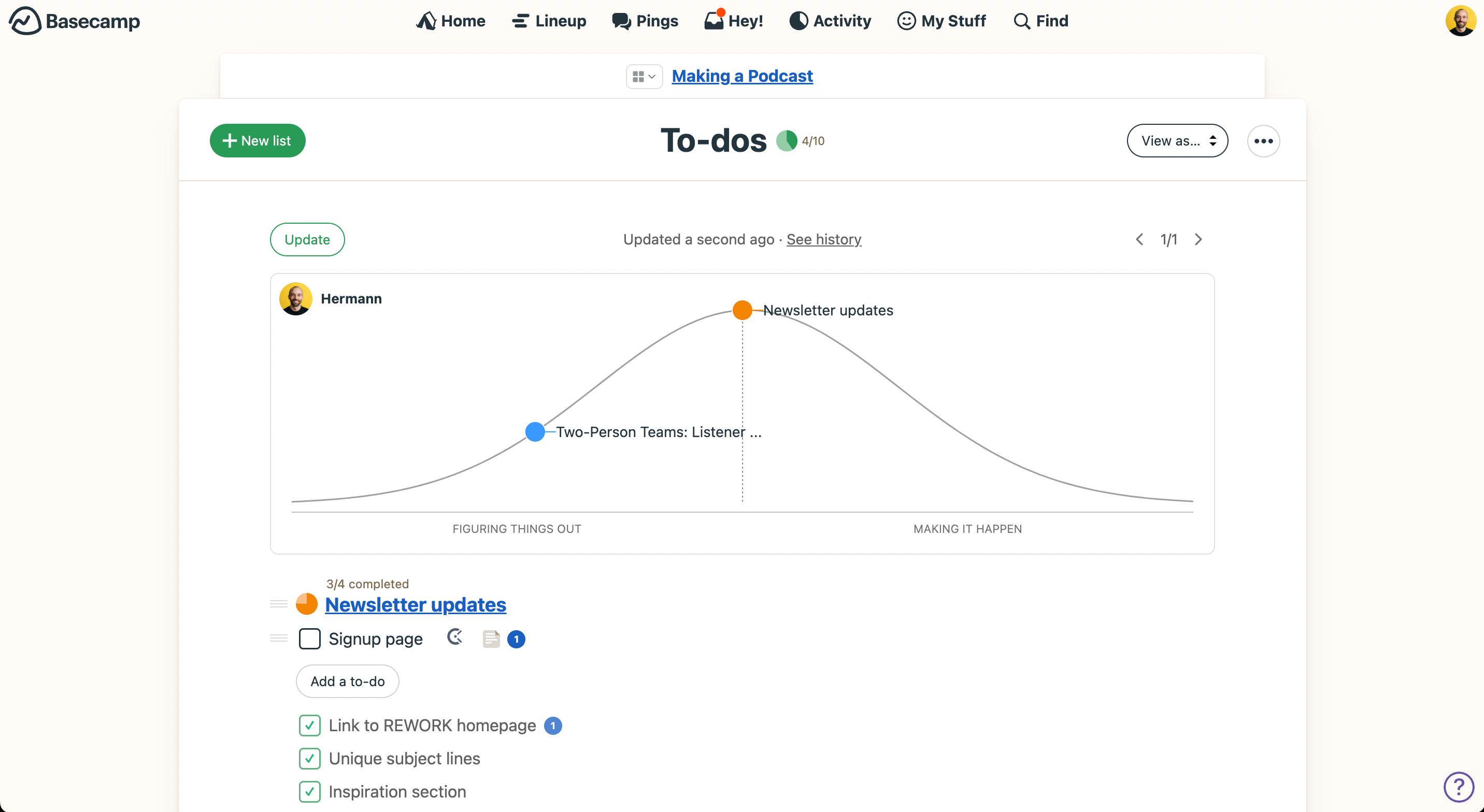
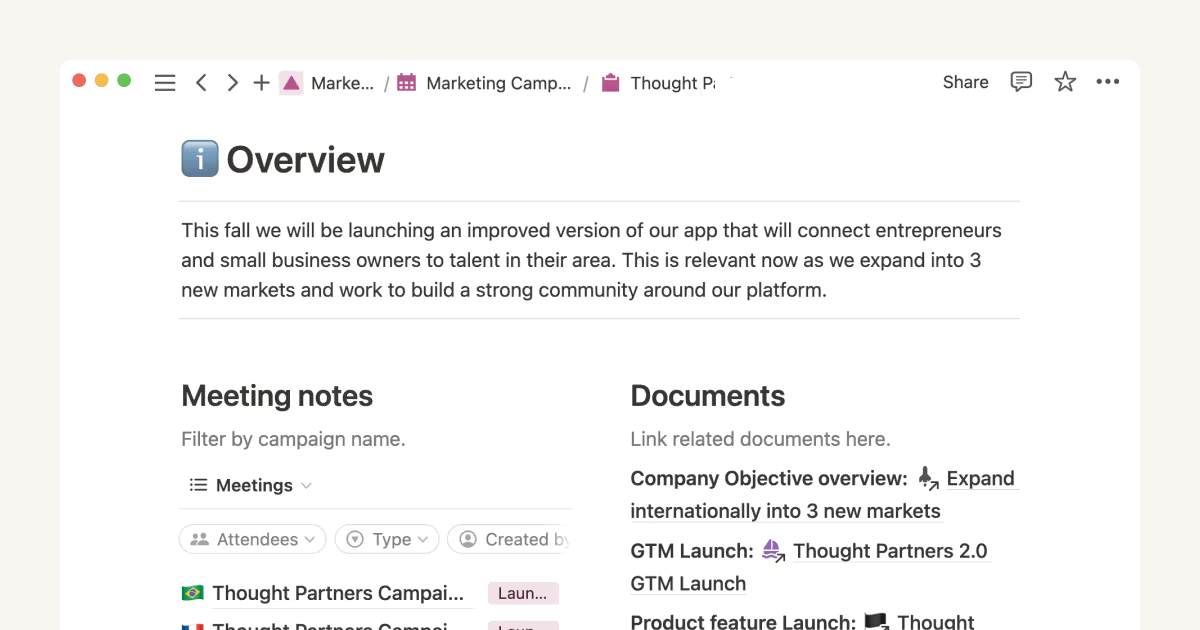
Basecamp verfolgt einen unkomplizierten Ansatz bei der Organisation von Teamarbeit, während Notion eine flexible Plattform zur Verwaltung verschiedener Aspekte eines Projekts bietet. Beide sind Projektmanagement-Tools; Basecamp legt den Fokus auf Einfachheit, Notion hingegen auf Anpassungsfähigkeit und Flexibilität.
Ich habe jedes Tool getestet und ihre wichtigsten Funktionen, Vor- und Nachteile, Preise und mehr miteinander verglichen. Lies meinen ausführlichen Vergleich, um herauszufinden, welche Projektmanagement-Software am besten zu deinem Team passt.
Basecamp vs. Notion: An Overview
Basecamp


Notion



Warum Sie unseren Software-Empfehlungen vertrauen können
Unser Team testet und bewertet Software seit 2012. Als Projektmanager wissen wir selbst, wie schwierig – und wichtig – es ist, die richtige Software auszuwählen.
Für diesen Leitfaden haben wir Tools mithilfe von praktischen Tests und unabhängiger Recherche bewertet und dabei unsere Bewertungskriterien angewendet. Zudem greifen wir auf Erkenntnisse von Branchenvordenkern und praktizierenden Projektmanagement-Experten zurück.
Unsere Bewertungen spiegeln unser menschliches redaktionelles Urteilsvermögen wider, keine Verkaufsstrategie.
Expertenprüfer:
Basecamp vs. Notion Pricing Comparison
| Basecamp | Notion | |
|---|---|---|
| Free Trial | 30-day free trial + free demo available | Free plan available |
| Pricing | From $15/user/month | From $10/user/month (billed annually) |
Basecamp vs. Notion Preise & versteckte Kosten
Basecamps Preismodell beinhaltet einen kostenlosen Plan, einen benutzerbasierten Tarif und eine Pauschalgebühr für die gesamte Organisation. Notion hingegen bietet eine Preisstaffelung an, die je nach zusätzlichen Funktionen und Nutzeranzahl ansteigt. Fortgeschrittenere Funktionen sind nur in höheren Tarifen verfügbar.
Um das richtige Tool für dein Team zu finden, solltest du den Umfang deines Projekts und die benötigte Funktionalität berücksichtigen und die Angebote der Anbieter hinsichtlich deiner erwarteten Nutzung und potenziellen Wachstums prüfen.
Basecamp vs. Notion Feature Comparison
Basecamps Aufgabenlisten machen es einfach, Aufgaben und To-dos aus Teammeetings zu erfassen, sodass nichts übersehen wird. Notions individuell anpassbare Datenbanken eignen sich besonders für Designteams, die Projektdaten und -ressourcen verwalten und in Echtzeit zusammenarbeiten.
| Basecamp | Notion | |
|---|---|---|
| API | ||
| Calendar Management | ||
| Data Export | ||
| Data Import | ||
| External Integrations | ||
| Multi-User | ||
| Notifications | ||
| Project Management | ||
| Scheduling | ||
| Task Scheduling/Tracking |
Basecamp vs. Notion Integrationen
| Integration | Basecamp | Notion |
|---|---|---|
| Miro | ✅ | ✅ |
| HubSpot | ✅ | ❌ |
| Adobe Creative Cloud | ✅ | ❌ |
| InVision | ✅ | ❌ |
| Slack | ✅ | ✅ |
| Salesforce | ✅ | ❌ |
| Zoom | ✅ | ✅ |
| Zendesk | ✅ | ✅ |
| API | ✅ | ✅ |
| Zapier | ✅ | ✅ |
Basecamp lässt sich mit Miro integrieren, sodass du deine Boards komfortabel zusammen mit Projekttasks und Dokumentationen erreichst. Basecamp bietet außerdem eine API und zusätzliche Integrationen über Zapier. Notions Integration mit Zoom unterstützt die Zusammenarbeit und ermöglicht gleichzeitig Meetings und gemeinsames Arbeiten an Dokumenten.
Basecamp vs. Notion Sicherheit, Compliance & Zuverlässigkeit
| Faktor | Basecamp | Notion |
|---|---|---|
| Datenverschlüsselung | Basecamp verschlüsselt und schützt Daten sowohl bei Übertragung als auch im Ruhezustand. | Notion verwendet AES-256-Verschlüsselung für ruhende Daten und TLS für die Datenübertragung. |
| Regulatorische Compliance | Basecamp erfüllt die DSGVO und stellt Vereinbarungen zur Datenverarbeitung bereit. | Notion erfüllt ebenfalls die DSGVO und bietet weitere Compliance-Maßnahmen auf Unternehmensebene an. |
| Backup & Wiederherstellung | Basecamp erstellt tägliche Backups und verfügt über einen robusten Notfallwiederherstellungsplan. | Notion bietet regelmäßige Backups und einen zuverlässigen Notfallwiederherstellungsprozess. |
Basecamp und Notion legen beide großen Wert auf Datensicherheit mit starker Verschlüsselung und umfassenden Compliance-Maßnahmen. Um das passende Tool zu wählen, solltest du die spezifischen Sicherheitsanforderungen deines Teams prüfen und die Dokumentation sowie den Support der jeweiligen Plattform einsehen.
Basecamp vs. Notion Benutzerfreundlichkeit
| Faktor | Basecamp | Notion |
|---|---|---|
| Benutzeroberfläche | Basecamp bietet eine übersichtliche, einfache Oberfläche, die für jedes Teammitglied leicht zu bedienen ist. | Notion stellt eine flexible, benutzerfreundliche Oberfläche mit anpassbaren Dashboards bereit, die anfangs jedoch überfordern kann. |
| Onboarding-Erlebnis | Das Onboarding bei Basecamp ist unkompliziert, mit minimalem Setup, um direkt loszulegen. | Das Onboarding bei Notion ist aufgrund der umfangreichen Anpassungsmöglichkeiten mit einer Lernkurve verbunden. |
| Kundensupport-Ressourcen | Basecamp bietet hilfreiche Anleitungen und einen reaktionsschnellen Support für schnelle Hilfe. | Notion stellt eine umfassende Wissensdatenbank und Community-Foren für eigenständiges Lernen zur Verfügung. |
Basecamp hat eine einfache Oberfläche, die leicht zu bedienen ist, und eignet sich für Teams, die eine schnelle Einrichtung und ein unkompliziertes Onboarding benötigen. Notion bietet mehr Flexibilität und Anpassungsmöglichkeiten, doch die erweiterten Funktionen können zu Beginn eine größere Einstiegshürde darstellen.
Basecamp vs Notion: Pros & Cons
Basecamp
- With automatic check-ins, you can keep everyone updated without lengthy meetings.
- Basecamp's message board keeps your team communication clear and organized.
- You can easily get your team onboard with its intuitive interface.
- The tool is missing a built-in time tracking feature for tasks.
- Basecamp's simplicity might not meet the needs of complex project workflows.
- You might find the lack of advanced reporting tools limiting.
Notion
- You can tailor your workspace to fit your needs with flexible layouts and templates.
- The intuitive design makes it easy for users to navigate and organize their projects.
- You can take notes, manage projects, and maintain your databases in one place.
- It can be challenging for new users to master without spending time on tutorials.
- You might experience slow performance if you have large databases or complex setups.
- The mobile app is less intuitive than the desktop version.
Best Use Cases for Basecamp and Notion
Basecamp
- Small businesses You'll benefit from Basecamp's straightforward design and ease of use, which are ideal for managing projects without the complexity of more robust software.
- Creative agencies Its visual communication tools and message boards support creative brainstorming and project discussions.
- Remote teams Basecamp's centralized platform keeps remote team members connected and aligned on tasks and goals.
- Startups Quick onboarding and straightforward features help startups get organized fast without a learning curve.
- Non-profits Basecamp allows non-profit teams to focus on their mission by simplifying project tracking and communication.
- Freelancers Freelancers can manage their client projects efficiently with Basecamp’s task management and client communication tools.
Notion
- Creative Agencies You can use customizable templates within a flexible workspace to manage creative projects and collaborate with the team.
- Freelancers You can manage multiple projects and clients in a single, organized platform.
- Startups You can tailor your workspace to your needs in order to manage rapid growth and changing project requirements.
- Remote Teams Notion supports constant communication and project tracking across different locations.
- Education Departments You can use Notion's database capabilities to organize curricula, schedules, and educational materials.
- Content Writers You can use the note-taking and organization features to manage research, drafts, and editorial calendars efficiently.
Wer sollte Basecamp verwenden und wer sollte Notion nutzen?
Meiner Meinung nach ist Basecamp ideal für kleine bis mittelgroße Teams, die ein unkompliziertes Projektmanagement-Tool benötigen, um abgestimmt und fokussiert zu bleiben. Es ist eine gute Wahl für Branchen, in denen Einfachheit und eine schnelle Einrichtung wichtig sind.
Notion hingegen ist optimal für kreative Teams oder Einzelpersonen, deren Anforderungen an Flexibilität und Anpassbarkeit hoch sind. Der dynamische Arbeitsbereich und die Vielzahl an Funktionen eignen sich besonders für alle, die eine individuelle Lösung mit verschiedenen Integrationen entwickeln möchten.
Differences Between Basecamp and Notion
| Basecamp | Notion | |
|---|---|---|
| Automation | Basecamp has limited automation with basic task management and tracking. | Notion supports advanced automation with integrations and customizable workflows. |
| Integrations | Basecamp doesn’t offer many integrations, but they do offer an API and can connect with Zapier. | Notion offers integrations with visual tools like Zoom, Miro, and more. |
| Onboarding | Basecamp has a quick and simple onboarding process. | Notion requires more time to learn due to its extensive customization. |
| User Interface | Basecamp features a straightforward and simple interface | Notion provides a flexible and customizable interface. |
| Read Basecamp ReviewOpens new window | Read Notion ReviewOpens new window |
Similarities Between Basecamp and Notion
| Cloud-Based Access | Both Basecamp and Notion are accessible online and let your team work remotely. |
|---|---|
| Collaboration | Both platforms allow team collaboration via document sharing and editing. |
| Communication Tools | Basecamp helps streamline discussions, while Notion incorporates team communication within its collaborative workspace. |
| Project Tracking | Both tools allow for project tracking through task lists and timelines. |
| User Support | Both offer support resources like guides and help centers. |
| Read Basecamp ReviewOpens new window Read Notion ReviewOpens new window | |