


Notion vs. Teamwork.com – Vergleich und Expertenbewertungen für 2026



Choosing between Notion and Teamwork.com can feel overwhelming, especially when you just want project management software that keeps your team moving. Maybe you’re struggling to juggle collaboration, deadlines, or messy documentation—or simply looking for a better way to keep everyone in sync.
In this article, you’ll get a side-by-side comparison of these two tools. I’ll break down their pros and cons, use cases, pricing, security, and usability so you can decide which platform actually fits how you work.
Notion vs. Teamwork.com: An Overview
Notion

Teamwork.com


Warum Sie unseren Software-Empfehlungen vertrauen können
Unser Team testet und bewertet Software seit 2012. Als Projektmanager wissen wir selbst, wie schwierig – und wichtig – es ist, die richtige Software auszuwählen.
Für diesen Leitfaden haben wir Tools mithilfe von praktischen Tests und unabhängiger Recherche bewertet und dabei unsere Bewertungskriterien angewendet. Zudem greifen wir auf Erkenntnisse von Branchenvordenkern und praktizierenden Projektmanagement-Experten zurück.
Unsere Bewertungen spiegeln unser menschliches redaktionelles Urteilsvermögen wider, keine Verkaufsstrategie.
Expertenprüfer:
Notion vs. Teamwork.com Pricing Comparison
| Notion | Teamwork.com | |
|---|---|---|
| Free Trial | Free plan available | Free plan available; 14-day free trial; free demo available |
| Pricing | From $10/user/month (billed annually) | From $9.99/user/month (billed annually) |
Notion vs. Teamwork.com Preise & Versteckte Kosten
Notion verwendet ein gestaffeltes Abonnementmodell pro Nutzerplatz mit einem wirklich brauchbaren Gratis-Tarif und kostenpflichtigen Stufen, die sich je nach Bedarf erweitern lassen. Sie können mit den Basisfunktionen starten und dann aufrüsten, um Features wie Notion KI, unbegrenztes Hochladen von Dateien, erweiterte Berechtigungen und Admin-Kontrollen freizuschalten – mit Enterprise-Optionen für komplexere Sicherheits- und Governance-Anforderungen.
Teamwork.com folgt einer ähnlichen Staffelung, ist aber stärker auf Projektdurchführung und Kundenarbeit zugeschnitten. Der kostenfreie Plan ist hier deutlich eingeschränkter, während in den höheren Tarifen Funktionen wie Automatisierungen, Berichte, Ressourcenplanung und Tools fürs Finanzmanagement hinzukommen.
Beim Vergleich der beiden lohnt es sich, mehr als nur die Tarifübersicht zu betrachten. Notion hält das Angebot recht übersichtlich, jedoch können für KI-Funktionen und fortgeschrittene Features Upgrades oder nutzungsbasierte Add-ons nötig sein. Teamwork.com dagegen bietet in höheren Plänen immer mehr spezialisierte Funktionen wie Zeiterfassung, Budgetierung und Kundenabrechnung an; auch können zusätzliche Kosten für Onboarding oder Premium-Support anfallen.
Notion vs. Teamwork.com Feature Comparison
Sowohl Notion als auch Teamwork.com decken die wichtigsten Grundlagen des Projektmanagements ab: Aufgabenverwaltung, Zusammenarbeit, Dateifreigabe und anpassbare Workflows. Sie können Aufgaben zuweisen, Fälligkeitstermine setzen und mit zentralisierten Arbeitsbereichen und Integrationen zu bereits genutzten Tools Ihr Team organisieren.
Unterschiede zeigen sich in Ansatz und Stärken: Notion glänzt durch seine Flexibilität mit Seitenaufbau, verknüpften Datenbanken und der Möglichkeit, nahezu jeden Prozess oder jede Dokumentationsform an Ihren Workflow anzupassen. Teamwork.com hingegen konzentriert sich auf die kundenorientierte Projektdurchführung mit integrierter Zeiterfassung, Abrechnung und umfassenderem Reporting – ideal für dienstleistungsorientierte Teams, die Projekte und Kunden an einem Ort managen wollen.
| Notion | Teamwork.com | |
|---|---|---|
| API | ||
| Calendar Management | ||
| Data Export | ||
| Data Import | ||
| External Integrations | ||
| Multi-User | ||
| Notifications | ||
| Project Management | ||
| Scheduling | ||
| Task Scheduling/Tracking |
Notion vs. Teamwork.com Integrationen
| Integration | Notion | Teamwork.com |
|---|---|---|
| Slack | ✅ | ✅ |
| Google Drive | ✅ | ✅ |
| Microsoft Teams | ✅ | ✅ |
| Zoom | ✅ | ✅ |
| Figma | ✅ | ❌ |
| HubSpot | ❌ | ✅ |
| Salesforce | ✅ | ✅ |
| Xero | ❌ | ✅ |
| API | ✅ | ✅ |
| Zapier | ✅ | ✅ |
Beide Lösungen unterstützen wichtige Integrationen für Zusammenarbeit und Workflows – allerdings überzeugen bei Teamwork.com die vertieften Finanz- und Kundenfunktionen vor allem Dienstleistungsunternehmen. Beide Projektmanagement-Tools bieten APIs und Zapier-Anbindungen für zusätzliche Flexibilität. Die meisten Teams finden hier, was sie brauchen – achten Sie aber darauf, falls Sie ganz bestimmte Standardintegrationen benötigen.
Notion vs. Teamwork.com Sicherheit, Compliance & Zuverlässigkeit
| Faktor | Notion | Teamwork.com |
|---|---|---|
| Datenverschlüsselung | Verschlüsselt Daten im Ruhezustand und bei der Übertragung nach Industriestandard. | Verschlüsselt Daten im Ruhezustand und bei der Übertragung nach etablierten Protokollen. |
| Regulatorische Compliance | Bietet SOC 2 Typ II und DSGVO-Konformität für Geschäftskunden. | Unterstützt DSGVO, ISO 27001 und EU/US Privacy Shield-Anforderungen. |
| Zugriffskontrollen | Bietet anpassbare Benutzerberechtigungen und SSO für höhere Tarife. | Ermöglicht detaillierte Rollen, SSO und Zwei-Faktor-Authentifizierung (2FA). |
| Betriebszeit & Backups | Regelmäßige Datensicherungen und verlässliche Verfügbarkeitsgarantien. | Hohe Verfügbarkeits-SLA mit täglichen automatisierten Backups. |
Teamwork.com punktet mit breiterer Zertifizierung und fortschrittlicheren Admin-Kontrollen, während Notion moderne Standards erfüllt, Compliance-Funktionen jedoch etwas schlanker hält. Für regulierte Branchen oder größere Teams halte ich Teamwork.com für besser geeignet, während Notion für die meisten Cloud-basierten Projekte zuverlässig ist.
Notion vs. Teamwork.com Benutzerfreundlichkeit
| Faktor | Notion | Teamwork.com |
|---|---|---|
| Benutzeroberfläche | Minimalistisch und flexibel, ermöglicht nahezu vollständige Anpassung. | Traditionelles Layout, klare Navigation, die den meisten vertraut erscheint. |
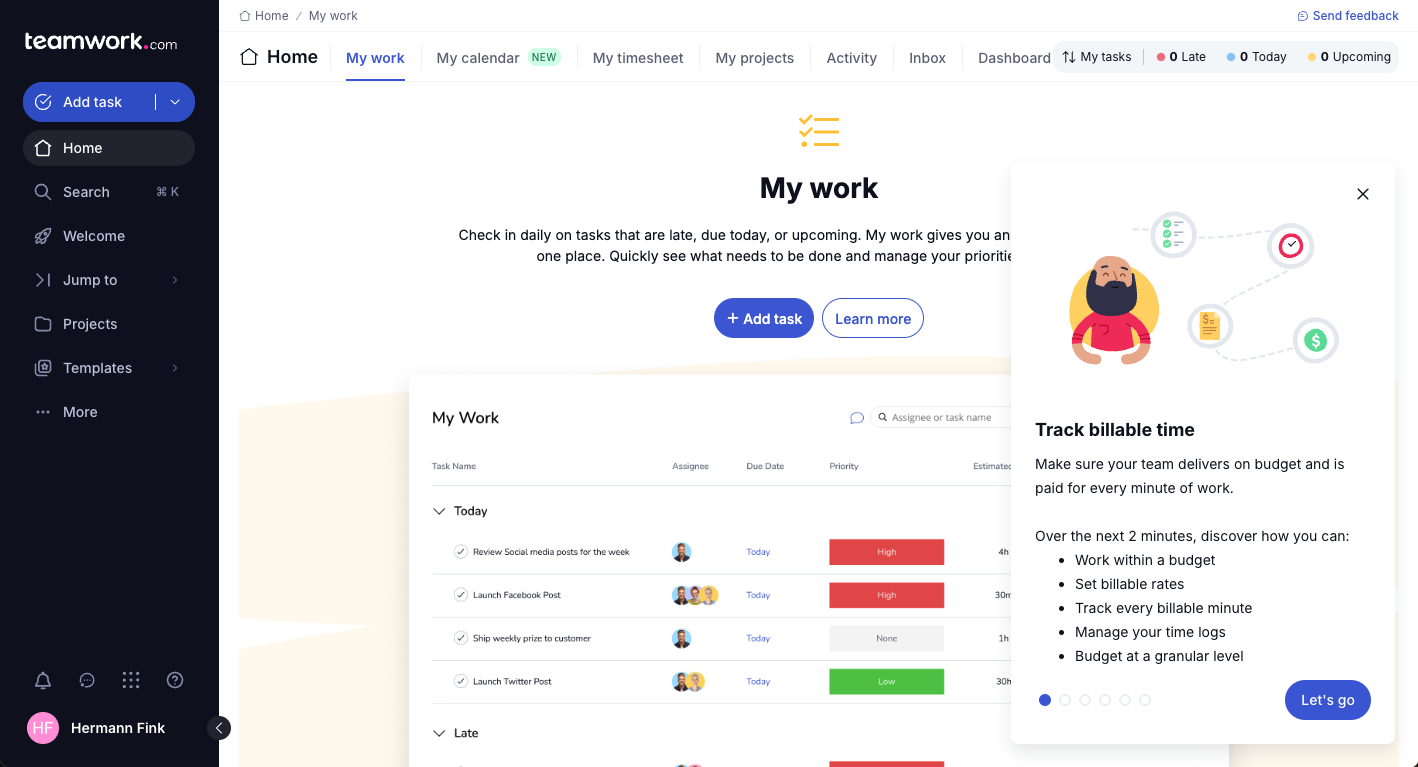
| Onboarding | Bietet Vorlagen und Tutorials, hat aber eine steilere Lernkurve. | Geführtes Onboarding, In-App-Tipps und strukturierte Hilfestellung. |
| Anpassung | Außergewöhnlich vielseitig – Seiten, Vorlagen und Workflows selbst erstellen. | Benutzerdefinierte Felder und Workflows, allerdings innerhalb eines Standardrahmens. |
| Support | Umfangreiche Dokumentation, Community-Foren und Chat-Support. | Live-Chat, E-Mail und Support von echten Mitarbeitenden mit schnellen Antwortzeiten. |
Bei der Anpassbarkeit ist Notion unschlagbar, aber Teamwork.com punktet beim schnellen Einstieg und einer geringeren Lernkurve. Ich finde Notions Flexibilität besonders für Teams mit dem Wunsch nach maximaler Kontrolle attraktiv, allerdings erfordert der Einstieg etwas Einarbeitungszeit. Teamwork.com spricht alle an, die ohne große Anlaufphase sofort loslegen möchten.
Notion vs Teamwork.com: Pros & Cons
Notion
- You can tailor your workspace to fit your needs with flexible layouts and templates.
- The intuitive design makes it easy for users to navigate and organize their projects.
- You can take notes, manage projects, and maintain your databases in one place.
- It can be challenging for new users to master without spending time on tutorials.
- You might experience slow performance if you have large databases or complex setups.
- The mobile app is less intuitive than the desktop version.
Teamwork.com
- You can manage workloads and resources effectively with its robust features.
- Teamwork's collaboration tools, like chat and message boards, keep your team connected.
- The platform's Academy offers useful videos to help you use it effectively.
- You might find the interface overwhelming with its many features.
- Some users feel the mobile app could be more intuitive.
- The learning curve can be steep for new users without prior experience.
Best Use Cases for Notion and Teamwork.com
Notion
- Creative Agencies You can use customizable templates within a flexible workspace to manage creative projects and collaborate with the team.
- Freelancers You can manage multiple projects and clients in a single, organized platform.
- Startups You can tailor your workspace to your needs in order to manage rapid growth and changing project requirements.
- Remote Teams Notion supports constant communication and project tracking across different locations.
- Education Departments You can use Notion's database capabilities to organize curricula, schedules, and educational materials.
- Content Writers You can use the note-taking and organization features to manage research, drafts, and editorial calendars efficiently.
Teamwork.com
- Creative Agencies Teamwork.com supports your agency with tools for managing client projects and tracking billable hours.
- Remote Teams Use Teamwork to stay connected with your team through its communication and collaboration features.
- Marketing Departments Manage your marketing campaigns with task lists, calendars, and resource allocation.
- Consulting Firms Track time and manage multiple client projects efficiently with Teamwork’s time tracking capabilities.
- Event Planning Organize events with ease using project timelines and task dependencies.
- Product Development Coordinate product launches with detailed task management and team collaboration features.
Wer sollte Notion nutzen und wer Teamwork.com?
Wenn Sie nach einem flexiblen All-in-One-Arbeitsbereich suchen, in dem Sie Ihr eigenes System gestalten können, ist Notion wahrscheinlich die bessere Wahl. Ich empfehle es häufig Einzelpersonen, Start-ups und funktionsübergreifenden Teams, die Notizen, Dokumentation, leichte Projektverfolgung und Wissensmanagement an einem Ort zusammenführen wollen.
Sie erhalten maximale Freiheit, eigene Workflows zu gestalten, und die wachsenden KI-Funktionen bieten Mehrwert beim Schreiben, Organisieren und Zusammenfassen von Informationen. Am meisten profitieren Sie jedoch, wenn es Ihnen liegt, Strukturen selbst zu entwickeln, anstatt sich auf starre, vorgegebene Prozesse zu verlassen.
Teamwork.com ist die bessere Wahl, wenn Ihre Arbeit sich vor allem um die pünktliche und planbare Betreuung von Kundenprojekten dreht und Sie direkt vom Start an feste Strukturen, Übersicht und Verantwortlichkeiten benötigen. Ich empfehle es besonders Agenturen, Beratungen und dienstleistungsorientierten Teams, die Zeiterfassung, Budgetierung, Ressourcenplanung und Einblicke in die Rentabilität benötigen.
Sie müssen Ihr System hier nicht von Grund auf aufbauen – Sie arbeiten in einer Plattform, die speziell für das Management von Kundenprojekten im größeren Maßstab entwickelt wurde. Wenn Ihr Fokus auf operativer Kontrolle und zuverlässiger Lieferung statt auf kompletter Flexibilität liegt, ist Teamwork.com die funktionsspezifischere Lösung.
Differences Between Notion and Teamwork.com
| Notion | Teamwork.com | |
|---|---|---|
| Automation | Offers limited automation through integrations and third parties. | Built-in task automation, recurring project templates, and triggers. |
| Client Management | No native client or billing modules. | Designed for client projects, quotes, invoicing, and time logs. |
| Customization | Build custom pages, workflows, and databases from scratch. | Customize within set project templates and standard task lists. |
| Documentation | Combine wikis, docs, and projects in one workspace. | Documentation is kept within project files and notes. |
| Learning Curve | Requires more setup and exploration to unlock its flexibility. | Easier to pick up with project templates and preset workflows. |
| Read Notion ReviewOpens new window | Read Teamwork.com ReviewOpens new window |
Similarities Between Notion and Teamwork.com
| Cloud Accessibility | Notion and Teamwork.com run in the cloud, offering web, desktop, and mobile access so users can manage work from anywhere. |
|---|---|
| Collaboration Tools | Each tool offers real-time comments, mentions, file sharing, and notifications to keep teams communicating and in sync on shared projects. |
| Integration Support | Both integrate with popular tools like Slack, Google Drive, and Zapier, helping teams connect their project work with existing business apps. |
| Task Management | Both platforms let you assign tasks, add deadlines, create checklists, and track progress visually. |
| Workspace Organization | Both let you create workspaces, organize projects, and categorize tasks for better team structure, whether through Notion pages or Teamwork.com portfolios. |
| Read Notion ReviewOpens new window Read Teamwork.com ReviewOpens new window | |