

Reseña de SysAid 2026: Ventajas, Desventajas, Funciones y Precios



SysAid is an IT service management software that helps organizations efficiently manage their IT services and support. It's ideal for IT departments in medium to large enterprises, such as healthcare providers, educational institutions, and financial services, where streamlined operations and rapid response are crucial. SysAid offers value by simplifying complex IT processes, saving you time and helping your team focus on strategic tasks.
In this article, you'll learn about SysAid's features, pros and cons, best and worst use cases, and pricing. As a digital project manager, you'll appreciate how this tool can align with your goals and enhance your team's productivity.
SysAid Evaluation Summary

- From $89/agent/month
- Free trial available
Por qué confiar en nuestras recomendaciones de software
Nuestro equipo lleva probando y evaluando software desde 2012. Como gestores de proyectos, sabemos lo difícil —y lo importante— que es elegir el software adecuado.
Para esta guía, evaluamos las herramientas mediante pruebas prácticas e investigación independiente, puntuando las herramientas según nuestros criterios de selección. También nos basamos en la experiencia de líderes de opinión del sector y de profesionales en activo de la gestión de proyectos.
Nuestras reseñas reflejan nuestro criterio editorial humano, no un discurso de ventas.
Revisores expertos:
SysAid Overview
In my opinion, SysAid is a solid choice for IT service management, especially for mid-sized to large enterprises. It offers robust features and reliable customer support, which can be a deciding factor for teams needing consistent assistance. While its pricing might be on the higher side for smaller businesses, the value it provides in terms of automation and workflow management makes it worthwhile. Compared to competitors, it excels in support and user experience but might lack some integration flexibility. It's best suited for environments that prioritize comprehensive service management over extensive third-party integrations.
pros
-
You can automate repetitive tasks, saving your team time.
-
Its user-friendly interface makes it easy for your team to navigate.
-
The robust customer support ensures you get help when you need it.
cons
-
You might find the onboarding process a bit overwhelming.
-
It may not offer as much flexibility in integrations as you'd like.
-
Some users report that the system can be slow with large data sets.
Is SysAid Right For Your Needs?
Who Would be a Good Fit for SysAid?
SysAid is ideal for IT departments in mid-sized to large enterprises where managing complex IT tasks efficiently is crucial. If your work involves frequent ticket management and automating repetitive tasks, you'll benefit from its robust automation features. Industries like healthcare, education, and finance, where compliance and quick response times are vital, will find its user-friendly interface and reliable customer support particularly useful.
-
Healthcare Providers
SysAid helps you manage IT support efficiently by automating ticketing and ensuring compliance.
-
Educational Institutions
You can streamline your IT operations and support staff and students with its intuitive interface.
-
Financial Services
SysAid offers robust security features to protect sensitive data while managing IT tasks.
-
Mid-Sized Enterprises
You’ll appreciate its automation capabilities to handle large volumes of IT requests seamlessly.
-
Mid-Sized Enterprises
You’ll appreciate its automation capabilities to handle large volumes of IT requests seamlessly
-
IT Support Teams
Your team can benefit from its efficient ticket management and reliable customer support.
-
Government Agencies
SysAid offers the compliance tools needed to meet strict regulatory requirements in public sectors.
Who Would be a Bad Fit for SysAid?
SysAid might not be the best fit for small startups or businesses with limited IT infrastructure, as its robust features and automation capabilities could be overwhelming and unnecessary for smaller teams. If your team doesn't need extensive IT management tools or if you prioritize extensive third-party integrations, you might find SysAid lacking in flexibility. Also, teams with limited budgets may find the cost prohibitive without fully utilizing its features.
-
Small Startups
Your team might find SysAid's extensive features excessive for minimal IT needs.
-
Freelancers
The platform's capabilities may be too complex and unnecessary for solo work.
-
Boutique Agencies
You may not benefit from its robust IT management features if your focus isn't IT-centric.
-
Non-IT Departments
If your work doesn't involve IT support, you'll likely find SysAid irrelevant.
-
Budget-Conscious Teams
The cost may not justify the investment if you don't need full-scale IT management.
-
Highly Mobile Teams
You might find the platform's focus on desktop management cumbersome for mobile-first operations.
Nuestra Metodología de Revisión
Cómo probamos y puntuamos las herramientas
Llevamos años construyendo, refinando y mejorando nuestro sistema de prueba y puntuación de software. La rúbrica está diseñada para capturar los matices de la selección de software y los factores que hacen efectivo a un sistema, centrándose en los aspectos críticos del proceso de toma de decisiones.
A continuación, puedes ver exactamente cómo funciona nuestro proceso de prueba y puntuación en base a siete criterios. Esto nos permite proporcionar una evaluación imparcial del software basada en la funcionalidad principal, características destacadas, facilidad de uso, incorporación, soporte al cliente, integraciones, opiniones de clientes y valor por el dinero.
Funcionalidad principal (25% de la puntuación final)
El punto de partida de nuestra evaluación es siempre la funcionalidad principal de la herramienta. ¿Cuenta con las funciones y características básicas que un usuario esperaría ver? ¿Alguna de estas funciones principales está limitada a planes de precios superiores? Esperamos que la herramienta se mantenga a la par de las capacidades básicas de sus competidores.
Características destacadas (25% de la puntuación final)
A continuación, evaluamos las características destacadas poco comunes que van más allá de la funcionalidad principal normalmente encontrada en este tipo de herramientas. Una puntuación alta refleja funciones únicas o especializadas que hacen que el producto sea más rápido, eficiente, o aporte valor extra al usuario.
También evaluamos la facilidad de integración con otras herramientas habitualmente presentes en el ecosistema tecnológico para ampliar la funcionalidad y utilidad del software. Las herramientas que ofrecen muchas integraciones nativas, conexiones de terceros y acceso por API para integrar soluciones personalizadas obtienen la mejor puntuación.
Facilidad de uso (10% de la puntuación final)
Consideramos cuán rápido y fácil es ejecutar las tareas fundamentales usando la herramienta. El software con alta puntuación está bien diseñado, es intuitivo, ofrece aplicaciones móviles, proporciona plantillas y hace que tareas relativamente complejas parezcan sencillas.
Incorporación (10% de la puntuación final)
Sabemos lo importante que es una adopción rápida para un nuevo sistema, así que evaluamos cuán sencillo es aprender a usar la herramienta con una capacitación mínima. Analizamos cuán rápido un miembro del equipo puede configurarse y comenzar a usar la herramienta sin experiencia previa. Las soluciones mejor puntuadas indican que se requiere poco o ningún soporte.
Soporte al cliente (10% de la puntuación final)
Revisamos la rapidez y facilidad para obtener ayuda por teléfono, chat en vivo o base de conocimientos. Las empresas que ofrecen soporte en tiempo real obtienen las mejores puntuaciones, mientras que los chatbots obtienen las peores.
Opiniones de clientes (10% de la puntuación final)
Además de nuestras propias pruebas y valoraciones, consideramos la puntuación neta del promotor de clientes actuales y anteriores. Revisamos la probabilidad de que, ante la opción, quisieran elegir la herramienta de nuevo por su funcionalidad central. Un software con una puntuación alta refleja una gran satisfacción de sus usuarios actuales o pasados.
Valor por el dinero (10% de la puntuación final)
Por último, tomando en cuenta todos los criterios mencionados, comparamos el precio promedio de los planes básicos respecto a las funciones principales y el valor aportado por los otros criterios. El software que entrega más por menos recibirá una puntuación superior.
Core Features
Ticket Management
SysAid lets you track and manage IT issues efficiently, so your team can resolve them quickly. Its intuitive interface makes it easy to categorize and prioritize tickets.
Automation Rules
You can automate repetitive tasks with SysAid, helping your team save time and reduce errors. This feature allows you to set rules for ticket routing and escalation.
Knowledge Base
SysAid provides a centralized repository for storing solutions and best practices. Your team can access this information to solve issues faster.
Asset Management
With SysAid, you can track and manage IT assets, ensuring you know the status and location of your equipment. This helps in planning upgrades and replacements.
Self-Service Portal
Users can submit tickets and find solutions on their own using SysAid's portal. It empowers your team to solve minor issues without IT intervention.
Reporting and Analytics
SysAid offers robust reporting tools to analyze your IT service performance. You can use this data to make informed decisions and improve service quality.

Standout Features
Customizable Dashboards
SysAid lets you tailor dashboards to match your team's specific needs, so you can focus on the metrics that matter most. This flexibility enhances your team's productivity.
Remote Control
You can access and control devices remotely with SysAid, making it easier to troubleshoot issues without being on-site. This feature is invaluable for supporting remote or distributed teams.
Ease of Use
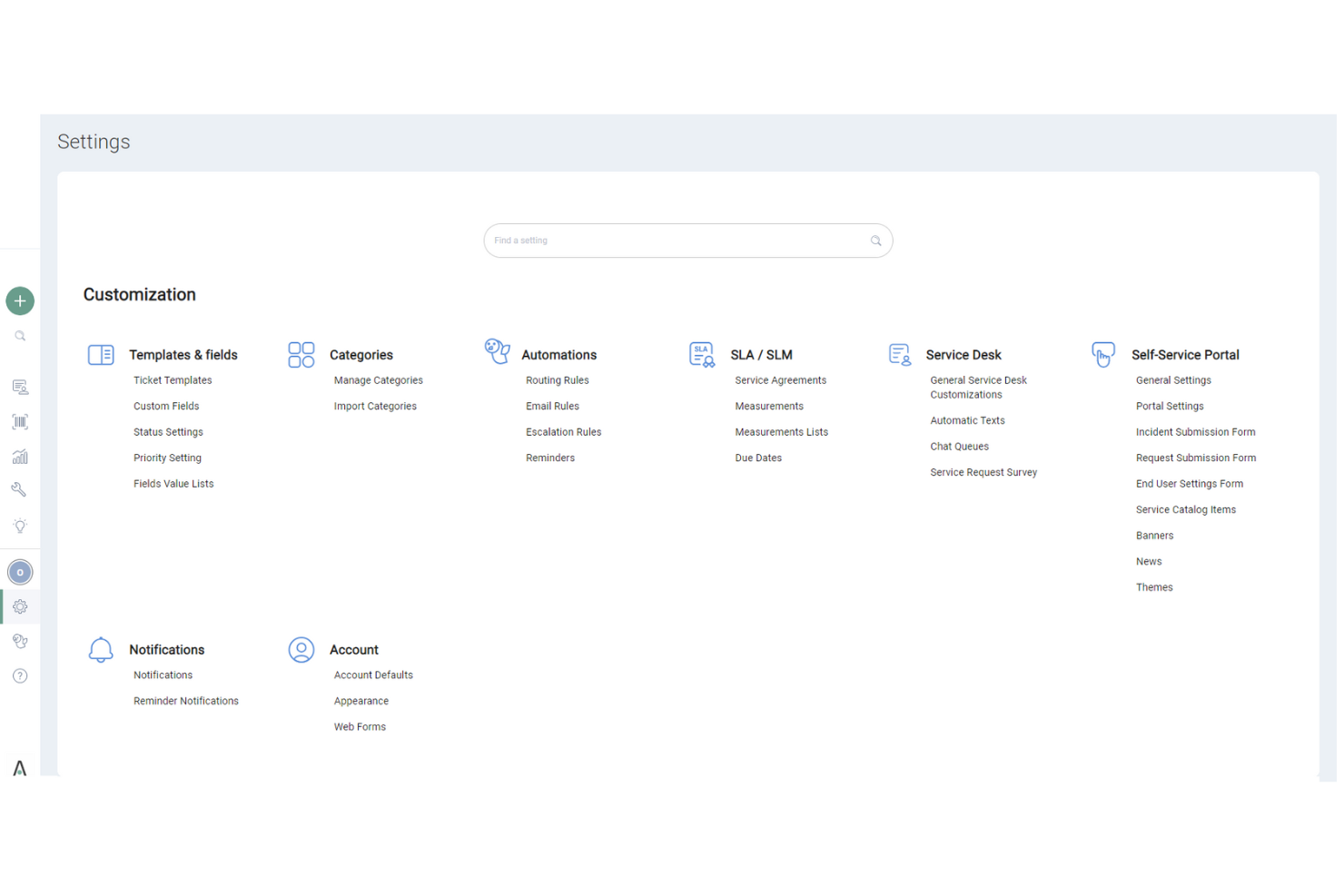
SysAid’s user interface might seem less intuitive compared to some other ITSM tools, which can be a hurdle for new users. While it offers comprehensive features, the learning curve can be steeper, especially if your team isn’t tech-savvy. However, once you get the hang of it, SysAid provides solid functionality that supports your IT processes efficiently. Users appreciate the robust asset and incident management, though initial navigation might require some patience and adaptation.

Onboarding
SysAid’s onboarding process is fairly straightforward, but it might take some time for your team to see full value. The platform offers helpful resources and responsive customer support to guide you through setup. However, the initial learning curve can be steep, especially if you’re unfamiliar with ITSM software. Users benefit from detailed documentation and training sessions that help ease the transition, though patience is required to fully leverage SysAid’s capabilities.
Customer Support
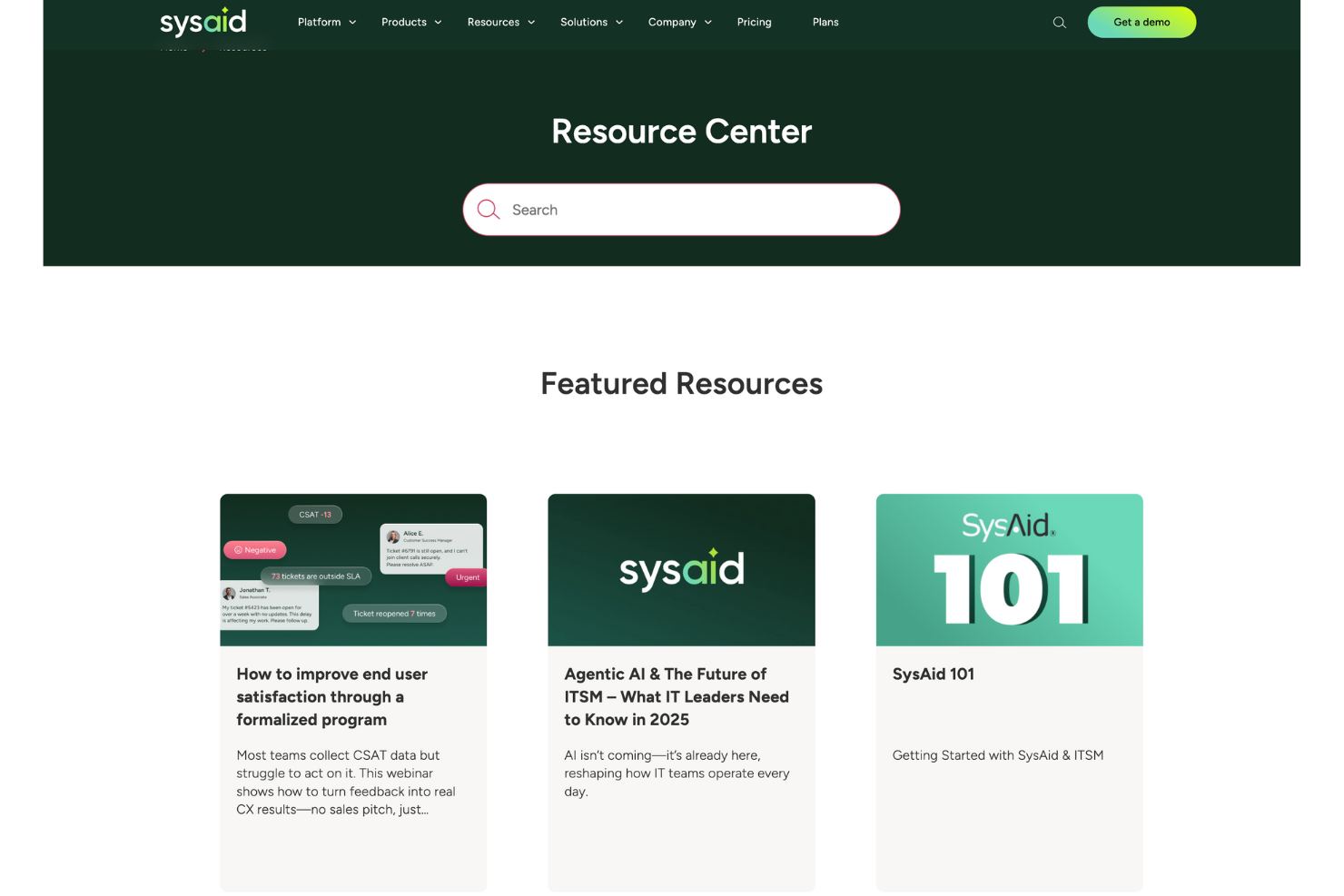
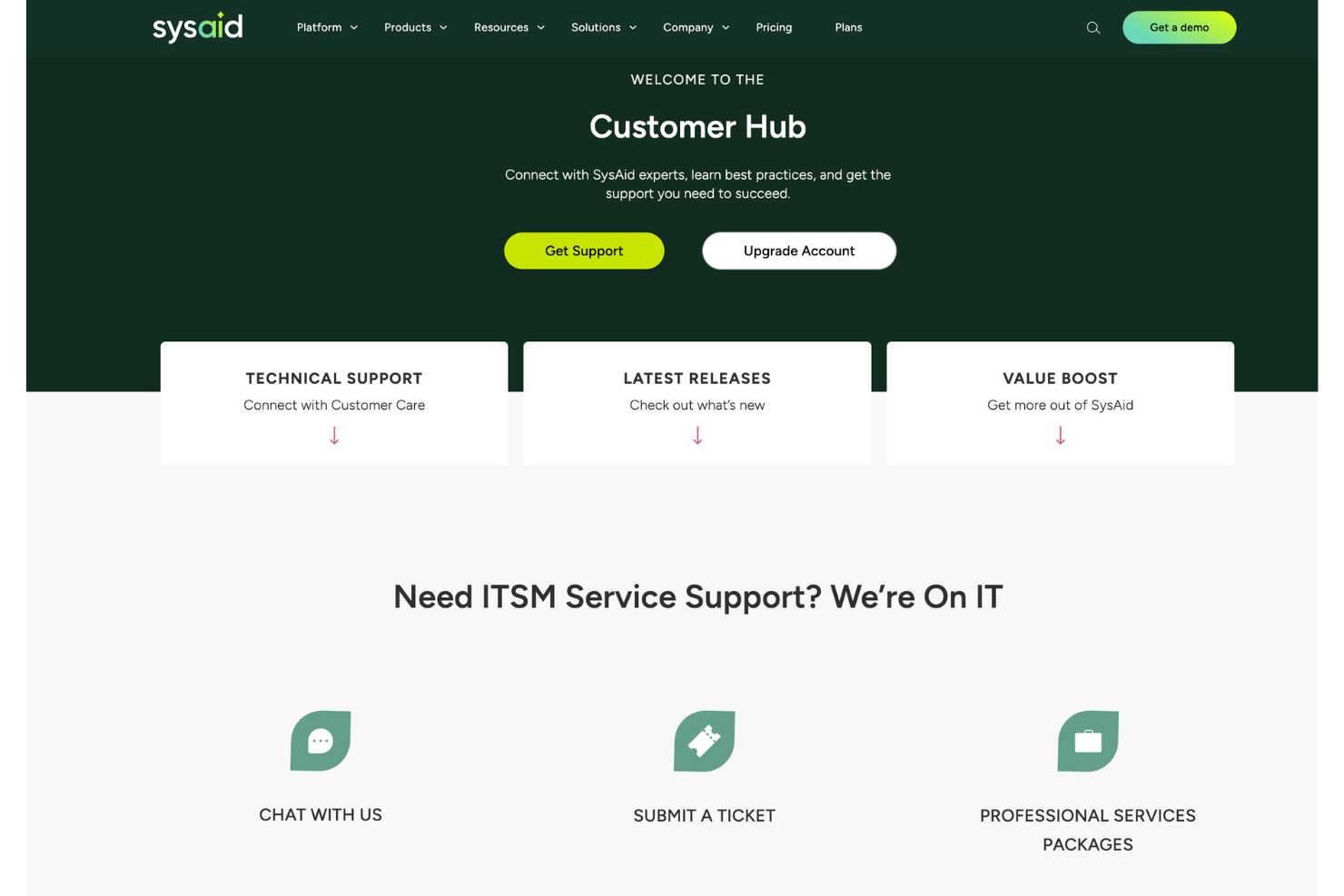
SysAid’s customer support is highly regarded for its responsiveness and effectiveness, ensuring your team gets timely assistance. Users appreciate the availability of multiple support channels, including live chat and email, which help resolve issues quickly. The support team is knowledgeable and provides clear guidance, making it easier for you to navigate any challenges. This level of support ensures that you can maintain smooth IT operations and address any concerns promptly.
Value for Money
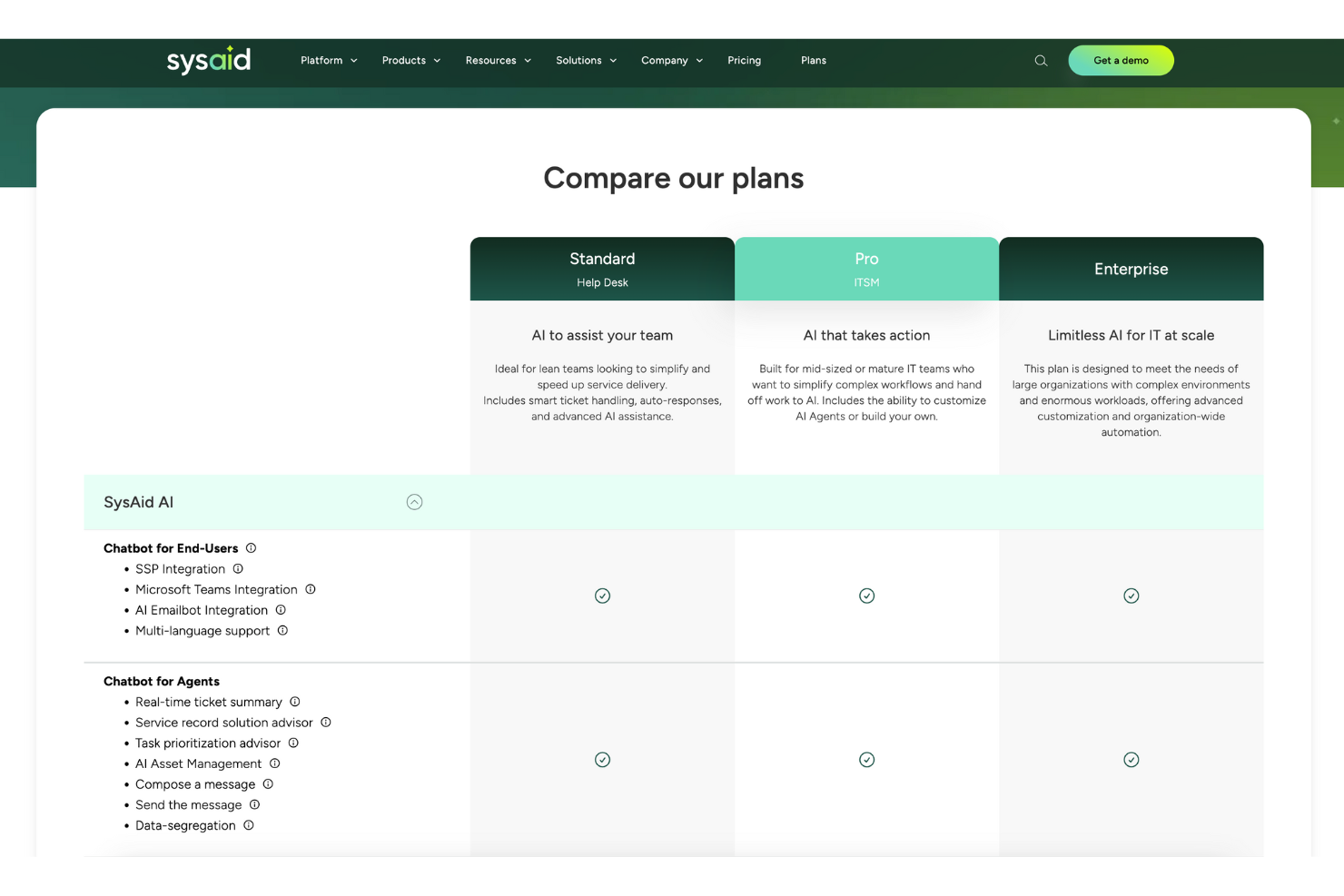
SysAid pricing feels fair because it balances robust ITSM tools with flexible plans. Users say it gives solid automation and reporting without overcomplicating budgets. The tiered model scales well, so you only pay for what your team actually needs.
- Standard: Core ITSM tools with ticketing and automation basics.
- Pro: Adds advanced automation, integrations, and more customization.
- Enterprise: Full suite with deeper analytics, service automation, and enterprise-grade support.
New Product Updates from SysAid

SysAid Adds Bulk Contract Import
SysAid’s License Manager Essentials now supports bulk contract creation, reducing manual entry and helping admins onboard contract data more quickly and consistently. The new CSV-based workflow adds validation to catch issues before contracts are created. Highlights include:
- Bulk CSV Contract Uploads: Admins can import multiple contracts at once using a CSV template.
- Contract Validation: Uploaded contract entries can be validated before creation to reduce setup errors.
- Faster Contract Setup: Teams can activate and manage contracts more efficiently with less manual work.
Visit SysAid's official site for more details.
 for more details.
SysAid Mobile App Adds AI Agents and CI Barcode Scanning
SysAid adds AI Agents, CI barcode scanning, and expanded asset management tools to its mobile app. The updates help IT teams handle service and asset management tasks more easily from mobile devices. Highlights include:
- CI Barcode Scanning: Teams can scan configuration items individually or in bulk directly from the mobile app.
- Mobile AI Agents: Users can access the same AI Agents available on SysAid desktop within the mobile app.
- Asset and CI Management: Teams can search, filter, and edit assets and configuration items directly from mobile.
Visit SysAid’s official site for more details.

SysAid Adds AI Agent Center and License Manager Chatbot Insights
SysAid adds a centralized AI Agent Center and expands the AI Chatbot with License Manager insights and AI agents. These updates help IT teams manage AI-powered workflows and access software and contract information more efficiently. Highlights include:
- AI Agent Center: Admins can manage, test, and monitor specialized AI agents across areas like security, asset management, and access control.
- License Manager AI Insights: The AI capabilities now extend into License Manager workflows, enabling teams to surface contract and SaaS intelligence while supporting broader automated asset and license management processes.
- Prebuilt AI Agents: Teams can use AI agents to analyze software usage, activity, and cost insights more quickly.
Visit SysAid’s official site for more details.
SysAid Specs
- 2-Factor Authentication
- Analytics
- Anti-Virus
- API
- Batch Permissions & Access
- Bug Tracking
- Call Integration
- Chat
- Contact Management
- CRM Integration
- Customer Management
- Data Export
- Data Import
- Email Integration
- Escalation Management
- External Integrations
- Incident Management
- Instant Chat Integration
- Knowledge Base
- Malware Protection
- Multi-User
- Notifications
- Organization Management
- Password & Access Management
- Project Management
- Real-time Alerts
- SAP Integration
- Self-service Portal
- Social Media Integration
- Support Forum
- Ticket Management
- Workflow Management
SysAid FAQs
How does SysAid handle data security and compliance?
Can SysAid support remote teams effectively?
How customizable is SysAid for different business needs?
What kind of training and resources are available for new users?
Can I integrate SysAid with other tools my team uses?
How does SysAid improve IT service delivery?
Is SysAid scalable for growing businesses?
What support options are available if my team encounters issues?
SysAid Company Overview & History
SysAid Technologies, founded in 2002 by Israel Lifshitz, is an Israeli company headquartered in Airport City, near Tel Aviv. Specializing in IT Service Management software, SysAid is a privately owned company led by CEO Sarah Lahav. Its primary product, SysAid, is used by over 100,000 organizations globally, including notable sectors like healthcare, retail, and education. The company has expanded internationally with offices in Sydney and Brazil.
SysAid Major Milestones
- 2002: Founded by Israel Lifshitz.
- 2010: Opened an office in Sydney, Australia.
- 2012: Expanded with an office in Brazil.
¿Qué sigue?
¿Quieres conectar con otros gestores de proyectos digitales para compartir recursos y mejores prácticas? Únete a nuestra comunidad de miembros y obtén acceso a más de 100 plantillas, ejemplos y muestras y conecta con cientos de otros gestores de proyectos digitales en Slack.