Reseña de Google Drive: Ventajas, Desventajas, Características y Precios Explicados



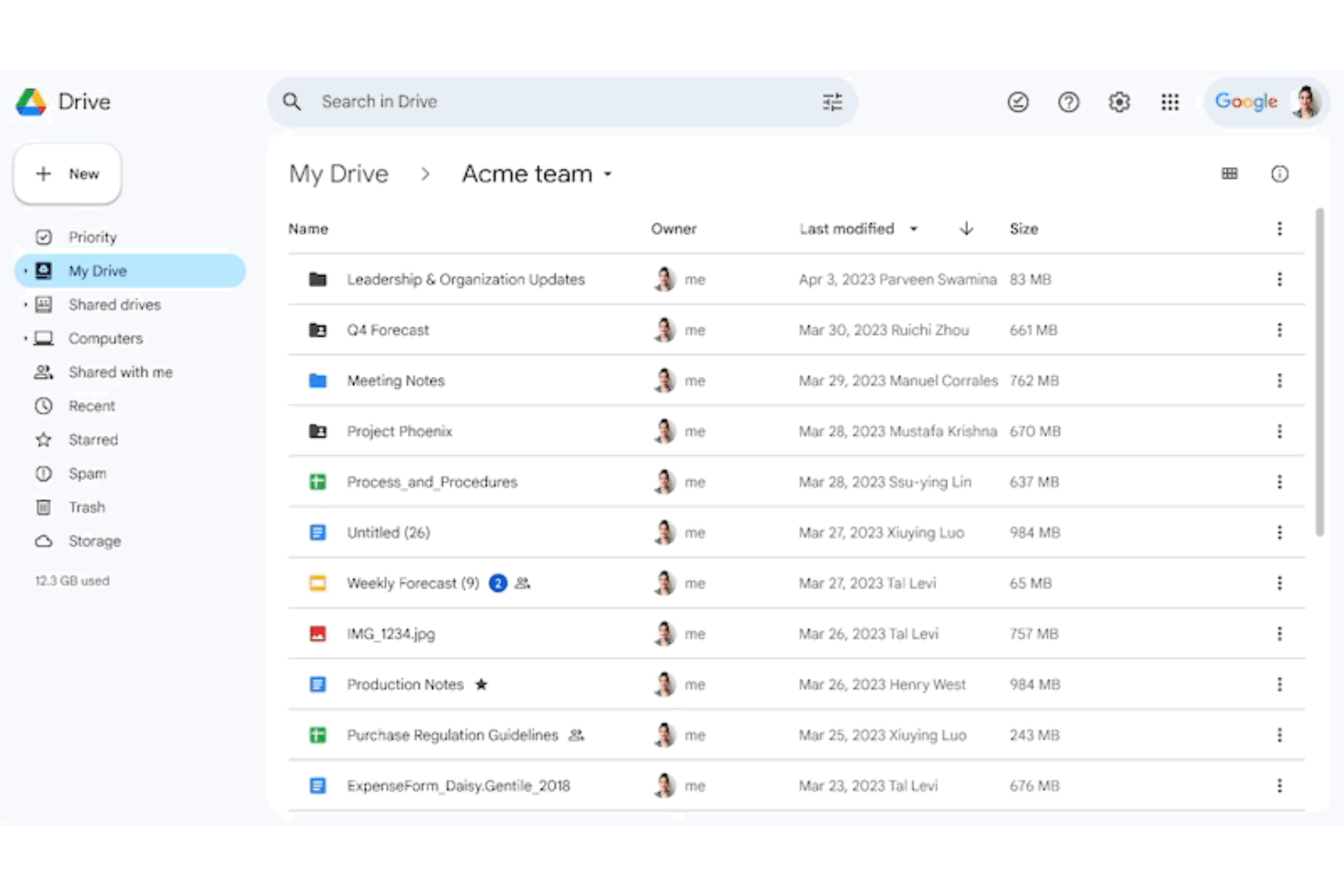
Google Drive is a file sharing software built around real-time collaboration—ideal for teams that need to create, store, and share documents without jumping between separate editing and storage tools. I'd shortlist it over Dropbox when your team is already in Google Workspace, since the native connection to Docs, Sheets, and Slides means you're not managing file versions or switching apps just to get work done.
Google Drive Evaluation Summary
- From CAD $9.20/user/month (billed annually)
- Free plan + 14-day free trial available
Por qué confiar en nuestras recomendaciones de software
Nuestro equipo lleva probando y evaluando software desde 2012. Como gestores de proyectos, sabemos lo difícil —y lo importante— que es elegir el software adecuado.
Para esta guía, evaluamos las herramientas mediante pruebas prácticas e investigación independiente, puntuando las herramientas según nuestros criterios de selección. También nos basamos en la experiencia de líderes de opinión del sector y de profesionales en activo de la gestión de proyectos.
Nuestras reseñas reflejan nuestro criterio editorial humano, no un discurso de ventas.
Revisores expertos:
Google Drive Overview
I think Google Drive offers unmatched accessibility and seamless integration, especially for teams already using Google Workspace. Pricing stays reasonable as storage grows, and onboarding’s about as easy as it gets. Interface clarity stands out, but large teams needing granular admin control or premium support might find it lacking. If you’re choosing for fast-moving remote teams or cross-company collaboration—think shared drives, real-time commenting, lightweight doc co-editing—Google Drive comes out on top. For those judging by ease of use and breadth of integrations, it’s hard to beat.
pros
-
Real-time collaboration on documents with multiple users
-
Permission settings simplify secure sharing inside and outside teams
-
Seamless access from any device with an internet connection
cons
-
File organization can get messy with frequent sharing
-
Upload and sync speeds can lag with large files
-
Limited offline access compared to some competitors
-

Celoxis
Visit WebsiteThis rating combines scores from multiple user review sites to reflect overall customer sentiment about the product.4.5 -
Smartsheet
Visit WebsiteThis rating combines scores from multiple user review sites to reflect overall customer sentiment about the product.4.5 -
Accelo
Visit WebsiteThis rating combines scores from multiple user review sites to reflect overall customer sentiment about the product.4.4





Nuestra Metodología de Revisión
Cómo probamos y puntuamos las herramientas
Llevamos años construyendo, refinando y mejorando nuestro sistema de prueba y puntuación de software. La rúbrica está diseñada para capturar los matices de la selección de software y los factores que hacen efectivo a un sistema, centrándose en los aspectos críticos del proceso de toma de decisiones.
A continuación, puedes ver exactamente cómo funciona nuestro proceso de prueba y puntuación en base a siete criterios. Esto nos permite proporcionar una evaluación imparcial del software basada en la funcionalidad principal, características destacadas, facilidad de uso, incorporación, soporte al cliente, integraciones, opiniones de clientes y valor por el dinero.
Funcionalidad principal (25% de la puntuación final)
El punto de partida de nuestra evaluación es siempre la funcionalidad principal de la herramienta. ¿Cuenta con las funciones y características básicas que un usuario esperaría ver? ¿Alguna de estas funciones principales está limitada a planes de precios superiores? Esperamos que la herramienta se mantenga a la par de las capacidades básicas de sus competidores.
Características destacadas (25% de la puntuación final)
A continuación, evaluamos las características destacadas poco comunes que van más allá de la funcionalidad principal normalmente encontrada en este tipo de herramientas. Una puntuación alta refleja funciones únicas o especializadas que hacen que el producto sea más rápido, eficiente, o aporte valor extra al usuario.
También evaluamos la facilidad de integración con otras herramientas habitualmente presentes en el ecosistema tecnológico para ampliar la funcionalidad y utilidad del software. Las herramientas que ofrecen muchas integraciones nativas, conexiones de terceros y acceso por API para integrar soluciones personalizadas obtienen la mejor puntuación.
Facilidad de uso (10% de la puntuación final)
Consideramos cuán rápido y fácil es ejecutar las tareas fundamentales usando la herramienta. El software con alta puntuación está bien diseñado, es intuitivo, ofrece aplicaciones móviles, proporciona plantillas y hace que tareas relativamente complejas parezcan sencillas.
Incorporación (10% de la puntuación final)
Sabemos lo importante que es una adopción rápida para un nuevo sistema, así que evaluamos cuán sencillo es aprender a usar la herramienta con una capacitación mínima. Analizamos cuán rápido un miembro del equipo puede configurarse y comenzar a usar la herramienta sin experiencia previa. Las soluciones mejor puntuadas indican que se requiere poco o ningún soporte.
Soporte al cliente (10% de la puntuación final)
Revisamos la rapidez y facilidad para obtener ayuda por teléfono, chat en vivo o base de conocimientos. Las empresas que ofrecen soporte en tiempo real obtienen las mejores puntuaciones, mientras que los chatbots obtienen las peores.
Opiniones de clientes (10% de la puntuación final)
Además de nuestras propias pruebas y valoraciones, consideramos la puntuación neta del promotor de clientes actuales y anteriores. Revisamos la probabilidad de que, ante la opción, quisieran elegir la herramienta de nuevo por su funcionalidad central. Un software con una puntuación alta refleja una gran satisfacción de sus usuarios actuales o pasados.
Valor por el dinero (10% de la puntuación final)
Por último, tomando en cuenta todos los criterios mencionados, comparamos el precio promedio de los planes básicos respecto a las funciones principales y el valor aportado por los otros criterios. El software que entrega más por menos recibirá una puntuación superior.
Core Features
Real-Time Document Collaboration
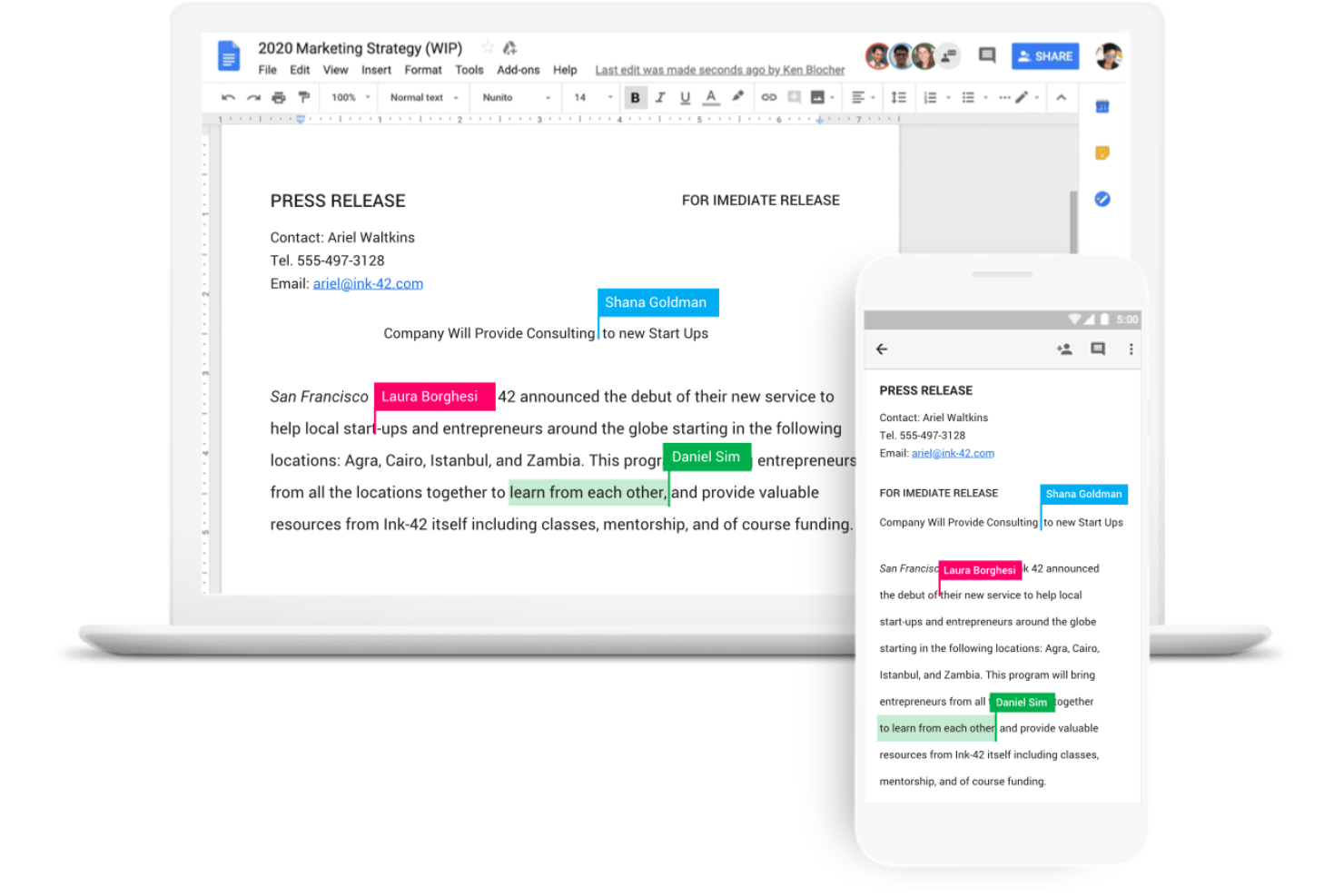
Work with teammates on the same file at once and see comments and edits live. This keeps everyone aligned without sending new file versions back and forth.
Version History and Restore
Track changes, review previous versions, and restore a file to an earlier state if needed. This feature helps you undo mistakes and audit team activity.
Cloud Storage and Backup
Upload files and folders to Google Drive for reliable cloud-based access. Your documents stay secure and retrievable from any device.
Link Sharing with Expiration Controls
Share files via custom links and set link expiration dates or restrict downloads. You stay in control of sensitive project documents at all times.
Offline File Access
Mark files for offline access to view and edit without an internet connection. Changes sync automatically the next time you’re online.
Ease of Use
Google Drive nails user-friendliness with its simple drag-and-drop uploads, clear permission settings, and real-time editing. Teams say onboarding feels almost frictionless—most users need little to no training to get started. The built-in search, comments, and logical folder structure make managing and finding files fast, even for larger organizations.

Integrations
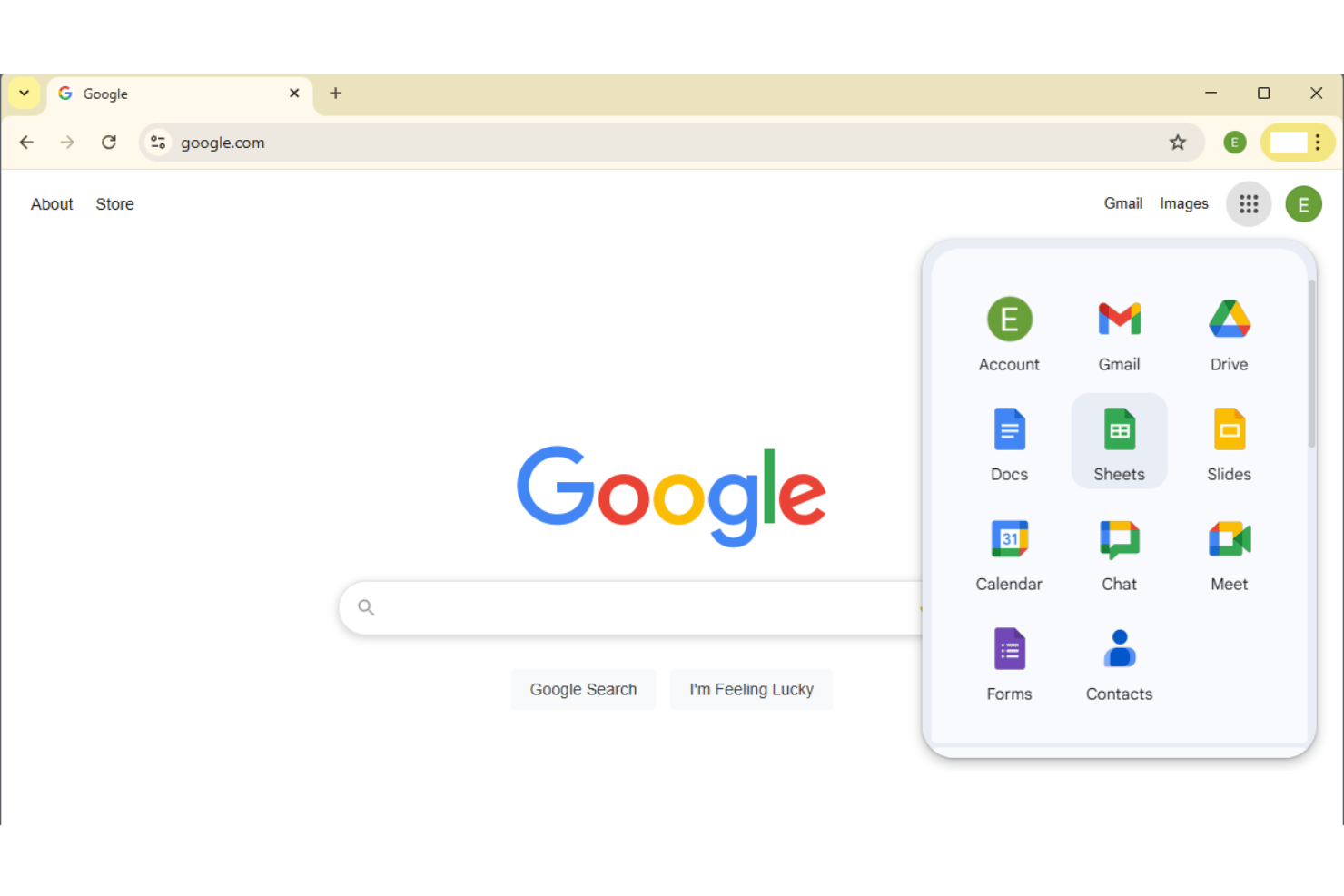
Google Drive integrates with Google Docs, Google Sheets, Google Slides, Gmail, Google Meet, Google Calendar, Google Forms, Google Sites, Google Chat, and Google Classroom, among others.
It also offers an API to use for custom app workflows and connections with third-party integration tools.
Google Drive Specs
- 2-Factor Authentication
- API
- Chat
- Dashboard
- Data Export
- Data Import
- Document Comparison
- External Integrations
- File Sharing
- File Transfer
- History/Version Control
- Multi-User
- Network Traffic Monitoring
- Notifications
- Project Management