Reseña de Copper: descripción general de ventajas, desventajas, funciones y precios



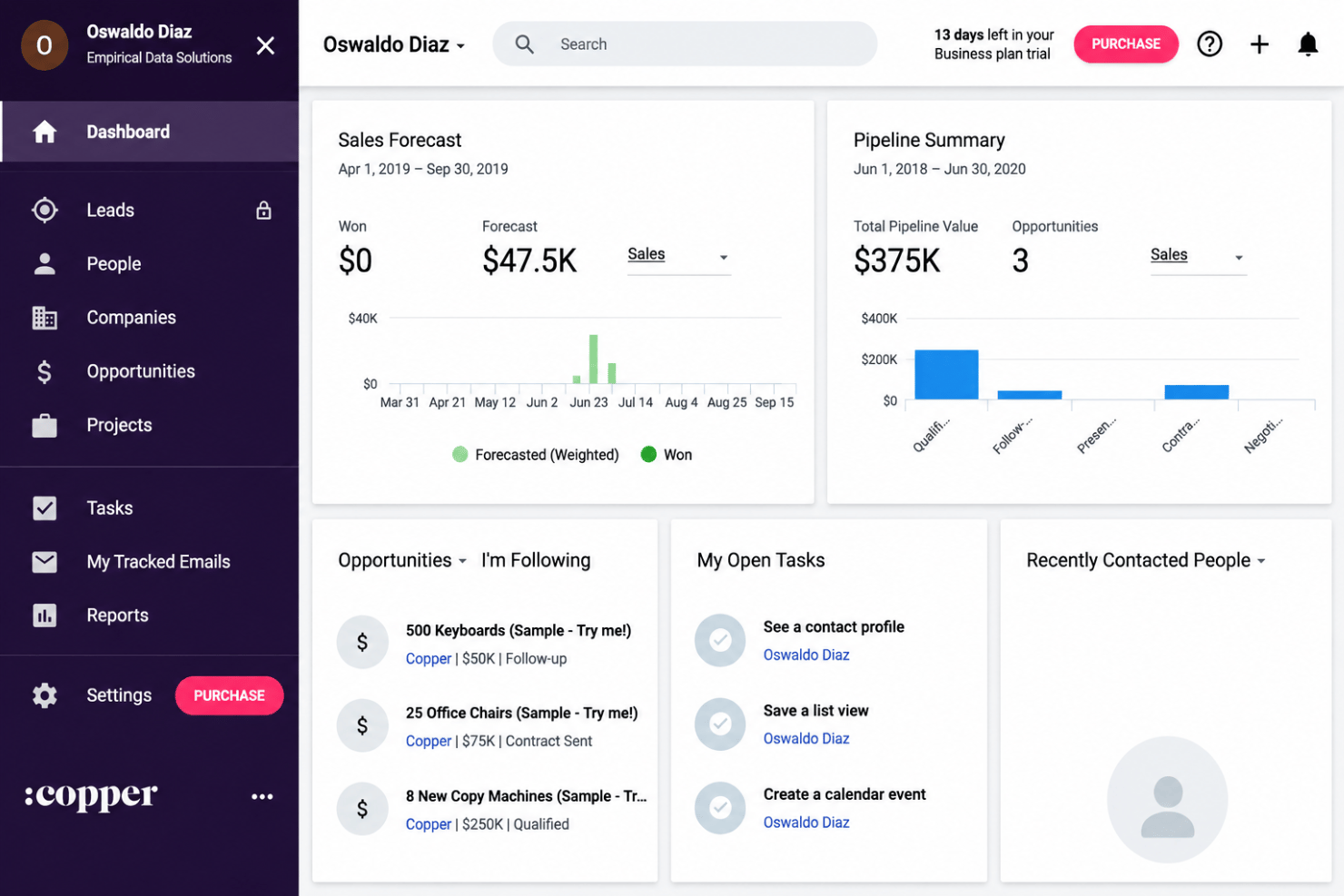
Copper is a project management software built natively into Google Workspace, giving teams a way to track clients, projects, and pipelines directly inside Gmail. It's worth considering if your team already runs on Google tools and wants project and relationship tracking without adding another platform to your stack. Compared to HubSpot, Copper is a more natural fit for Google-first teams, as it syncs automatically with Gmail and Google Calendar, so there's no manual data entry or context-switching required.
Copper Evaluation Summary
- From $59/user/month (billed annually)
- Free trial available
Por qué confiar en nuestras recomendaciones de software
Nuestro equipo lleva probando y evaluando software desde 2012. Como gestores de proyectos, sabemos lo difícil —y lo importante— que es elegir el software adecuado.
Para esta guía, evaluamos las herramientas mediante pruebas prácticas e investigación independiente, puntuando las herramientas según nuestros criterios de selección. También nos basamos en la experiencia de líderes de opinión del sector y de profesionales en activo de la gestión de proyectos.
Nuestras reseñas reflejan nuestro criterio editorial humano, no un discurso de ventas.
Revisores expertos:
Copper Overview
If you’re judging project management software by its ability to bridge sales and delivery, Copper does a better job than most. I think its Gmail integration and relationship tracking set it apart, while its project templates and automation are solid but less advanced than some. Pricing feels reasonable for teams that value CRM and project tools together. As a day-to-day productivity tool it earns its keep by removing the copy-paste tax between your inbox and your pipeline. If you want fast onboarding, clean interfaces, and lightweight project planning—especially for client services or agencies—Copper deserves serious consideration. For deeply technical or resource-heavy projects, I’d suggest weighing its features against your must-haves.
pros
-
Syncs project tasks directly with client email threads
-
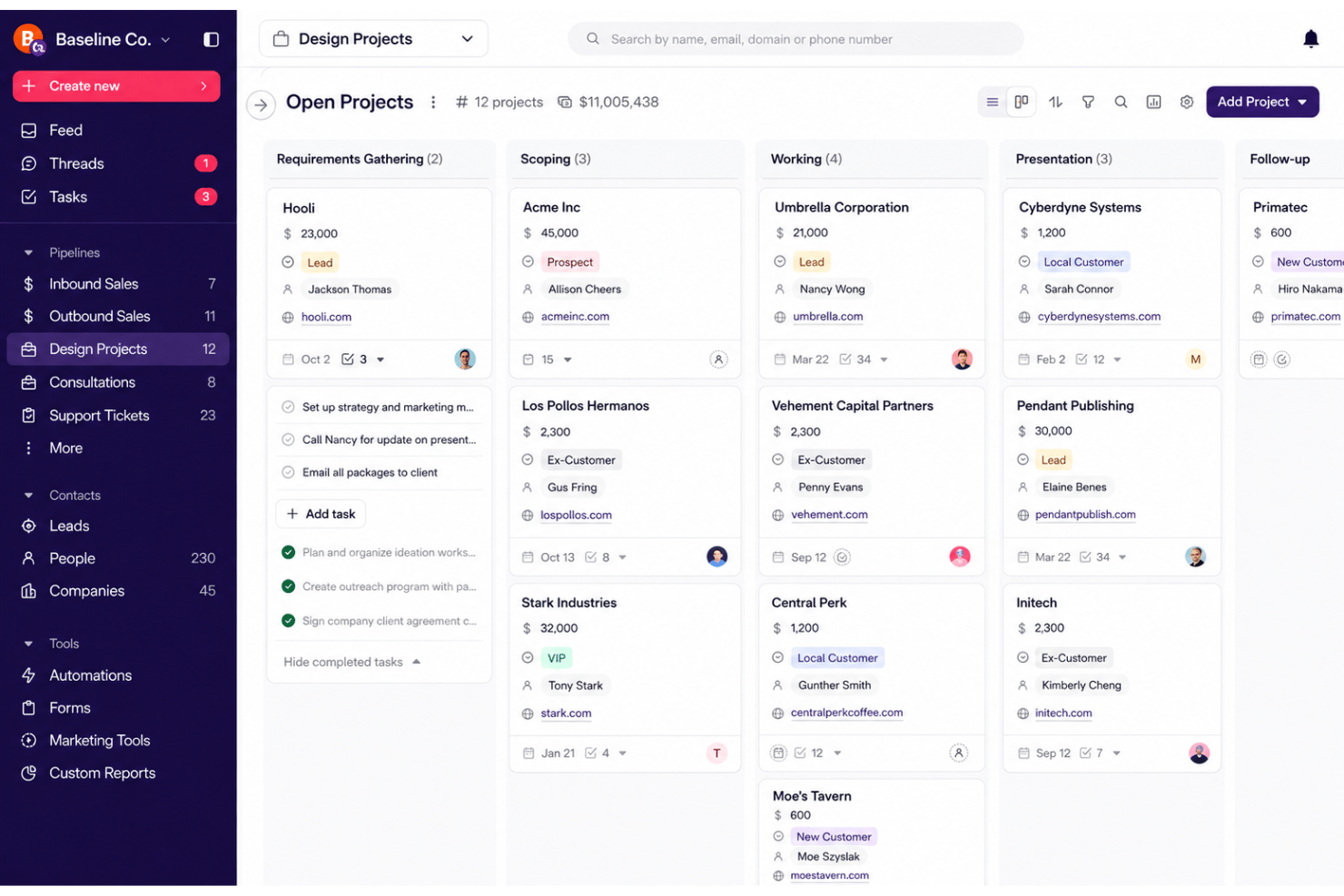
Visualizes project pipelines with drag-and-drop boards
-
Links sales and project workflows in one workspace
cons
-
Lacks advanced resource allocation or capacity planning
-
No built-in time tracking, timesheets, or invoicing features
-
Limited reporting, with few options for custom reports compared to full-featured platforms
-

Celoxis
Visit WebsiteThis rating combines scores from multiple user review sites to reflect overall customer sentiment about the product.4.5 -
Smartsheet
Visit WebsiteThis rating combines scores from multiple user review sites to reflect overall customer sentiment about the product.4.5 -
Accelo
Visit WebsiteThis rating combines scores from multiple user review sites to reflect overall customer sentiment about the product.4.4





Nuestra Metodología de Revisión
Cómo probamos y puntuamos las herramientas
Llevamos años construyendo, refinando y mejorando nuestro sistema de prueba y puntuación de software. La rúbrica está diseñada para capturar los matices de la selección de software y los factores que hacen efectivo a un sistema, centrándose en los aspectos críticos del proceso de toma de decisiones.
A continuación, puedes ver exactamente cómo funciona nuestro proceso de prueba y puntuación en base a siete criterios. Esto nos permite proporcionar una evaluación imparcial del software basada en la funcionalidad principal, características destacadas, facilidad de uso, incorporación, soporte al cliente, integraciones, opiniones de clientes y valor por el dinero.
Funcionalidad principal (25% de la puntuación final)
El punto de partida de nuestra evaluación es siempre la funcionalidad principal de la herramienta. ¿Cuenta con las funciones y características básicas que un usuario esperaría ver? ¿Alguna de estas funciones principales está limitada a planes de precios superiores? Esperamos que la herramienta se mantenga a la par de las capacidades básicas de sus competidores.
Características destacadas (25% de la puntuación final)
A continuación, evaluamos las características destacadas poco comunes que van más allá de la funcionalidad principal normalmente encontrada en este tipo de herramientas. Una puntuación alta refleja funciones únicas o especializadas que hacen que el producto sea más rápido, eficiente, o aporte valor extra al usuario.
También evaluamos la facilidad de integración con otras herramientas habitualmente presentes en el ecosistema tecnológico para ampliar la funcionalidad y utilidad del software. Las herramientas que ofrecen muchas integraciones nativas, conexiones de terceros y acceso por API para integrar soluciones personalizadas obtienen la mejor puntuación.
Facilidad de uso (10% de la puntuación final)
Consideramos cuán rápido y fácil es ejecutar las tareas fundamentales usando la herramienta. El software con alta puntuación está bien diseñado, es intuitivo, ofrece aplicaciones móviles, proporciona plantillas y hace que tareas relativamente complejas parezcan sencillas.
Incorporación (10% de la puntuación final)
Sabemos lo importante que es una adopción rápida para un nuevo sistema, así que evaluamos cuán sencillo es aprender a usar la herramienta con una capacitación mínima. Analizamos cuán rápido un miembro del equipo puede configurarse y comenzar a usar la herramienta sin experiencia previa. Las soluciones mejor puntuadas indican que se requiere poco o ningún soporte.
Soporte al cliente (10% de la puntuación final)
Revisamos la rapidez y facilidad para obtener ayuda por teléfono, chat en vivo o base de conocimientos. Las empresas que ofrecen soporte en tiempo real obtienen las mejores puntuaciones, mientras que los chatbots obtienen las peores.
Opiniones de clientes (10% de la puntuación final)
Además de nuestras propias pruebas y valoraciones, consideramos la puntuación neta del promotor de clientes actuales y anteriores. Revisamos la probabilidad de que, ante la opción, quisieran elegir la herramienta de nuevo por su funcionalidad central. Un software con una puntuación alta refleja una gran satisfacción de sus usuarios actuales o pasados.
Valor por el dinero (10% de la puntuación final)
Por último, tomando en cuenta todos los criterios mencionados, comparamos el precio promedio de los planes básicos respecto a las funciones principales y el valor aportado por los otros criterios. El software que entrega más por menos recibirá una puntuación superior.
Core Features
Visual Project Pipelines
Organize projects with Kanban-style stages so status, bottlenecks, and project timelines stay visible. Move tasks through customizable columns that mirror your workflow.
Task Management
Create, assign, and track individual tasks with due dates. Automatic notifications keep everyone on the same page about next steps and responsibilities.
Activity and Communication Logs
Automatically log calls, meetings, and email threads for every project. See client conversations and progress updates in one timeline.
Custom Project Templates
Quickly launch new projects with reusable templates tailored to your process. Standardize recurring workflows for efficiency.
Contact and Relationship Linking
Tie contacts and company accounts to each project for a 360° view. Contact management sits beside the work, so you see which clients, deals, and opportunities connect.
Document and File Storage
Attach and organize project files right inside your workspace, with file sharing built in. Keep contracts, briefs, and deliverables at your fingertips.
Ease of Use
Copper stands out for its clean, intuitive interface and how easily it embeds project management into daily workflows, especially for teams using Google Workspace. I think most users can pick it up quickly since task updates, notes, and project boards stay simple without extra clutter. That restraint is the point — it behaves like a productivity tool your team actually opens, not another system to maintain. From what I’ve seen, the onboarding is straightforward and the search feature makes it easy to track client communications and project history with little training.
Integrations
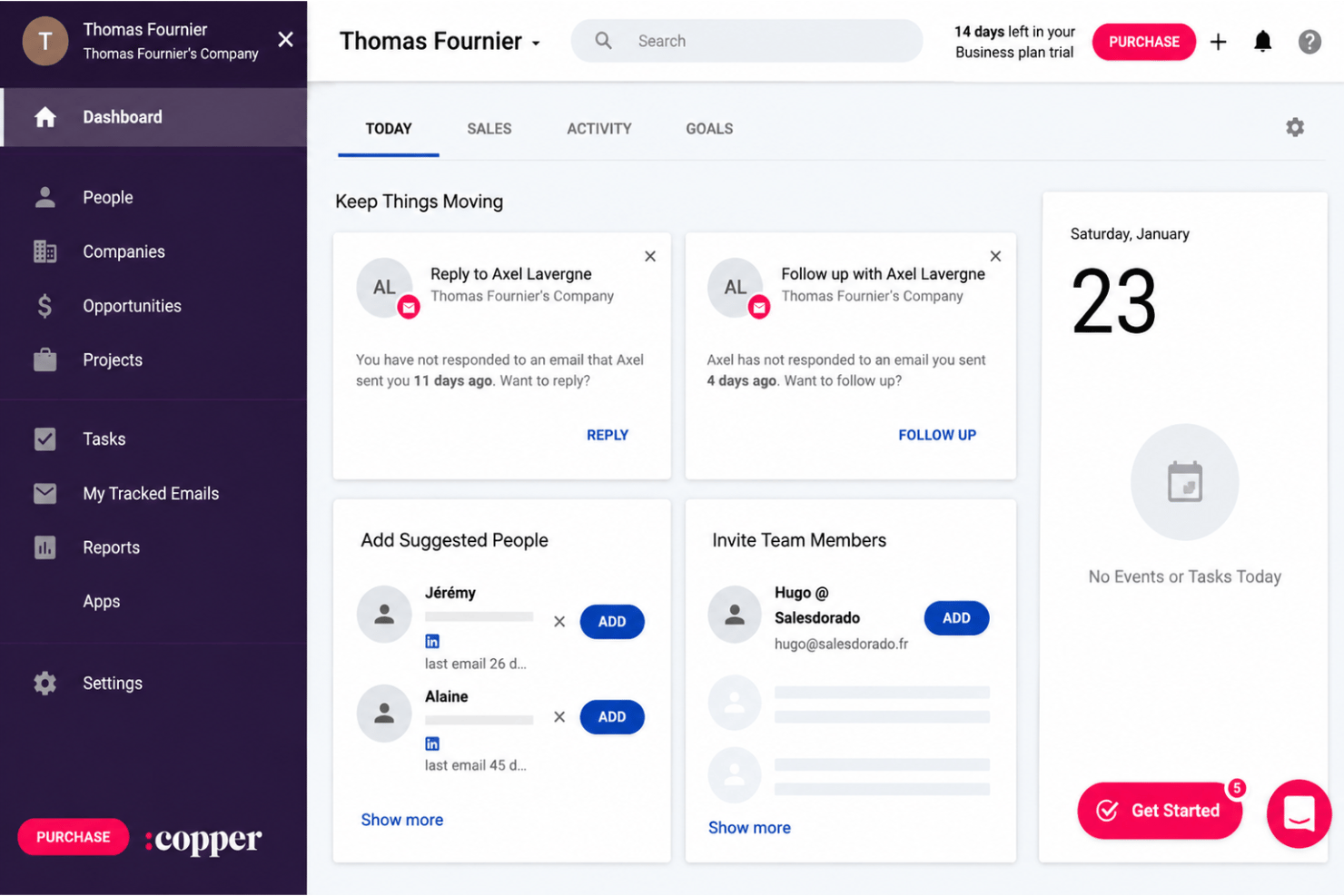
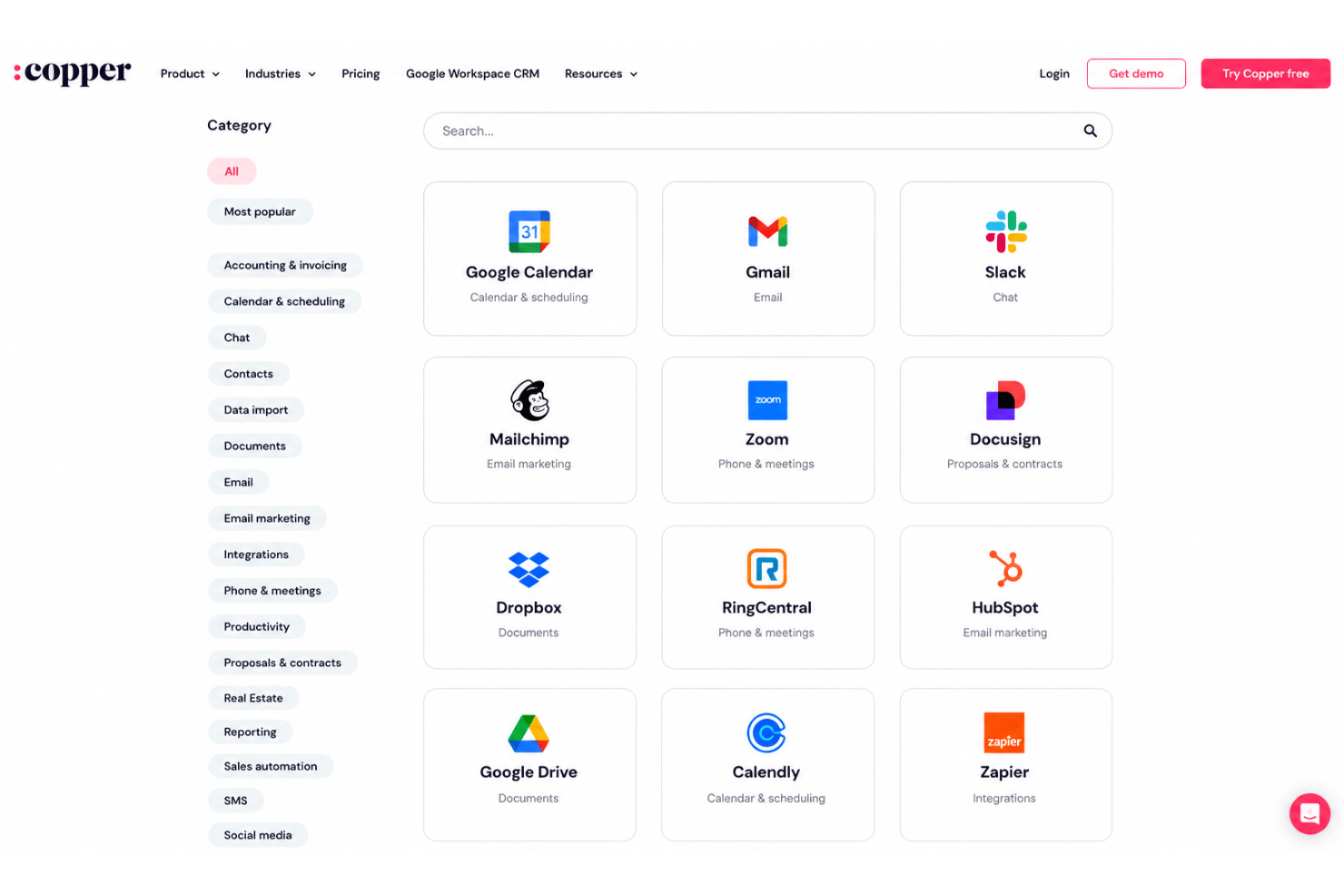
Copper integrates with Google Workspace (Gmail, Google Calendar, Google Drive), Slack, Mailchimp, Xero, QuickBooks, HubSpot, Zendesk, Mailjet, and Zapier, among others.
Copper also offers a public API and connects with third-party integration tools for custom workflows.
Copper Specs
- 2-Factor Authentication
- API
- Calendar Management
- Call Tracking
- Campaign Management
- Click-to-Dial
- Contact Management
- Contact Sharing
- Custom Data Forms
- Customer Management
- Dashboard
- Data Export
- Data Import
- Data Visualization
- Email Integration
- External Integrations
- File Sharing
- File Transfer
- Google Apps Integration
- Lead Management
- Lead Scoring
- Marketing Automation
- Mobile App
- Multi-User
- Notifications
- Pipeline Management
- Sales Automation
- Scheduling
- Social-Media Integration
- Task Scheduling/Tracking
- Third-Party Plugins/Add-Ons