

10 alternativas ao Templafy para a automatização de documentos em 2026

Alternativas ao Templafy


Uma alternativa sólida ao Templafy proporciona à sua equipa automatização flexível de conteúdos, integração fiável com fluxos de trabalho e suporte para a distribuição de conteúdos em vários canais. Se está à procura de alternativas ao Templafy, é provável que esteja a enfrentar desafios relacionados com a gestão de conteúdos, a automatização ou o aumento de escala dos seus processos em várias plataformas. Muitas equipas dão prioridade a soluções SaaS fáceis de utilizar e completas, com elevada facilidade de utilização, modelos personalizáveis e suporte para suplementos que ampliam a funcionalidade. Esta lista ajudará a comparar as principais opções para 2026, para que possa encontrar a solução de gestão adequada às necessidades de automatização de conteúdos da sua equipa — quer se concentre na conformidade de documentos, na gestão de campanhas ou na criação de conteúdos com tecnologia de IA.
O que é o Templafy?
O Templafy é uma plataforma de automatização de conteúdos que ajuda as organizações a gerir, criar e distribuir documentos empresariais e ativos digitais. Centraliza modelos, ativos de marca e ferramentas de conformidade, facilitando a produção de conteúdos atuais e alinhados com a marca pelas equipas. O Templafy é utilizado por equipas de marketing, jurídicas e de conformidade para reduzir o trabalho manual, manter a consistência e garantir o cumprimento das normas regulamentares em todas as comunicações empresariais. As equipas avaliam frequentemente a plataforma através de avaliações de utilizadores e integram-na em fluxos de trabalho mais amplos de gestão de projetos, para manter a produção de conteúdos alinhada com os processos da organização.
Tabela de comparação das alternativas ao Templafy
Esta tabela de comparação resume os detalhes de preços das minhas principais alternativas ao Templafy.
| Tool | Best For | Trial Info | Price | ||
|---|---|---|---|---|---|
| 1 | Best for centralizing brand assets and guidelines | Free demo available | Pricing upon request | Website | |
| 2 | Best for CRM-driven sales doc generation | Free demo available | Pricing upon request | Website | |
| 3 | Best for Microsoft 365 brand template control | Free demo available | Pricing upon request | Website | |
| 4 | Best for sales document automation with CRM data | Free plan + 14-day free trial + free demo available | From $19/user/month | Website | |
| 5 | Best for data-driven sales doc automation | Free demo available | Pricing upon request | Website | |
| 6 | Best for finance teams in Microsoft 365 | Not available | Pricing upon request | Website | |
| 7 | Best for Microsoft 365 slide library governance | Free demo available | From $10/user/month (billed annually) | Website | |
| 8 | Best for proposal teams in Microsoft 365 | Free demo available | Pricing upon request | Website | |
| 9 | Best for on-brand visual content at scale | Free demo available | Pricing upon request | Website | |
| 10 | Best for pitch creation within Microsoft Office | Free demo available | Pricing upon request | Website |
Why Trust Our Software Recommendations
Our team has been testing and reviewing software since 2012. As project managers ourselves, we know how difficult—and important—it is to choose the right software.
For this guide, we evaluated tools using hands-on testing and independent research, scoring tools using our selection criteria. We also draw on insights from industry thought leaders and practicing project management experts.
Our reviews reflect our human editorial judgment, not a sales pitch.
Expert reviewers:
Avaliações das alternativas ao Templafy
Apresento abaixo os meus resumos detalhados das alternativas ao Templafy que entraram na minha lista. As minhas avaliações analisam detalhadamente as funcionalidades, os melhores casos de utilização e as integrações de cada plataforma, para ajudar a encontrar a melhor opção para a sua equipa.

Frontify
Best for centralizing brand assets and guidelines
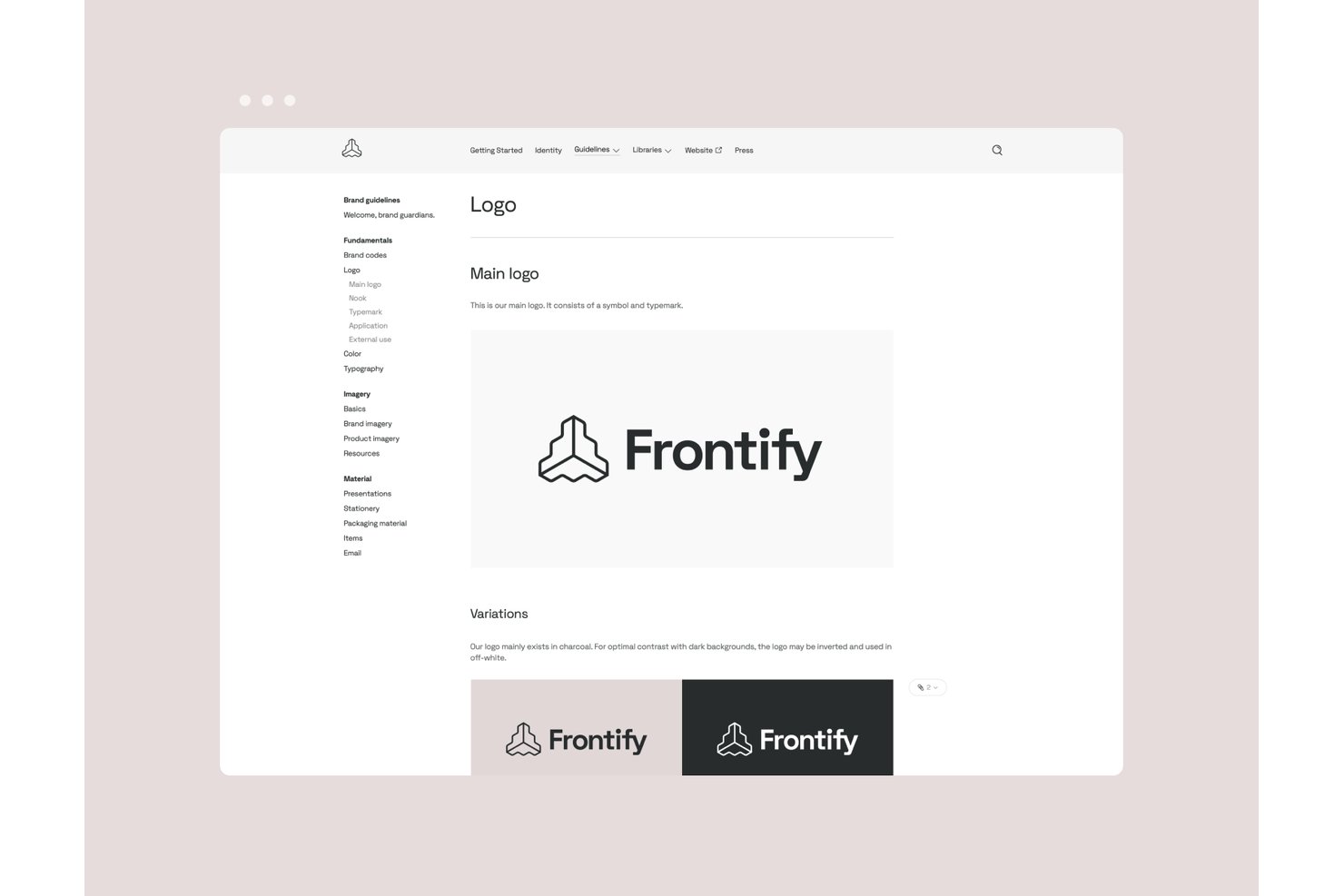
Frontify is a brand management platform for marketing and creative teams that helps keep brand materials and communications consistent across projects, offering an alternative to Templafy for organizations focused on brand governance.
Who Is Frontify Best For?
Frontify is a good fit for brand managers who coordinate work across in-house designers, marketers, and external agencies.
Why I Picked Frontify
I picked Frontify as a Templafy alternative because it’s best for centralizing brand assets and guidelines. I like how its digital asset library and interactive guidelines keep approved logos, imagery, and usage rules together. Editable templates help teams create on-brand materials without relying on outdated files.
Frontify Key Features
- Granular permissions: Set access by team, region, brand, or external partner.
- Approval workflows: Route assets for review and sign-off before publication.
- Creative integrations: Access assets from Adobe Creative Cloud and Figma.
- Asset expiration controls: Set assets to expire on a specific date or after a defined period.
Frontify Integrations
Frontify offers a Figma plugin and an Adobe Link plugin for accessing and syncing brand assets in Figma and Adobe Creative Cloud; CI HUB connectors also connect Frontify with Google Workspace and Microsoft 365. Frontify provides REST and GraphQL APIs, webhooks, and developer tools for custom integrations.
Pros and Cons
Pros:
- Access controls support consistent regional brand governance
- Searchable tagging helps locate specific brand imagery
- Centralizes guidelines, assets, and approved templates
Cons:
- Limited undo and versioning risk accidental changes
- Template customization can require external design tools

Highspot
Best for CRM-driven sales doc generation
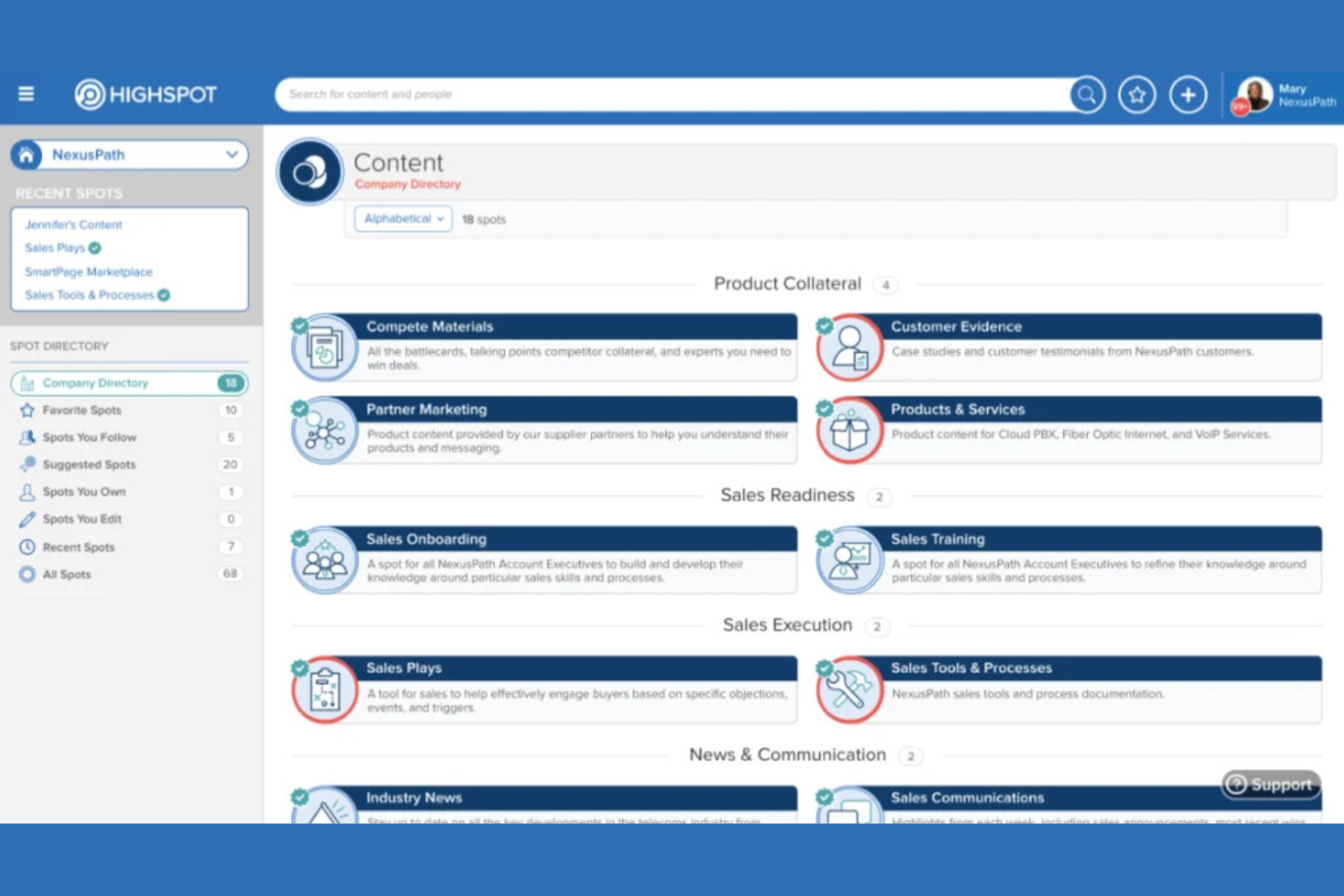
Highspot helps sales teams create, manage, and share customer-facing documents, giving revenue organizations a central place to find approved content and tailor materials for buyer conversations.
Who Is Highspot Best For?
Highspot suits sales enablement teams that need to create and personalize customer-facing documents from CRM data.
Why I Picked Highspot
I picked Highspot as a Templafy alternative because it’s Best for CRM-driven sales doc generation. AutoDocs pulls CRM and spreadsheet data into approved templates, so I can create personalized, on-brand sales documents without manually copying opportunity details.
Highspot Key Features
- AI-powered content search: Find assets based on context such as sales stage, buyer persona, or region.
- Content governance: Set publishing rules, approval workflows, and access policies for sales materials.
- Content engagement analytics: Track asset views, sharing, and engagement with deal outcomes.
- Digital sales rooms: Share curated buyer-facing resources in a branded space and track buyer engagement.
Highspot Integrations
Highspot offers native integrations with Salesforce, Microsoft, Google, Slack, and Salesloft, with 100+ integrations listed across its ecosystem. AutoDocs connects to Salesforce and Microsoft Dynamics to populate sales documents, and open APIs support custom integrations.
Pros and Cons
Pros:
- Deal-stage content helps tailor sales materials
- Approved templates protect brand consistency
- CRM data populates governed, buyer-ready documents
Cons:
- Analytics dashboards offer limited customization
- Search gets broad in large libraries

empower®
Best for Microsoft 365 brand template control
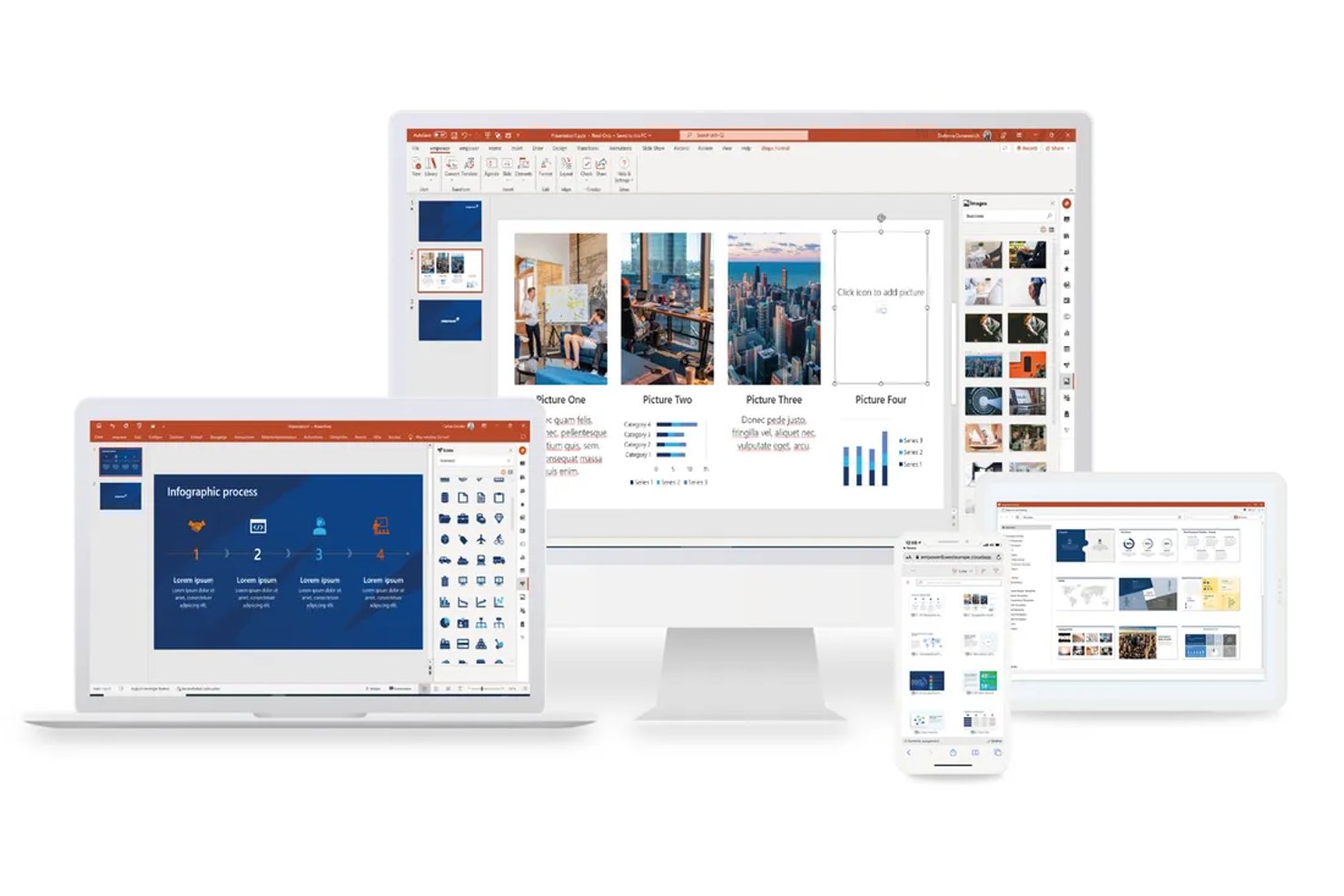
empower® is a document generation platform for organizations that helps teams create consistent presentations and business documents in Microsoft 365, reducing manual formatting and reliance on outdated shared templates.
Who Is empower® Best For?
Brand, communications, and operations teams in Microsoft 365 organizations can use empower® to help employees create on-brand presentations and business documents.
Why I Picked empower®
I picked empower® because it fits the “Best for Microsoft 365 brand template control” role with centrally managed templates and brand assets in Word, PowerPoint, and Excel. Dynamic templates guide teams through pitch decks, proposals, and contracts, while Design Check flags and corrects design violations. That makes it a practical Templafy alternative when teams need current, on-brand documents.
empower® Key Features
- Agenda Wizard: Builds agenda slides with automatic numbering, chapter references, and navigation links.
- Excel links: Connects charts, tables, and text boxes to Excel files for content refreshes.
- Word text library: Provides standard text for assembling business documents.
- Presentation review tools: Check spelling and remove personal notes before sharing presentations.
empower® Integrations
empower® works as an add-in across Microsoft 365 apps, including Word, PowerPoint, Excel, and Outlook, and offers a Teams app and SharePoint synchronization. It also connects with DAM and PIM systems, including Frontify and Adobe Experience Manager, and supports custom extensions.
Pros and Cons
Pros:
- Charts and Gantt tools speed recurring decks
- Design checks flag brand and layout violations
- Centralized slide libraries keep approved content reusable
Cons:
- Linked slides need training to avoid overwrites
- PowerPoint slowdowns and crashes risk lost work
PandaDoc
Best for sales document automation with CRM data
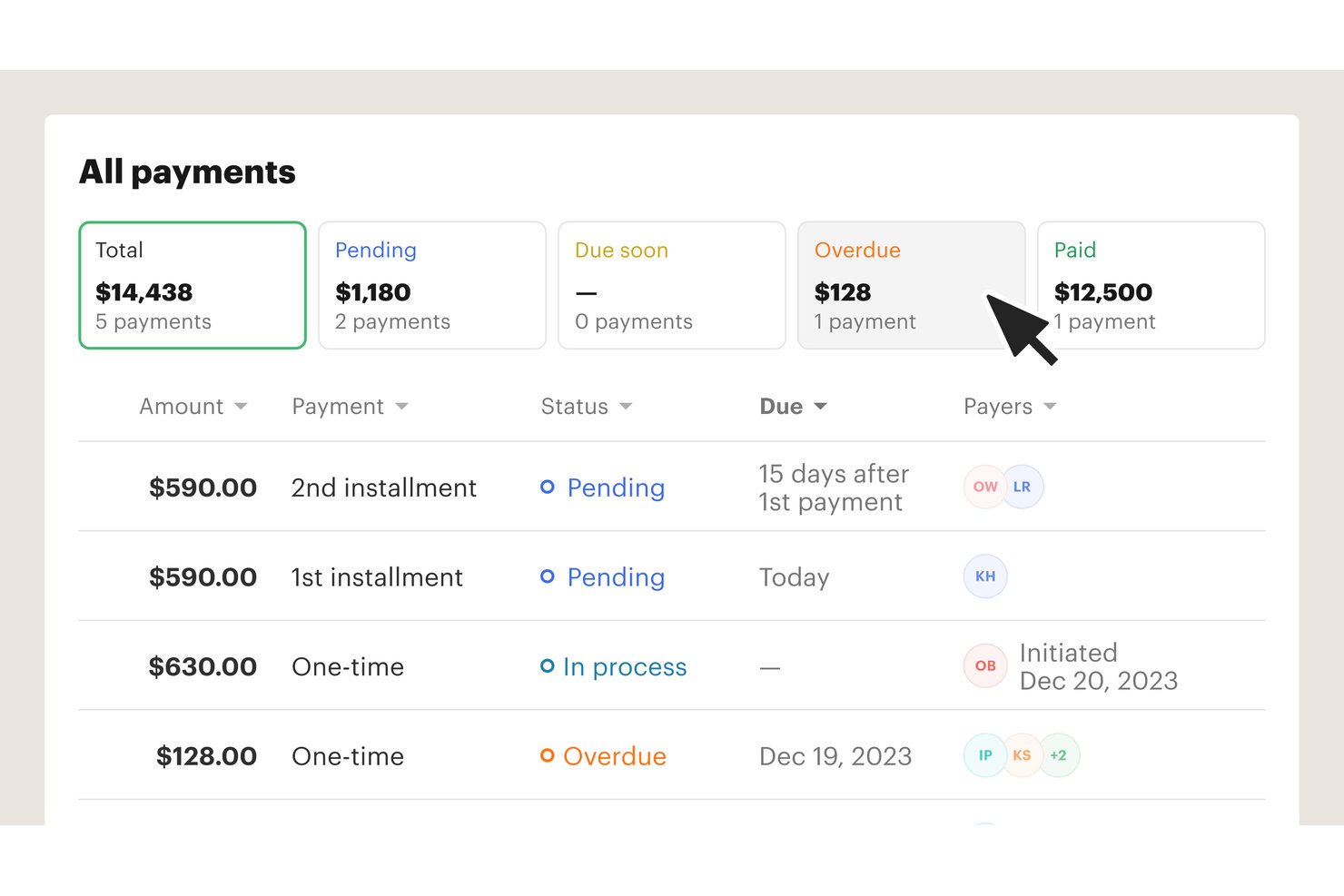
PandaDoc is a document automation platform for sales and client-facing teams that helps you create, send, track, and e-sign proposals and contracts in one place.
Who Is PandaDoc Best For?
PandaDoc suits sales operations and revenue teams that build customer-facing proposals from CRM data.
Why I Picked PandaDoc
I picked PandaDoc as a Best Templafy Alternative for sales document automation with CRM data. I like how CRM fields can populate proposal templates, while configurable pricing tables let reps tailor quotes to each deal. That keeps customer details and line items tied to the sales record instead of copied by hand.
PandaDoc Key Features
- Electronic signatures: Add signature fields and collect signatures within PandaDoc documents.
- Document analytics: See when recipients open a document and how long they view it.
- Content library: Save reusable content blocks and insert them into documents.
- Approval workflows: Route documents to reviewers and collect approvals before sending.
PandaDoc Integrations
PandaDoc’s integration catalog includes HubSpot CRM, Salesforce, Pipedrive, Microsoft Dynamics CRM, monday.com, Zoho, Stripe, Slack, and Google Docs. It also supports Zapier and offers an API for custom integrations.
Pros and Cons
Pros:
- Recipient activity shows document opens and views
- Quote tables adapt pricing to each deal
- CRM fields populate sales proposal templates
Cons:
- Editing sent contracts can require resending
- Template editor can feel slow and cumbersome

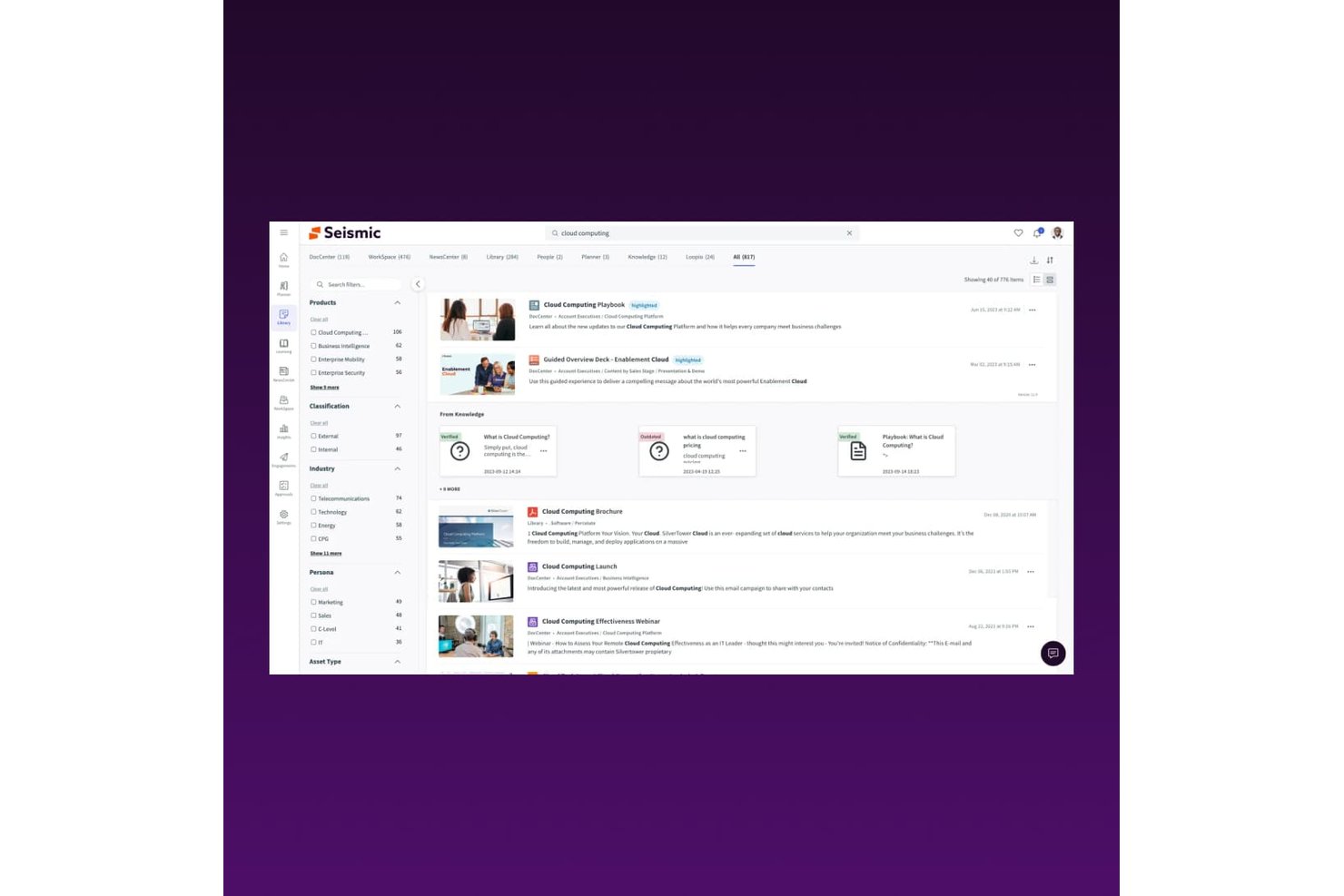
Seismic is a sales enablement platform for teams that need to create tailored proposals and customer-facing documents while keeping content consistent and current.
Who Is Seismic Best For?
Seismic suits sales enablement and revenue teams that need to create tailored, data-driven proposals and customer-facing documents.
Why I Picked Seismic
I picked Seismic for data-driven sales doc automation that gives Templafy shoppers a sales-focused alternative. Its LiveDocs templates can pull CRM fields into personalized proposals, while approved content keeps messaging consistent. I like that reps can tailor documents with account-specific details without rebuilding each proposal from scratch.
Seismic Key Features
- AI-powered search: Find sales assets using searches and recommendations tailored to buyer roles and deal stages.
- LiveSend sharing: Share sales content with buyers through trackable links.
- Buyer engagement analytics: See who viewed shared content and how long they engaged with it.
- Platform integrations: Connect Seismic with CRM, email, collaboration, and content authoring tools.
Seismic Integrations
Seismic Exchange offers 150+ integrations, including Salesforce, Microsoft 365, Google Workspace, Adobe, Oracle, Zoom, Gong, Slack, Webex, and Outreach. Seismic also provides APIs for custom integrations.
Pros and Cons
Pros:
- Buyer-link analytics show prospect engagement
- Approved templates keep sales messaging consistent
- CRM fields personalize sales proposals
Cons:
- Platform can overwhelm smaller teams
- Content organization requires ongoing upkeep
- Search can return irrelevant assets

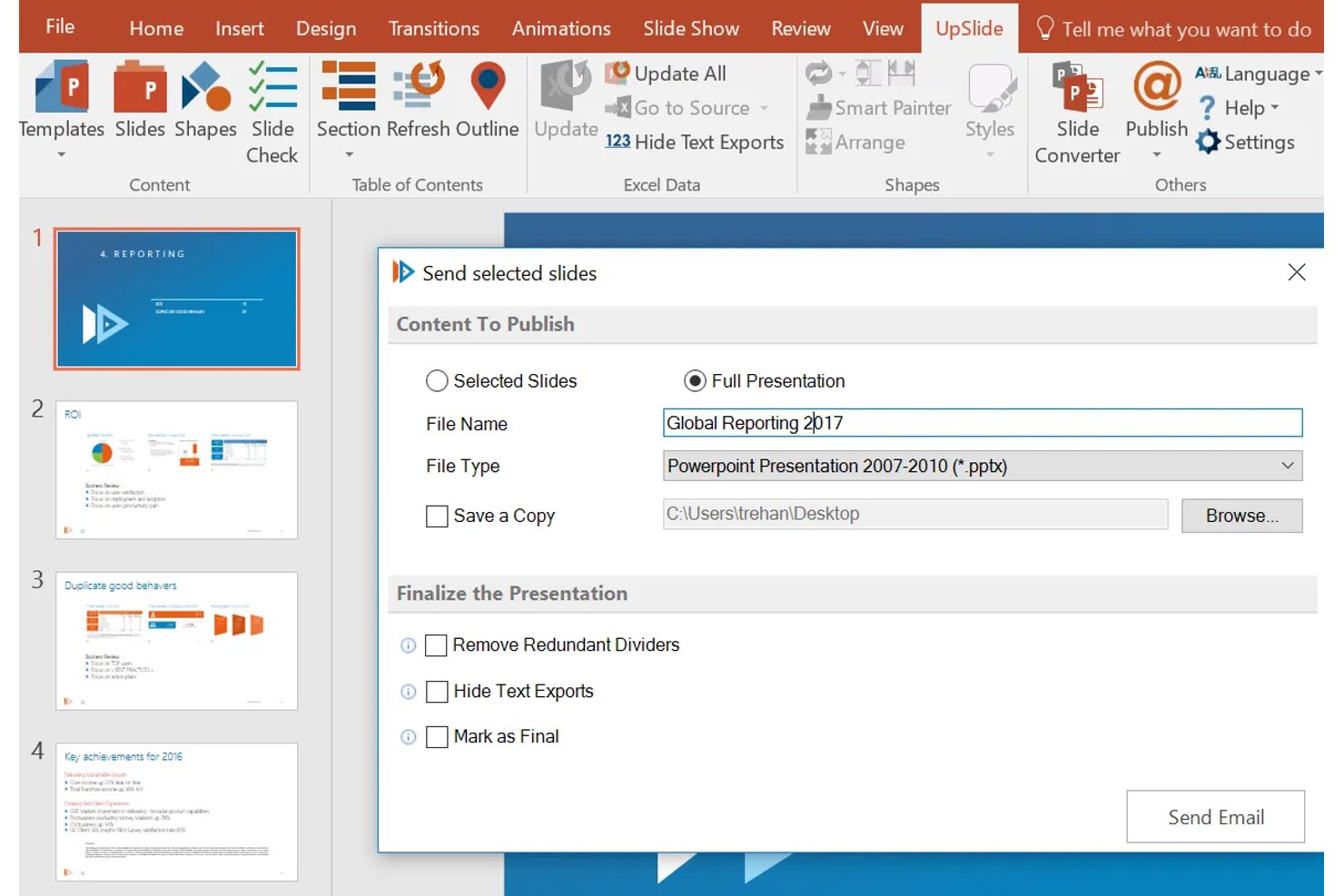
UpSlide automates branded PowerPoint, Excel, and Word deliverables, helping teams keep approved content current and catch formatting errors before sharing, which makes it Best for finance teams in Microsoft 365.
Who Is UpSlide Best For?
UpSlide fits finance teams that build recurring financial presentations and reports directly in Microsoft 365.
Why I Picked UpSlide
I picked UpSlide as a Templafy alternative because it is Best for finance teams in Microsoft 365, where analysts build recurring client decks and reports. Its in-app library keeps approved slides, bios, and tombstones current, while financial charts apply firm colors and fonts. I also value checks that flag formatting, figures, and calculations before a presentation goes out.
UpSlide Key Features
- Microsoft 365 templates: Distribute and update templates for PowerPoint, Word, and Excel.
- Slide converter: Convert PowerPoint slides to company, client, or subsidiary brand styles.
- Outlook signature manager: Update firm-wide email signatures with Entra ID integration.
- Locked elements: Protect disclaimers, logos, and regulated sections in documents.
UpSlide Integrations
UpSlide works as a native add-in across Microsoft 365, including PowerPoint, Word, Excel, and Outlook. It supports SharePoint for centrally managed content libraries and Microsoft Entra ID for user provisioning.
Pros and Cons
Pros:
- Slide checks catch formatting and content errors
- Shared slide libraries limit version-control issues
- Excel-to-PowerPoint links reduce manual errors
Cons:
- Reviewers want more chart options
- Highly customized decks fit less well
- Library loading can be slow

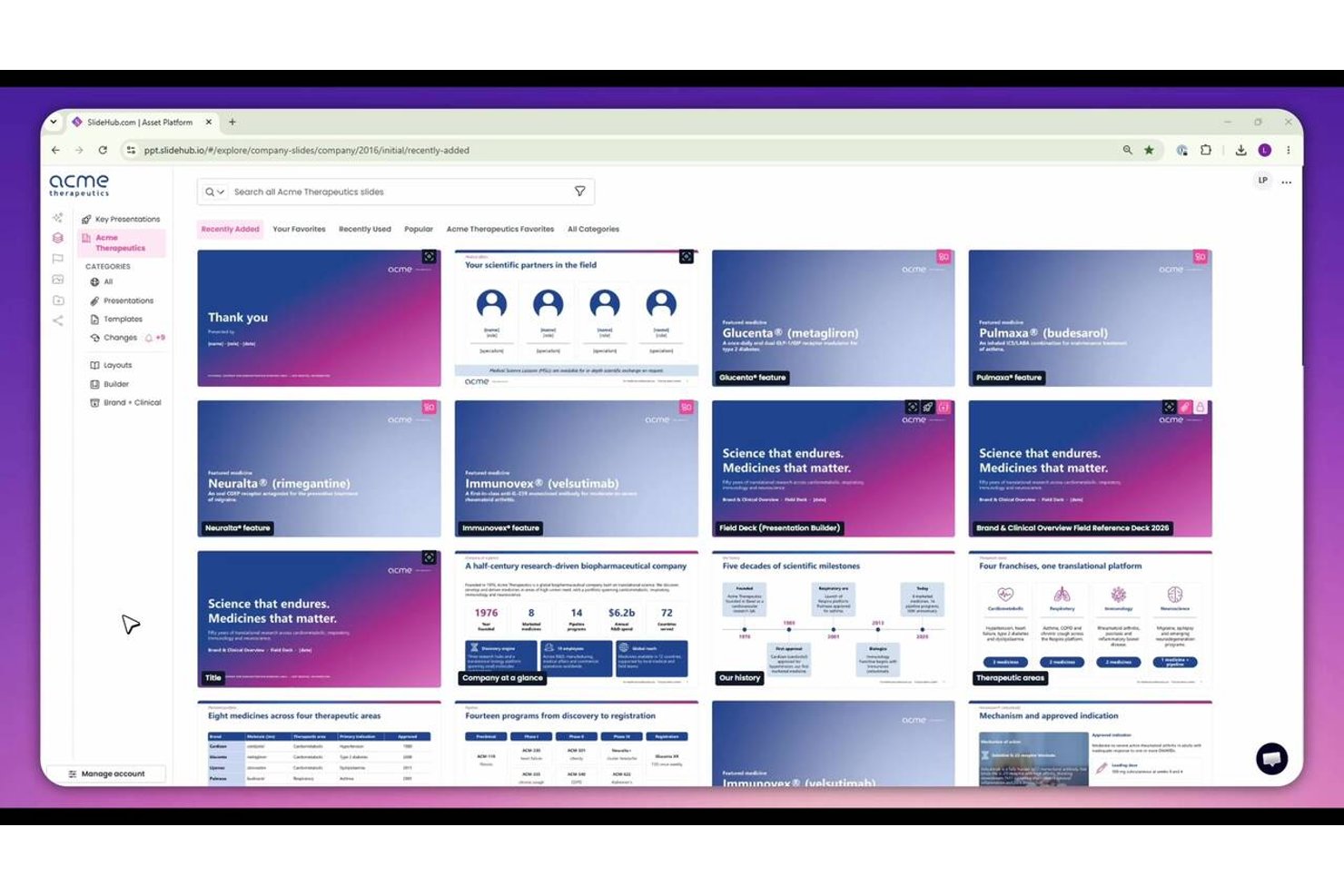
SlideHub helps marketing, sales, and communications teams organize reusable PowerPoint content, maintain brand consistency, and spend less time rebuilding presentations.
Who Is SlideHub Best For?
SlideHub suits marketing and communications teams that need to govern shared PowerPoint libraries and keep approved slide content consistent across Microsoft 365.
Why I Picked SlideHub
I picked SlideHub as a Templafy alternative for Microsoft 365 slide library governance. I like that marketing and communications teams can organize reusable PowerPoint content and maintain approved slide content across Microsoft 365. That helps teams use consistent slides instead of rebuilding presentation content.
SlideHub Key Features
- Slide version history: Restore earlier versions of slides.
- Element locking: Lock entire slides or selected elements.
- Usage analytics: Review downloads, searches, and active users.
- Tracked sharing links: Set passwords or expiry dates and monitor opens.
SlideHub Integrations
SlideHub works across Microsoft 365 apps, including PowerPoint, Word, Excel, Outlook, and Teams, and syncs content to SharePoint; built-in connections include Unsplash, Brandfetch, and Icons8. It supports MCP connections with Claude, ChatGPT, Microsoft Copilot, Amazon Quick, and Glean, plus a REST API for custom integrations and custom DAM connectors for enterprise clients.
Pros and Cons
Pros:
- Secure sharing tracks recipient engagement
- Slide-level usage data guides library upkeep
- Centralized approved slides with version control
Cons:
- Search may require precise keywords
- Upload workflows can feel clunky

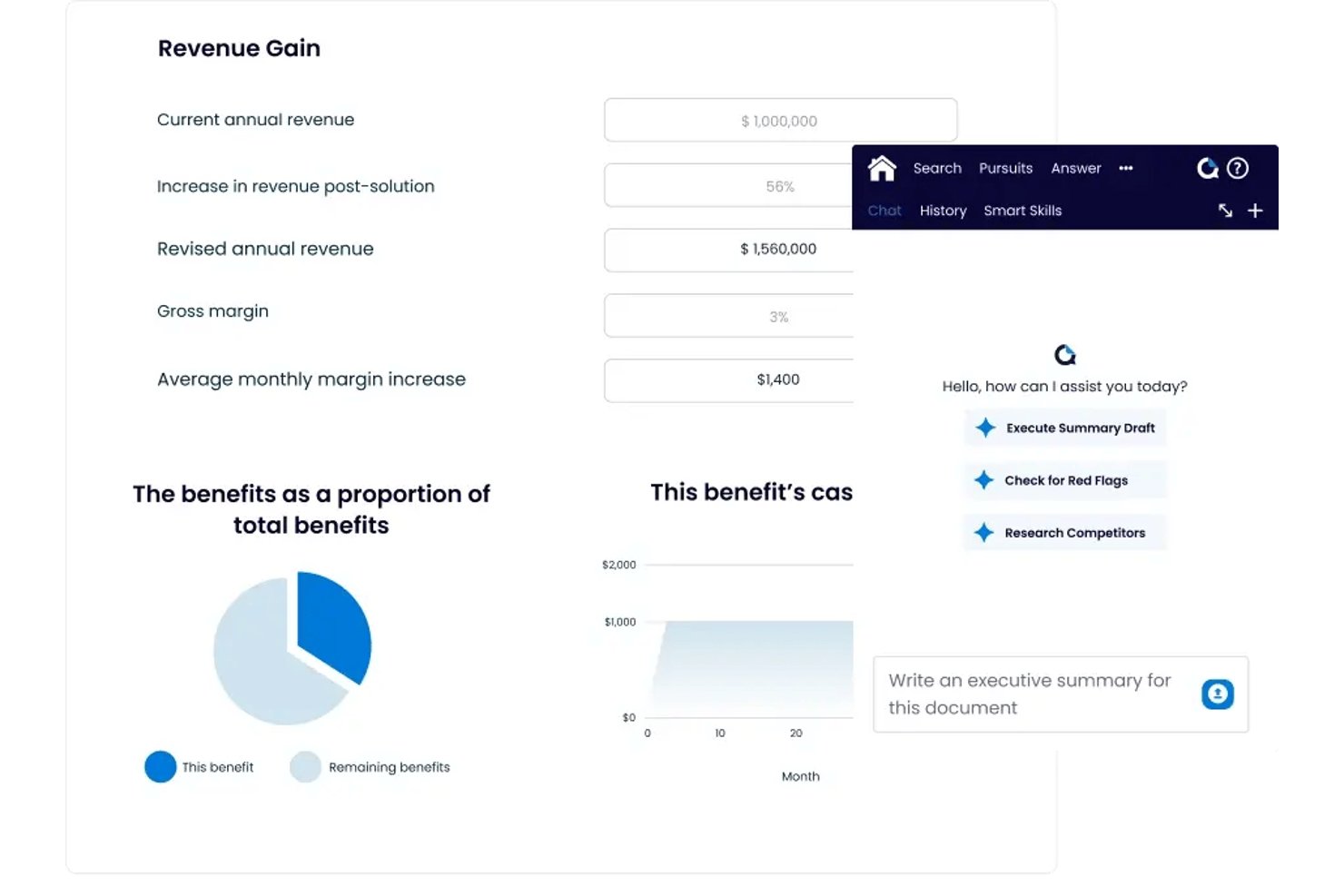
QorusDocs is document generation software for sales and proposal teams that helps create tailored proposals and RFP responses in Microsoft 365, reducing manual document assembly and keeping content consistent.
Who Is QorusDocs Best For?
QorusDocs suits sales and proposal teams that prepare tailored proposals and RFP responses in Microsoft 365.
Why I Picked QorusDocs
I picked QorusDocs as a Templafy alternative for its fit with “Best for proposal teams in Microsoft 365.” I like that teams can build proposals in Word and PowerPoint, assembling bios, CVs, and case studies with branded templates. That helps keep client responses tailored and on-brand.
QorusDocs Key Features
- Engagement analytics: Track proposal page views, reading time, and client interest.
- Task and workflow management: Assign sections, monitor progress, and manage approvals.
- CRM integrations: Sync pursuit and opportunity data with Salesforce or Dynamics CRM.
- Opportunity assessment: Score bid/no-bid decisions, extract requirements, and flag risks.
QorusDocs Integrations
QorusDocs has native integrations across Microsoft 365, including Word, PowerPoint, Outlook, Teams, SharePoint, and OneDrive, plus Salesforce and Microsoft Dynamics 365. It also connects with iManage, Litera Foundation, Intapp DealCloud, and Highspot.
Pros and Cons
Pros:
- Assignments help teams coordinate proposal reviews
- Smart fields and rules keep bid content consistent
- Search and reuse content across proposal libraries
Cons:
- Previews and add-ins sometimes load slowly
- Taxonomy setup can delay initial adoption

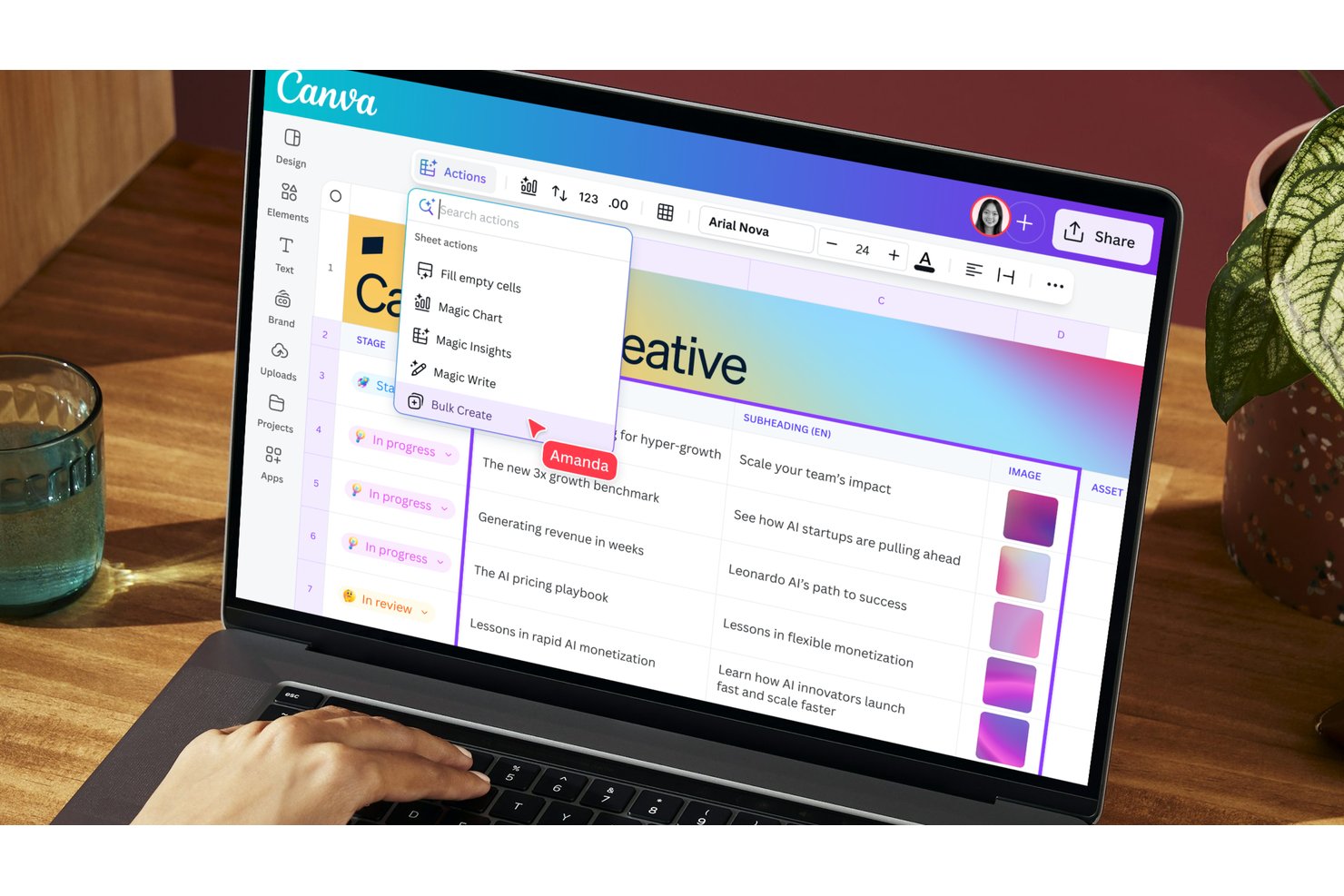
Canva Enterprise gives marketing, communications, and project teams a shared design workspace for creating presentations, proposals, and business documents while keeping brand assets and templates organized.
Who Is Canva Enterprise Best For?
Canva Enterprise suits larger organizations that need distributed teams to create visual content while maintaining consistent brand standards.
Why I Picked Canva Enterprise
I picked Canva Enterprise for the “Best for on-brand visual content at scale” use case. Brand Kits, centrally managed templates, and approval workflows help keep proposals and presentations on-brand, making it a strong Templafy alternative for teams that create visual business documents.
Canva Enterprise Key Features
- Multi-team structure: Organize teams by department, project, or region.
- Single sign-on and SCIM: Connect SSO and automate user provisioning.
- Audit logs: Review activity records across the organization.
- Integration APIs and SDKs: Build custom connections with Canva’s APIs and SDKs.
Canva Enterprise Integrations
Canva Enterprise supports integrations with Slack, Asana, Microsoft Teams, Salesforce, and Google Workspace, plus 300+ design apps through the Canva Apps Marketplace. Canva Connect APIs and the Apps SDK are available for custom integrations.
Pros and Cons
Pros:
- Templates speed presentations and proposals without design specialists
- Shared edits and comments support team reviews
- Reusable brand templates support distributed teams
Cons:
- Advanced graphic-design workflows may need other tools
- Many creation options complicate brand enforcement

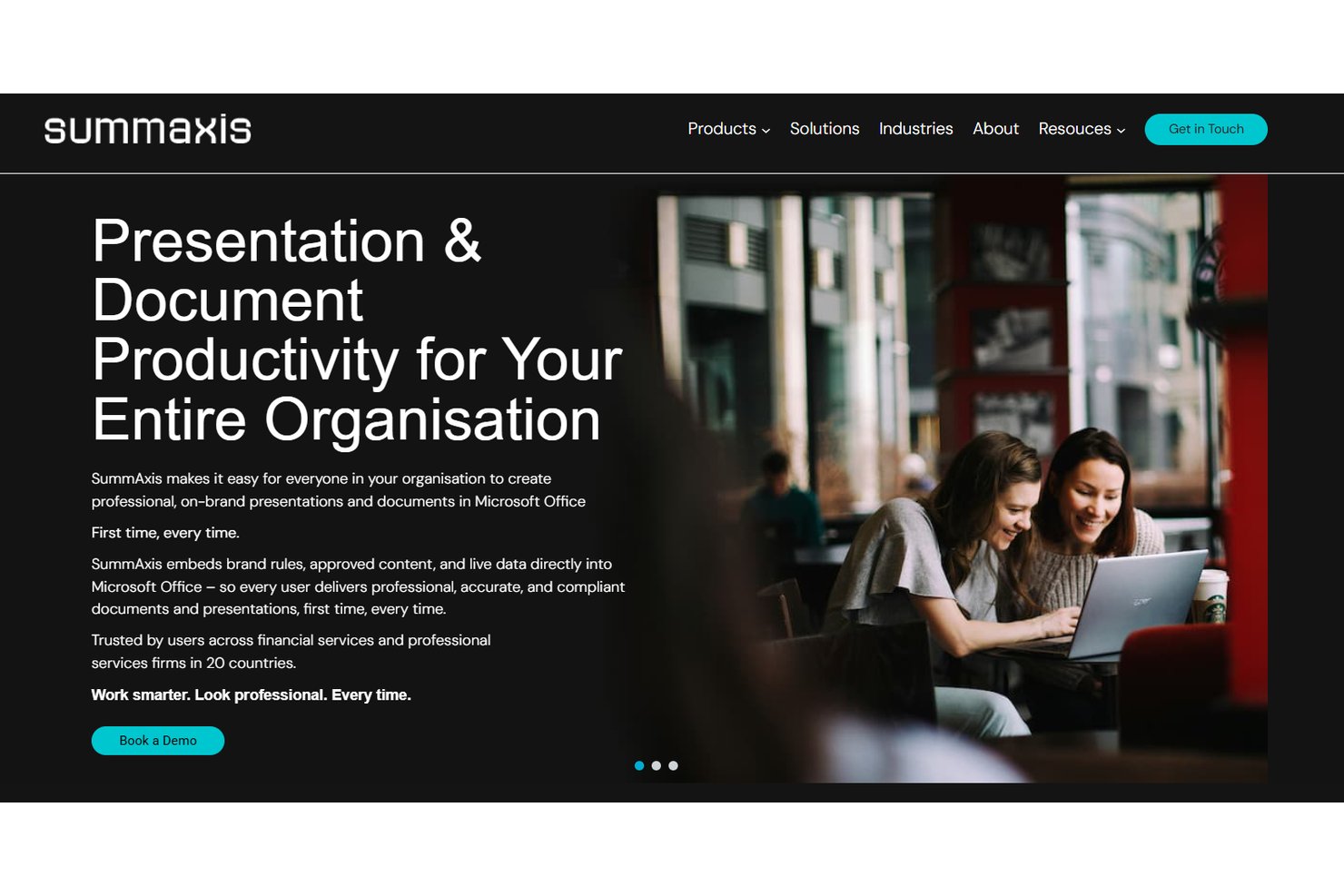
SummAxis is a document automation platform for finance and professional services teams that need to create consistent, compliant client materials without repeated formatting and content fixes.
Who Is SummAxis Best For?
SummAxis suits finance and professional services teams that create client pitches directly in Microsoft Office.
Why I Picked SummAxis
I picked SummAxis as a Templafy alternative for its focus: Best for pitch creation within Microsoft Office. Its document automation helps finance and professional services teams create consistent, compliant client pitches in Office while reducing repeated formatting and content fixes.
SummAxis Key Features
- Pre-populated chart library: Insert charts from SummAxis’s built-in library.
- PowerPoint-to-Excel links: Link PowerPoint content with Excel.
- Disclaimer management: Manage disclaimers for presentations and documents.
- Version control: Track versions in the PitchPortal presentation library.
SummAxis Integrations
SummAxis offers native integrations across Microsoft Office, including PowerPoint, Word, and Excel. Its asset library can also connect to SharePoint and digital or brand asset management systems through API connections.
Pros and Cons
Pros:
- Automates investor decks and factsheets
- Centralizes tagged slides with version control
- Maintains pitch accuracy through Excel-linked data
Cons:
- Tailored workflows can require vendor-led setup
- Microsoft Office focus limits non-Office authoring
Outras alternativas ao Templafy
Eis algumas alternativas adicionais ao Templafy que não entraram na minha lista, mas que vale a pena conhecer:
- Brandoffice
For Microsoft 365 brand governance
- Marq
For locking brand templates across teams
- Zoho Projects
For Zoho-native document automation
- Responsive
For RFP response content governance


How I Evaluate Templafy Alternatives
I split my evaluation into three parts. First—and most important—is core functionality: can the tool centrally manage branded templates and plug directly into Microsoft 365 or Google Workspace? Next, I look for standout features like AI content generation or multi-brand support. Finally, I consider onboarding quality and pricing value.
Core Functionality (Table Stakes For This List)
When I'm selecting tools for my list, I score each one on a scale from 0 (does not offer the functionality) to 5 (excels in this area) for each core functionality listed below. I then convert the total into a percentage to help assess each tool's overall fit, with extra weight on any functionalities I’ve deemed essential.
- Template Management (Essential): I look for a central library where teams can organize, update, and control access to approved document, slide, and email templates.
- Office Suite Integration (Essential): I check whether users can find and apply templates inside Microsoft 365 or Google Workspace while drafting project proposals and presentations.
- Dynamic Content Automation: I assess whether templates can populate current business data or user details, such as client and project information, without manual re-entry.
- Brand & Compliance Controls: I look for controls that lock elements such as logos, fonts, and legal disclaimers while allowing teams to edit approved content.
- Digital Asset Library: I evaluate whether users can find and insert approved logos and images directly from a shared asset library during document creation.
- Multi-Format Output: I check whether teams can produce consistently branded Word, PowerPoint, PDF, and email content from reusable templates.
Once I have a list of tools that meet the criteria, I consider what sets each platform apart.
Differentiating Factors (What Sets Vendors Apart)
Here's how I compare and contrast different vendors:
Standout Features
I check whether a tool offers AI content generation that drafts or refines text inside templates—useful when a project team needs to turn a brief into a polished proposal fast. Analytics and usage insights also matter. I evaluate whether reporting shows which templates teams actually use, so you can retire stale assets and double down on what works. For agencies or PMOs serving multiple clients, I look at multi-brand support to confirm each brand kit stays separate and governed.
Beyond Features
I check whether vendors offer SOC 2 or ISO certifications and SSO/SAML support, since teams sharing client-sensitive proposals need tight access controls. Integration depth matters too—connections to Salesforce or project tools like Smartsheet save time when pulling deal data into templates. I also evaluate onboarding quality, because migrating hundreds of branded assets to a new platform without vendor-led guidance slows adoption across distributed teams.
Por que procurar uma alternativa ao Templafy?
Embora o Templafy seja uma boa opção de software de automatização de conteúdos, existem vários motivos pelos quais alguns utilizadores procuram soluções alternativas. Pode estar à procura de uma alternativa ao Templafy porque…
- Precisa de funcionalidades mais avançadas de agendamento para redes sociais
- Pretende uma ferramenta mais simples para equipas pequenas
- Necessita de integrações com plataformas empresariais especializadas
- Enfrenta restrições orçamentais devido aos preços empresariais
- Procura um melhor suporte para fluxos de trabalho de conteúdos criativos
- Opera em regiões onde o Templafy não está disponível
Se alguma destas situações lhe é familiar, veio ao sítio certo. A minha lista inclui várias opções de software de automatização de conteúdos mais adequadas para equipas que enfrentam estes desafios com o Templafy e procuram soluções alternativas.
Principais funcionalidades do Templafy
Aqui estão algumas das principais funcionalidades do Templafy, para ajudar a contrastar e comparar o que oferecem as soluções alternativas:
- Gestão centralizada de modelos para documentos e apresentações
- Fluxos de trabalho automatizados para a criação de documentos
- Imposição da conformidade da marca em todo o conteúdo
- Gestão e distribuição de ativos digitais
- Colaboração em tempo real na edição de documentos
- Integração com o Microsoft Office e o Google Workspace
- Controlos de acesso e permissões dos utilizadores
- Atualizações automatizadas de conteúdo e controlo de versões
- Acompanhamento e elaboração de relatórios de conformidade
- Armazenamento seguro baseado na nuvem para todos os ativos