


Hive-anmeldelse 2026: Fordeler, ulemper, funksjoner & priser



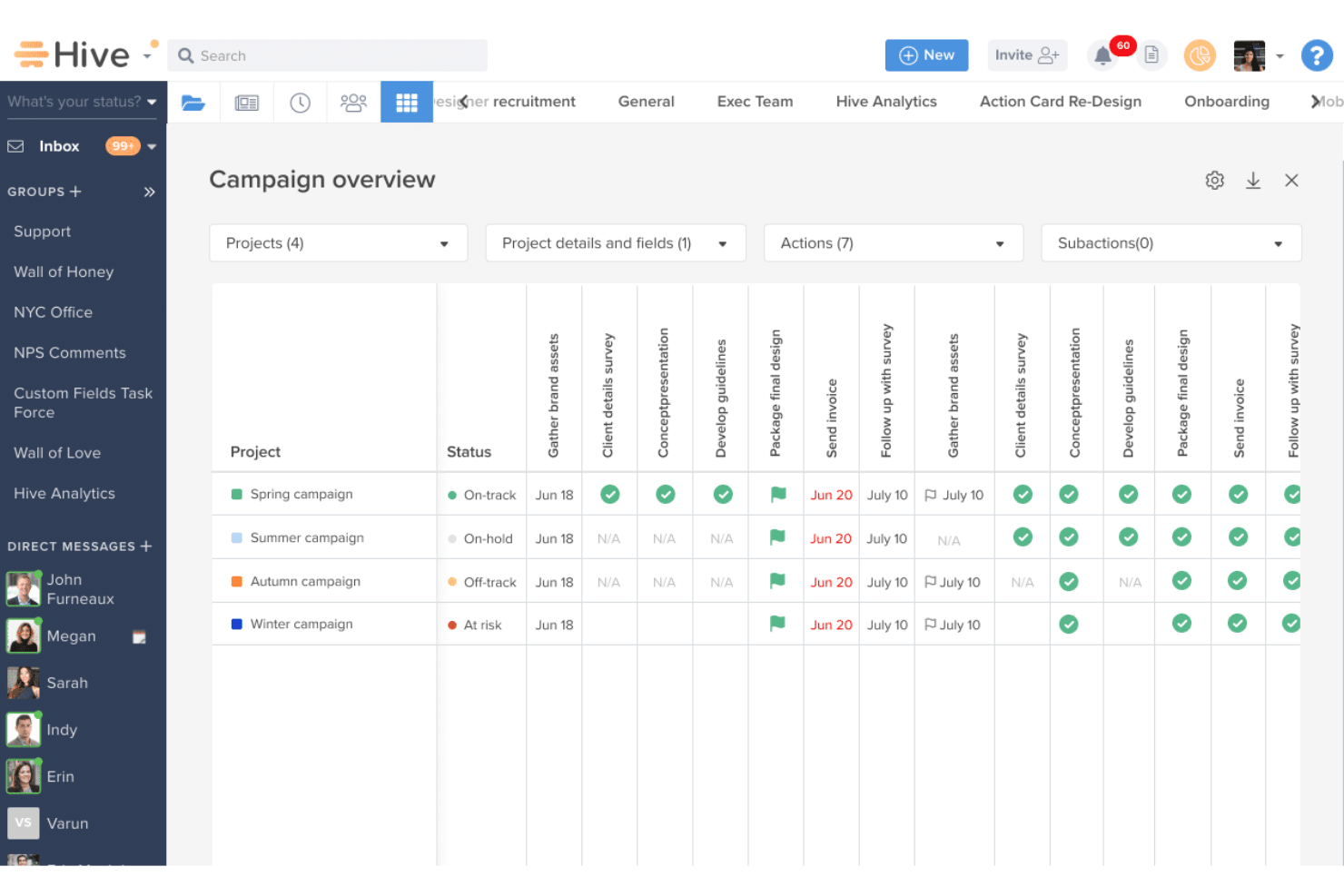
Hive is a web based project management tool built for teams that need flexible project views, native time tracking, and built-in team messaging without switching between apps. I'd consider it if your team is outgrowing simple task lists but finds tools like Asana too rigid—Hive lets you switch between Gantt, Kanban, calendar, and table views on the same project, giving you layout flexibility that Asana's more structured approach doesn't easily allow.
Hive Evaluation Summary
- From $5/user/month (billed annually)
- Free plan + 14-day free trial available
Hvorfor du kan stole på våre programvareanbefalinger
Teamet vårt har testet og anmeldt programvare siden 2012. Vi er selv prosjektledere, så vi vet hvor vanskelig og hvor viktig det er å velge riktig programvare.
I denne guiden har vi vurdert verktøyene gjennom praktisk testing og uavhengig research og gitt dem poeng ut fra våre utvelgelseskriterier. Vi bygger også på innsikt fra ledende eksperter i bransjen og erfarne prosjektledere.
Anmeldelsene våre bygger på vår egen redaksjonelle vurdering. De er ikke et salgsargument.
Ekspertanmeldere:
Hive Overview
Hive gives teams a centralized way to manage projects, tasks, approvals, and communication without constantly switching between tools. Its flexible project views, automation features, and wide range of integrations make it easier for teams to stay aligned and move work forward efficiently.
Overall, it’s well-suited for growing teams that want more visibility and collaboration features than basic task managers, while still keeping workflows easy to customize and manage.

pros
-
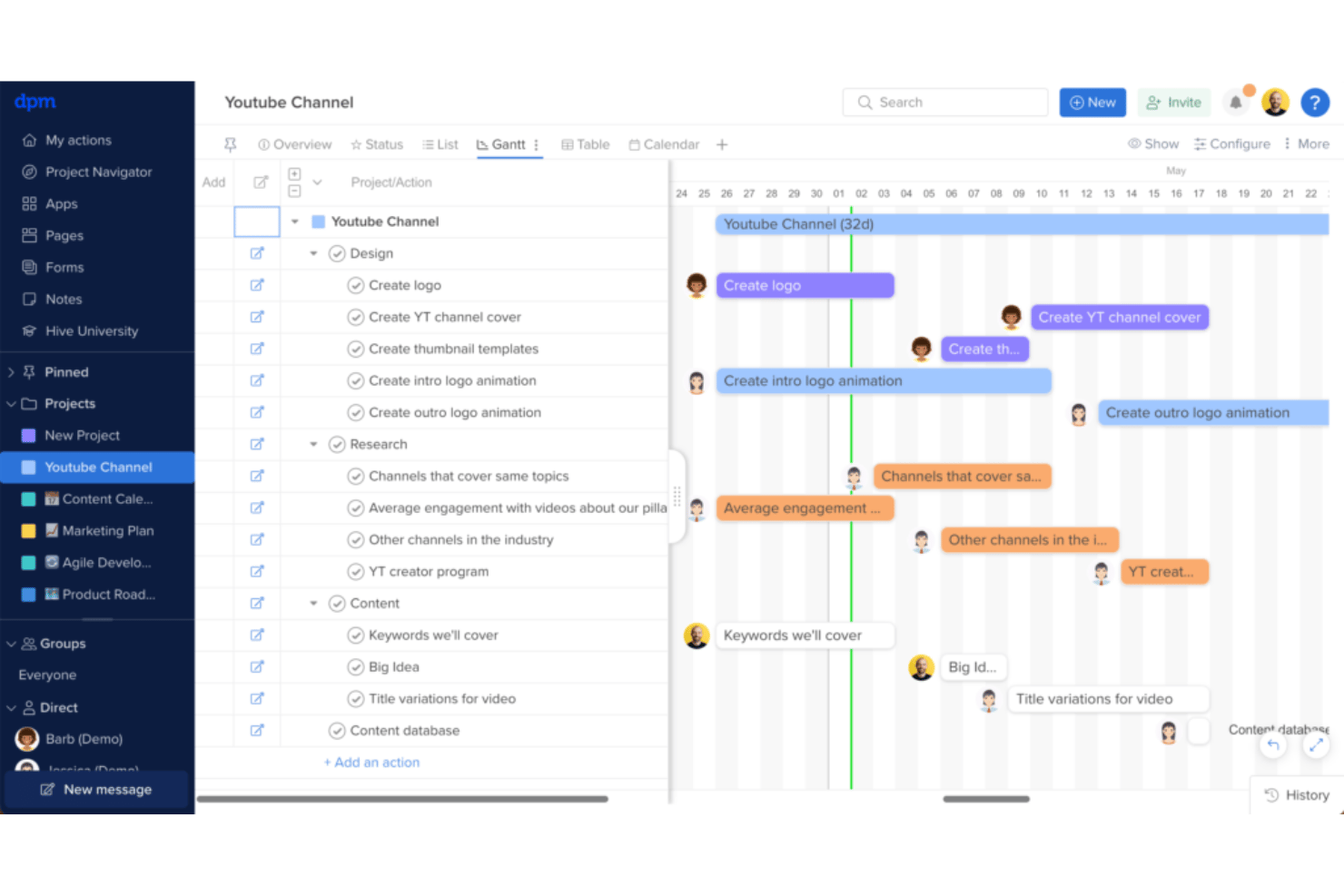
Gantt chart view helps you build projects quickly and manage dependencies.
-
Flexible project views let your team choose how to visualize work.
-
Built-in chat and real-time collaboration keep your team connected.
cons
-
File manager doesn't display thumbnails, making it hard to find attachments.
-
Custom fields only exist within action cards, not as table columns.
-
Some essential features require additional costs as add-ons.
-

Smartsheet
Visit WebsiteThis rating combines scores from multiple user review sites to reflect overall customer sentiment about the product.4.4 -
Celoxis
Visit WebsiteThis rating combines scores from multiple user review sites to reflect overall customer sentiment about the product.4.5 -
Accelo
Visit WebsiteThis rating combines scores from multiple user review sites to reflect overall customer sentiment about the product.4.4





Core Features
Task Management
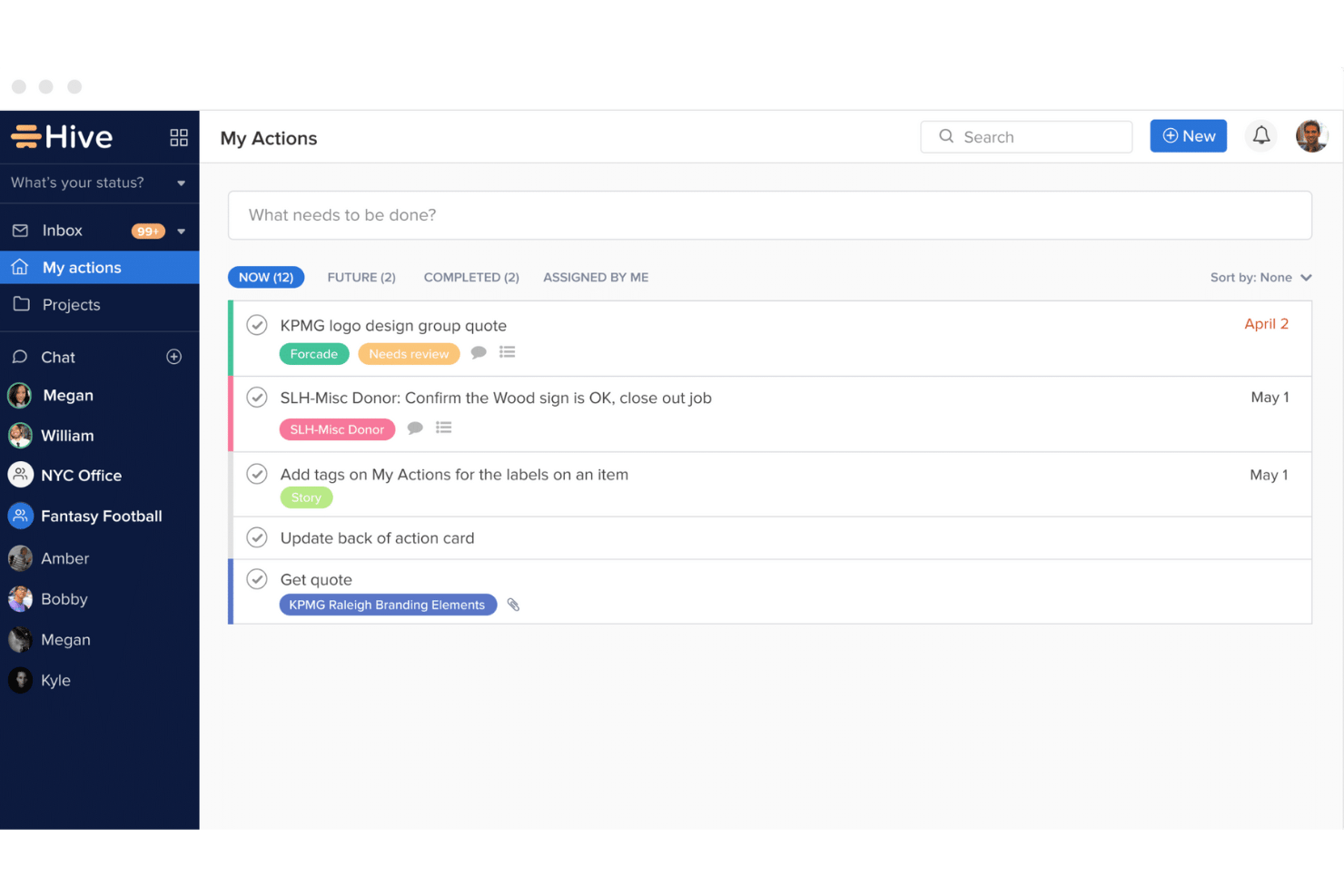
Hive lets you create, assign, and track tasks easily, ensuring your team stays on top of deadlines. Its intuitive interface makes it simple to see who's working on what.
Project Views
Choose between Gantt, Kanban, or calendar views to visualize your projects in a way that suits your workflow. This flexibility helps your team manage projects efficiently.
Collaboration Tools
Built-in chat and mentions keep your team connected and informed, enhancing communication. You can discuss tasks directly where work happens.
Time Tracking
Hive's integrated time tracking helps you monitor how much time your team spends on tasks. This feature aids in better project planning and resource allocation.
File Sharing
Attach and share files within tasks, keeping all your project documents in one place. This makes it easier to access important information when needed.
Automations
Automate repetitive tasks to save time and reduce errors. Set up rules to trigger actions automatically based on your team's workflow.
Ease of Use
Hive shines with its user-friendly interface and intuitive navigation, making it easy for your team to get started quickly. The drag-and-drop functionality in project views and simple task management tools enhance usability. Real-time updates and seamless collaboration features ensure your team stays connected without hassle.
Users praise Hive’s straightforward setup and the ability to customize dashboards to fit their work style, making it a preferred choice for teams seeking efficiency and simplicity in project management.
Integrations
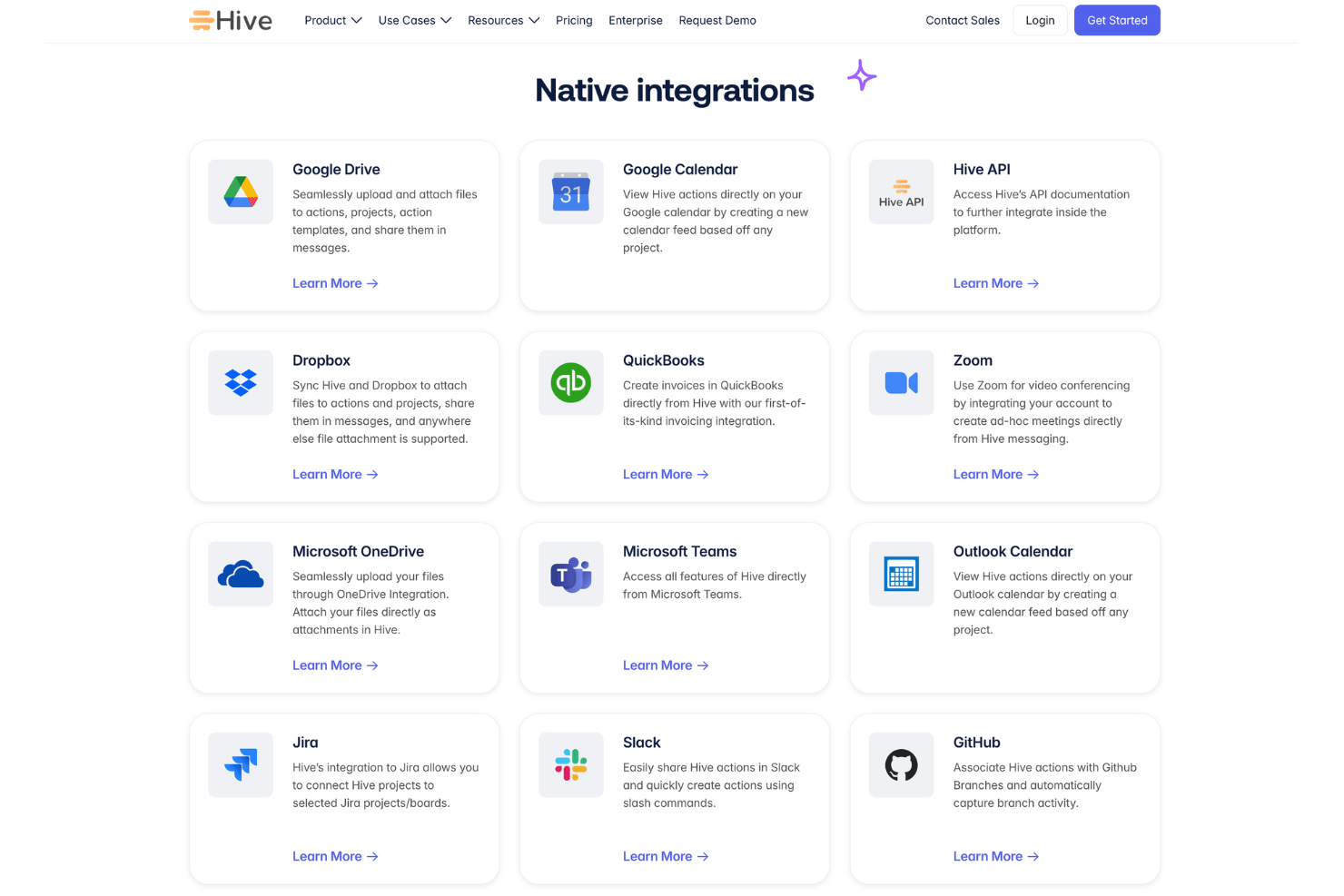
Integrations include Slack, Zoom, Microsoft Teams, Google Workspace, Salesforce, Jira, GitHub, Dropbox, and over 1,000 apps through Zapier, helping teams connect Hive with their existing workflows.
An API is available for teams that need custom integrations, workflow automation, or deeper connections with internal systems and third-party tools.
Hive Specs
- API
- Batch Permissions & Access
- Budgeting
- Calendar Management
- Collaboration Support
- Contact Management
- Contact Sharing
- Customer Management
- Dashboard
- Dashboards
- Data Export
- Data Import
- Data Visualization
- Dependency Tracking
- Document Sharing
- Expense Tracking
- External Integrations
- File Sharing
- Gantt Charts
- Kanban Boards
- Multi-User
- Notifications
- Project Management
- Resource Management
- Scheduling
- Task Scheduling/Tracking
- Third-Party Plugins/Add-Ons
- Time Management
- Travel Management
- Workflow Management



- 10 beste Hive-konkurrenter og alternativer: Anmeldt i 2026Opens new window
- 10 beste programvarer for forvaltning av digitale ressurser for arkiver 2026Opens new window
- ArkivOpens new window
- Hive-anmeldelse 2026: Fordeler, ulemper, funksjoner & priserOpens new window
- Min favorittfunksjon i Hive som sparer tidOpens new window
- Prisnivåer og kostnader for HiveOpens new window