

Jira Service Management: deskundige analyse & prijzen 2026



Jira Service Management is a service delivery and project management software that helps teams improve their workflows and manage service requests efficiently. It's ideal for IT departments, software development teams, and customer support teams that want to improve their productivity and collaboration and implement agile practices into their processes.
I’ve tested and evaluated Jira Service Management's features, pros and cons, best and worst use cases, and pricing. Find out whether this tool is the right fit to help you meet your project goals and overcome your team’s challenges.
Jira Service Management Evaluation Summary
- From $25/user/month
- Free plan + 14-day free trial available
Waarom u onze softwareaanbevelingen kunt vertrouwen
Ons team test en beoordeelt software sinds 2012. Als projectmanagers weten we zelf hoe moeilijk — en belangrijk — het is om de juiste software te kiezen.
Voor deze gids hebben we tools geëvalueerd met behulp van praktijktests en onafhankelijk onderzoek, waarbij we tools beoordeelden aan de hand van onze selectiecriteria. We putten ook uit inzichten van vooraanstaande experts uit de branche en praktiserende projectmanagementprofessionals.
Onze reviews weerspiegelen ons menselijke redactionele oordeel, geen verkooppraatje.
Deskundige beoordelaars:
Jira Service Management Overview
In my opinion, Jira Service Management is a fit for IT and software development teams, and does a good job bringing agile project management and IT management together. Its customizable workflows and issue-tracking capabilities set it apart from competitors.
However, its interface can be overwhelming for new users, and getting full value out of the tool often requires additional Jira products and integrations. I’d recommend it for your organization if you need to integrate project management with your service desk and already use other Atlassian products.
pros
-
It offers powerful issue-tracking capabilities for your team.
-
Customizable workflows let you tailor the software to fit your needs.
-
It brings together IT service management and agile project management.
cons
-
The interface can be overwhelming for new users.
-
Onboarding can take time due to its complexity.
-
Some users find the learning curve steeper than other tools.
-

Smartsheet
Visit WebsiteThis rating combines scores from multiple user review sites to reflect overall customer sentiment about the product.4.4 -
Celoxis
Visit WebsiteThis rating combines scores from multiple user review sites to reflect overall customer sentiment about the product.4.5 -
Accelo
Visit WebsiteThis rating combines scores from multiple user review sites to reflect overall customer sentiment about the product.4.4





Core Features
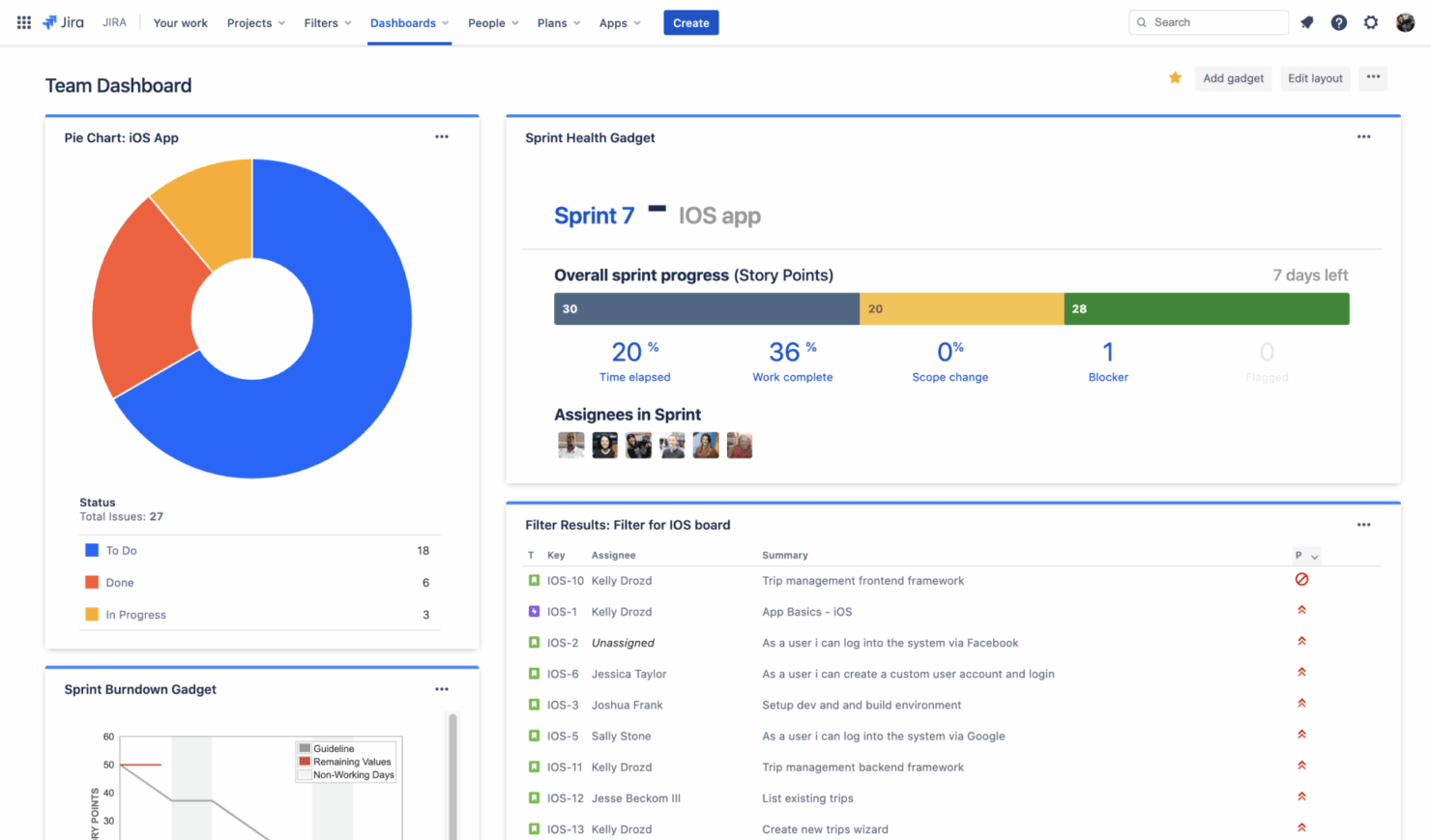
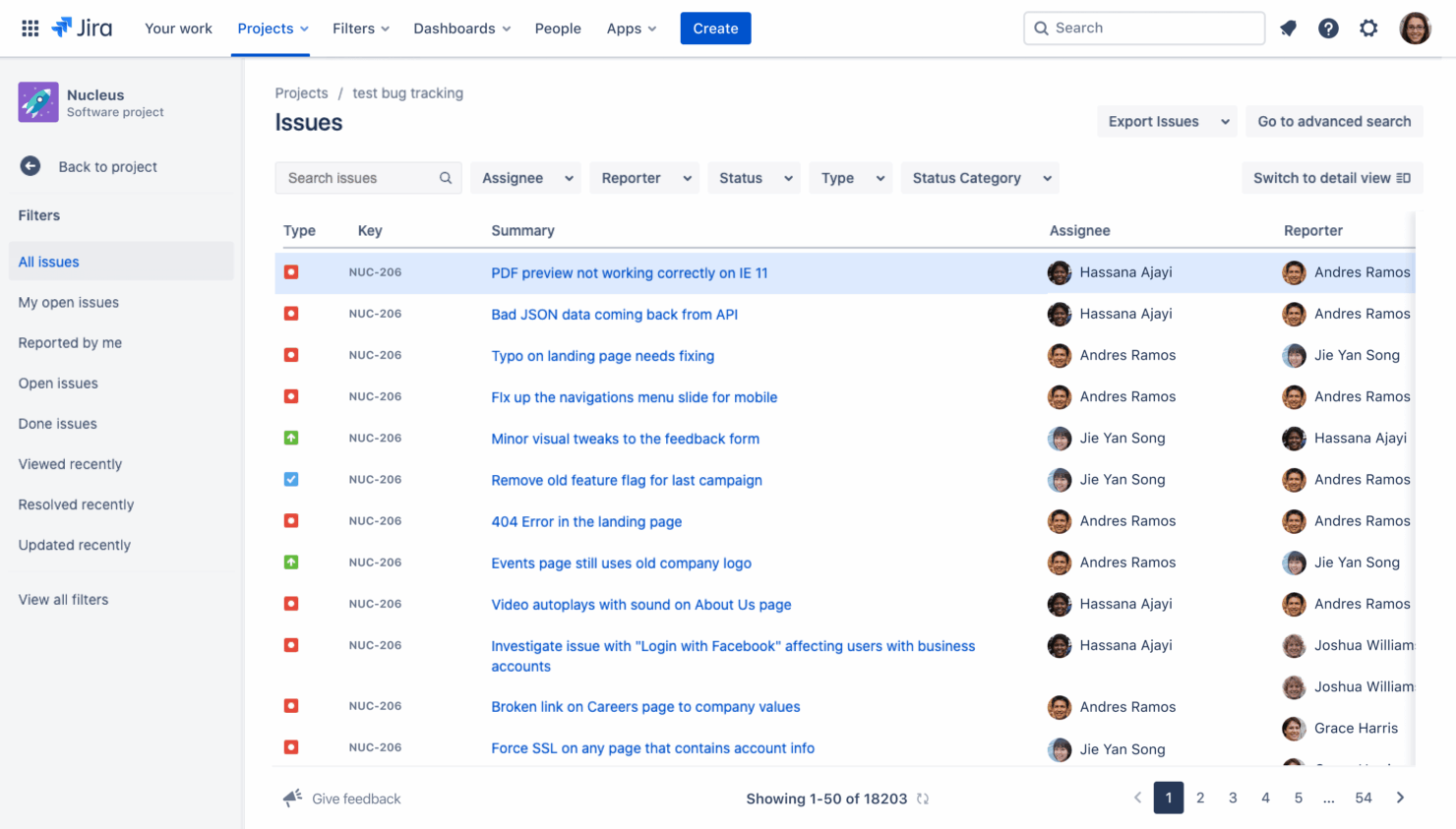
Issue Tracking: You can track and manage issues efficiently with a detailed view of each task, so nothing falls through the cracks. This keeps your team aligned and responsive.
Customizable Workflows: You can adapt the system to fit your team's specific processes with its flexible workflow options. This helps you maintain efficiency and consistency in your projects.
Agile Project Management: The Scrum and Kanban boards let you and your team manage agile projects. It also allows you to visualize work progress and optimize your workflow.
Service Desk Management: You can manage customer requests and incidents effectively with a built-in service desk. This helps improve response times and customer satisfaction.
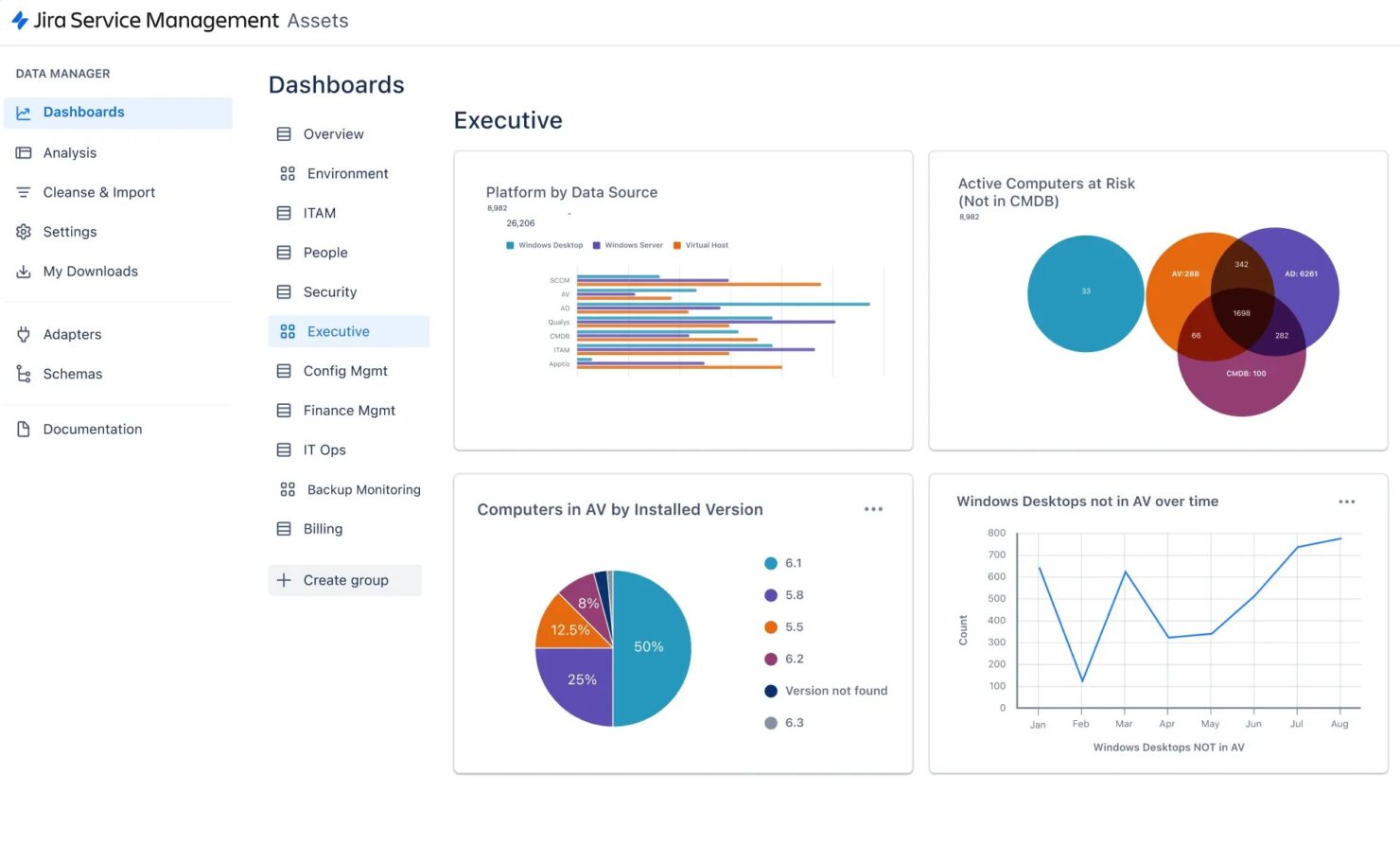
Reporting and Analytics: You can access real-time insights and make informed decisions with reporting tools, as well as track performance metrics and identify areas for improvement.
Knowledge Base: The tool lets you create a repository of information to help your team and customers find answers quickly. This can reduce repetitive inquiries and improve productivity.
Ease of Use
Jira Service Management offers a comprehensive suite of features, but its extensive functionality can make it challenging for newcomers. The user interface can be overwhelming at first, especially if your team lacks technical expertise.
However, once you get the hang of its customizable workflows and automation features, it becomes a powerful tool. While the learning curve is steeper than some alternatives, the payoff in productivity and control is significant if you invest the time to master it.
Jira Service Management Specs
- 2-Factor Authentication
- Analytics
- Anti-Virus
- API
- Batch Permissions & Access
- Bug Tracking
- Call Integration
- Chat
- Contact Management
- CRM Integration
- Customer Management
- Data Export
- Data Import
- Email Integration
- Escalation Management
- External Integrations
- Incident Management
- Instant Chat Integration
- Knowledge Base
- Malware Protection
- Multi-User
- Notifications
- Organization Management
- Password & Access Management
- Project Management
- Real-time Alerts
- SAP Integration
- Self-service Portal
- Social Media Integration
- Support Forum
- Ticket Management
- Workflow Management
Alternatives to Jira Service Management




Jira Service Management FAQs
How does Jira Service Management handle user permissions?
Can I customize workflows in Jira Service Management?
How does Jira Service Management support incident management?
Is Jira Service Management compliant with data security standards?
What support options are available for Jira Service Management users?
How can Jira Service Management improve team collaboration?
Can Jira Service Management scale with my organization?
How does Jira Service Management facilitate change management?
Wat is de volgende stap?
Wil je contact leggen met andere digitale projectmanagers om hulpmiddelen en best practices te delen? Word lid van onze community en krijg toegang tot meer dan 100 sjablonen, voorbeelden en cases, en kom in Slack in contact met honderden andere digitale projectmanagers.