


Coda versus Notion: Vergelijking en deskundige beoordelingen voor 2026



Coda biedt een uniform platform voor het beheren van je projecten en workflows, en Notion biedt een flexibele werkruimte die notities, taken en databases combineert voor eenvoudige teamsamenwerking. Beide tools bieden sterke mogelijkheden voor projectmanagement, maar verschillen in de aanpassings- en integratieopties die ze bieden.
Lees mijn deskundige vergelijking en beoordeling van deze softwaretools en hun belangrijkste functies, plus- en minpunten en prijzen om je te helpen de juiste projectmanagementsoftware voor de behoeften van je team te kiezen.
Coda vs. Notion: An Overview
Coda

Notion

Waarom u onze softwareaanbevelingen kunt vertrouwen
Ons team test en beoordeelt software sinds 2012. Als projectmanagers weten we zelf hoe moeilijk — en belangrijk — het is om de juiste software te kiezen.
Voor deze gids hebben we tools geëvalueerd met behulp van praktijktests en onafhankelijk onderzoek, waarbij we tools beoordeelden aan de hand van onze selectiecriteria. We putten ook uit inzichten van vooraanstaande experts uit de branche en praktiserende projectmanagementprofessionals.
Onze reviews weerspiegelen ons menselijke redactionele oordeel, geen verkooppraatje.
Deskundige beoordelaars:
Coda vs. Notion Pricing Comparison
| Coda | Notion | |
|---|---|---|
| Free Trial | Free plan available | Free plan available |
| Pricing | From $12/user/month (billed annually) | From $10/user/month (billed annually) |
Prijzen en verborgen kosten van Coda versus Notion
De prijzen van Coda zijn gebaseerd op een gelaagd abonnementsmodel dat rekening houdt met het niveau van functies en samenwerking dat je nodig hebt. De prijsstructuur van Notion hanteert een vergelijkbare gelaagde aanpak, waarbij de kosten stijgen naarmate je kiest voor geavanceerdere functies en beveiligingsopties. Beide tools bieden een gratis abonnement.
Om de juiste projectmanagementtool voor je team te kiezen, beoordeel je hoe elk prijsmodel aansluit bij je projectvereisten en mogelijke groei. Houd rekening met factoren zoals de omvang van het team, het gebruik van functionaliteit en schaalbaarheid.
Coda vs. Notion Feature Comparison
Met de zeer aanpasbare tabellen en sjablonen van Coda kun je complexe projecten efficiënt beheren en workflows afstemmen op de unieke processen van je team. De krachtige tools van Notion voor het maken van notities en de databasemogelijkheden zijn ideaal voor het organiseren van uiteenlopende projectinformatie in één uniforme ruimte.
| Coda | Notion | |
|---|---|---|
| API | ||
| Data Export | ||
| Data Import | ||
| External Integrations | ||
| Multi-User | ||
| Notifications | ||
| Scheduling | ||
| Task Scheduling/Tracking |
Integraties van Coda versus Notion
| Integratie | Coda | Notion |
|---|---|---|
| Slack | ✅ | ✅ |
| Google Drive | ✅ | ✅ |
| Microsoft Teams | ✅ | ✅ |
| Jira | ✅ | ✅ |
| Trello | ❌ | ✅ |
| Salesforce | ✅ | ❌ |
| GitHub | ✅ | ✅ |
| API | ✅ | ✅ |
| Zapier | ✅ | ✅ |
Dankzij de integratie van Coda met Slack kun je de teamcommunicatie verbeteren en projectupdates in realtime delen. De integratie van Notion met Microsoft Teams is ideaal voor organisaties die Teams gebruiken voor samenwerking en het Microsoft-ecosysteem in bredere zin.
Beveiliging, naleving en betrouwbaarheid van Coda versus Notion
| Factor | Coda | Notion |
|---|---|---|
| Gegevensversleuteling | Coda gebruikt AES-256-versleuteling voor gegevens in rust en TLS voor gegevens tijdens transport. | Notion gebruikt AES-256-versleuteling voor gegevens in rust en TLS voor gegevens tijdens transport. |
| Naleving van regelgeving | Coda voldoet aan de normen van de AVG en de CCPA om de privacy van gegevens te waarborgen. | Notion houdt zich aan de AVG, de CCPA en andere privacyregels. |
| Betrouwbaarheid van de uptime | Coda handhaaft een betrouwbare uptime. | Notion biedt een hoge uptime, een robuuste infrastructuur en realtime monitoring. |
Coda en Notion bieden sterke maatregelen op het gebied van beveiliging en naleving. Bekijk de versleutelingsstandaarden van elke tool, de naleving van relevante regelgeving en de uptimegaranties om er zeker van te zijn dat deze aansluiten bij je beveiligingsprioriteiten.
Gebruiksgemak van Coda versus Notion
| Factor | Coda | Notion |
|---|---|---|
| Gebruikersinterface | Coda biedt een overzichtelijke, gebruiksvriendelijke interface met aanpasbare sjablonen voor uiteenlopende werkprocessen. | Notion biedt een flexibele interface met mogelijkheden voor slepen en neerzetten, zodat je eenvoudig alles kunt organiseren. |
| Introductie-ervaring | Coda heeft begeleide zelfstudies en hulpmiddelen die je helpen snel vertrouwd te raken met het platform. | Notion biedt een intuïtief introductieproces met stapsgewijze handleidingen en een kennisbank. |
| Complexiteit van de configuratie | Met kant-en-klare sjablonen en integraties kun je Coda eenvoudig configureren. | De configuratie van Notion is eenvoudig: je kunt vanaf nul beginnen of bestaande sjablonen gebruiken. |
Hoewel Coda voor nieuwe gebruikers in eerste instantie ingewikkeld kan lijken om te configureren, ligt de kracht ervan in de aanpasbare sjablonen, waarmee je de tool gemakkelijker kunt aanpassen aan uiteenlopende werkprocessen. Notion heeft een intuïtieve interface met slepen en neerzetten, maar de flexibiliteit ervan kan betekenen dat je in het begin meer tijd nodig hebt om het te leren.
Coda vs Notion: Pros & Cons
Coda
- Coda lets you combine documents and spreadsheets into one interactive space.
- You can customize templates to fit your team's specific workflow needs.
- Real-time collaboration keeps your team connected and updated instantly.
- Some users find the initial setup a bit complex for beginners.
- Limited offline functionality might hinder productivity when you're not connected.
- Advanced features can have a learning curve for those new to the platform.
Notion
- You can tailor your workspace to fit your needs with flexible layouts and templates.
- The intuitive design makes it easy for users to navigate and organize their projects.
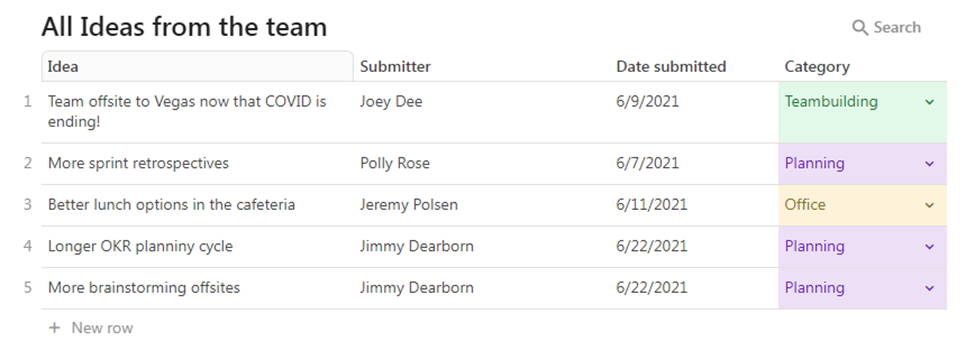
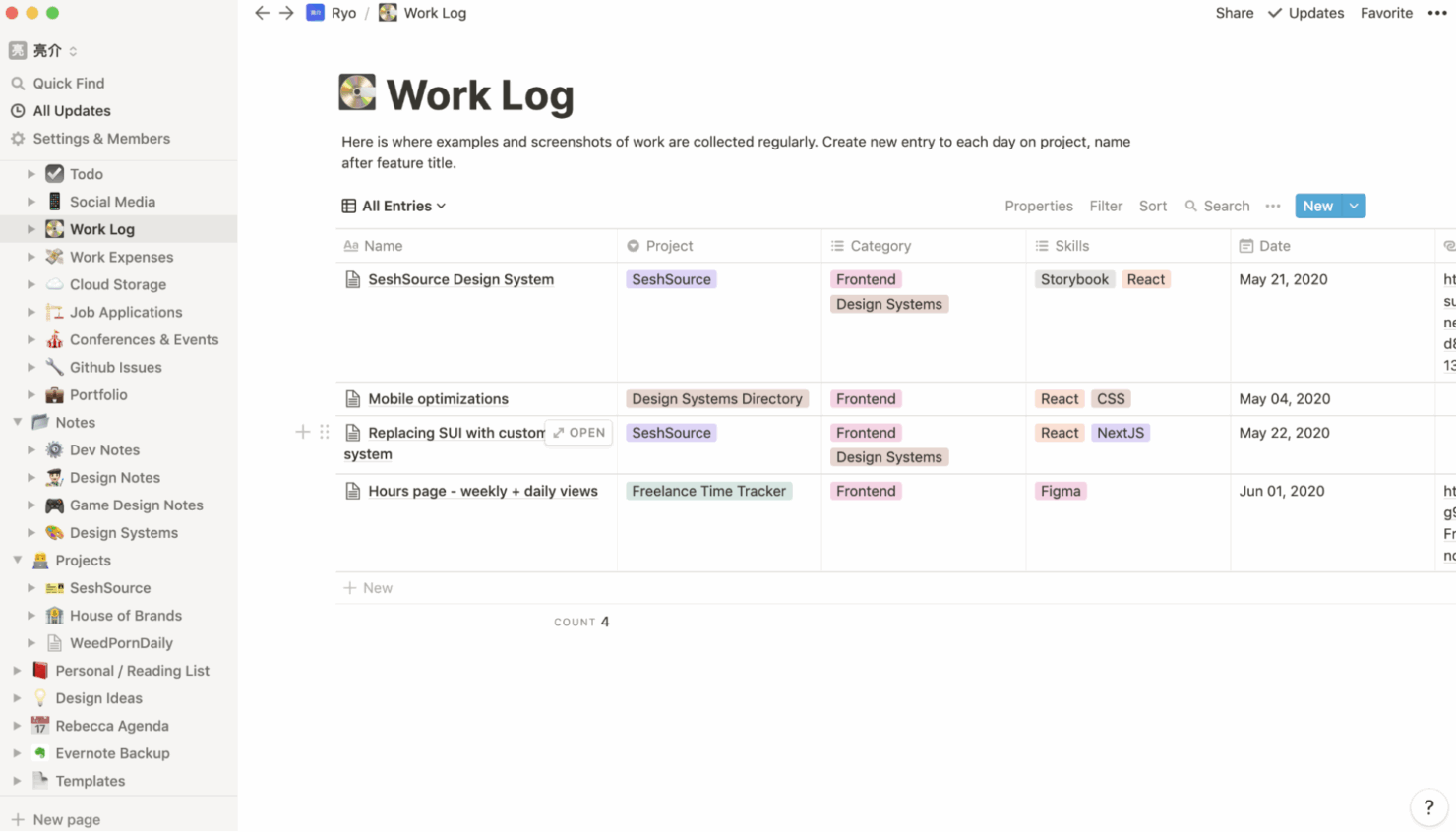
- You can take notes, manage projects, and maintain your databases in one place.
- It can be challenging for new users to master without spending time on tutorials.
- You might experience slow performance if you have large databases or complex setups.
- The mobile app is less intuitive than the desktop version.
Best Use Cases for Coda and Notion
Coda
- Tech Startups Coda's flexibility and real-time collaboration make it ideal for fast-paced environments where innovation is key.
- Creative Agencies You can customize templates to fit unique workflows, perfect for agencies handling varied client projects
- Product Development Real-time updates and document merging help keep your team aligned and focused on product innovation.
- Marketing Teams Coda's interactive platform lets you streamline campaign planning and execution with ease.
- Remote Team Coda's real-time collaboration tools keep everyone connected, regardless of location
- Project Managers The ability to tailor workflows and track progress in one space makes Coda a strong ally in project management.
Notion
- Creative Agencies You can use customizable templates within a flexible workspace to manage creative projects and collaborate with the team.
- Freelancers You can manage multiple projects and clients in a single, organized platform.
- Startups You can tailor your workspace to your needs in order to manage rapid growth and changing project requirements.
- Remote Teams Notion supports constant communication and project tracking across different locations.
- Education Departments You can use Notion's database capabilities to organize curricula, schedules, and educational materials.
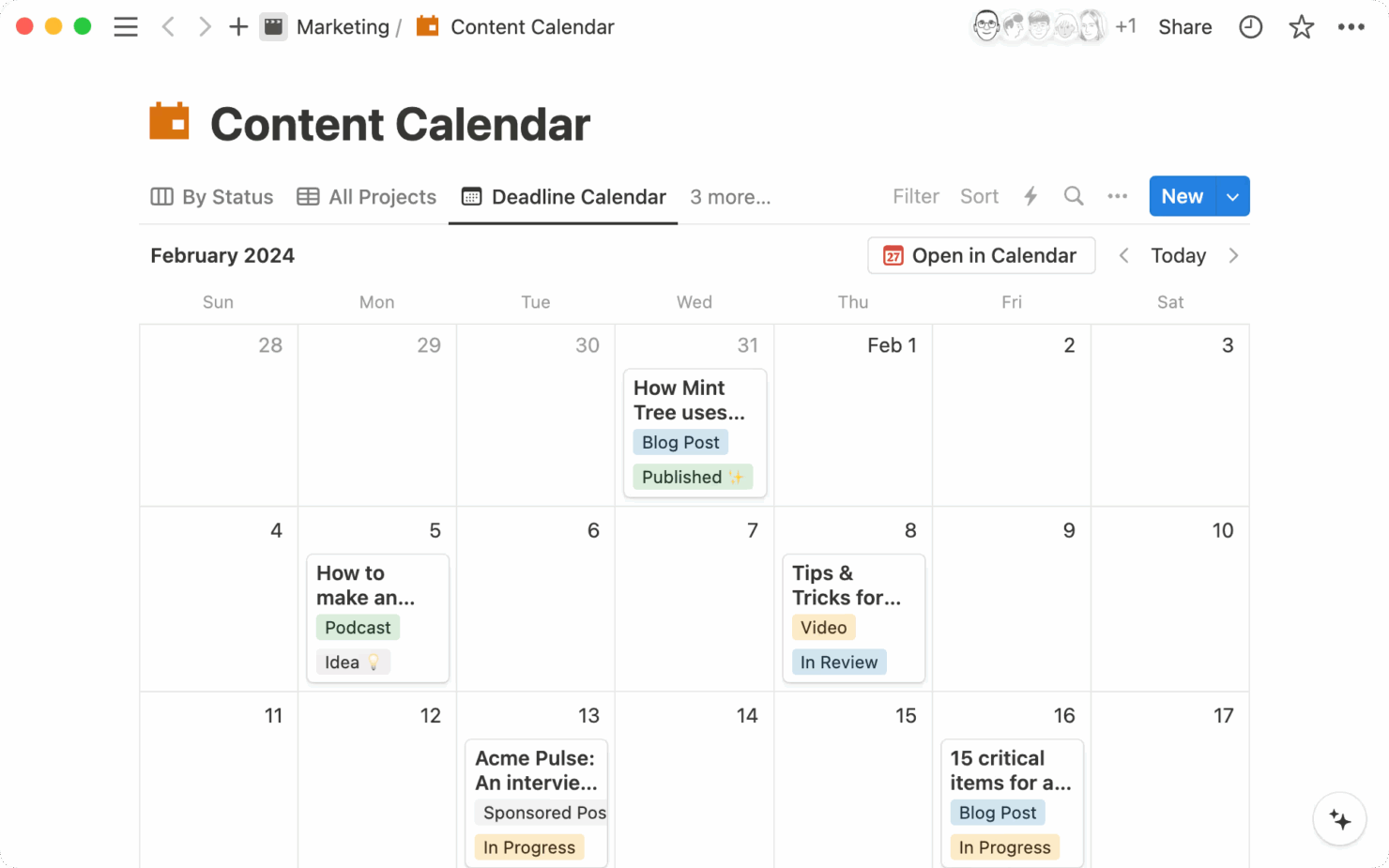
- Content Writers You can use the note-taking and organization features to manage research, drafts, and editorial calendars efficiently.
Wie zou Coda moeten gebruiken en wie Notion?
Naar mijn mening is Coda het meest geschikt voor technisch onderlegde teams die aan grote gezamenlijke projecten werken en behoefte hebben aan zeer aanpasbare werkprocessen waarin verschillende gegevensbronnen worden geïntegreerd. Notion is het meest geschikt voor creatieve professionals en kleine tot middelgrote teams die een flexibele werkruimte nodig hebben om notities, taken en projecten op één plek te organiseren.
Als je team aanpassingsvermogen en gedetailleerde mogelijkheden voor maatwerk belangrijk vindt, is Coda de beste keuze. Maar als je gebruikssituatie een eenvoudige alles-in-éénwerkruimte vereist, is Notion de juiste keuze.
Differences Between Coda and Notion
| Coda | Notion | |
|---|---|---|
| Automation | Coda allows for automation through integrations and customizable scripts. | Notion offers automation features via simple, built-in templates and third-party tools like Zapier. |
| Customization | Coda offers deep customization with adaptable templates and tables for unique workflows. | Notion provides flexible page layouts and databases that let you organize information creatively. |
| User Interface | Coda has a clean, structured UI that supports complex data management. | Notion features a drag-and-drop interface perfect for creative and visual organization. |
| Read Coda ReviewOpens new window | Read Notion ReviewOpens new window |
Similarities Between Coda and Notion
| Cloud-Based Access | Both platforms are cloud-based and have mobile apps, so you can access your work from anywhere. |
|---|---|
| Collaboration | Both Coda and Notion support real-time collaboration, so your team members can work together efficiently. Coda has interactive tables, while Notion offers shared workspace environments. |
| Community Resources | Both have active user communities offering resources and support. |
| Custom Templates | Both offer a variety of templates to kickstart projects. Coda provides customizable options for workflow management, and Notion has templates tailored for various organizational needs. |
| Integrations | Both integrate with popular tools like Google Drive and Slack. |
| Read Coda ReviewOpens new window Read Notion ReviewOpens new window | |