


Airtable versus Notion: Vergelijking & beoordelingen door experts voor 2026



Het flexibele systeem van Airtable combineert spreadsheet- en databasefunctionaliteiten om je te helpen je projecten te organiseren, terwijl Notion een werkruimte biedt waarin notities, taken, takenlijsten en databases worden samengebracht ter ondersteuning van een uniforme workflow. Hoewel beide tools de productiviteit van teams kunnen verbeteren, verschillen ze in hun aanpak van gegevensorganisatie en samenwerking.
Ik heb beide tools en hun functies, voor- en nadelen en prijzen getest en geëvalueerd aan de hand van mijn uitgebreide ervaring met projectmanagement. Ontdek hieronder welke projectmanagementsoftware geschikt is voor jouw behoeften.
Airtable vs. Notion: An Overview
Airtable
Notion
Waarom u onze softwareaanbevelingen kunt vertrouwen
Ons team test en beoordeelt software sinds 2012. Als projectmanagers weten we zelf hoe moeilijk — en belangrijk — het is om de juiste software te kiezen.
Voor deze gids hebben we tools geëvalueerd met behulp van praktijktests en onafhankelijk onderzoek, waarbij we tools beoordeelden aan de hand van onze selectiecriteria. We putten ook uit inzichten van vooraanstaande experts uit de branche en praktiserende projectmanagementprofessionals.
Onze reviews weerspiegelen ons menselijke redactionele oordeel, geen verkooppraatje.
Deskundige beoordelaars:
Airtable vs. Notion Pricing Comparison
| Airtable | Notion | |
|---|---|---|
| Free Trial | Free plan available; 14-day free trial | Free plan available |
| Pricing | From $20/user/month (billed annually) | From $10/user/month (billed annually) |
Prijzen en verborgen kosten van Airtable versus Notion
De prijzen van Airtable volgen een abonnementsmodel met verschillende niveaus dat meegroeit met de behoeften van je team, maar je kunt te maken krijgen met extra kosten als je de limieten voor workflowautomatisering of records bereikt. Ook de prijzen van Notion volgen een aanpak met verschillende niveaus en bieden een gratis abonnement. De kosten stijgen naarmate je extra functies of teamleden toevoegt.
Om het juiste prijsplan voor je projectmanagementbehoeften te kiezen, evalueer je de functies en schaalbaarheid van elke tool. Maak gebruik van gratis proefversies om te zien hoe goed elke tool bij je workflow past voordat je een keuze maakt.
Airtable vs. Notion Feature Comparison
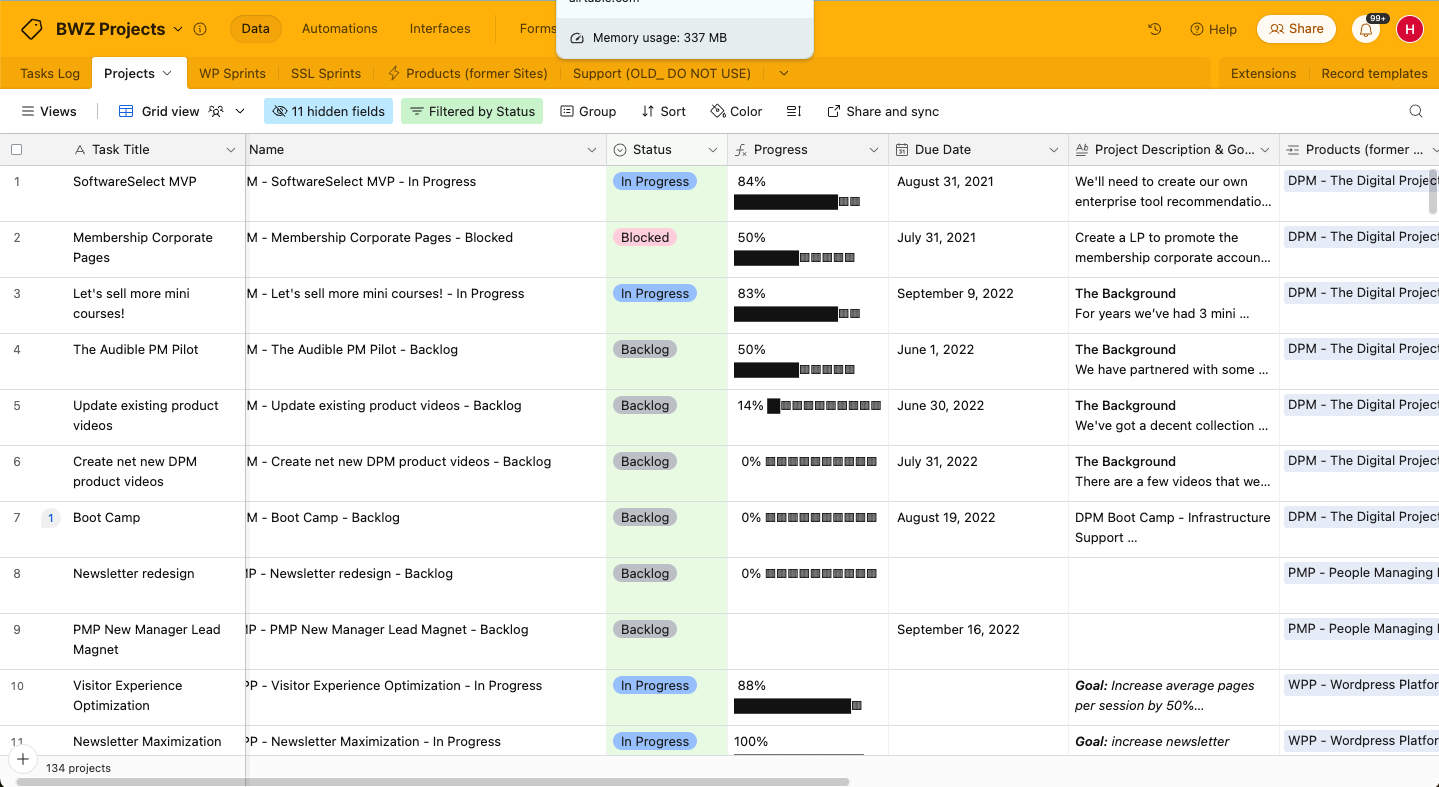
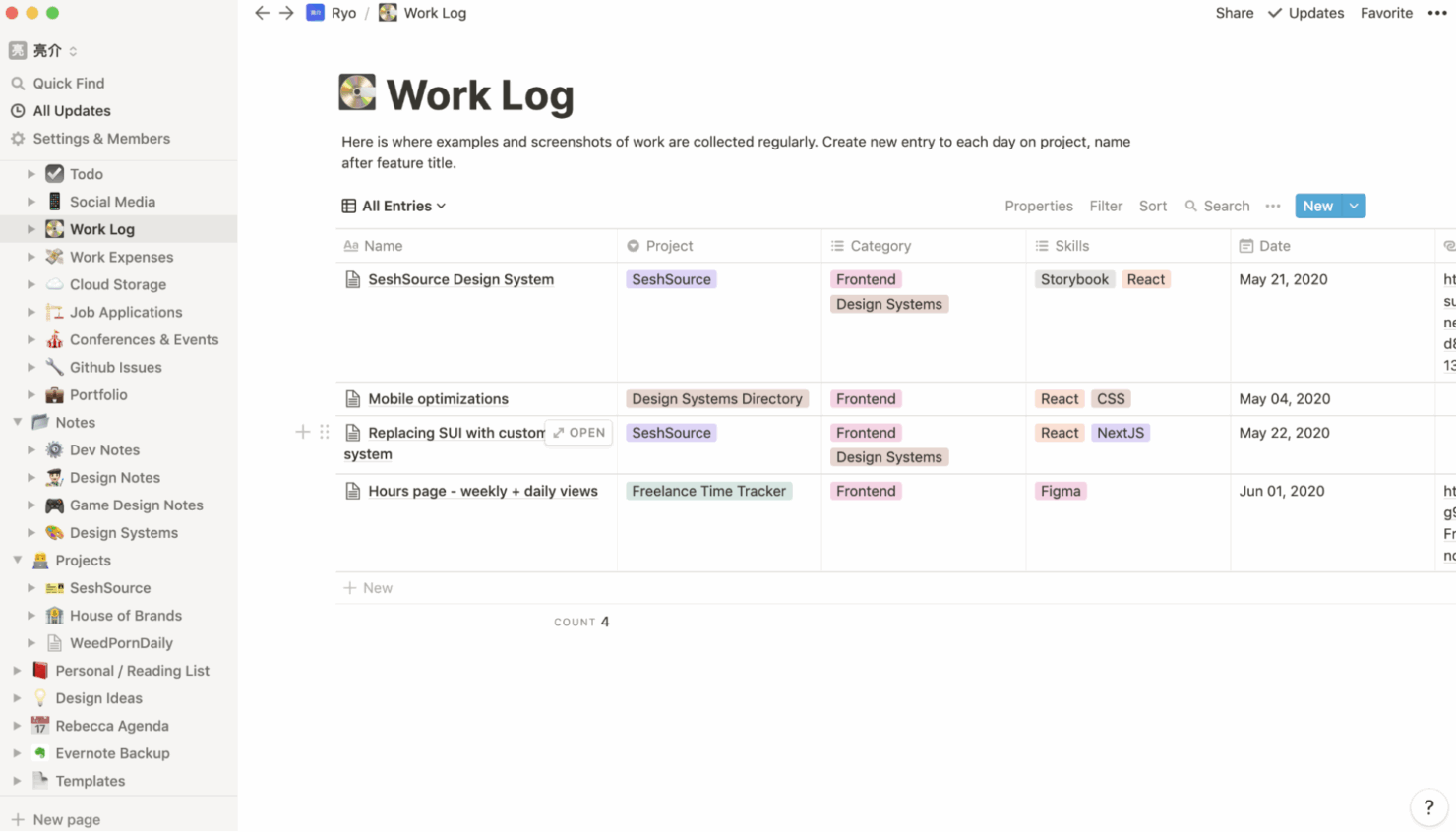
Met de aanpasbare weergaven van Airtable kun je complexe projecten beheren via interfaces die je kunt afstemmen op verschillende belanghebbenden. Dit is vooral nuttig voor het delen van updates met klanten. De flexibele werkruimte van Notion is ideaal om taken, notities en databases op één plek te combineren. Dit is waardevol wanneer teamsamenwerking en het delen van context essentieel zijn.
| Airtable | Notion | |
|---|---|---|
| API | ||
| Calendar Management | ||
| Data Export | ||
| Data Import | ||
| External Integrations | ||
| Multi-User | ||
| Notifications | ||
| Project Management | ||
| Scheduling | ||
| Task Scheduling/Tracking |
Integraties van Airtable versus Notion
| Integratie | Airtable | Notion |
|---|---|---|
| Slack | ✅ | ✅ |
| Google Drive | ✅ | ✅ |
| Salesforce | ✅ | ❌ |
| Trello | ❌ | ✅ |
| GitHub | ✅ | ✅ |
| Microsoft Teams | ❌ | ✅ |
| Dropbox | ✅ | ✅ |
| Figma | ❌ | ✅ |
| API | ✅ | ✅ |
| Zapier | ✅ | ✅ |
Airtable kan worden geïntegreerd met Slack, zodat je updates en meldingen kunt automatiseren en je team op de hoogte kunt houden. Notion kan worden geïntegreerd met Figma, zodat ontwerpteams kunnen samenwerken aan visuele projecten zonder het platform te verlaten.
Beveiliging, naleving & betrouwbaarheid van Airtable versus Notion
| Factor | Airtable | Notion |
|---|---|---|
| Naleving van regelgeving | Airtable voldoet aan de AVG en CCPA om aan internationale normen te voldoen. | Notion voldoet eveneens aan de normen van de AVG en CCPA. |
| Versleuteling | Airtable biedt versleuteling tijdens de overdracht en in rust om gegevens te beveiligen. | Notion versleutelt gegevens end-to-end en beschermt informatie op verschillende platforms. |
| Betrouwbaarheid van uptime | Airtable biedt een serviceniveauovereenkomst met een uptime van 99,9%. | Notion biedt een hoge betrouwbaarheid en belooft een uptime van 99,9%. |
Airtable en Notion bieden beide sterke beveiligingsfuncties. Bekijk bij het evalueren van deze tools hun nalevingscertificeringen en versleutelingsnormen en geef voorrang aan de tool die het beste voldoet aan de specifieke wettelijke vereisten van jouw sector.
Gebruiksgemak van Airtable versus Notion
| Factor | Airtable | Notion |
|---|---|---|
| Gebruikersinterface | Airtable heeft een spreadsheetachtige interface die intuïtief is voor het organiseren van gegevens. | Notion biedt een modulaire, gebruiksvriendelijke interface waarmee je je werkruimte flexibel kunt aanpassen. |
| Ervaring bij het instappen | Airtable biedt begeleide sjablonen waarmee je snel aan de slag kunt. | Notion biedt verschillende tutorials en sjablonen om de leercurve te verkorten. |
| Installatieproces | De installatie van Airtable is eenvoudig, maar de aanpassingsmogelijkheden kunnen in het begin overweldigend zijn. | De installatie van Notion biedt uitgebreide aanpassingsmogelijkheden, wat tijdrovend kan zijn. |
| Klantenondersteuning | Airtable biedt livechat- en e-mailondersteuning voor snelle hulp. | Notion biedt uitgebreide documentatie en communityforums voor ondersteuning. |
De vertrouwde spreadsheetindeling van Airtable maakt het eenvoudig in gebruik, maar de aanpassingsmogelijkheden kunnen overweldigend zijn om aan te wennen. De mogelijkheid van Notion om aangepaste werkruimten te creëren is krachtig, maar de uitgebreide functionaliteit kan overweldigend zijn als je snel aan de slag wilt.
Airtable vs Notion: Pros & Cons
Airtable
- Its automation rules make it easy to notify stakeholders, even if they are outside the platform.
- Airtable's forms feature lets you efficiently gather information from external sources.
- You can connect and perform calculations across multiple bases.
- Customizing the templates requires a big time investment.
- It's not a traditional project management platform.
- The learning curve can be challenging for new users.
Notion
- You can tailor your workspace to fit your needs with flexible layouts and templates.
- The intuitive design makes it easy for users to navigate and organize their projects.
- You can take notes, manage projects, and maintain your databases in one place.
- It can be challenging for new users to master without spending time on tutorials.
- You might experience slow performance if you have large databases or complex setups.
- The mobile app is less intuitive than the desktop version.
Best Use Cases for Airtable and Notion
Airtable
- Creative agencies Airtable lets your team design custom project pipelines to foster creativity and improve task management.
- Marketing teams You can track campaigns with Airtable’s flexible and visual database and make sure every detail is covered.
- Small businesses Airtable adapts to your unique business processes and can scale with you as your team grows.
- Event planners Its visual calendar and task management features help you coordinate every detail efficiently.
- Consulting firms Track client projects and deliverables with Airtable’s customizable views and data organization.
- Product development You can manage product roadmaps and feature backlogs with Airtable’s powerful database tools.
Notion
- Creative Agencies You can use customizable templates within a flexible workspace to manage creative projects and collaborate with the team.
- Freelancers You can manage multiple projects and clients in a single, organized platform.
- Startups You can tailor your workspace to your needs in order to manage rapid growth and changing project requirements.
- Remote Teams Notion supports constant communication and project tracking across different locations.
- Education Departments You can use Notion's database capabilities to organize curricula, schedules, and educational materials.
- Content Writers You can use the note-taking and organization features to manage research, drafts, and editorial calendars efficiently.
Wie zou Airtable moeten gebruiken en wie Notion?
Naar mijn mening is Airtable het meest geschikt voor teams die een krachtige databasetool met een vertrouwde spreadsheetinterface nodig hebben, vooral in marketing of projectmanagement, waar een duidelijke gegevensorganisatie essentieel is.
Notion is ideaal voor creatieve teams of individuen voor wie de gebruikssituatie een flexibele werkruimte vereist voor het maken van aantekeningen en het beheren van taken en projecten. Het is een uitstekende keuze voor startups of freelancers die waarde hechten aan aanpassingsmogelijkheden.
Differences Between Airtable and Notion
| Airtable | Notion | |
|---|---|---|
| Data Organization | Airtable uses a spreadsheet interface that helps with structured data management. | Notion provides a modular workspace that combines tasks, notes, and databases. |
| User Interface | Airtable has a familiar, spreadsheet-like UI that’s easy to get used to. | Notion’s UI is highly customizable and suitable for creating a flexible workspace. |
| Read Airtable ReviewOpens new window | Read Notion ReviewOpens new window |
Similarities Between Airtable and Notion
| Collaboration | Both Airtable and Notion support team collaboration, with Airtable offering real-time updates and Notion providing shared workspaces. |
|---|---|
| Cross-Platform Access | Both platforms are accessible on various devices, so your team can work from anywhere. |
| Customization | Both tools offer a high degree of customization. Airtable lets you customize views to suit your project needs, while Notion lets you create personalized workspaces. |
| Integrations | Each tool offers integrations with popular services like Slack and Google Workspace to improve productivity |
| User Support | Both Airtable and Notion have active user communities with forums and resources to help you maximize their tools. |
| Read Airtable ReviewOpens new window Read Notion ReviewOpens new window | |