



Wrike vs. Basecamp: Confronto & Recensioni degli Esperti per il 2026



Wrike aiuta il tuo team a gestire i progetti con precisione e controllo grazie a strumenti di monitoraggio dettagliati. Basecamp punta a semplificare la collaborazione, rendendo facile per tutti rimanere sincronizzati. Wrike è ideale per la gestione di progetti strutturati, mentre Basecamp eccelle nella comunicazione e coordinazione di gruppo.
In questo articolo troverai un confronto dettagliato tra questi strumenti, esplorando le loro funzionalità, vantaggi e svantaggi, prezzi e come si posizionano come software di gestione dei progetti per soddisfare le esigenze specifiche del tuo team.
Wrike vs. Basecamp: An Overview
Wrike
Basecamp


Perché fidarsi dei nostri consigli sui software
Il nostro team testa e recensisce software dal 2012. In quanto project manager noi stessi, sappiamo quanto sia difficile — e importante — scegliere il software giusto.
Per questa guida, abbiamo valutato gli strumenti attraverso test pratici e ricerche indipendenti, assegnando un punteggio agli strumenti in base ai nostri criteri di selezione. Ci basiamo inoltre sulle competenze di leader di pensiero del settore e di professionisti attivi nella gestione dei progetti.
Le nostre recensioni riflettono il nostro giudizio editoriale umano, non un discorso di vendita.
Revisori esperti:
Wrike vs. Basecamp Pricing Comparison
| Wrike | Basecamp | |
|---|---|---|
| Free Trial | 14-day free trial | 30-day free trial + free demo available |
| Pricing | From $10/user/month (billed annually) | From $15/user/month |
Prezzi di Wrike vs. Basecamp e Costi Nascosti
La struttura dei prezzi di Wrike si basa su un modello a livelli, offrendo diversi piani che possono includere costi extra per integrazioni o assistenza premium. Il prezzo di Basecamp è semplice, con una tariffa fissa, ma attenzione perché potrebbero sorgere costi aggiuntivi da integrazioni di terze parti o superamento del limite utenti.
Per scegliere il modello di prezzo più adatto, valuta le esigenze del tuo progetto, considera come ogni strumento si adatta alla crescita del team e prendi in considerazione eventuali costi aggiuntivi che potrebbero influenzare il tuo budget.
Wrike vs. Basecamp Feature Comparison
La gestione delle risorse di Wrike ti aiuta ad allocare e monitorare in modo efficiente i carichi di lavoro del team, rendendolo particolarmente adatto a progetti complessi con molteplici stakeholder. Le liste di cose da fare e le bacheche di Basecamp sono ideali per piccoli team che necessitano di uno spazio centrale per comunicare e rimanere organizzati.
Mentre Wrike supporta un monitoraggio dettagliato e completo dei progetti, la semplicità di Basecamp si concentra sull’ottimizzazione delle comunicazioni e delle funzionalità di collaborazione, rispondendo così a esigenze diverse in base alla complessità dei progetti e alla dimensione del team.
| Wrike | Basecamp | |
|---|---|---|
| API | ||
| Batch Permissions & Access | ||
| Budgeting | ||
| Calendar Management | ||
| Collaboration Support | ||
| Contact Management | ||
| Contact Sharing | ||
| Customer Management | ||
| Dashboard | ||
| Dashboards | ||
| Data Export | ||
| Data Import | ||
| Data Visualization | ||
| Dependency Tracking | ||
| Document Sharing | ||
| Expense Tracking | ||
| External Integrations | ||
| File Sharing | ||
| Gantt Charts | ||
| Kanban Boards | ||
| Multi-User | ||
| Notifications | ||
| Project Management | ||
| Resource Management | ||
| Scheduling | ||
| Task Scheduling/Tracking | ||
| Third-Party Plugins/Add-Ons | ||
| Time Management | ||
| Travel Management | ||
| Workflow Management |
Integrazioni di Wrike vs. Basecamp
| Integrazione | Wrike | Basecamp |
| Slack | ✅ | ✅ |
| Google Drive | ✅ | ✅ |
| Microsoft Teams | ✅ | ❌ |
| Adobe Creative Cloud | ✅ | ✅ |
| Salesforce | ✅ | ✅ |
| Zoom | ✅ | ✅ |
| HubSpot | ✅ | ✅ |
| Miro | ❌ | ✅ |
| Notion | ❌ | ✅ |
| InVision | ❌ | ✅ |
| API | ✅ | ✅ |
| Zapier | ✅ | ✅ |
L’integrazione di Wrike con Microsoft Teams ti permette di gestire le attività e collaborare in un unico hub centrale, ideale per team remoti. Basecamp si integra con Miro, supportando la pianificazione visiva dei progetti e il brainstorming, aggiungendo un elemento creativo alle riunioni di team.
Le integrazioni di questi strumenti di project management supportano stili di gestione differenti: Wrike si concentra sul monitoraggio strutturato delle attività, mentre Basecamp valorizza la creatività collaborativa.
Sicurezza, Conformità e Affidabilità di Wrike vs. Basecamp
| Fattore | Wrike | Basecamp |
| Privacy dei dati | Wrike utilizza una crittografia avanzata per i dati a riposo e in transito per garantire la sicurezza dei dati degli utenti. | Basecamp offre controlli sulla privacy robusti, inclusa la gestione degli accessi utente e la crittografia. |
| Conformità normativa | Wrike è conforme al GDPR e alla ISO 27001, fornendo registri di audit dettagliati per una maggiore trasparenza. | Basecamp aderisce al GDPR e mantiene una solida politica sulla privacy con pratiche di gestione dei dati trasparenti. |
| Affidabilità dell'Uptime | Wrike vanta un SLA di uptime del 99,9%, garantendo agli utenti accesso e prestazioni costanti. | Basecamp fornisce un servizio affidabile con aggiornamenti regolari e attenzione a ridurre al minimo i tempi di inattività |
Sia Wrike che Basecamp offrono solide funzionalità di sicurezza e conformità, ma Wrike aggiunge un livello extra di affidabilità grazie ai registri di audit dettagliati e alla certificazione ISO. Per scegliere lo strumento giusto, valuta le esigenze normative del tuo team, controlla le certificazioni di conformità di ciascuna piattaforma e considera come le loro funzioni di privacy si allineano alle tue policy di gestione dei dati.
Facilità d'Uso di Wrike vs. Basecamp
| Fattore | Wrike | Basecamp |
| Interfaccia utente | Wrike offre un cruscotto personalizzabile con diverse visualizzazioni come i diagrammi di Gantt e le bacheche Kanban. | Basecamp ha un'interfaccia semplice e intuitiva con una navigazione snella e accesso facilitato agli strumenti. |
| Esperienza di onboarding | Wrike fornisce tutorial approfonditi e un processo di configurazione guidato per aiutare i nuovi utenti ad iniziare. | Basecamp offre un onboarding semplice con pochi passaggi e guide rapide per iniziare subito. |
| Supporto | Wrike include supporto 24/7 con chat dal vivo e risorse online complete. | Basecamp fornisce supporto tramite email e una ricca raccolta di FAQ e guide online. |
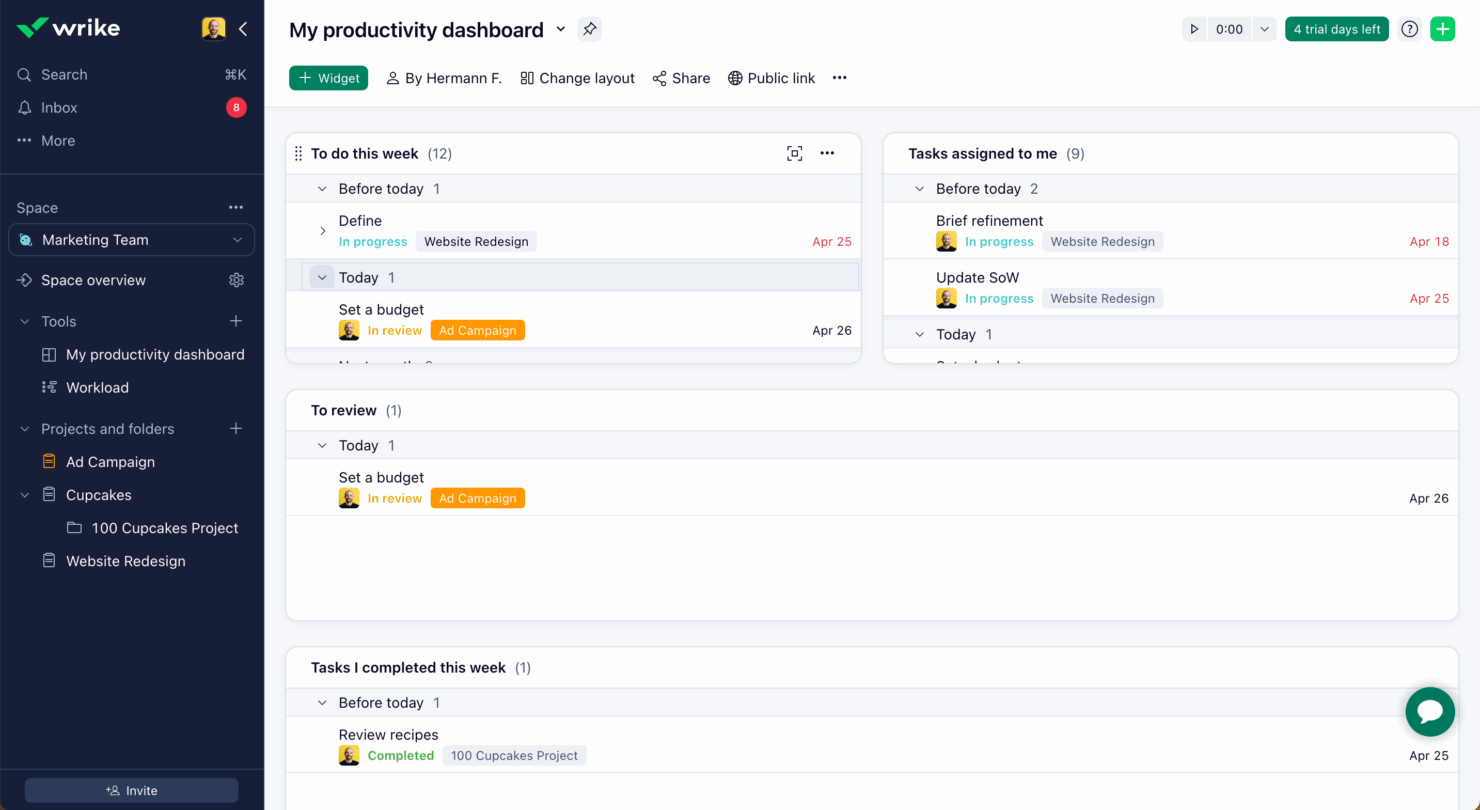
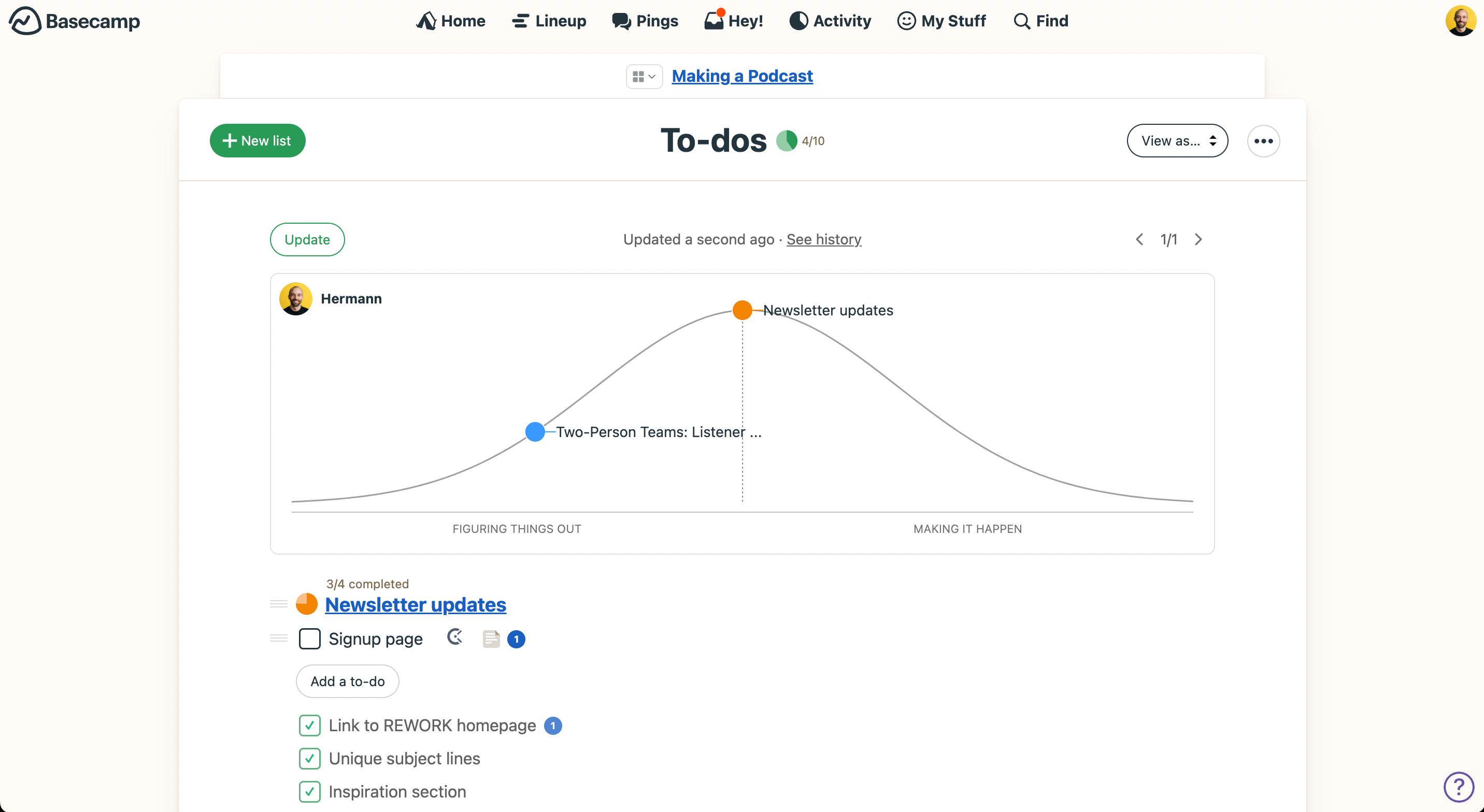
La dashboard personalizzabile di Wrike e i tutorial dettagliati lo rendono ideale per i team che cercano flessibilità e un supporto approfondito, ma la sua complessità può essere una sfida per i principianti. L'interfaccia semplice di Basecamp e il processo di onboarding rapido permettono un apprendimento veloce, anche se potrebbero mancare le funzionalità avanzate di cui alcune squadre hanno bisogno.
Wrike vs Basecamp: Pros & Cons
Wrike
- Wrike's proofing feature allows you to compare file versions dynamically.
- The user-friendly interface ensures easy navigation for your team.
- Wrike's AI features are available in all plans at no extra cost.
- It can be unclear where form responses are stored within the tool.
- Some integrations require an additional cost, regardless of the plan.
- Two-factor authentication is only available with the enterprise plan.
Basecamp
- With automatic check-ins, you can keep everyone updated without lengthy meetings.
- Basecamp's message board keeps your team communication clear and organized.
- You can easily get your team onboard with its intuitive interface.
- The tool is missing a built-in time tracking feature for tasks.
- Basecamp's simplicity might not meet the needs of complex project workflows.
- You might find the lack of advanced reporting tools limiting.
Best Use Cases for Wrike and Basecamp
Wrike
- Marketing Teams Wrike’s proofing feature helps you streamline creative approval processes with ease.
- Creative Agencies Wrike’s dynamic file version comparison keeps your creative projects on track.
- IT Departments Wrike’s user-friendly interface simplifies complex project coordination for your team.
- Product Development Wrike’s AI features boost your team’s productivity without extra costs.
- Event Management Wrike’s task scheduling ensures your events are planned and executed flawlessly.
- Construction Projects Wrike’s robust project tracking keeps your construction timelines and budgets in check.
Basecamp
- Small businesses You'll benefit from Basecamp's straightforward design and ease of use, which are ideal for managing projects without the complexity of more robust software.
- Creative agencies Its visual communication tools and message boards support creative brainstorming and project discussions.
- Remote teams Basecamp's centralized platform keeps remote team members connected and aligned on tasks and goals.
- Startups Quick onboarding and straightforward features help startups get organized fast without a learning curve.
- Non-profits Basecamp allows non-profit teams to focus on their mission by simplifying project tracking and communication.
- Freelancers Freelancers can manage their client projects efficiently with Basecamp’s task management and client communication tools.
Chi dovrebbe usare Wrike, e chi dovrebbe usare Basecamp?
Secondo me, Wrike è la scelta migliore per team più grandi e settori che richiedono una gestione dettagliata dei progetti e delle risorse, come agenzie di marketing o dipartimenti IT. Basecamp è più adatto a piccoli team e startup che danno priorità alla semplicità e a una comunicazione chiara, come agenzie creative o team di piccole imprese.
Le funzionalità avanzate di Wrike lo rendono una soluzione ideale per la gestione di progetti complessi, mentre la facilità d'uso di Basecamp è perfetta per i team che desiderano una configurazione rapida e una curva di apprendimento minima.
Differences Between Wrike and Basecamp
| Wrike | Basecamp | |
|---|---|---|
| Automation | Wrike includes advanced automation options for task management and workflow customization | Basecamp focuses on manual task management with limited automation features. |
| Integrations | Wrike integrates with a wide range of tools, including Microsoft Teams and Salesforce. | Basecamp offers essential integrations like Slack and Google Drive but fewer options overall. |
| Pricing | Wrike offers a tiered pricing model with additional costs for integrations and premium features. | Basecamp has a flat fee structure with clear pricing and fewer hidden costs. |
| Setup and Onboarding | Wrike provides comprehensive tutorials and 24/7 customer support. | Basecamp offers a straightforward onboarding process with email customer support and FAQs |
| User Interface | Wrike provides a customizable dashboard with options like Gantt charts and Kanban boards. | Basecamp features a simple, intuitive interface that prioritizes ease of navigation |
| Visit WrikeOpens new window | Read Basecamp ReviewOpens new window |
Similarities Between Wrike and Basecamp
| Collaboration | Both tools offer communication features like message boards and @mentions to facilitate team collaboration. Wrike supports real-time editing, whereas Basecamp focuses on threaded discussions. |
|---|---|
| File Sharing | Wrike and Basecamp both let you upload and share files within projects to centralize your team’s documents. Wrike includes version control, while Basecamap emphasizes easy file access. |
| Mobile Usability | Both platforms provide mobile apps to manage work on-the-go. Wrike’s app offers advanced features like time tracking, while Basecamp’s app focuses on simplicity and quick updates. |
| Task Management | Both Wrike and Basecamp allow you to create, assign, and track tasks to keep your team organized. Wrike offers detailed task dependencies, while Basecamp simplifies task lists for quick updates. |
| User Permissions | Wrike and Basecamp allow you to control user access to ensure the right team members see the right information. Wrike offers granular permissions, while Basecamp keeps it straightforward with basic settings. |
| Visit WrikeOpens new window Read Basecamp ReviewOpens new window | |