


Airtable vs. Coda: Confronto e Recensioni Esperte per il 2026



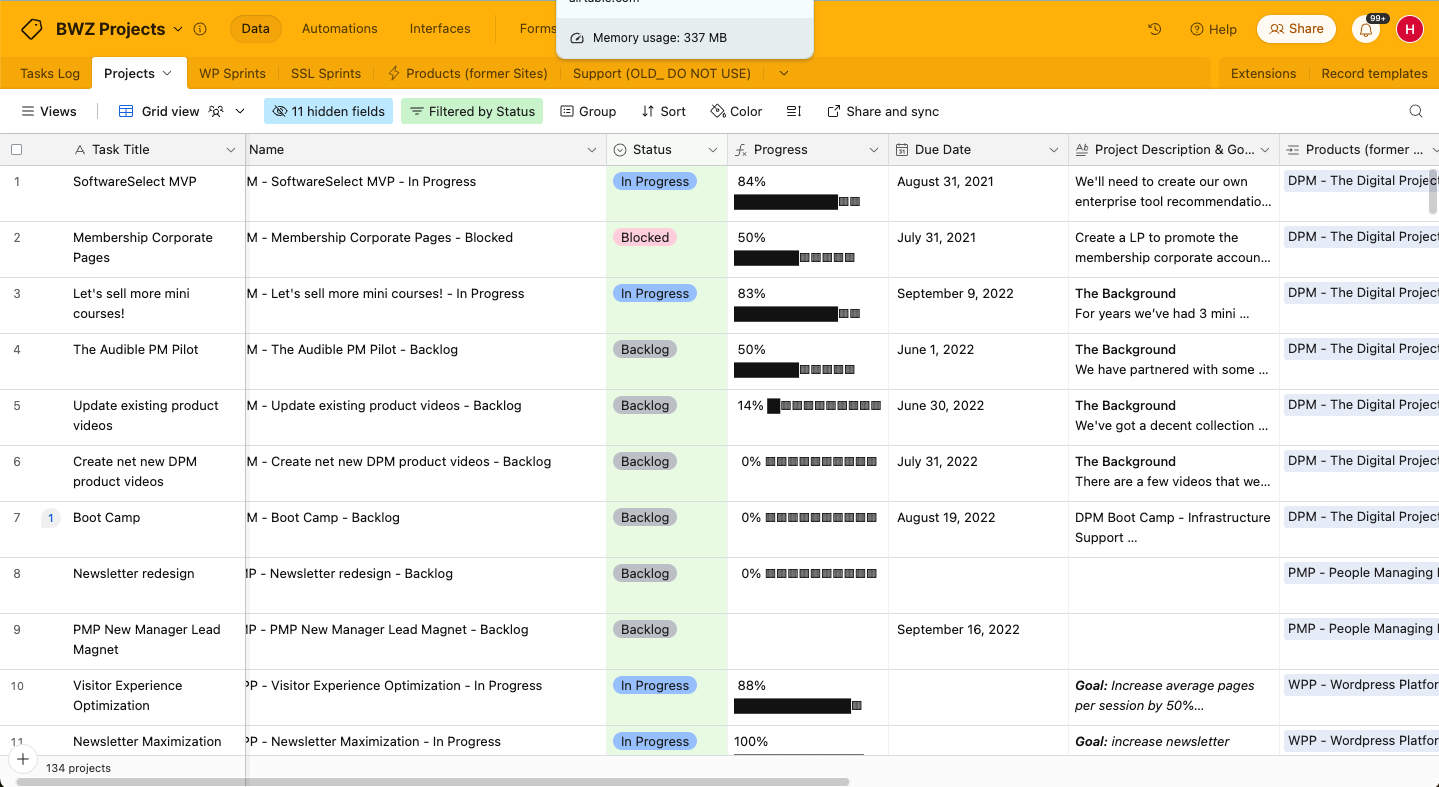
Airtable offre un modo flessibile per organizzare il lavoro e i progetti del tuo team con un'interfaccia in stile foglio di calcolo. Coda combina documenti e dati in uno spazio di lavoro unificato. Sebbene entrambi supportino la gestione dei progetti, differiscono nel modo in cui gestiscono le funzionalità di personalizzazione e collaborazione.
Nella mia recensione dettagliata, ho confrontato ciascun strumento e le sue caratteristiche, vantaggi e svantaggi e prezzi utilizzando la mia esperienza come project manager. Scopri qui sotto quale software per la gestione dei progetti si adatta meglio alle tue esigenze specifiche.
Airtable vs. Coda: An Overview
Airtable
Coda

Perché fidarsi dei nostri consigli sui software
Il nostro team testa e recensisce software dal 2012. In quanto project manager noi stessi, sappiamo quanto sia difficile — e importante — scegliere il software giusto.
Per questa guida, abbiamo valutato gli strumenti attraverso test pratici e ricerche indipendenti, assegnando un punteggio agli strumenti in base ai nostri criteri di selezione. Ci basiamo inoltre sulle competenze di leader di pensiero del settore e di professionisti attivi nella gestione dei progetti.
Le nostre recensioni riflettono il nostro giudizio editoriale umano, non un discorso di vendita.
Revisori esperti:
Airtable vs. Coda Pricing Comparison
| Airtable | Coda | |
|---|---|---|
| Free Trial | Free plan + free demo + 14-day trial available | Free plan available |
| Pricing | From $20/user/month | From $12/user/month (billed annually) |
Prezzi e costi nascosti di Airtable vs. Coda
I prezzi di Airtable seguono un modello di abbonamento a livelli con piani che crescono in base alle esigenze del tuo team, ma potresti incontrare costi aggiuntivi se superi il limite di automazione. I prezzi di Coda seguono una struttura a livelli simile. Entrambi gli strumenti offrono anche piani gratuiti per iniziare.
Per scegliere lo strumento giusto, valuta le funzionalità specifiche di cui hai bisogno e considera sia le esigenze attuali che la possibile crescita futura, confrontandole poi con i piani tariffari disponibili.
Airtable vs. Coda Feature Comparison
Le viste personalizzabili di Airtable rendono semplice tracciare i progressi e gestire le risorse su più progetti. È particolarmente indicato per flussi di lavoro complessi e guidati dai dati. Coda, invece, unisce testo, attività e tabelle in un’unica piattaforma collaborativa, ideale per i team che desiderano gestire tutto in uno stesso spazio.
| Airtable | Coda | |
|---|---|---|
| API | ||
| Dashboard | ||
| Data Export | ||
| Data Import | ||
| External Integrations | ||
| Gantt Charts | ||
| Google Apps Integration | ||
| Multi-User | ||
| Notifications | ||
| Resource Management | ||
| Scheduling | ||
| Task Scheduling/Tracking |
Airtable vs. Coda: integrazioni
| Integrazione | Airtable | Coda |
|---|---|---|
| Slack | ✅ | ✅ |
| Google Drive | ✅ | ✅ |
| Salesforce | ✅ | ✅ |
| Jira | ✅ | ✅ |
| Dropbox | ✅ | ✅ |
| Zoom | ❌ | ✅ |
| Microsoft Teams | ❌ | ✅ |
| GitHub | ✅ | ✅ |
| API | ✅ | ✅ |
| Zapier | ✅ | ✅ |
L'integrazione di Airtable con Salesforce consente di tracciare e gestire i dati dei clienti in modo efficiente ed è utile per i project manager e i team che gestiscono anche attività di CRM. L'integrazione di Coda con GitHub è ideale per i team tecnologici che vogliono gestire codice e documentazione di progetto in un unico luogo.
Airtable vs. Coda: sicurezza, conformità e affidabilità
| Fattore | Airtable | Coda |
|---|---|---|
| Privacy dei dati | Airtable è conforme a SOC 2 e GDPR per garantire privacy e sicurezza dei dati | Coda è conforme a SOC 2 e GDPR per proteggere i dati e mantenere la privacy. |
| Crittografia | Airtable cripta i dati a riposo con AES-256 e in transito con TLS. | Coda utilizza la crittografia AES-256 per proteggere i dati a riposo e TLS per i dati in transito. |
| Controlli di accesso | Airtable offre permessi basati sui ruoli che ti permettono di gestire chi può accedere ai tuoi dati. | Coda fornisce permessi granulari per un controllo degli accessi più dettagliato. |
| Affidabilità dell'uptime | Airtable garantisce il 99,9% di uptime, così i tuoi progetti sono sempre accessibili | Coda offre anch'essa il 99,9% di uptime per i clienti enterprise, assicurando un accesso costante ai tuoi documenti. |
| Conformità normativa | Airtable è conforme a HIPAA per progetti nel settore sanitario. | Coda supporta anch'essa la conformità HIPAA. |
Sia Airtable che Coda offrono forti misure di sicurezza e conformità. Per scegliere il fornitore giusto, valuta le tue esigenze specifiche di conformità.
Facilità d'Uso di Airtable vs. Coda
| Fattore | Airtable | Coda |
|---|---|---|
| Interfaccia utente | La visualizzazione a griglia di Airtable è intuitiva e simile a un foglio di calcolo, il che la rende facile da usare per i nuovi utenti. | L'interfaccia intuitiva di Coda unisce documenti e fogli di calcolo per offrire flessibilità, ma comporta una curva di apprendimento più ripida. |
| Esperienza di onboarding | Airtable offre tutorial interattivi e modelli che aiutano a iniziare senza difficoltà. | Coda fornisce guide passo dopo passo e un forum della community per aiutare all'avvio. |
| Configurazione | I modelli preimpostati di Airtable semplificano la configurazione per diversi tipi di progetto. | Coda richiede una configurazione iniziale maggiore per adattare lo spazio di lavoro alle proprie esigenze. |
| Supporto | Airtable offre supporto via email e un centro assistenza completo. | Coda mette a disposizione assistenza tramite chat e una community attiva. |
Airtable è facile da imparare grazie alla sua griglia simile a un foglio di calcolo familiare, ma la personalizzazione per un uso avanzato può risultare complicata. Coda offre una maggiore flessibilità e personalizzazione grazie alla sua struttura a documento, tuttavia presenta una curva di apprendimento più elevata.
Airtable vs Coda: Pros & Cons
Airtable
- Its automation rules make it easy to notify stakeholders, even if they are outside the platform.
- Airtable's forms feature lets you efficiently gather information from external sources.
- You can connect and perform calculations across multiple bases.
- Customizing the templates requires a big time investment.
- It's not a traditional project management platform.
- The learning curve can be challenging for new users.
Coda
- Coda lets you combine documents and spreadsheets into one interactive space.
- You can customize templates to fit your team's specific workflow needs.
- Real-time collaboration keeps your team connected and updated instantly.
- Some users find the initial setup a bit complex for beginners.
- Limited offline functionality might hinder productivity when you're not connected.
- Advanced features can have a learning curve for those new to the platform.
Best Use Cases for Airtable and Coda
Airtable
- Creative agencies Airtable lets your team design custom project pipelines to foster creativity and improve task management.
- Marketing teams You can track campaigns with Airtable’s flexible and visual database and make sure every detail is covered.
- Small businesses Airtable adapts to your unique business processes and can scale with you as your team grows.
- Event planners Its visual calendar and task management features help you coordinate every detail efficiently.
- Consulting firms Track client projects and deliverables with Airtable’s customizable views and data organization.
- Product development You can manage product roadmaps and feature backlogs with Airtable’s powerful database tools.
Coda
- Tech Startups Coda's flexibility and real-time collaboration make it ideal for fast-paced environments where innovation is key.
- Creative Agencies You can customize templates to fit unique workflows, perfect for agencies handling varied client projects
- Product Development Real-time updates and document merging help keep your team aligned and focused on product innovation.
- Marketing Teams Coda's interactive platform lets you streamline campaign planning and execution with ease.
- Remote Team Coda's real-time collaboration tools keep everyone connected, regardless of location
- Project Managers The ability to tailor workflows and track progress in one space makes Coda a strong ally in project management.
Chi dovrebbe usare Airtable e chi dovrebbe usare Coda?
Secondo me, Airtable è un'ottima scelta per i team che necessitano di struttura e di un'interfaccia semplice in stile foglio di calcolo per gestire progetti con molti dati. Funziona bene per settori come marketing e organizzazione di eventi, dove l'organizzazione visiva è importante.
Coda è più adatto a team con esigenze che richiedono flessibilità e uno spazio collaborativo per gestire contenuti e attività in un'unica piattaforma. È ideale per team tecnologici o creativi che necessitano di maggiore personalizzazione.
Differences Between Airtable and Coda
| Airtable | Coda | |
|---|---|---|
| Automation | Airtable offers automation via blocks and scripts. | Coda lets you use formulas and templates to set up automations. |
| Customization | Airtable offers pre-built templates for quick setups. | Coda lets you completely customize documents and workflows. |
| Integrations | Airtable has strong integrations with tools like Slack and Jira | Coda integrates well with platforms like Zoom and Microsoft Teams. |
| User Interface | Airtable’s grid view resembles a spreadsheet, which makes it easy to navigate. | Coda combines documents and spreadsheets for a more flexible layout. |
| Read Airtable ReviewOpens new window | Read Coda ReviewOpens new window |
Similarities Between Airtable and Coda
| Automation | Each offers automation capabilities: Airtable through blocks and scripts, and Coda with templates and formulas. |
|---|---|
| Collaboration | Both Airtable and Coda let your team collaborate in real-time. Airtable has shared views and Coda offers shared docs. |
| Integrations | They both support a wide range of integrations and connect with Zapier to offer more options. |
| Pricing | Airtable and Coda use tiered pricing models, so you can choose a plan that fits your budget and advanced feature requirements without hidden surprises. |
| User Support | Both provide user support through help centers and community forums, so help is readily available. |
| Read Airtable ReviewOpens new window Read Coda ReviewOpens new window | |