


monday service versus ClickUp: Vergelijking & deskundige beoordelingen



monday service offers a flexible solution for IT and customer support teams that manage service delivery and operations. ClickUp provides a comprehensive project management platform that integrates tasks, docs, and goals in one place. monday service is meant for service delivery teams, whereas ClickUp can be used to manage projects of any type (including service delivery).
Read my expert comparison and evaluation of each tool, which I’ve compiled using my experience in project management. I cover key features, pros and cons, and pricing to help you choose the best project management software for your project and team needs.
monday service biedt een flexibele oplossing voor IT- en klantenserviceteams die servicelevering en -activiteiten beheren. ClickUp biedt een uitgebreid projectmanagementplatform dat taken, documenten en doelen op één plek integreert. monday service is bedoeld voor teams die service leveren, terwijl ClickUp kan worden gebruikt om projecten van elk type te beheren (waaronder servicelevering).
Lees mijn deskundige vergelijking en beoordeling van beide tools, die ik heb samengesteld op basis van mijn ervaring met projectmanagement. Ik behandel de belangrijkste functies, voor- en nadelen en prijzen om je te helpen de beste projectmanagementsoftware te kiezen voor de behoeften van je project en team.
monday service vs. ClickUp: An Overview
monday service

ClickUp
Waarom u onze softwareaanbevelingen kunt vertrouwen
Ons team test en beoordeelt software sinds 2012. Als projectmanagers weten we zelf hoe moeilijk — en belangrijk — het is om de juiste software te kiezen.
Voor deze gids hebben we tools geëvalueerd met behulp van praktijktests en onafhankelijk onderzoek, waarbij we tools beoordeelden aan de hand van onze selectiecriteria. We putten ook uit inzichten van vooraanstaande experts uit de branche en praktiserende projectmanagementprofessionals.
Onze reviews weerspiegelen ons menselijke redactionele oordeel, geen verkooppraatje.
Deskundige beoordelaars:
monday service vs. ClickUp Pricing Comparison
| monday service | ClickUp | |
|---|---|---|
| Free Trial | 14-day free trial | Free plan + free demo available |
| Pricing | From $9/seat/month (billed annually) | From $7/user/month (billed annually) |
monday service versus ClickUp: prijzen en verborgen kosten
Het prijsmodel van monday service biedt abonnementen met verschillende niveaus die meegroeien met de omvang en behoeften van je team. De kosten stijgen wanneer je geavanceerde functies of integraties toevoegt. De prijzen van ClickUp zijn ook opgebouwd uit verschillende niveaus en stijgen wanneer je meer projectmanagementfuncties en opslag toevoegt. ClickUp biedt ook een gratis abonnement.
Om de juiste projectmanagementtool voor je team te kiezen, beoordeel je je vereisten, vergelijk je welke functies essentieel zijn voor je werk en bepaal je in welk prijsplan of niveau die functionaliteiten worden aangeboden.
monday service vs. ClickUp Feature Comparison
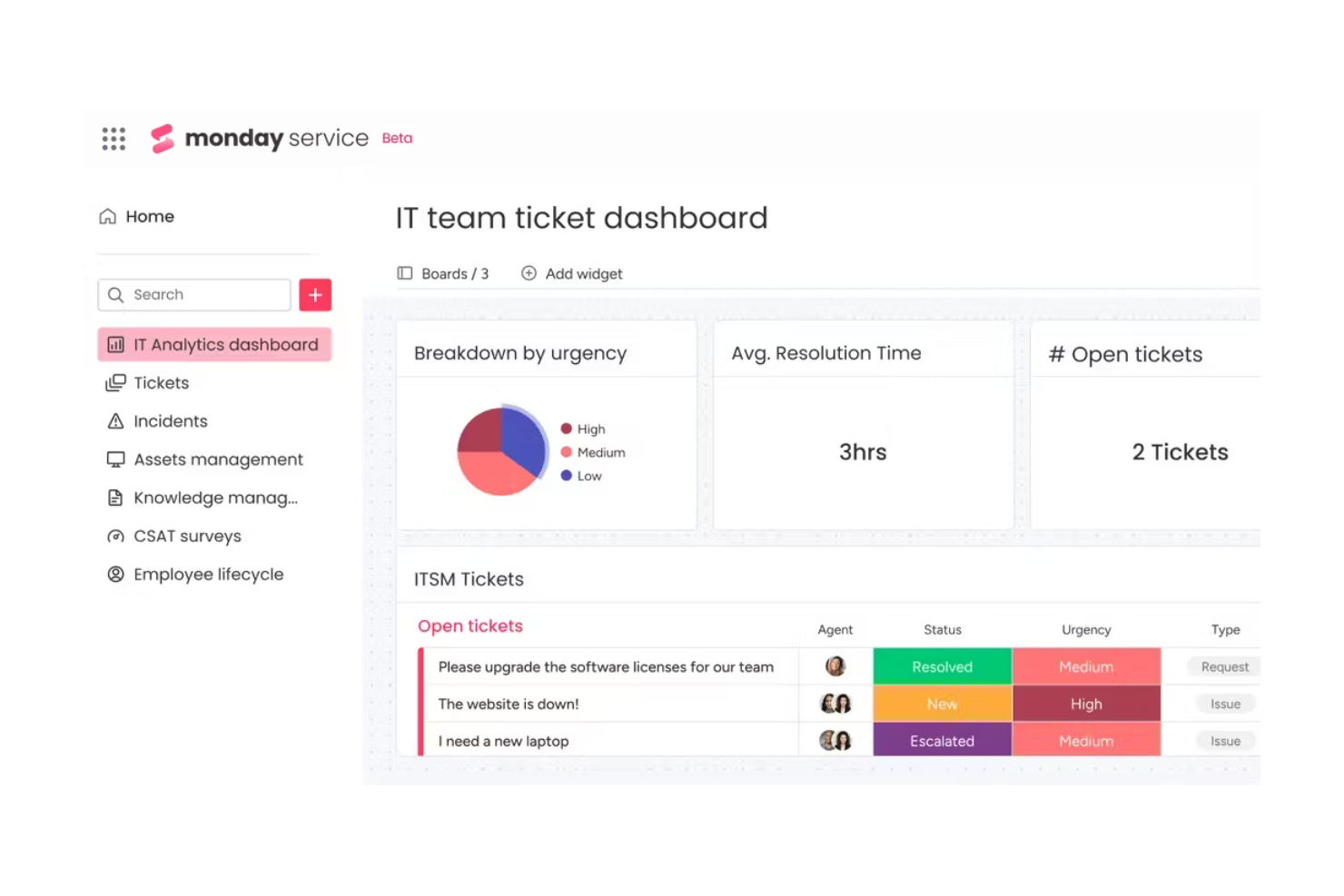
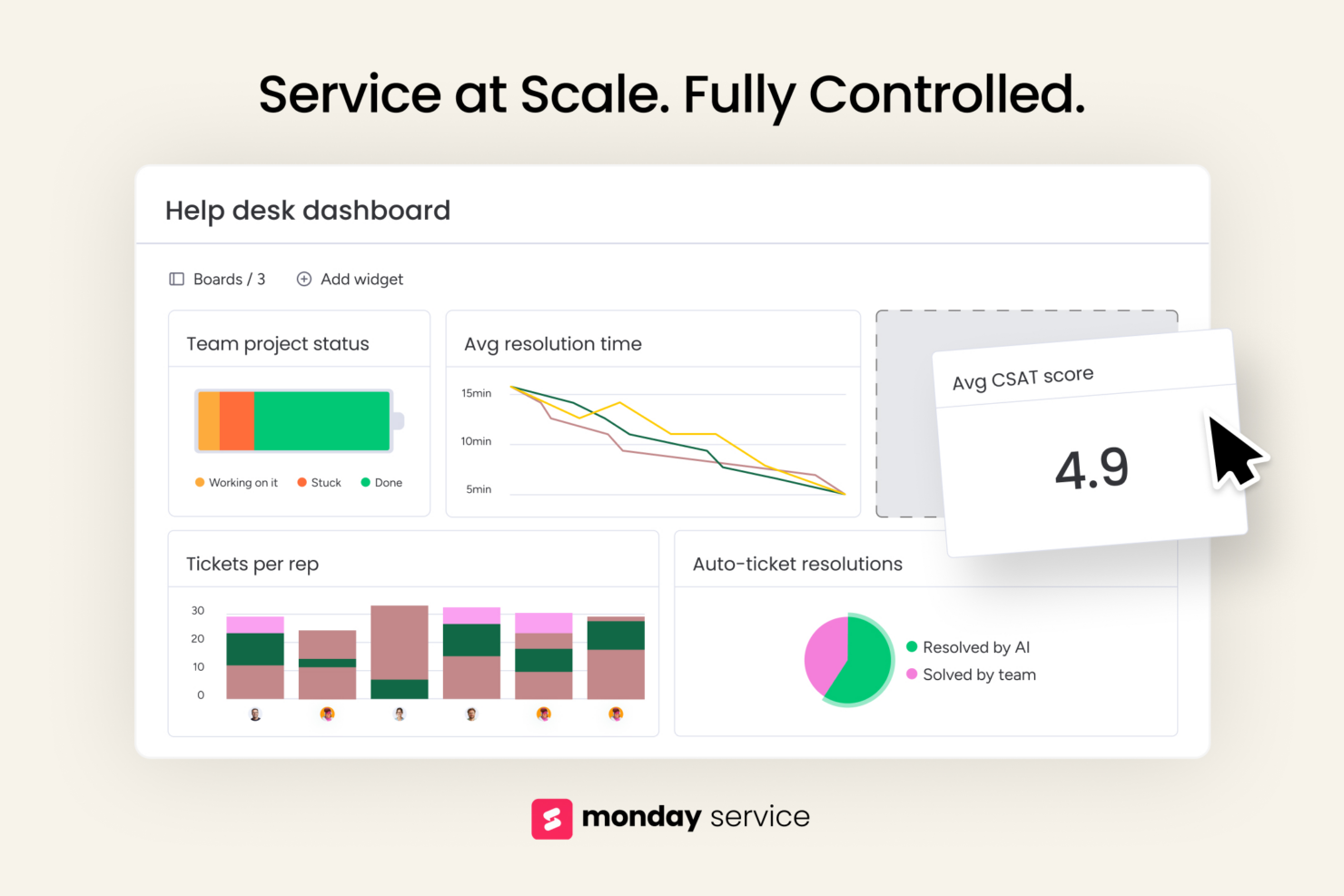
Met de aangepaste dashboards van monday service kun je de serviceprestaties, ticketstatus en oplossingen in realtime volgen, zodat je weloverwogen beslissingen kunt nemen en indien nodig kunt bijsturen. De uitgebreide mogelijkheden voor taakbeheer van ClickUp, waaronder bulkbewerking en meerdere taakweergaven, zijn ideaal voor complexe projecten met veel afhankelijkheden, zoals softwareontwikkeling.
| monday service | ClickUp | |
|---|---|---|
| API | ||
| Contact Management | ||
| Customer Management | ||
| Dashboard | ||
| Data Export | ||
| Data Import | ||
| Data Visualization | ||
| External Integrations | ||
| Multi-User | ||
| Notifications | ||
| Scheduling | ||
| Workflow Management |
monday service versus ClickUp: integraties
| Integratie | monday service | ClickUp |
|---|---|---|
| Dropbox | ✅ | ✅ |
| Slack | ✅ | ✅ |
| Google Calendar | ❌ | ✅ |
| GitHub | ✅ | ✅ |
| Zoom | ✅ | ✅ |
| ✅ | ❌ | |
| HubSpot | ✅ | ✅ |
| Miro | ❌ | ❌ |
| API | ✅ | ✅ |
| Zapier | ✅ | ✅ |
Dankzij de integratie van monday service met HubSpot kunnen serviceteams en marketingteams klantrelaties en tickets op één plek beheren. Dankzij de integratie van ClickUp met Zoom kun je vergaderingen plannen en eraan deelnemen zonder je projectwerkruimte te verlaten, wat ideaal is voor teams op afstand.
monday service vs. beveiliging, naleving en betrouwbaarheid van ClickUp
| Factor | monday service | ClickUp |
|---|---|---|
| Gegevensprivacy | monday service voldoet aan de AVG en biedt opties voor gegevensopslag in de EU. | ClickUp voldoet aan de AVG en maakt gegevensexport mogelijk voor transparantie. |
| Versleuteling | monday service gebruikt AES-256-versleuteling voor opgeslagen gegevens en TLS voor gegevens tijdens overdracht. | ClickUp beveiligt gegevens met AES-256-versleuteling en TLS-protocollen. |
| Betrouwbaarheid van uptime | monday service biedt een service level agreement (SLA) met 99,9% uptime om consistente toegang te behouden. | ClickUp biedt een uptimegarantie van 99,9% en betrouwbare toegang tot de service. |
| Toegangsbeheer | monday service biedt op rollen gebaseerde machtigingen, zodat je de toegang van gebruikers effectief kunt beheren. | ClickUp beschikt over aanpasbare machtigingen en tweefactorauthenticatie. |
| Nalevingsaudits | monday service ondergaat regelmatig SOC 2 Type II-audits voor beveiligingsgarantie. | ClickUp voert ook SOC 2 Type II-audits uit om de naleving te handhaven. |
monday service en ClickUp bieden beide beveiligings- en nalevingsfuncties. Richt je op de specifieke behoeften van jouw branche en weeg af hoe de functies van elke tool daarop aansluiten.
monday service versus gebruiksgemak van ClickUp
| Factor | monday service | ClickUp |
|---|---|---|
| Gebruikersinterface | monday service biedt een visueel intuïtieve interface met mogelijkheden voor slepen en neerzetten. | ClickUp biedt een aanpasbare interface met verschillende weergaveopties, zoals een lijst en een bord. |
| Inwerkervaring | monday service bevat begeleide zelfstudies en sjablonen om de leercurve te verkorten. | ClickUp biedt gedetailleerde inwerkchecklists en videohandleidingen voor nieuwe gebruikers. |
| Instellen | monday service biedt een snelle installatie met vooraf gebouwde sjablonen voor verschillende workflows. | ClickUp vereist aanvankelijk meer instelwerk, maar biedt uitgebreidere opties voor aanpassing. |
| Ondersteuning | monday service biedt 24/7 ondersteuning via livechat en een uitgebreid helpcentrum. | ClickUp biedt ook 24/7 ondersteuning, waaronder webinars en een communityforum. |
| Aanpassing | Met monday service kun je borden en workflows eenvoudig aanpassen zonder code te schrijven. | ClickUp biedt uitgebreide aanpassingsmogelijkheden, maar het kan meer tijd kosten om alles te configureren. |
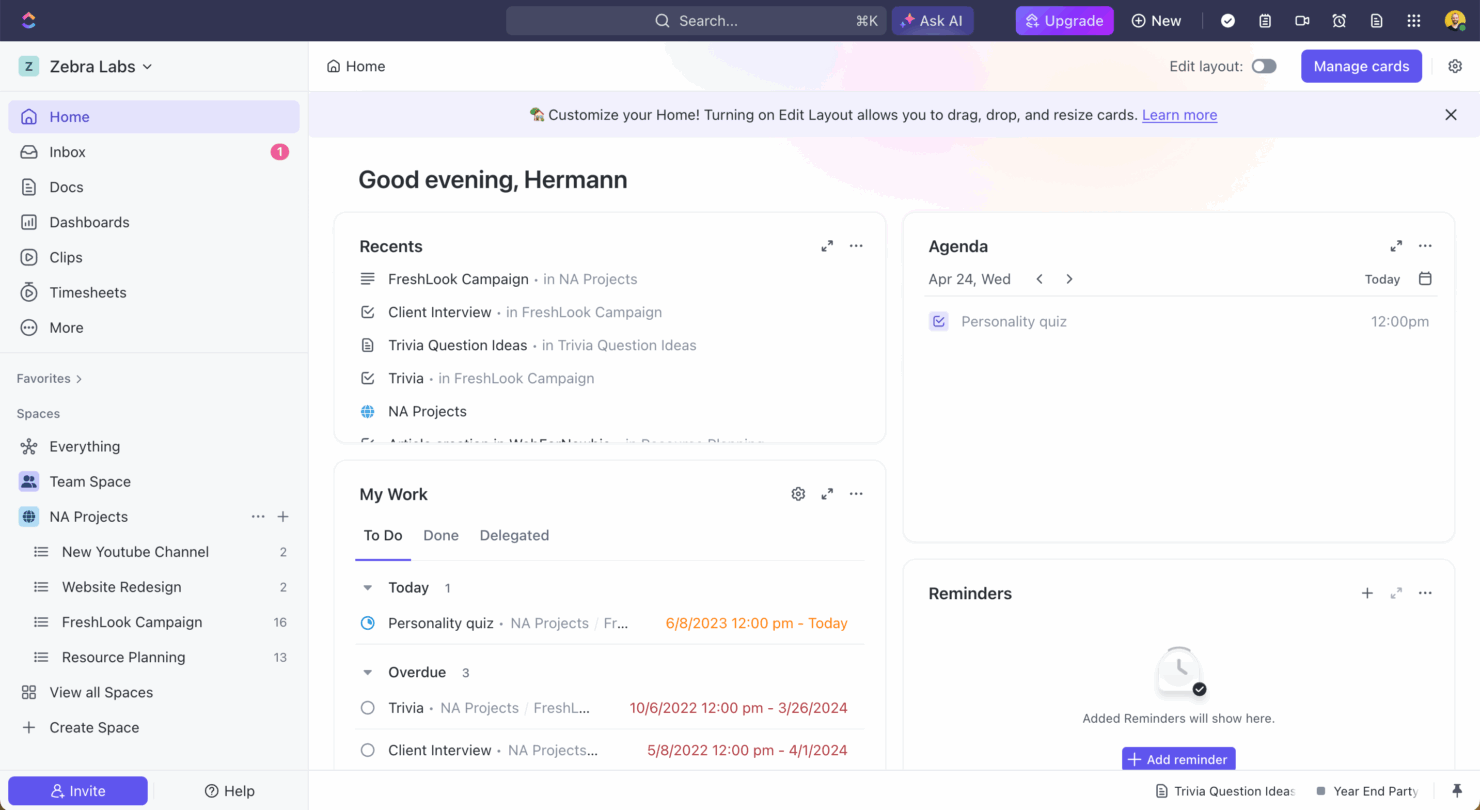
monday service is dankzij de eenvoudige interface en behulpzame introductie sneller onder de knie te krijgen. ClickUp biedt uitgebreidere aanpassingsmogelijkheden en kan aanvankelijk lastig in te stellen zijn, maar wordt krachtig zodra het op jouw specifieke behoeften is geconfigureerd.
monday service vs ClickUp: Pros & Cons
monday service
- You can customize ticket workflows to fit your team's needs.
- Its visual interface helps your team easily track completed tickets.
- Automation features save your team members time on repetitive tasks.
- You might find the onboarding process a bit complex.
- Some users feel the interface can be overwhelming at first.
- Customer support response times may not always meet your expectations.
ClickUp
- Extensive task management features keep your projects organized and on track
- Real-time collaboration makes team communication more effective
- Built-in automations reduce manual work and speed up your workflow
- Users often find the learning curve steep due to its rich feature set
- Some users report occasional performance lags when managing large projects
- Mobile app can be less intuitive than the desktop version
Best Use Cases for monday service and ClickUp
monday service
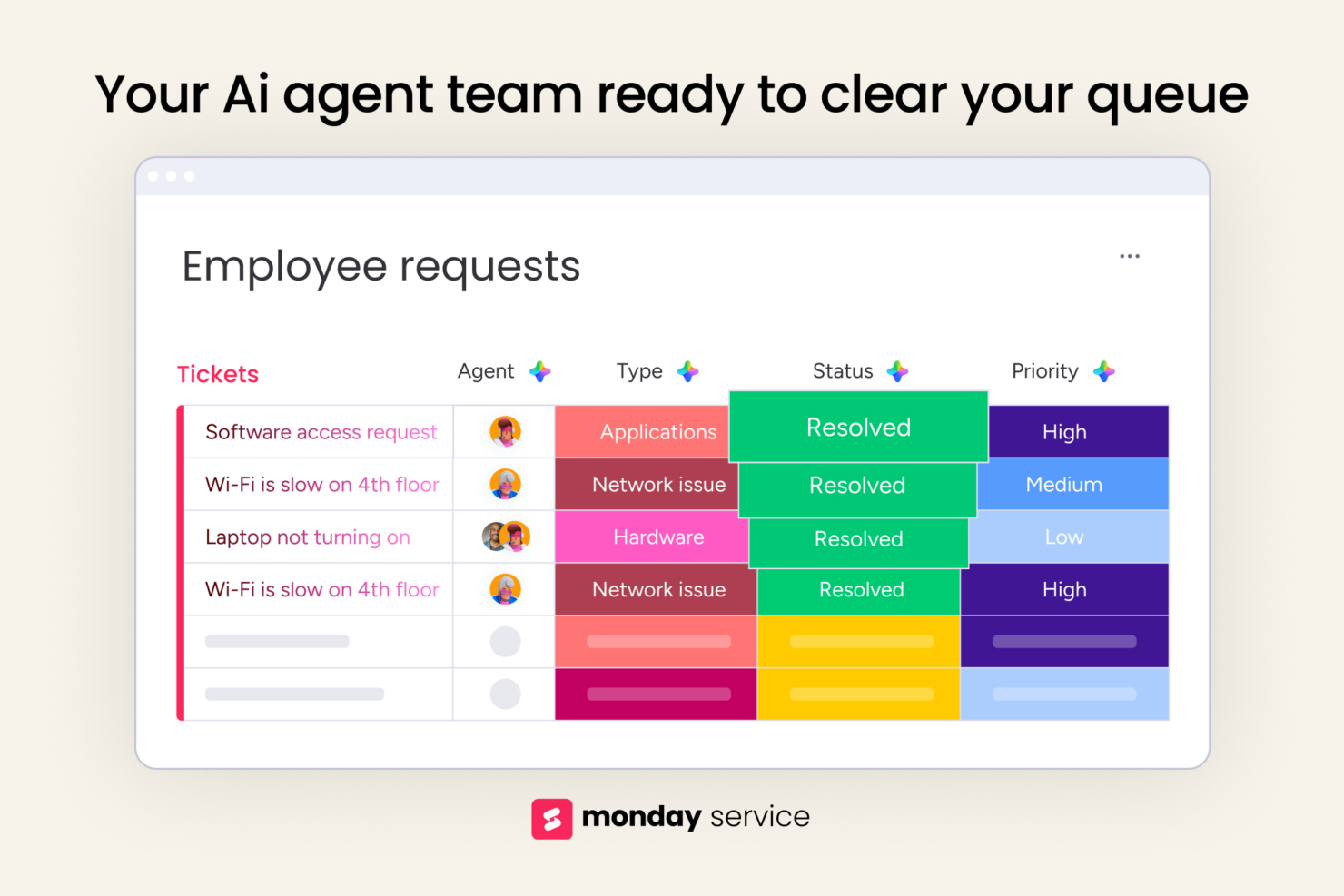
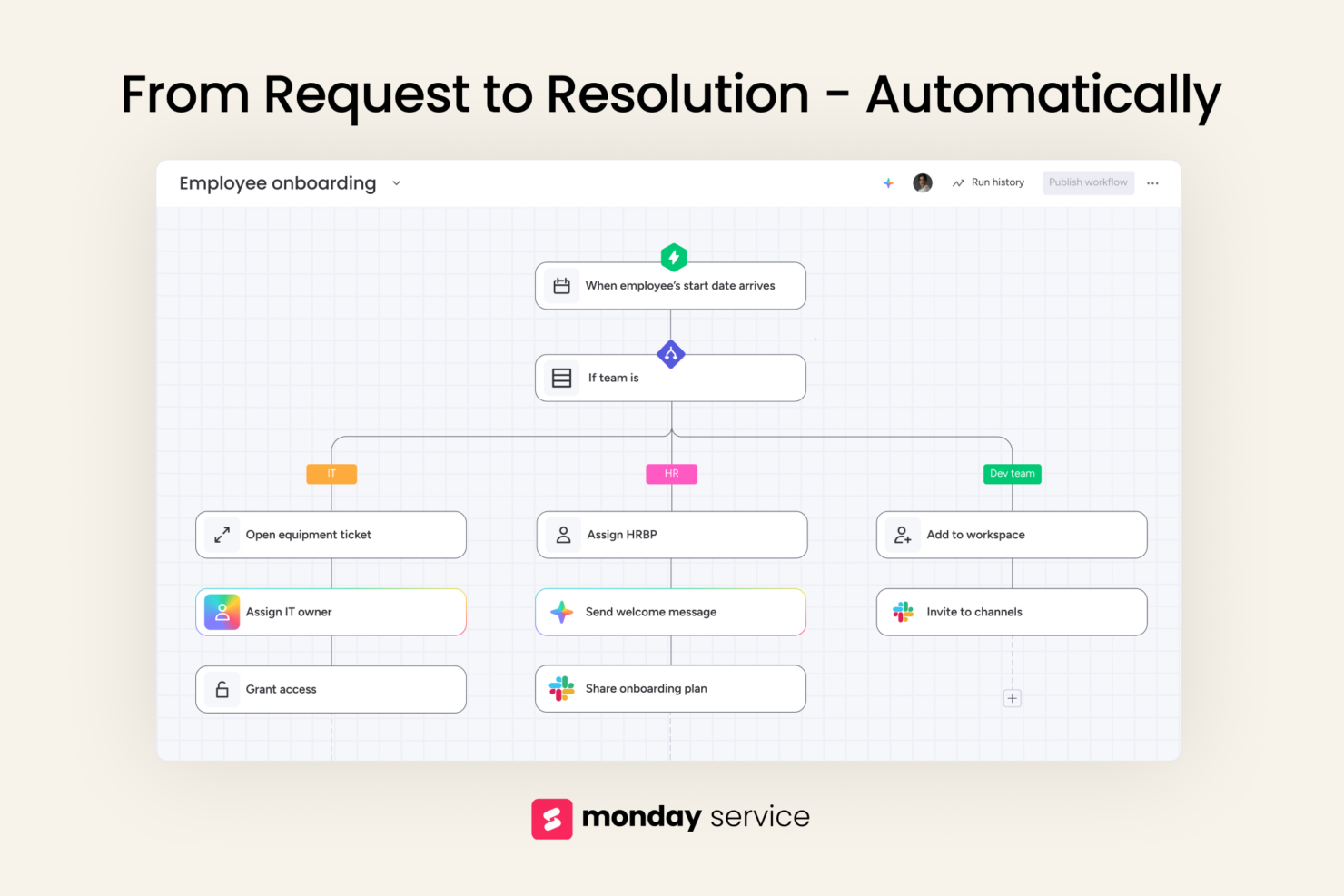
- IT support teams Track incoming requests, assign tickets, and set up automation rules to speed up resolution times.
- Operations departments Map out processes, manage internal requests, and create clear ownership across teams.
- Customer support teams Keep track of issues, follow-ups, and feedback loops in one place with simple status updates and task assignments.
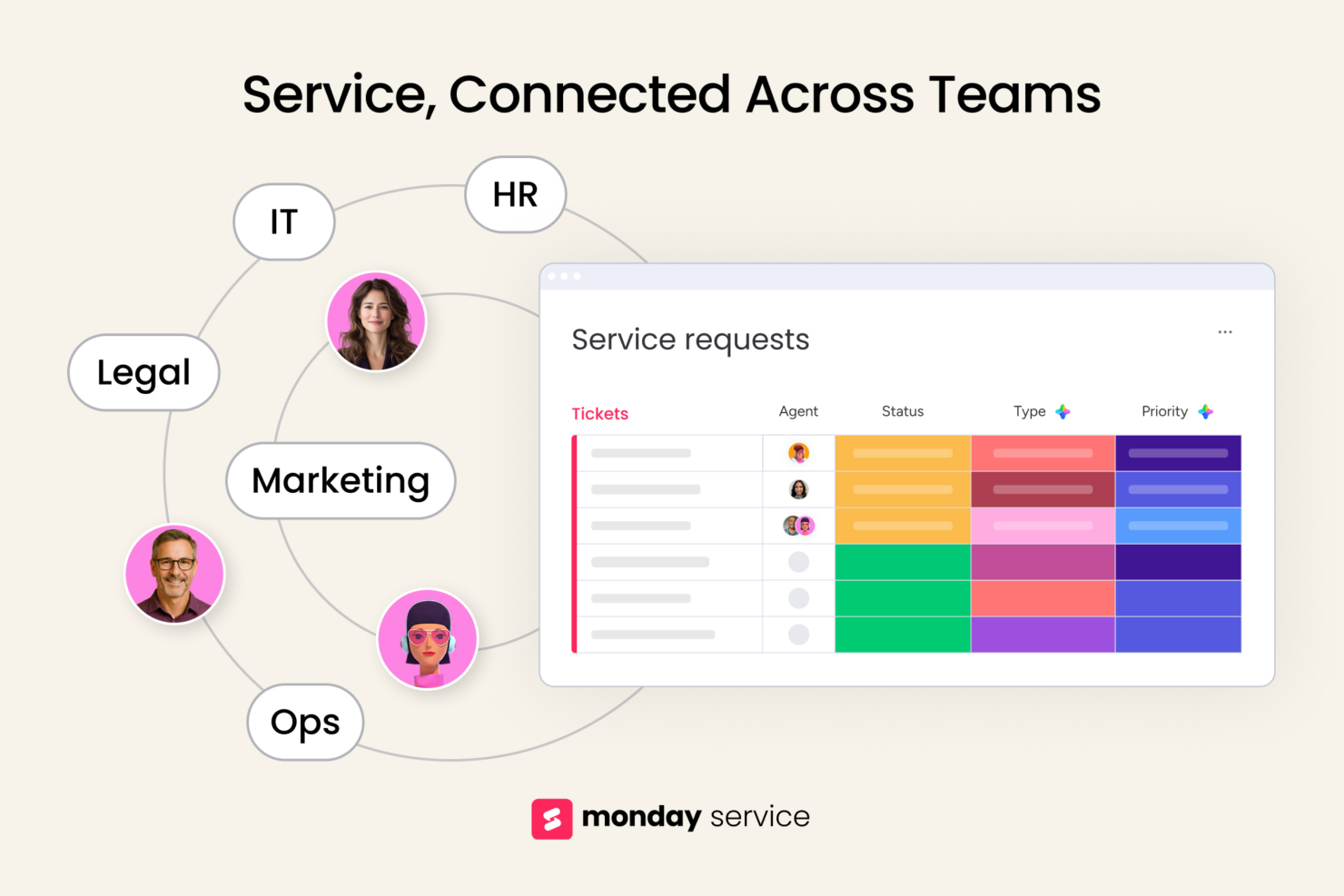
- HR teams monday service offers templates to manage employee requests without spreadsheets or email chains.
- Marketing departments Plan campaigns, manage deadlines, and collaborate with designers and writers using visual workflows.
- Legal teams Track contract reviews, approvals, and legal requests with boards that give you transparency and accountability.
ClickUp
- Creative agencies ClickUp's customizable dashboards and task automation features can help you manage client projects, track feedback and revisions, and keep creative teams aligned.
- Tech startups ClickUp supports agile development with sprints and real-time collaboration features that can help teams iterate quickly.
- Marketing teams You can streamline campaign planning and execution using ClickUp’s task dependencies and timelines.
- Remote teams ClickUp's real-time updates and collaboration tools keep everyone on the same page, no matter where they are.
- Product managers ClickUp’s roadmaps and goal-tracking features help you align development with business objectives.
- Freelancers You can track your tasks and deadlines efficiently with ClickUp’s simple task and time management tools.
Wie zou monday service moeten gebruiken en wie ClickUp?
Naar mijn mening is monday service het meest geschikt voor teams die diensten leveren in IT, klantenondersteuning of operationele dienstverlening en die tickets, verzoeken en problemen afhandelen. ClickUp is geschikt voor projectteams die uitgebreide aanpassingsmogelijkheden en krachtig taakbeheer nodig hebben—het is bijzonder geschikt voor softwareontwikkeling en technische projecten.
Als je gebruikssituatie gebruiksgemak en een snelle installatie vereist, is monday service de juiste keuze. Als je meer flexibiliteit en geavanceerde functies nodig hebt, is ClickUp de betere keuze.
Differences Between monday service and ClickUp
| monday service | ClickUp | |
|---|---|---|
| Automation | monday service offers basic automation options. | ClickUp has advanced automation and more customization options. |
| Customization | monday service allows simple customization without coding. | ClickUp offers deep customization but may require more setup time. |
| Integrations | monday service integrates with tools like Slack and HubSpot. | ClickUp integrates with tools like Zoom and GitHub. |
| User Interface | monday service’s interface is intuitive and easy-to-navigate. | ClickUp provides a customizable, user-friendly interface with multiple view options. |
| Read monday service ReviewOpens new window | Visit ClickUpOpens new window |
Similarities Between monday service and ClickUp
| Collaboration | Both platforms include features like comments and file sharing, so your team members can communicate and collaborate within the tool. |
|---|---|
| Mobile Usability | Both monday service and ClickUp offer mobile apps, so you can manage projects and stay connected with your team on the go. |
| Security | Both platforms prioritize security with features like data encryption and compliance with GDPR, so your data is protected. |
| Support | Both monday service and ClickUp provide extensive support resources, including help centers and 24/7 customer support. |
| Task Management | Both monday service and ClickUp offer task management features that let you assign tasks and subtasks, set deadlines, and track progress effectively. Each provides unique views like boards and lists to organize tasks. |
| Read monday service ReviewOpens new window Visit ClickUpOpens new window | |