

Recensione SysAid 2026: Pro, Contro, Funzionalità e Prezzi



SysAid is an IT service management software that helps organizations efficiently manage their IT services and support. It's ideal for IT departments in medium to large enterprises, such as healthcare providers, educational institutions, and financial services, where streamlined operations and rapid response are crucial. SysAid offers value by simplifying complex IT processes, saving you time and helping your team focus on strategic tasks.
In this article, you'll learn about SysAid's features, pros and cons, best and worst use cases, and pricing. As a digital project manager, you'll appreciate how this tool can align with your goals and enhance your team's productivity.
SysAid Evaluation Summary

- From $89/agent/month
- Free trial available
Perché fidarsi dei nostri consigli sui software
Il nostro team testa e recensisce software dal 2012. In quanto project manager noi stessi, sappiamo quanto sia difficile — e importante — scegliere il software giusto.
Per questa guida, abbiamo valutato gli strumenti attraverso test pratici e ricerche indipendenti, assegnando un punteggio agli strumenti in base ai nostri criteri di selezione. Ci basiamo inoltre sulle competenze di leader di pensiero del settore e di professionisti attivi nella gestione dei progetti.
Le nostre recensioni riflettono il nostro giudizio editoriale umano, non un discorso di vendita.
Revisori esperti:
SysAid Overview
In my opinion, SysAid is a solid choice for IT service management, especially for mid-sized to large enterprises. It offers robust features and reliable customer support, which can be a deciding factor for teams needing consistent assistance. While its pricing might be on the higher side for smaller businesses, the value it provides in terms of automation and workflow management makes it worthwhile. Compared to competitors, it excels in support and user experience but might lack some integration flexibility. It's best suited for environments that prioritize comprehensive service management over extensive third-party integrations.
pros
-
You can automate repetitive tasks, saving your team time.
-
Its user-friendly interface makes it easy for your team to navigate.
-
The robust customer support ensures you get help when you need it.
cons
-
You might find the onboarding process a bit overwhelming.
-
It may not offer as much flexibility in integrations as you'd like.
-
Some users report that the system can be slow with large data sets.
Is SysAid Right For Your Needs?
Who Would be a Good Fit for SysAid?
SysAid is ideal for IT departments in mid-sized to large enterprises where managing complex IT tasks efficiently is crucial. If your work involves frequent ticket management and automating repetitive tasks, you'll benefit from its robust automation features. Industries like healthcare, education, and finance, where compliance and quick response times are vital, will find its user-friendly interface and reliable customer support particularly useful.
-
Healthcare Providers
SysAid helps you manage IT support efficiently by automating ticketing and ensuring compliance.
-
Educational Institutions
You can streamline your IT operations and support staff and students with its intuitive interface.
-
Financial Services
SysAid offers robust security features to protect sensitive data while managing IT tasks.
-
Mid-Sized Enterprises
You’ll appreciate its automation capabilities to handle large volumes of IT requests seamlessly.
-
Mid-Sized Enterprises
You’ll appreciate its automation capabilities to handle large volumes of IT requests seamlessly
-
IT Support Teams
Your team can benefit from its efficient ticket management and reliable customer support.
-
Government Agencies
SysAid offers the compliance tools needed to meet strict regulatory requirements in public sectors.
Who Would be a Bad Fit for SysAid?
SysAid might not be the best fit for small startups or businesses with limited IT infrastructure, as its robust features and automation capabilities could be overwhelming and unnecessary for smaller teams. If your team doesn't need extensive IT management tools or if you prioritize extensive third-party integrations, you might find SysAid lacking in flexibility. Also, teams with limited budgets may find the cost prohibitive without fully utilizing its features.
-
Small Startups
Your team might find SysAid's extensive features excessive for minimal IT needs.
-
Freelancers
The platform's capabilities may be too complex and unnecessary for solo work.
-
Boutique Agencies
You may not benefit from its robust IT management features if your focus isn't IT-centric.
-
Non-IT Departments
If your work doesn't involve IT support, you'll likely find SysAid irrelevant.
-
Budget-Conscious Teams
The cost may not justify the investment if you don't need full-scale IT management.
-
Highly Mobile Teams
You might find the platform's focus on desktop management cumbersome for mobile-first operations.
La nostra metodologia di recensione
Come testiamo e valutiamo gli strumenti
Abbiamo passato anni a costruire, perfezionare e migliorare il nostro sistema di test e valutazione dei software. Il nostro schema è progettato per cogliere tutte le sfumature della scelta di un software e ciò che rende uno strumento efficace, ponendo l’accento sugli aspetti critici del processo decisionale. Qui sotto puoi vedere esattamente come funziona il nostro test e la nostra valutazione su sette criteri. Questo ci consente di offrire una valutazione imparziale del software basata su funzionalità fondamentali, caratteristiche distintive, facilità d’uso, onboarding, assistenza clienti, integrazioni, recensioni dei clienti e rapporto qualità-prezzo.
Funzionalità principali (25% della valutazione finale)
Il punto di partenza della nostra valutazione è sempre la funzionalità principale dello strumento. Ha le funzioni e le caratteristiche di base che un utente si aspetterebbe di trovare? Alcune di queste funzionalità sono limitate ai piani premium? In sostanza, ci aspettiamo che uno strumento sia all’altezza delle capacità di base dei suoi concorrenti.
Caratteristiche distintive (25% della valutazione finale)
Successivamente valutiamo le funzioni distintive, non comuni, che vanno oltre la semplice funzionalità di base normalmente presente in strumenti simili. Un punteggio elevato riflette funzionalità specializzate o uniche che rendono il prodotto più rapido, efficiente o che offrono un valore aggiunto all’utente. Valutiamo anche la facilità d’integrazione con altri strumenti comunemente presenti nel tech stack per ampliare la funzionalità e l’utilità del software. Gli strumenti che offrono molte integrazioni native, connessioni di terze parti e accesso API per creare integrazioni personalizzate ottengono il punteggio più alto.
Facilità d’uso (10% della valutazione finale)
Consideriamo quanto sia semplice e rapido eseguire le attività definite dalla funzionalità principale tramite lo strumento. Gli strumenti con un punteggio elevato sono ben progettati, intuitivi, offrono app mobili, propongono modelli e rendono semplici anche le attività più complesse.
Onboarding (10% della valutazione finale)
Sappiamo quanto sia importante che il team adotti rapidamente una nuova piattaforma, quindi valutiamo quanto sia facile imparare e utilizzare uno strumento con poca formazione. Valutiamo quanto velocemente un membro del team possa iniziare a utilizzare lo strumento senza esperienza. Le soluzioni con un punteggio alto indicano che è richiesto poco o nessun supporto.
Supporto clienti (10% della valutazione finale)
Recensiamo la rapidità e semplicità nel trovare aiuto tramite telefono, chat live o knowledge base. Gli strumenti e le aziende che forniscono supporto in tempo reale ottengono i punteggi migliori, mentre i chatbot i più bassi.
Recensioni dei clienti (10% della valutazione finale)
Oltre ai nostri test e valutazioni, consideriamo il net promoter score dei clienti attuali e passati. Valutiamo la loro probabilità, qualora fosse possibile, di scegliere nuovamente lo strumento per le sue funzionalità di base. Un software con un punteggio elevato riflette un alto net promoter score da clienti attuali o passati.
Rapporto qualità-prezzo (10% della valutazione finale)
Infine, prendendo in considerazione tutti gli altri criteri, analizziamo il prezzo medio dei piani base confrontandolo con le funzionalità principali e valutando il valore degli altri criteri. I software che offrono di più, spendendo meno, ottengono punteggi più alti.
Core Features
Ticket Management
SysAid lets you track and manage IT issues efficiently, so your team can resolve them quickly. Its intuitive interface makes it easy to categorize and prioritize tickets.
Automation Rules
You can automate repetitive tasks with SysAid, helping your team save time and reduce errors. This feature allows you to set rules for ticket routing and escalation.
Knowledge Base
SysAid provides a centralized repository for storing solutions and best practices. Your team can access this information to solve issues faster.
Asset Management
With SysAid, you can track and manage IT assets, ensuring you know the status and location of your equipment. This helps in planning upgrades and replacements.
Self-Service Portal
Users can submit tickets and find solutions on their own using SysAid's portal. It empowers your team to solve minor issues without IT intervention.
Reporting and Analytics
SysAid offers robust reporting tools to analyze your IT service performance. You can use this data to make informed decisions and improve service quality.

Standout Features
Customizable Dashboards
SysAid lets you tailor dashboards to match your team's specific needs, so you can focus on the metrics that matter most. This flexibility enhances your team's productivity.
Remote Control
You can access and control devices remotely with SysAid, making it easier to troubleshoot issues without being on-site. This feature is invaluable for supporting remote or distributed teams.
Ease of Use
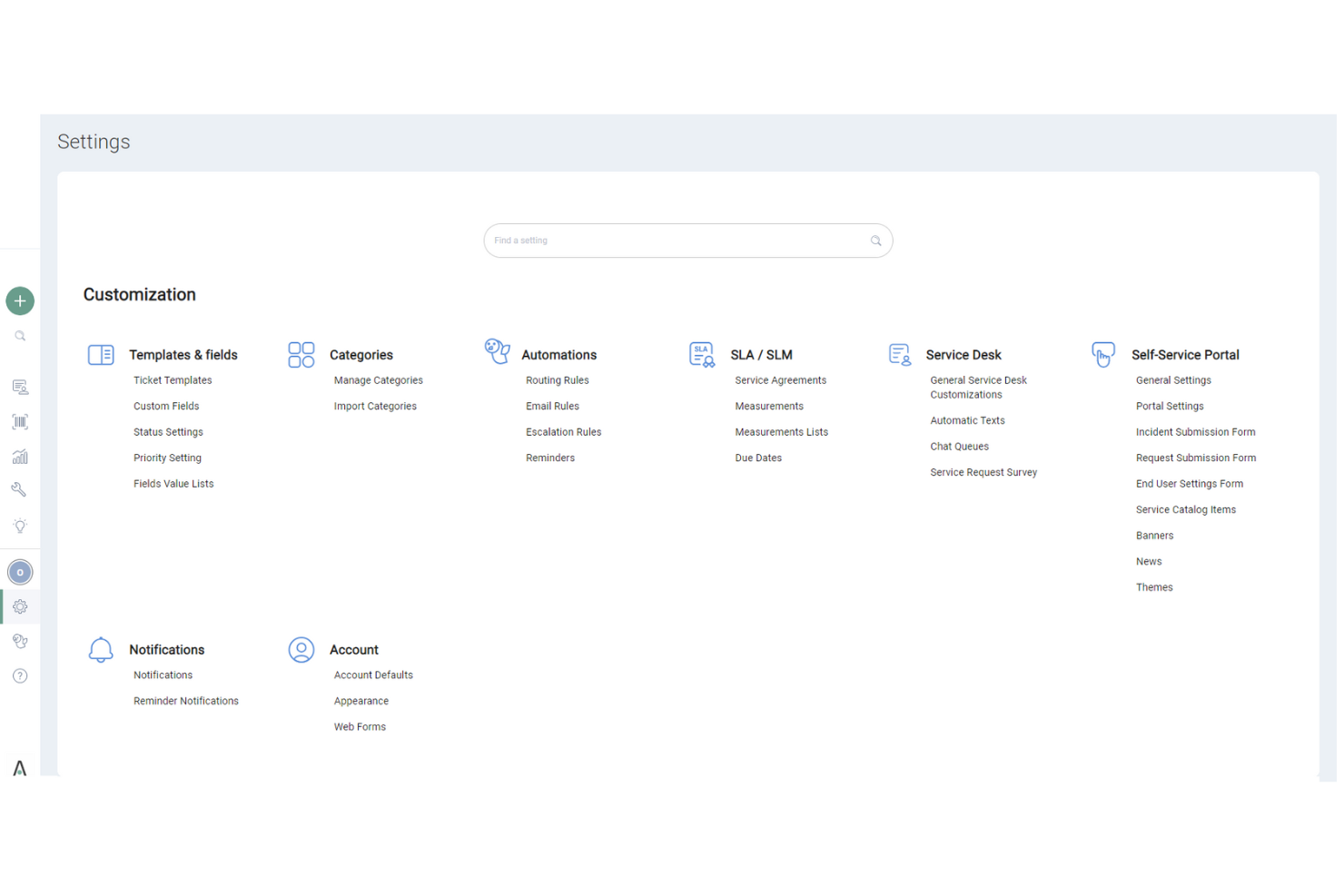
SysAid’s user interface might seem less intuitive compared to some other ITSM tools, which can be a hurdle for new users. While it offers comprehensive features, the learning curve can be steeper, especially if your team isn’t tech-savvy. However, once you get the hang of it, SysAid provides solid functionality that supports your IT processes efficiently. Users appreciate the robust asset and incident management, though initial navigation might require some patience and adaptation.

Onboarding
SysAid’s onboarding process is fairly straightforward, but it might take some time for your team to see full value. The platform offers helpful resources and responsive customer support to guide you through setup. However, the initial learning curve can be steep, especially if you’re unfamiliar with ITSM software. Users benefit from detailed documentation and training sessions that help ease the transition, though patience is required to fully leverage SysAid’s capabilities.
Customer Support
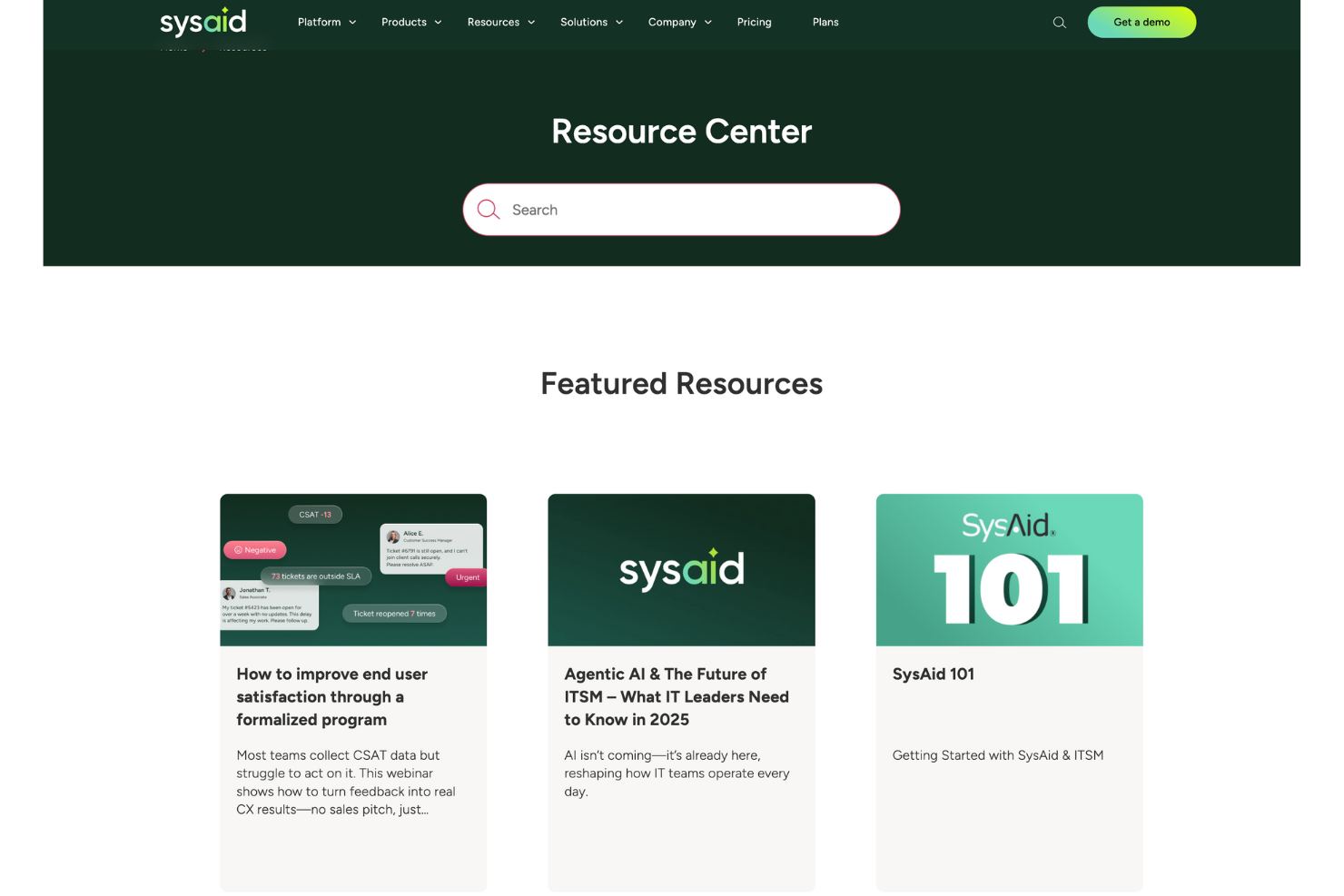
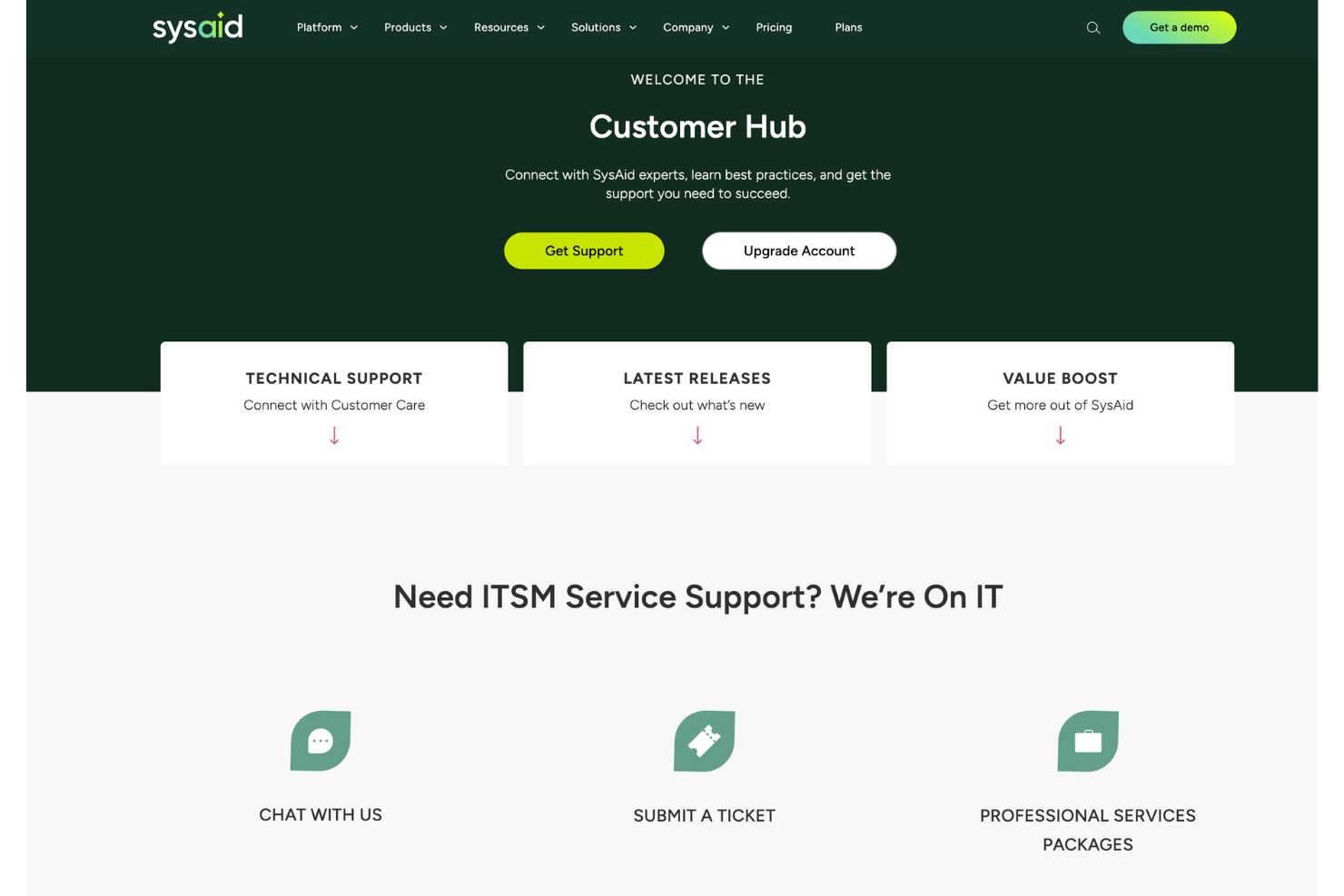
SysAid’s customer support is highly regarded for its responsiveness and effectiveness, ensuring your team gets timely assistance. Users appreciate the availability of multiple support channels, including live chat and email, which help resolve issues quickly. The support team is knowledgeable and provides clear guidance, making it easier for you to navigate any challenges. This level of support ensures that you can maintain smooth IT operations and address any concerns promptly.
Value for Money
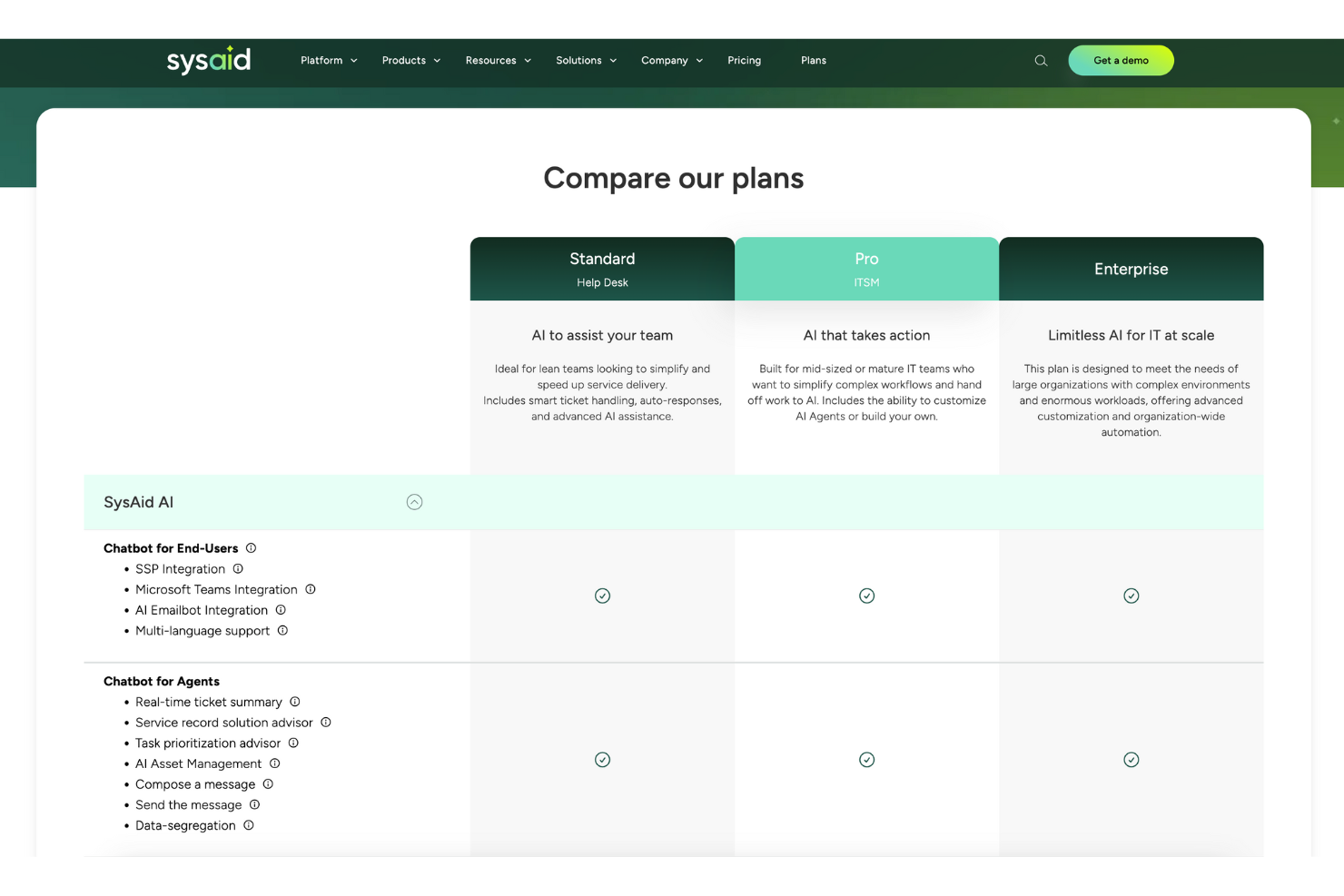
SysAid pricing feels fair because it balances robust ITSM tools with flexible plans. Users say it gives solid automation and reporting without overcomplicating budgets. The tiered model scales well, so you only pay for what your team actually needs.
- Standard: Core ITSM tools with ticketing and automation basics.
- Pro: Adds advanced automation, integrations, and more customization.
- Enterprise: Full suite with deeper analytics, service automation, and enterprise-grade support.
New Product Updates from SysAid
SysAid Adds Custom Fields for License Manager Contracts
SysAid lets system administrators create custom contract fields that appear across all contract forms in License Manager. The feature supports text, text area, number, date, and list fields for capturing additional contract information. Highlights include:
- Contract Custom Fields: Add organization-specific fields to contracts in License Manager.
- Multiple Field Types: Create Text, Text Area, Number, Date, and List fields.
- Account-Wide Availability: New fields appear on every contract form once created.
- Custom List Values: Define dropdown options for standardized contract data.
- Admin Controls: System administrators can create, rename, update, and delete contract fields.
Visit SysAid’s official site for more details.
 for more details.
SysAid Adds Bulk Contract Import
SysAid’s License Manager Essentials now supports bulk contract creation, reducing manual entry and helping admins onboard contract data more quickly and consistently. The new CSV-based workflow adds validation to catch issues before contracts are created. Highlights include:
- Bulk CSV Contract Uploads: Admins can import multiple contracts at once using a CSV template.
- Contract Validation: Uploaded contract entries can be validated before creation to reduce setup errors.
- Faster Contract Setup: Teams can activate and manage contracts more efficiently with less manual work.
Visit SysAid's official site for more details.

SysAid Mobile App Adds AI Agents and CI Barcode Scanning
SysAid adds AI Agents, CI barcode scanning, and expanded asset management tools to its mobile app. The updates help IT teams handle service and asset management tasks more easily from mobile devices. Highlights include:
- CI Barcode Scanning: Teams can scan configuration items individually or in bulk directly from the mobile app.
- Mobile AI Agents: Users can access the same AI Agents available on SysAid desktop within the mobile app.
- Asset and CI Management: Teams can search, filter, and edit assets and configuration items directly from mobile.
Visit SysAid’s official site for more details.

SysAid Adds AI Agent Center and License Manager Chatbot Insights
SysAid adds a centralized AI Agent Center and expands the AI Chatbot with License Manager insights and AI agents. These updates help IT teams manage AI-powered workflows and access software and contract information more efficiently. Highlights include:
- AI Agent Center: Admins can manage, test, and monitor specialized AI agents across areas like security, asset management, and access control.
- License Manager AI Insights: The AI capabilities now extend into License Manager workflows, enabling teams to surface contract and SaaS intelligence while supporting broader automated asset and license management processes.
- Prebuilt AI Agents: Teams can use AI agents to analyze software usage, activity, and cost insights more quickly.
Visit SysAid’s official site for more details.
SysAid Specs
- 2-Factor Authentication
- Analytics
- Anti-Virus
- API
- Batch Permissions & Access
- Bug Tracking
- Call Integration
- Chat
- Contact Management
- CRM Integration
- Customer Management
- Data Export
- Data Import
- Email Integration
- Escalation Management
- External Integrations
- Incident Management
- Instant Chat Integration
- Knowledge Base
- Malware Protection
- Multi-User
- Notifications
- Organization Management
- Password & Access Management
- Project Management
- Real-time Alerts
- SAP Integration
- Self-service Portal
- Social Media Integration
- Support Forum
- Ticket Management
- Workflow Management
SysAid FAQs
How does SysAid handle data security and compliance?
Can SysAid support remote teams effectively?
How customizable is SysAid for different business needs?
What kind of training and resources are available for new users?
Can I integrate SysAid with other tools my team uses?
How does SysAid improve IT service delivery?
Is SysAid scalable for growing businesses?
What support options are available if my team encounters issues?
SysAid Company Overview & History
SysAid Technologies, founded in 2002 by Israel Lifshitz, is an Israeli company headquartered in Airport City, near Tel Aviv. Specializing in IT Service Management software, SysAid is a privately owned company led by CEO Sarah Lahav. Its primary product, SysAid, is used by over 100,000 organizations globally, including notable sectors like healthcare, retail, and education. The company has expanded internationally with offices in Sydney and Brazil.
SysAid Major Milestones
- 2002: Founded by Israel Lifshitz.
- 2010: Opened an office in Sydney, Australia.
- 2012: Expanded with an office in Brazil.
E ora?
Vuoi connetterti con altri project manager digitali per condividere risorse e best practice? Unisciti alla nostra community e ottieni l'accesso a oltre 100 modelli, esempi e casi pratici, e connettiti con centinaia di altri project manager digitali su Slack.