Recensione DocHub: Pro, Contro, Funzionalità e Prezzi



DocHub is a document management system built around PDF editing, eSigning, and document sharing. It's worth considering if your team regularly routes documents for review and approval but doesn't need a full enterprise platform. If you're weighing it against Adobe Acrobat, for example, you'll notice that DocHub covers the core editing and eSignature workflows at a lower cost and with a much lighter setup.
DocHub Evaluation Summary
- From $8/month
- Free forever plan
Perché fidarsi dei nostri consigli sui software
Il nostro team testa e recensisce software dal 2012. In quanto project manager noi stessi, sappiamo quanto sia difficile — e importante — scegliere il software giusto.
Per questa guida, abbiamo valutato gli strumenti attraverso test pratici e ricerche indipendenti, assegnando un punteggio agli strumenti in base ai nostri criteri di selezione. Ci basiamo inoltre sulle competenze di leader di pensiero del settore e di professionisti attivi nella gestione dei progetti.
Le nostre recensioni riflettono il nostro giudizio editoriale umano, non un discorso di vendita.
Revisori esperti:
DocHub Overview
DocHub offers a practical document management solution with standout features, such as intuitive editing and PDF handling. Its ease of use and value for money make it appealing for small and medium-sized teams, especially those in HR or legal sectors. However, compared to some competitors, it may lack in-depth integration options. DocHub excels in providing straightforward tools for document workflows without overwhelming users with unnecessary complexity. If you're deciding on a document management system that simplifies document collaboration and signing, DocHub is worth considering.
pros
-
Its interface is easy to use, making document handling simple.
-
You can quickly edit and sign PDF documents.
-
It provides efficient collaboration features to improve your workflows.
cons
-
DocHub may lack advanced integration options for complex workflows.
-
You may find customer support response times slower than expected.
-
DocHub's feature set may feel limited if you require more specialized tools.
-

Smartsheet
Visit WebsiteThis rating combines scores from multiple user review sites to reflect overall customer sentiment about the product.4.5 -
Celoxis
Visit WebsiteThis rating combines scores from multiple user review sites to reflect overall customer sentiment about the product.4.5 -
Accelo
Visit WebsiteThis rating combines scores from multiple user review sites to reflect overall customer sentiment about the product.4.4





La nostra metodologia di recensione
Come testiamo e valutiamo gli strumenti
Abbiamo passato anni a costruire, perfezionare e migliorare il nostro sistema di test e valutazione dei software. Il nostro schema è progettato per cogliere tutte le sfumature della scelta di un software e ciò che rende uno strumento efficace, ponendo l’accento sugli aspetti critici del processo decisionale. Qui sotto puoi vedere esattamente come funziona il nostro test e la nostra valutazione su sette criteri. Questo ci consente di offrire una valutazione imparziale del software basata su funzionalità fondamentali, caratteristiche distintive, facilità d’uso, onboarding, assistenza clienti, integrazioni, recensioni dei clienti e rapporto qualità-prezzo.
Funzionalità principali (25% della valutazione finale)
Il punto di partenza della nostra valutazione è sempre la funzionalità principale dello strumento. Ha le funzioni e le caratteristiche di base che un utente si aspetterebbe di trovare? Alcune di queste funzionalità sono limitate ai piani premium? In sostanza, ci aspettiamo che uno strumento sia all’altezza delle capacità di base dei suoi concorrenti.
Caratteristiche distintive (25% della valutazione finale)
Successivamente valutiamo le funzioni distintive, non comuni, che vanno oltre la semplice funzionalità di base normalmente presente in strumenti simili. Un punteggio elevato riflette funzionalità specializzate o uniche che rendono il prodotto più rapido, efficiente o che offrono un valore aggiunto all’utente. Valutiamo anche la facilità d’integrazione con altri strumenti comunemente presenti nel tech stack per ampliare la funzionalità e l’utilità del software. Gli strumenti che offrono molte integrazioni native, connessioni di terze parti e accesso API per creare integrazioni personalizzate ottengono il punteggio più alto.
Facilità d’uso (10% della valutazione finale)
Consideriamo quanto sia semplice e rapido eseguire le attività definite dalla funzionalità principale tramite lo strumento. Gli strumenti con un punteggio elevato sono ben progettati, intuitivi, offrono app mobili, propongono modelli e rendono semplici anche le attività più complesse.
Onboarding (10% della valutazione finale)
Sappiamo quanto sia importante che il team adotti rapidamente una nuova piattaforma, quindi valutiamo quanto sia facile imparare e utilizzare uno strumento con poca formazione. Valutiamo quanto velocemente un membro del team possa iniziare a utilizzare lo strumento senza esperienza. Le soluzioni con un punteggio alto indicano che è richiesto poco o nessun supporto.
Supporto clienti (10% della valutazione finale)
Recensiamo la rapidità e semplicità nel trovare aiuto tramite telefono, chat live o knowledge base. Gli strumenti e le aziende che forniscono supporto in tempo reale ottengono i punteggi migliori, mentre i chatbot i più bassi.
Recensioni dei clienti (10% della valutazione finale)
Oltre ai nostri test e valutazioni, consideriamo il net promoter score dei clienti attuali e passati. Valutiamo la loro probabilità, qualora fosse possibile, di scegliere nuovamente lo strumento per le sue funzionalità di base. Un software con un punteggio elevato riflette un alto net promoter score da clienti attuali o passati.
Rapporto qualità-prezzo (10% della valutazione finale)
Infine, prendendo in considerazione tutti gli altri criteri, analizziamo il prezzo medio dei piani base confrontandolo con le funzionalità principali e valutando il valore degli altri criteri. I software che offrono di più, spendendo meno, ottengono punteggi più alti.
Core Features
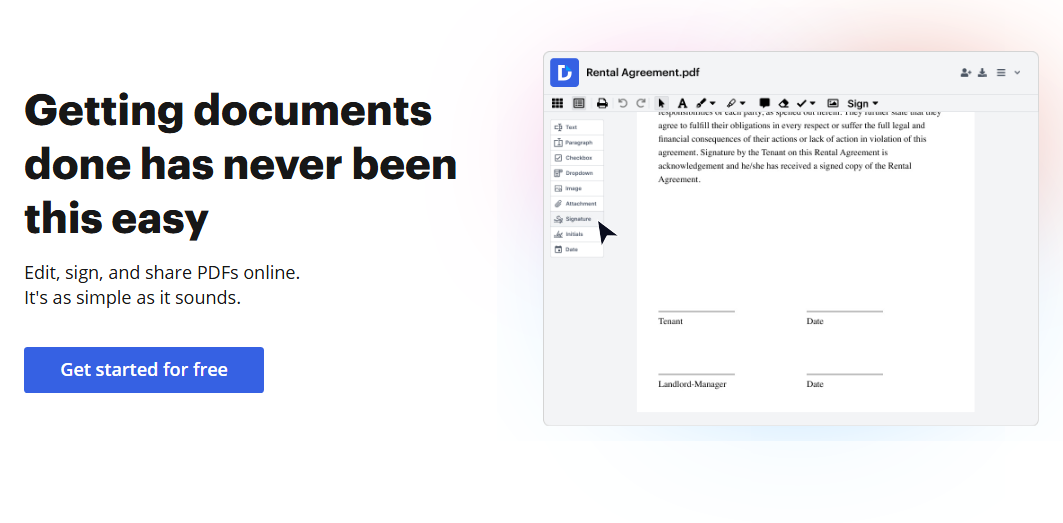
PDF Editing: DocHub lets you edit PDFs directly in your browser, saving time and effort. You can add text, images, and annotations to documents.
Electronic Signatures: You can make sign requests and sign documents online with DocHub's signature feature, making approvals quick and hassle-free.
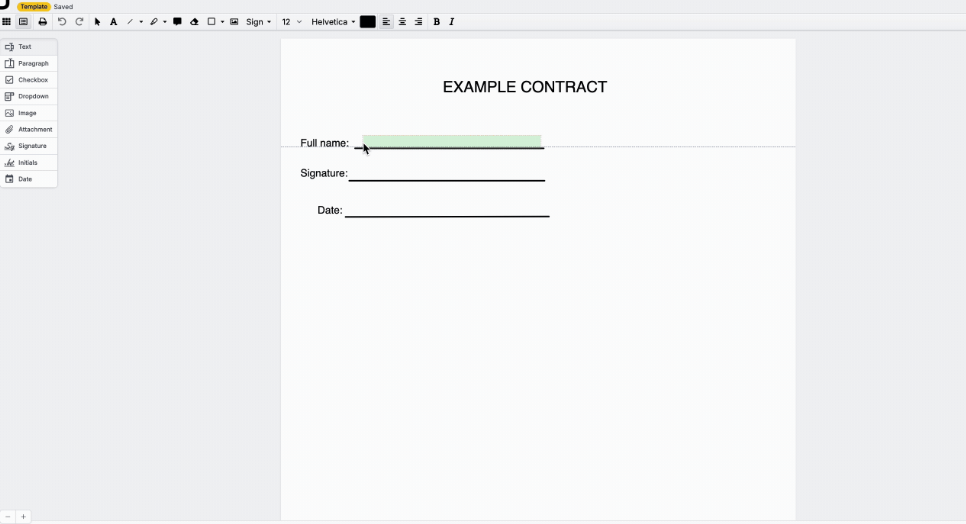
Form Filling: DocHub simplifies form filling by letting you type directly into PDFs. This feature is perfect for completing applications and contracts efficiently.
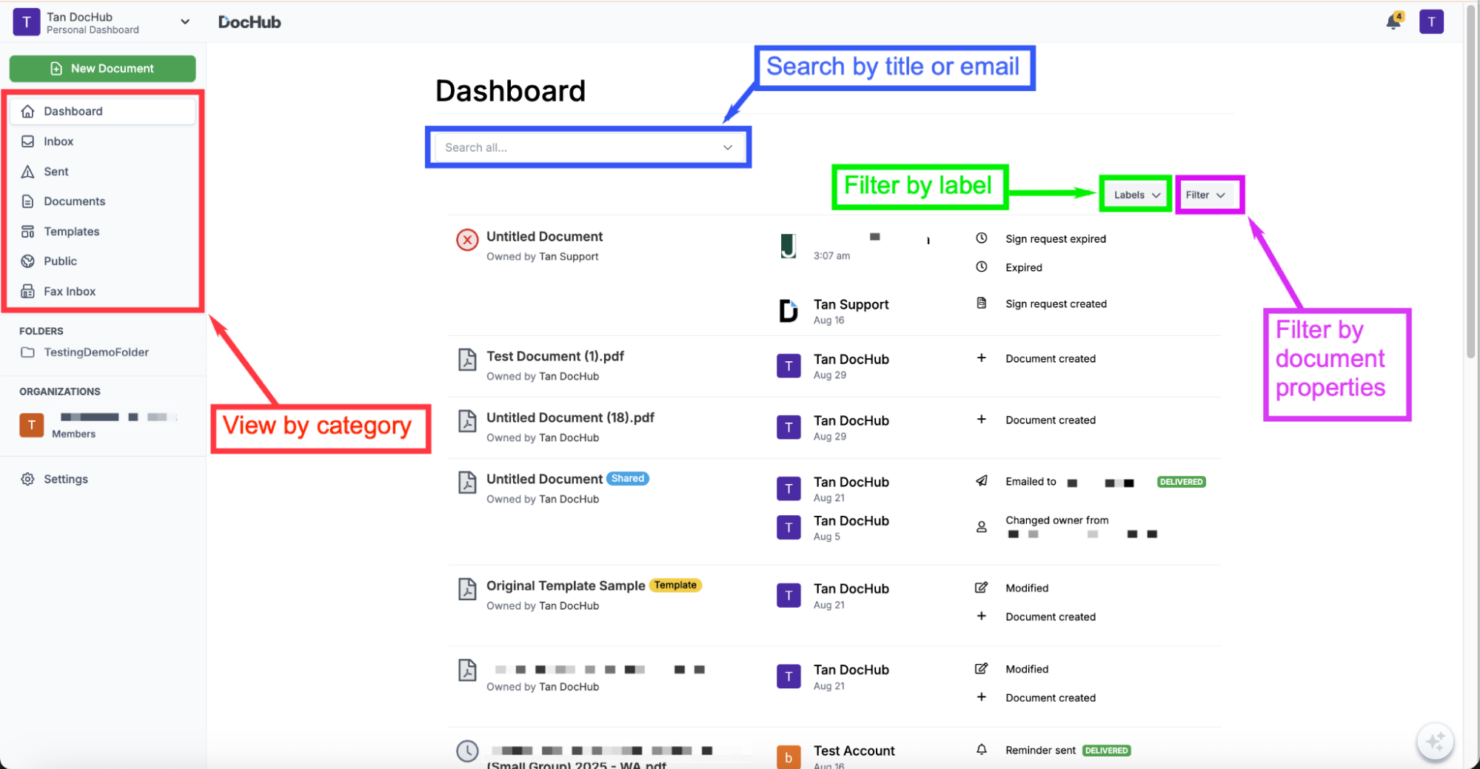
Document Sharing: You can share documents with your team or clients using secure links.
Version Control: DocHub tracks document versions so that you always know the latest changes, avoiding confusion and errors.
Annotation Tools: DocHub provides a variety of annotation tools, letting you highlight, comment, and mark up documents for straightforward collaboration.
Ease of Use
DocHub stands out for its user-friendly interface, making document management straightforward. Its drag-and-drop functionality and intuitive tools mean you don't need extensive training to get started. DocHub's clear layout and accessible features ensure that everyone can handle documents efficiently, regardless of technical ability. This simplicity is a significant advantage over more complicated systems.
Integrations
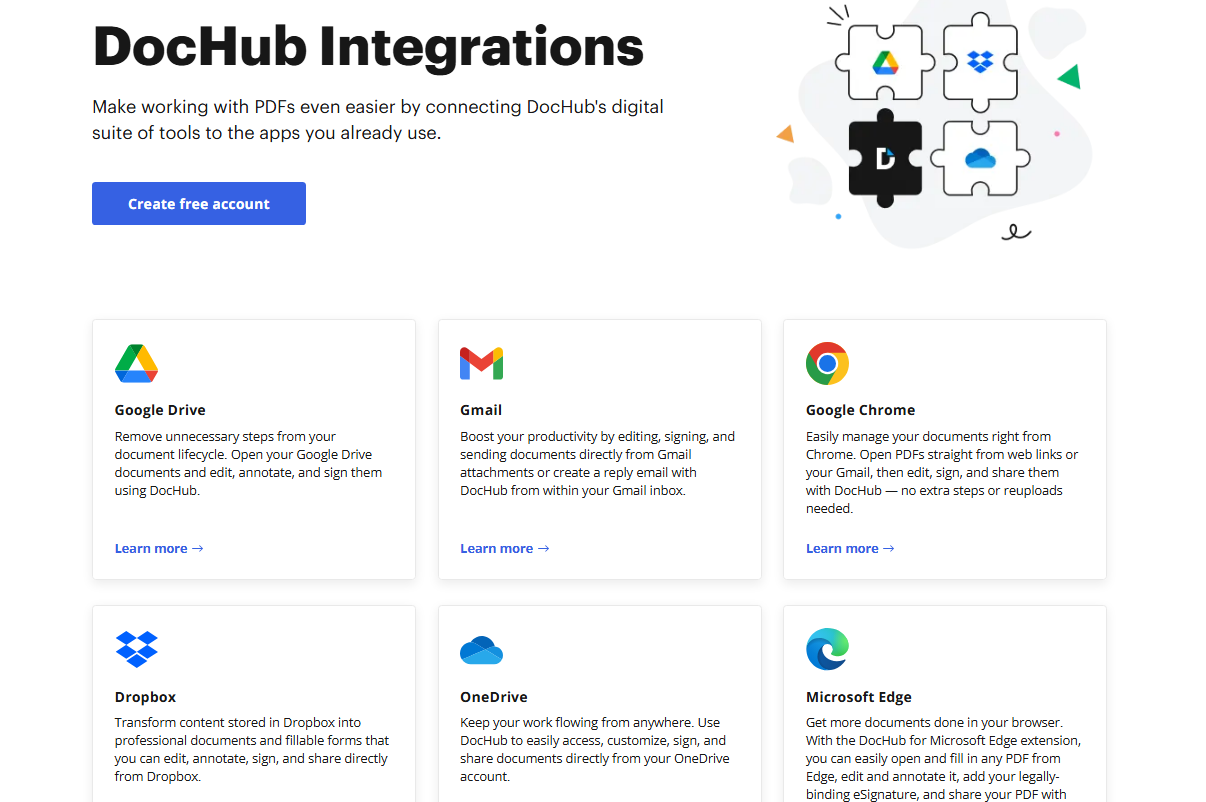
DocHub integrates with Google Drive, Gmail, Google Chrome, Dropbox, OneDrive, Microsoft Edge, Box, and Google Classroom.
DocHub also provides an API for custom third-party integrations.
DocHub Specs
- 2-Factor Authentication
- API
- Audit Trail
- Batch Permissions & Access
- Calendar Management
- Cloud Deployment
- Compliance Tracking
- Contact Management
- CRM Integration
- Dashboards
- Data Export
- Data Import
- Design Templates
- Document Comparison
- Document Management
- Electronic Signature
- External Integrations
- File Sharing
- File Transfer
- Mobile App
- Multi-User
- NDA Management
- Notifications
- Reports
- Sales Motivator
- Scheduling
- Task Scheduling/Tracking
- Template Designer
- Workflow Management