


Notion versus Zenhub: Vergelijking en deskundige beoordelingen voor 2026



Deciding between Notion and Zenhub can feel tough when your team needs flexibility, transparency, and reliable delivery. Maybe you're struggling to keep track of shifting priorities, documentation, or cross-team work. Both platforms promise to help, but their takes on project management software are pretty different, and the best fit depends on how you work.
In this article, you'll get a direct comparison of Notion and Zenhub, including pros and cons, top use cases, pricing details, security features, and how user-friendly each one really is. I’ll help you figure out which tool could actually make your projects smoother—and which details to watch for before you decide.
Notion vs. Zenhub: An Overview
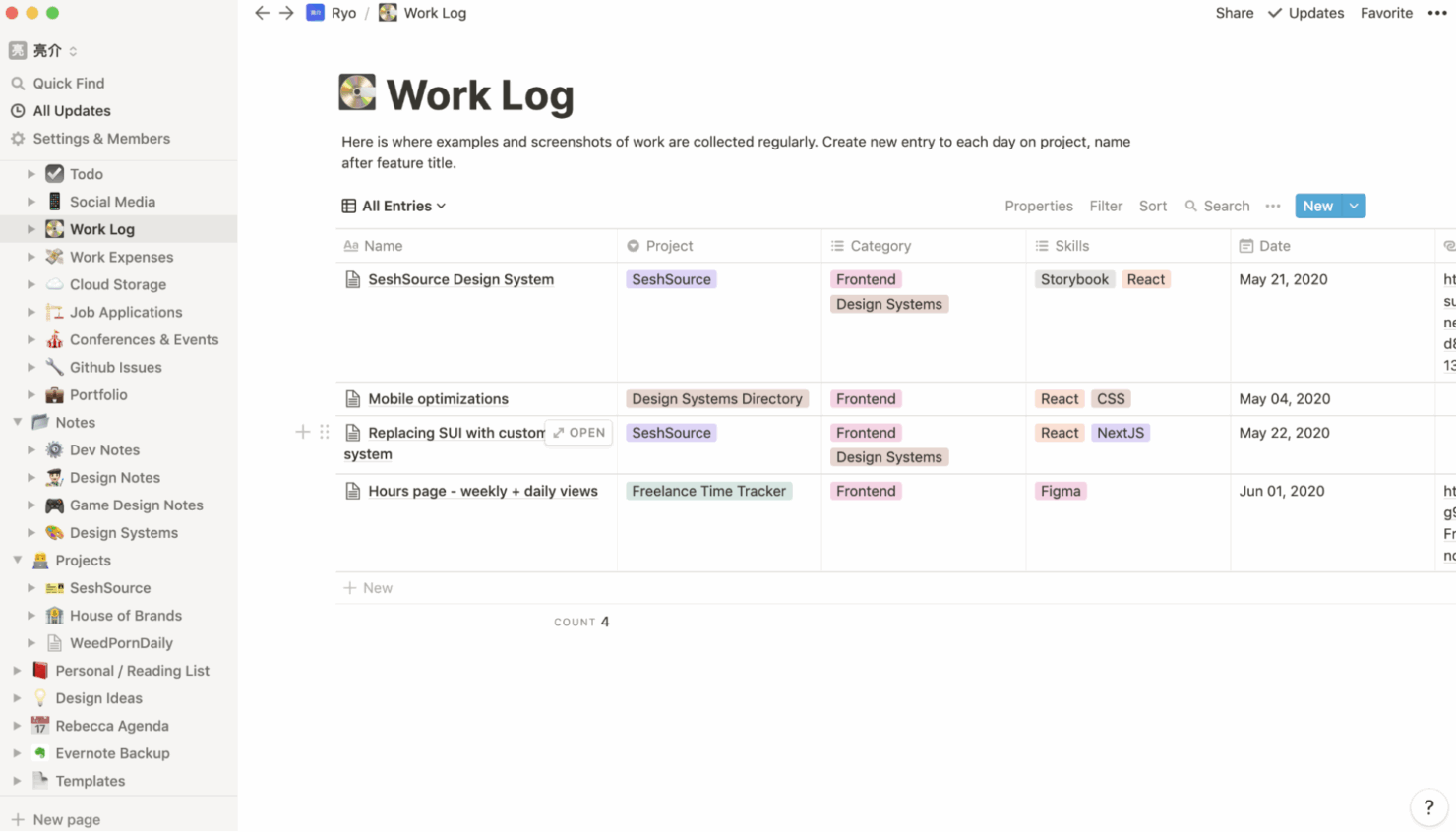
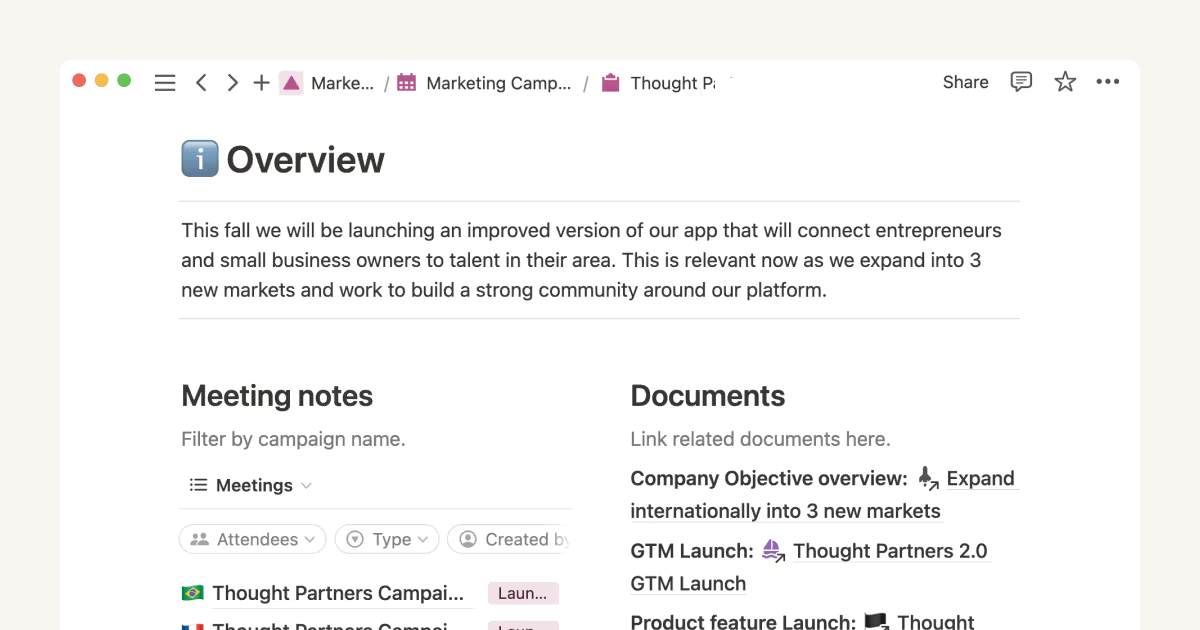
Notion


Zenhub

Waarom u onze softwareaanbevelingen kunt vertrouwen
Ons team test en beoordeelt software sinds 2012. Als projectmanagers weten we zelf hoe moeilijk — en belangrijk — het is om de juiste software te kiezen.
Voor deze gids hebben we tools geëvalueerd met behulp van praktijktests en onafhankelijk onderzoek, waarbij we tools beoordeelden aan de hand van onze selectiecriteria. We putten ook uit inzichten van vooraanstaande experts uit de branche en praktiserende projectmanagementprofessionals.
Onze reviews weerspiegelen ons menselijke redactionele oordeel, geen verkooppraatje.
Deskundige beoordelaars:
Notion vs. Zenhub Pricing Comparison
| Notion | Zenhub | |
|---|---|---|
| Free Trial | Free plan available | Free plan + 14-day free trial + free demo available |
| Pricing | From $10/user/month (billed annually) | From $4.99/user/month (billed annually) |
Notion versus Zenhub: prijzen en verborgen kosten
Notion gebruikt een abonnementsmodel met verschillende niveaus, met een gratis niveau voor individuen en betaalde abonnementen op basis van het aantal gebruikers en de functies. Er kunnen extra kosten ontstaan als je team Notion AI, geavanceerde rechten, toegang voor gasten of hogere limieten voor het uploaden van bestanden nodig heeft. Zenhub biedt ook een gratis optie en de prijs wordt bepaald via een abonnementsmodel met verschillende niveaus. De kosten stijgen naarmate het aantal gebruikers toeneemt, en voor sommige geavanceerde rapportages of werkruimtefuncties zijn mogelijk abonnementen op een hoger niveau vereist.
Om het juiste prijsmodel te kiezen, bekijk je waar je team kan groeien, bijvoorbeeld door meer gebruikers toe te voegen, extra tools te integreren of projecten uit te breiden. Controleer welke functies je op grotere schaal nodig hebt, niet alleen bij de start, en let op limieten voor gebruikers, rechten, integraties en gegevensopslag. Het helpt om je verwachte gebruik voor het komende jaar in kaart te brengen voordat je je vastlegt, zodat je alleen betaalt voor wat je daadwerkelijk zult gebruiken.
Notion vs. Zenhub Feature Comparison
Zowel Notion als Zenhub bieden projectwerkomgevingen, taakbeheer, Kanbanborden en samenwerkingstools, zodat je kunt plannen, organiseren en communiceren zonder van platform te wisselen. Realtime-updates en meldingen houden iedereen op de hoogte, of je nu een productbacklog beheert of sprintcycli coördineert.
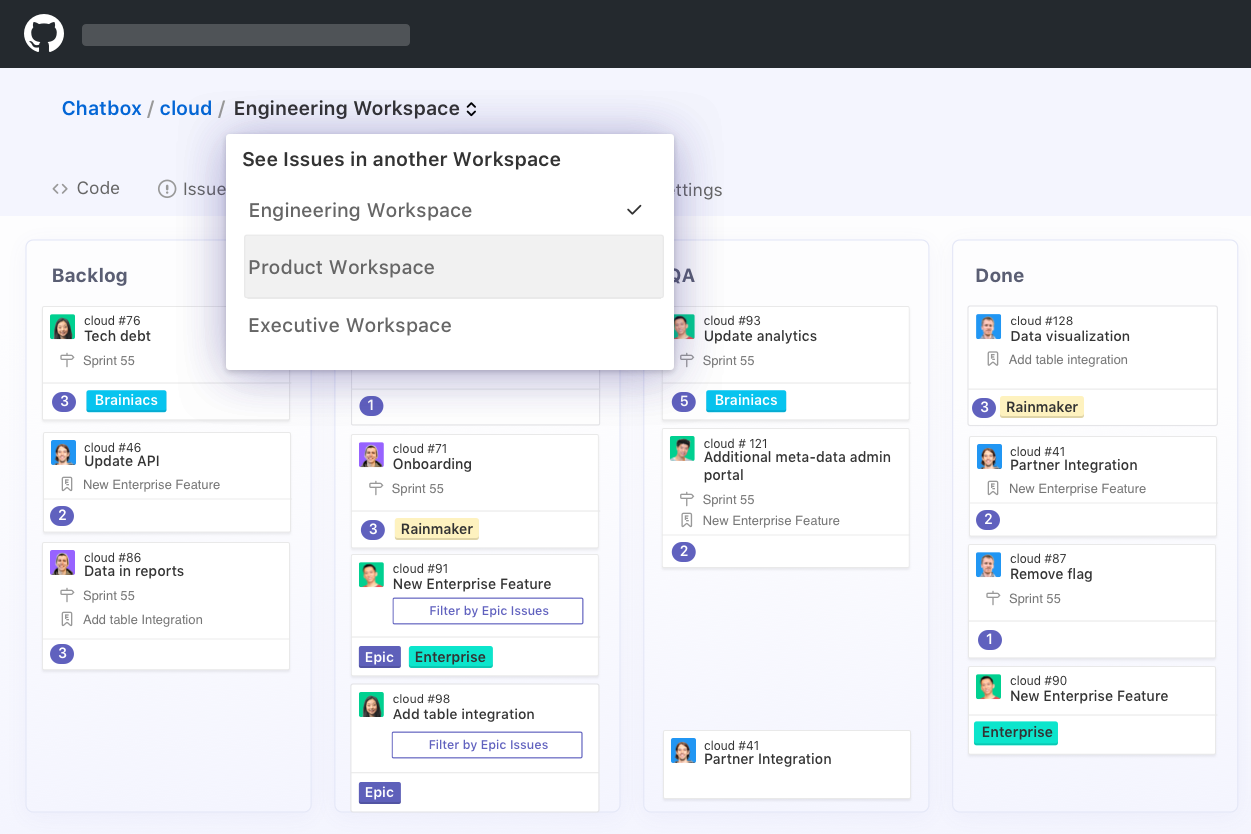
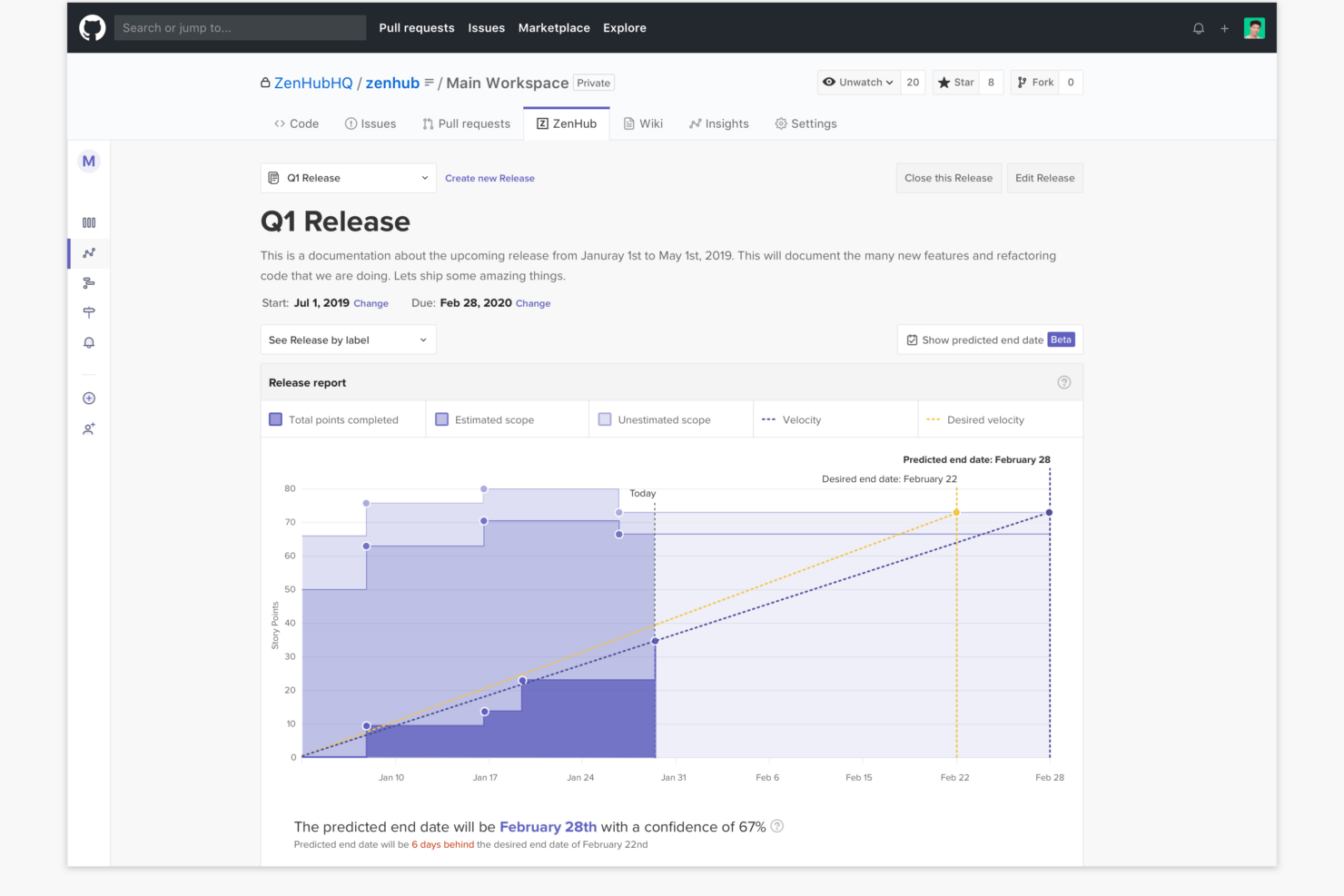
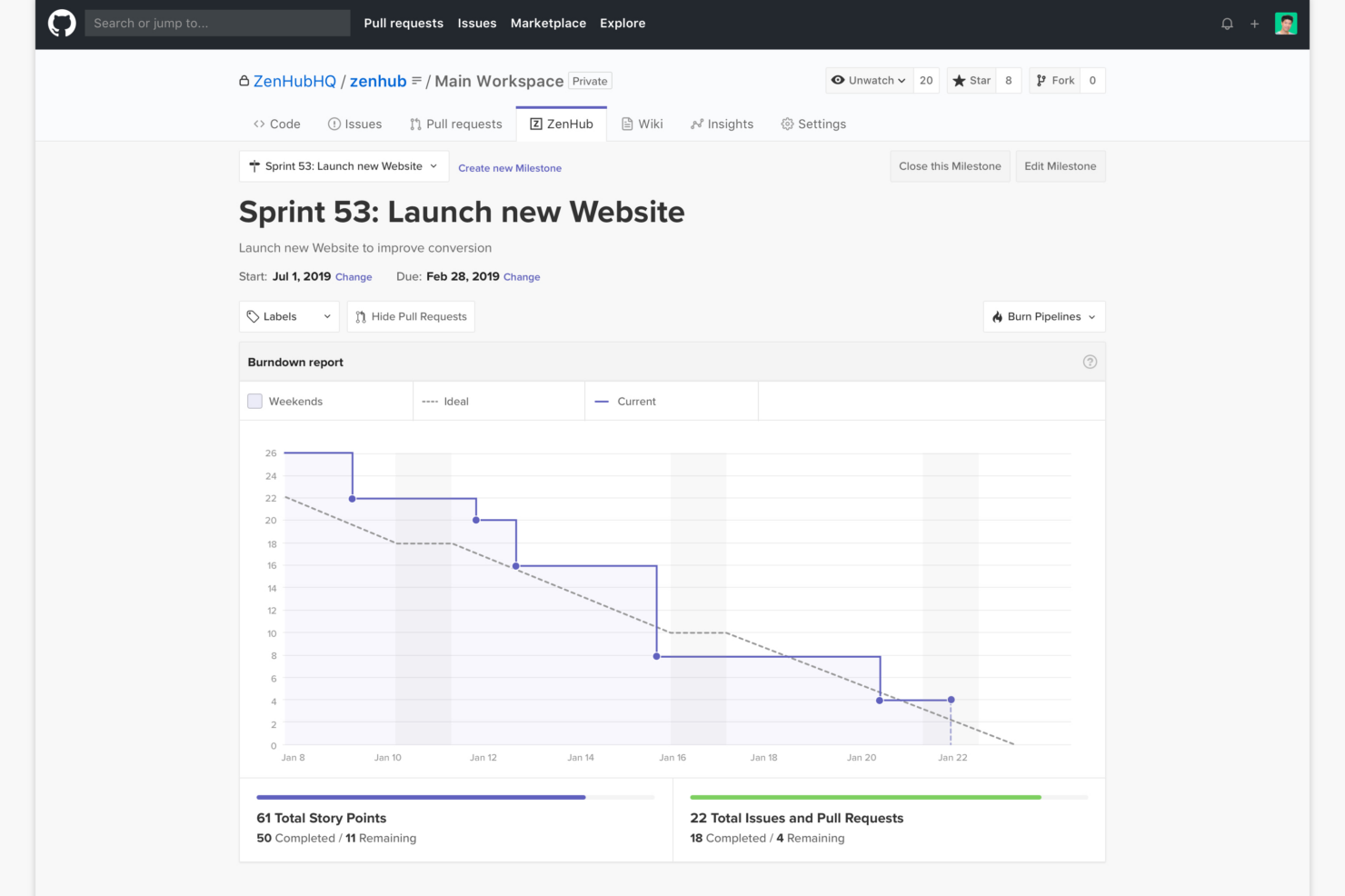
Notion onderscheidt zich door zijn flexibele mogelijkheden voor het maken van notities en aangepaste databases, waardoor het een favoriete keuze is voor teams die documentatie en projectbeheer willen combineren. Zenhub blinkt daarentegen uit voor teams die in GitHub werken: de diepe GitHub-integratie en agile rapportages brengen ontwikkelingswerk en projectbeheer samen in één gedeeld overzicht, iets wat Notion eenvoudigweg niet kan evenaren.
| Notion | Zenhub | |
|---|---|---|
| API | ||
| Calendar Management | ||
| Data Export | ||
| Data Import | ||
| External Integrations | ||
| Multi-User | ||
| Notifications | ||
| Project Management | ||
| Scheduling | ||
| Task Scheduling/Tracking |
Notion versus Zenhub-integraties
| Integratie | Notion | Zenhub |
|---|---|---|
| GitHub | ✅ | ✅ |
| Slack | ✅ | ❌ |
| Google Drive | ✅ | ❌ |
| Figma | ✅ | ❌ |
| Jira | ✅ | ❌ |
| Microsoft Teams | ✅ | ❌ |
| Trello | ✅ | ❌ |
| Bitbucket | ❌ | ❌ |
| API | ✅ | ✅ |
| Zapier | ✅ | ❌ |
Notion ondersteunt standaard een breder scala aan integraties, vooral met creatieve en productiviteitstools, terwijl de belangrijkste ingebouwde integratie van Zenhub GitHub is (het is ontworpen om rechtstreeks binnen de GitHub-interface te functioneren). Met Zenhub is het nog steeds mogelijk om via API's en verbindingen met derden andere tools te koppelen. Als je team op zoek is naar snelle, direct bruikbare integraties en ondersteuning voor API en Zapier, dan biedt Notion uitkomst. Als je team een diepere integratie met GitHub nodig heeft en het niet erg vindt om vooraf meer werk te verrichten voor het instellen van integraties met andere tools, voldoet Zenhub aan die behoeften.
Notion versus Zenhub: beveiliging, naleving & betrouwbaarheid
| Factor | Notion | Zenhub |
|---|---|---|
| Gegevensversleuteling | Gebruikt AES-256-bitsversleuteling voor gegevens in rust en TLS tijdens overdracht. | Beveiligt gegevens met versleutelingsprotocollen voor zowel opslag als overdracht. |
| Naleving van regelgeving | SOC 2 Type II-gecertificeerd en voldoet aan de AVG. | Voldoet aan de AVG- en SOC 2-normen en is ontwikkeld voor de behoeften van ondernemingen en overheden. |
| Uptimegarantie | Monitort de uptime en publiceert incidentrapporten openbaar. | Handhaaft een hoge uptime met transparante statusupdates en het volgen van incidenten. |
| Gebruikersrechten | Gedetailleerde rechten voor werkruimten, pagina's en databases. | Biedt rolgebaseerde toegangscontrole en rechten op werkruimteniveau. |
| Gegevenslocatie | Host gegevens in de VS, maar biedt voor ondernemingen flexibiliteit wat betreft de regio. | Biedt flexibele hosting, waaronder datacenters in de EU voor nalevingsdoeleinden. |
Beide tools scoren sterk op het gebied van beveiliging en naleving, maar Zenhub is meer gericht op ontwikkelaars en ondernemingen, terwijl Notion uitblinkt in transparantie en gedetailleerde gebruikersbeheerfuncties. In mijn ervaring maakt Notion het beheer van rechten eenvoudig voor snel bewegende teams, terwijl Zenhub een solide keuze is als je geavanceerde naleving of gegevenshosting in een specifieke regio nodig hebt.
Notion versus Zenhub gebruiksgemak
| Factor | Notion | Zenhub |
|---|---|---|
| Gebruikersinterface | Een overzichtelijke, flexibele en zeer aanpasbare interface met slepen-en-neerzetten. | Een vertrouwde Kanban-indeling die rechtstreeks in GitHub-issues is geïntegreerd. |
| Introductie | Begeleide sjablonen en tooltips helpen nieuwe gebruikers snel op weg. | Naadloze introductie voor teams die al GitHub-workflows gebruiken. |
| Leercurve | In het begin steiler door de uitgebreide aanpassingsmogelijkheden, maar wordt snel eenvoudiger. | Vlak als je vertrouwd bent met GitHub, steiler voor anderen. |
| Samenwerking | Eenvoudig delen, opmerkingen plaatsen en vermeldingen toevoegen aan elk type content. | Realtime synchronisatie en opmerkingen in GitHub-issues en -borden. |
| Klantenondersteuning | Biedt livechat en een uitgebreide kennisbank. | Biedt documentatie, e-mailondersteuning en ondersteuning via de GitHub-community. |
Beide platforms zijn gericht op eenvoudige ingebruikname, maar Notion voelt flexibeler aan voor teams die hun eigen workflows willen ontwerpen, terwijl Zenhub direct vertrouwd aanvoelt voor ontwikkelaars die dagelijks in GitHub werken. Ik denk dat de aanpasbaarheid van Notion creatieve teams kan imponeren, maar de hechte GitHub-integratie van Zenhub zorgt ervoor dat ontwikkelaarsprojecten met minder wrijving vooruitgaan.
Notion vs Zenhub: Pros & Cons
Notion
- You can tailor your workspace to fit your needs with flexible layouts and templates.
- The intuitive design makes it easy for users to navigate and organize their projects.
- You can take notes, manage projects, and maintain your databases in one place.
- It can be challenging for new users to master without spending time on tutorials.
- You might experience slow performance if you have large databases or complex setups.
- The mobile app is less intuitive than the desktop version.
Zenhub
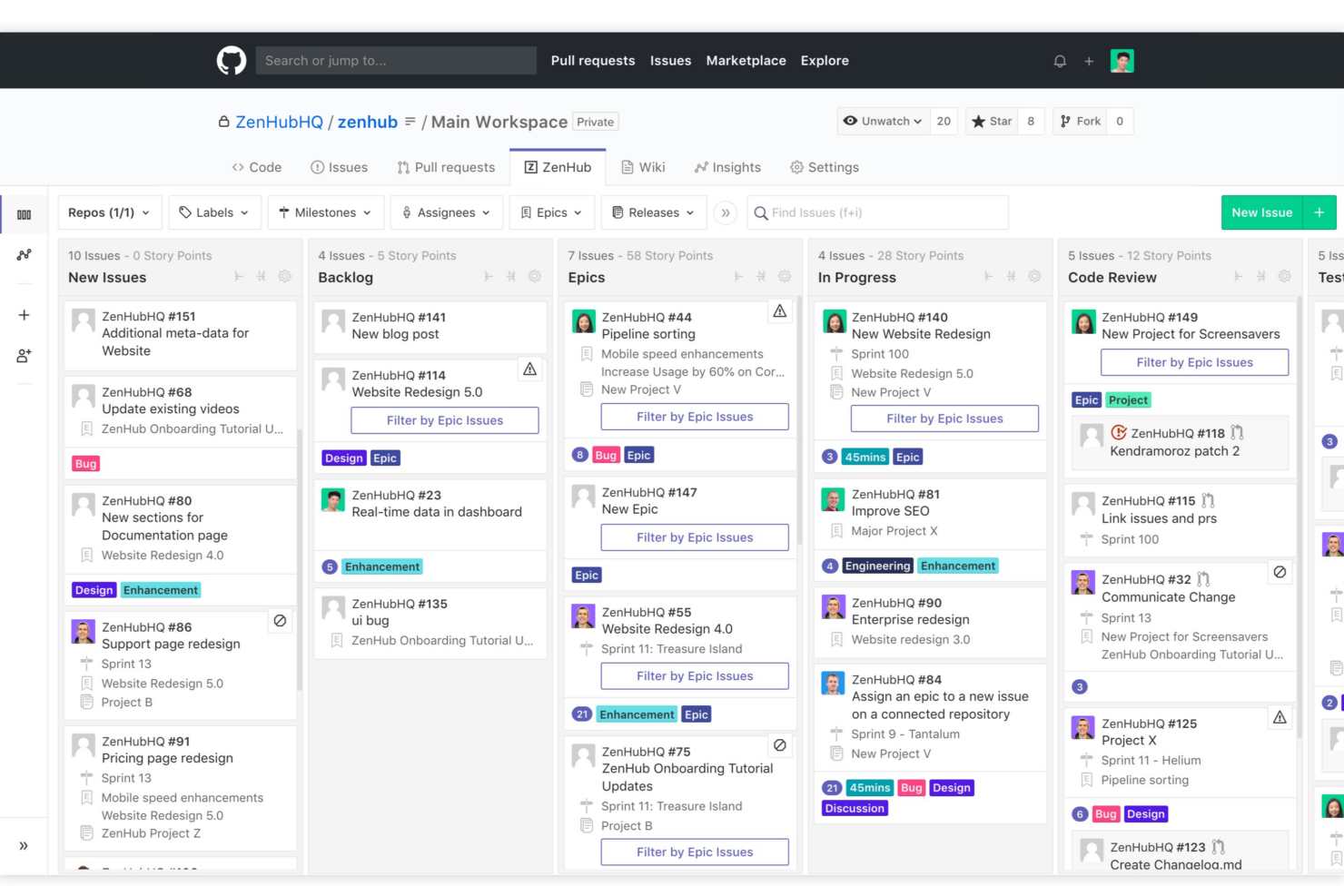
- Direct integration into GitHub repository interface
- Automated issue tracking and workflow management
- Sprint planning and agile reporting within GitHub
- Limited functionality for non-developer stakeholders
- Advanced reporting features require higher-tier plans
- Kanban boards feel basic compared to some competitors
Best Use Cases for Notion and Zenhub
Notion
- Creative Agencies You can use customizable templates within a flexible workspace to manage creative projects and collaborate with the team.
- Freelancers You can manage multiple projects and clients in a single, organized platform.
- Startups You can tailor your workspace to your needs in order to manage rapid growth and changing project requirements.
- Remote Teams Notion supports constant communication and project tracking across different locations.
- Education Departments You can use Notion's database capabilities to organize curricula, schedules, and educational materials.
- Content Writers You can use the note-taking and organization features to manage research, drafts, and editorial calendars efficiently.
Zenhub
- Agile Engineering Teams Zenhub’s built-in sprints, automation, and agile boards map directly to engineering workflows inside GitHub.
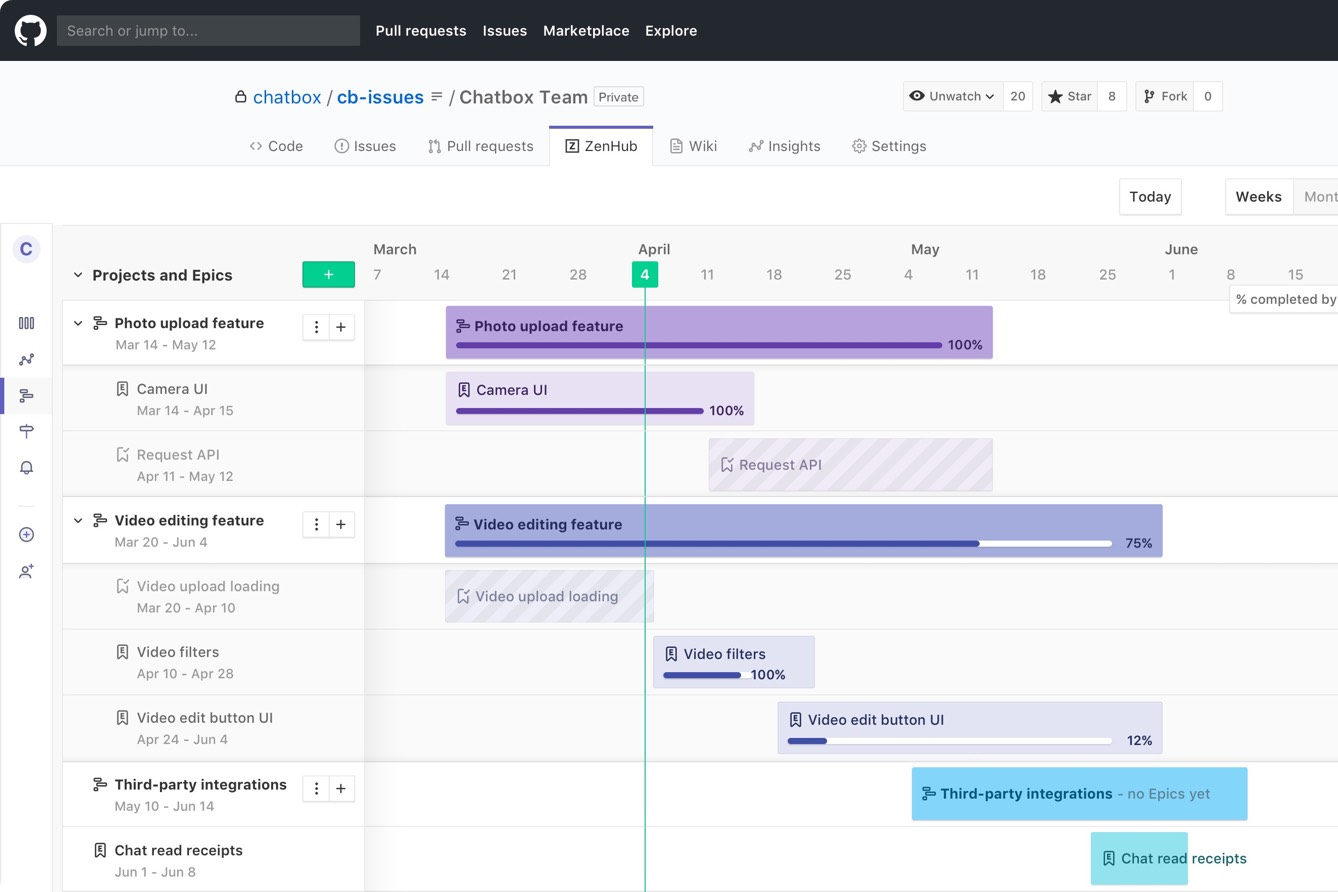
- Product Management Epics, milestones, and real-time roadmaps help product managers keep complex deliverables organized and visible to developers.
- Tech Startups Quick onboarding and low internal process overhead let lean startup teams manage feature delivery and bug fixes directly from GitHub.
- Open Source Projects Native GitHub experience enables seamless contribution management, issue triage, and community collaboration without external tools.
- Remote Development Teams All project tracking within GitHub helps distributed developers stay aligned with async workflows and shared dashboards.
- SaaS Companies Teams juggling multiple repositories and microservices benefit from Zenhub’s workspace-centric organization and reporting.
Wie Notion zou moeten gebruiken en wie Zenhub zou moeten gebruiken
Notion is ideaal als je een flexibele, alles-in-één werkruimte wilt voor documentatie, projecten en samenwerking. Ik heb gemerkt dat het het beste werkt voor startups, marketingteams en multifunctionele groepen die kennis willen organiseren en taken op één plek willen beheren zonder een rigide structuur. Als je werk verder gaat dan alleen ontwikkeling—denk aan content, planning of interne wiki's—geeft Notion je de vrijheid om je eigen systeem op te bouwen.
Zenhub is beter geschikt voor Agile-softwareteams die in GitHub werken. Als je sprints, issues en releases beheert, past het vanzelfsprekend in je workflow en blijft alles gekoppeld aan je codebase. Ik zou het aanraden als je prioriteit ligt bij efficiëntie voor ontwikkelaars en gestructureerde projecttracking, in plaats van bredere teamsamenwerking of documentatie.
Differences Between Notion and Zenhub
| Notion | Zenhub | |
|---|---|---|
| Agile Features | Customizable boards and timelines, but fewer native agile tools. | Deep agile support: epics, sprints, velocity, and burndown. |
| Automation | Offers some automation via integrations and templates. | Built-in workflow automations for ticket tracking in GitHub. |
| Core Audience | Flexible for any team, including marketing, ops, and product. | Made for software teams working in GitHub. |
| Documentation | Combines docs, wikis, and tasks in one space. | Focuses on tasks and boards, not text-rich documentation. |
| Integration Focus | Integrates with many creative and productivity platforms. | Integrates tightly with GitHub and dev tools. |
| Read Notion ReviewOpens new window | Read Zenhub ReviewOpens new window |
Similarities Between Notion and Zenhub
| API Access | Each provides API access, making it possible to build custom workflows, connect with external tools, and automate repetitive tasks. |
|---|---|
| Collaboration | Real-time collaboration with commenting and mentions keeps teams connected, whether in a Notion doc or a Zenhub board linked to dev work. |
| Kanban Boards | Both offer drag-and-drop Kanban boards for task and workflow management; in Notion, boards are customizable, while Zenhub boards map directly to GitHub issues. |
| Notifications | Both send email and in-app notifications to keep you up to date on task assignments, comments, and changes. |
| User-Based Pricing | Both platforms charge based on the number of users, letting teams scale from small groups to enterprise deployments as needs grow. |
| Read Notion ReviewOpens new window Read Zenhub ReviewOpens new window | |