DocHub-arvostelu: hyvät ja huonot puolet, ominaisuudet ja hinnoittelu



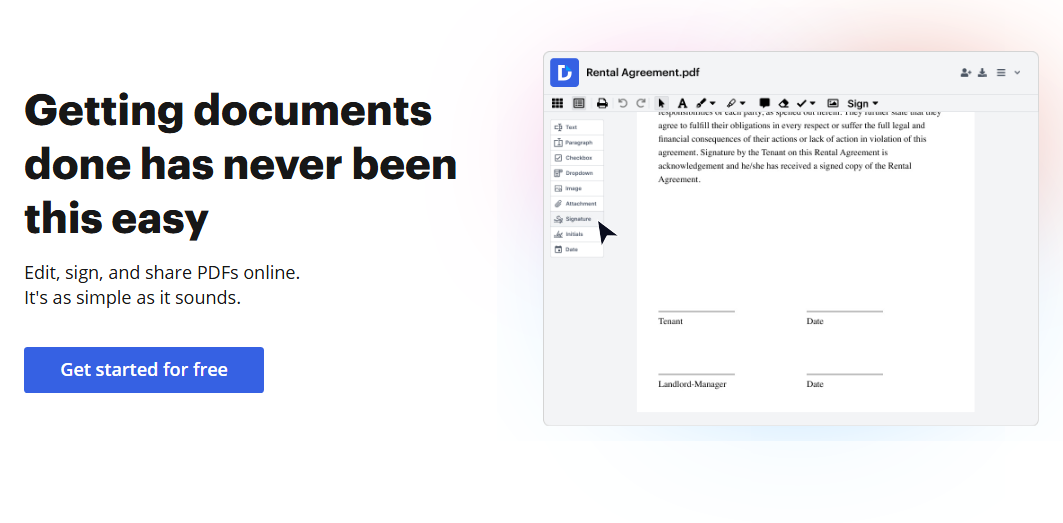
DocHub is a document management system built around PDF editing, eSigning, and document sharing. It's worth considering if your team regularly routes documents for review and approval but doesn't need a full enterprise platform. If you're weighing it against Adobe Acrobat, for example, you'll notice that DocHub covers the core editing and eSignature workflows at a lower cost and with a much lighter setup.
DocHub Evaluation Summary
- From $8/month
- Free forever plan
Why Trust Our Software Recommendations
Our team has been testing and reviewing software since 2012. As project managers ourselves, we know how difficult—and important—it is to choose the right software.
For this guide, we evaluated tools using hands-on testing and independent research, scoring tools using our selection criteria. We also draw on insights from industry thought leaders and practicing project management experts.
Our reviews reflect our human editorial judgment, not a sales pitch.
Expert reviewers:
DocHub Overview
DocHub offers a practical document management solution with standout features, such as intuitive editing and PDF handling. Its ease of use and value for money make it appealing for small and medium-sized teams, especially those in HR or legal sectors. However, compared to some competitors, it may lack in-depth integration options. DocHub excels in providing straightforward tools for document workflows without overwhelming users with unnecessary complexity. If you're deciding on a document management system that simplifies document collaboration and signing, DocHub is worth considering.
pros
-
Its interface is easy to use, making document handling simple.
-
You can quickly edit and sign PDF documents.
-
It provides efficient collaboration features to improve your workflows.
cons
-
DocHub may lack advanced integration options for complex workflows.
-
You may find customer support response times slower than expected.
-
DocHub's feature set may feel limited if you require more specialized tools.
-

Celoxis
Visit WebsiteThis rating combines scores from multiple user review sites to reflect overall customer sentiment about the product.4.5 -
Smartsheet
Visit WebsiteThis rating combines scores from multiple user review sites to reflect overall customer sentiment about the product.4.5 -
Accelo
Visit WebsiteThis rating combines scores from multiple user review sites to reflect overall customer sentiment about the product.4.4





Core Features
PDF Editing: DocHub lets you edit PDFs directly in your browser, saving time and effort. You can add text, images, and annotations to documents.
Electronic Signatures: You can make sign requests and sign documents online with DocHub's signature feature, making approvals quick and hassle-free.
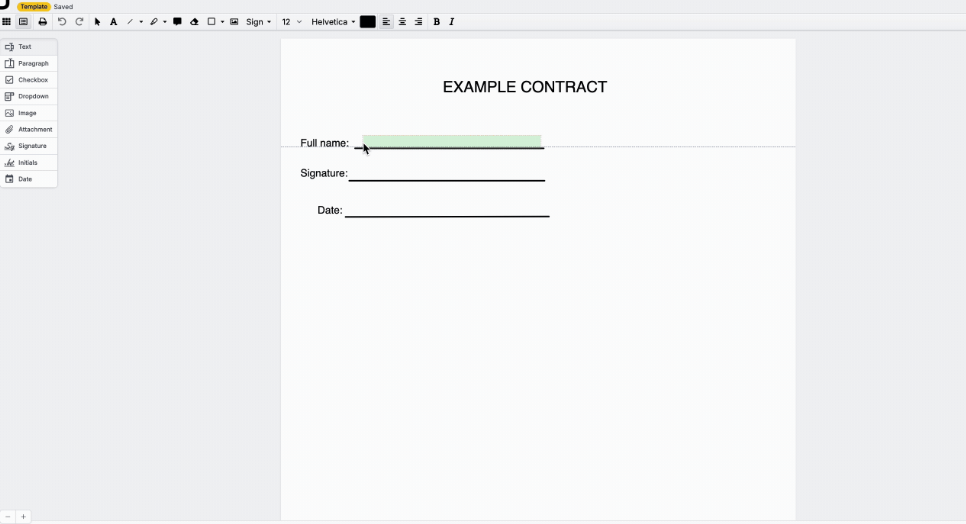
Form Filling: DocHub simplifies form filling by letting you type directly into PDFs. This feature is perfect for completing applications and contracts efficiently.
Document Sharing: You can share documents with your team or clients using secure links.
Version Control: DocHub tracks document versions so that you always know the latest changes, avoiding confusion and errors.
Annotation Tools: DocHub provides a variety of annotation tools, letting you highlight, comment, and mark up documents for straightforward collaboration.
Ease of Use
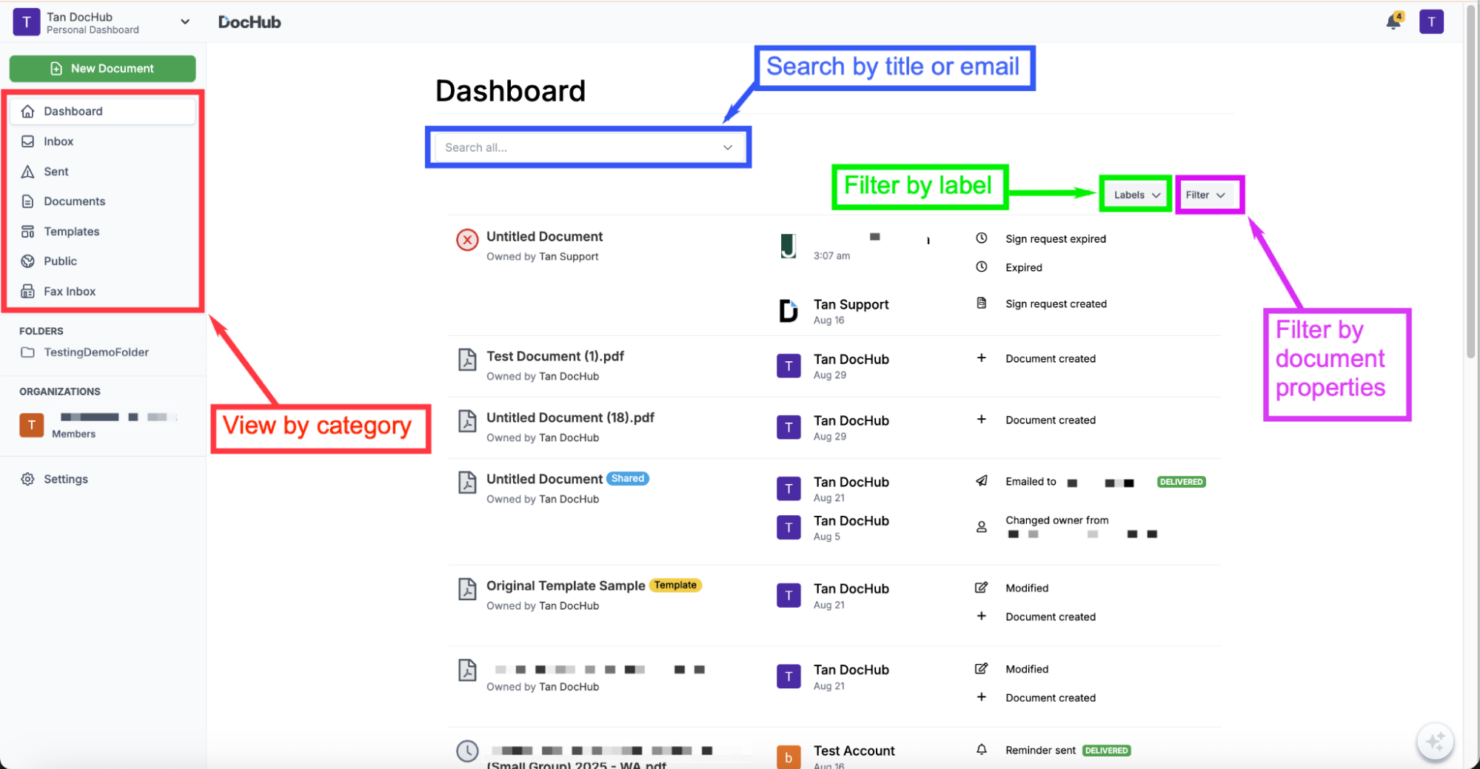
DocHub stands out for its user-friendly interface, making document management straightforward. Its drag-and-drop functionality and intuitive tools mean you don't need extensive training to get started. DocHub's clear layout and accessible features ensure that everyone can handle documents efficiently, regardless of technical ability. This simplicity is a significant advantage over more complicated systems.
Integrations
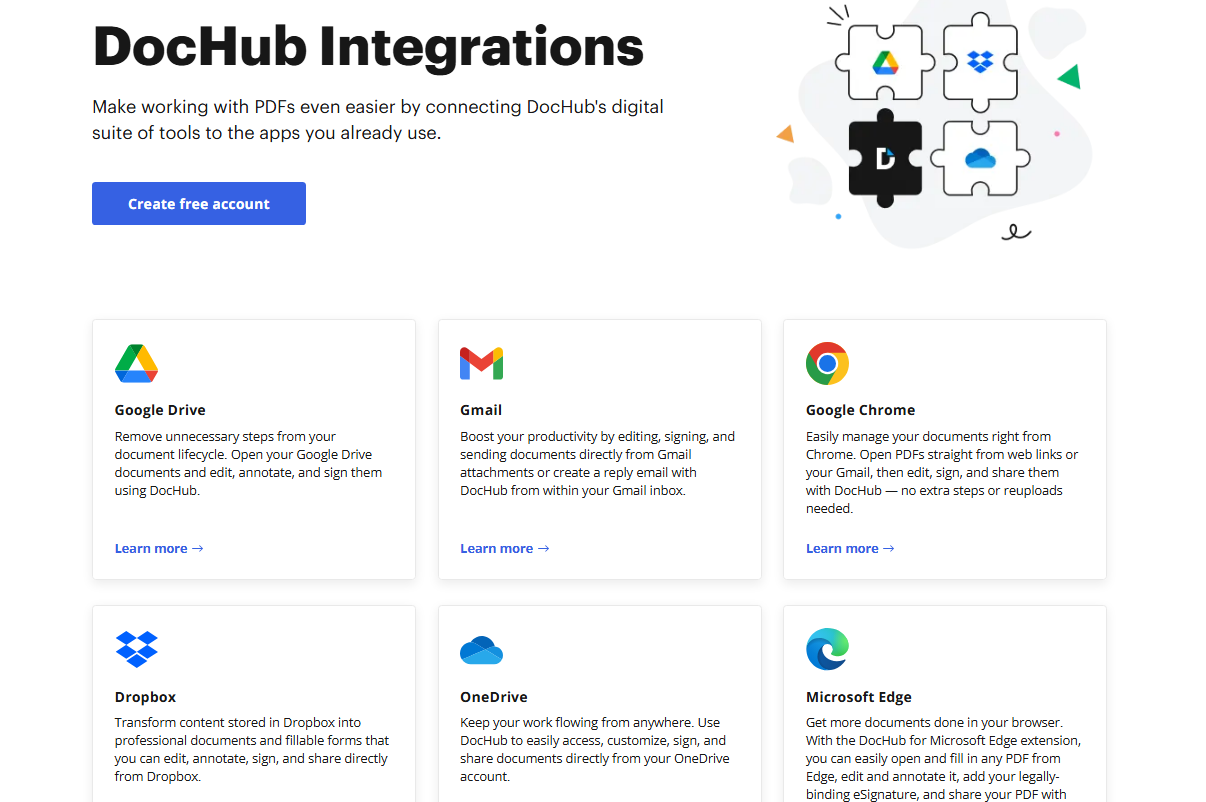
DocHub integrates with Google Drive, Gmail, Google Chrome, Dropbox, OneDrive, Microsoft Edge, Box, and Google Classroom.
DocHub also provides an API for custom third-party integrations.
DocHub Specs
- 2-Factor Authentication
- API
- Audit Trail
- Batch Permissions & Access
- Calendar Management
- Cloud Deployment
- Compliance Tracking
- Contact Management
- CRM Integration
- Dashboards
- Data Export
- Data Import
- Design Templates
- Document Comparison
- Document Management
- Electronic Signature
- External Integrations
- File Sharing
- File Transfer
- Mobile App
- Multi-User
- NDA Management
- Notifications
- Reports
- Sales Motivator
- Scheduling
- Task Scheduling/Tracking
- Template Designer
- Workflow Management